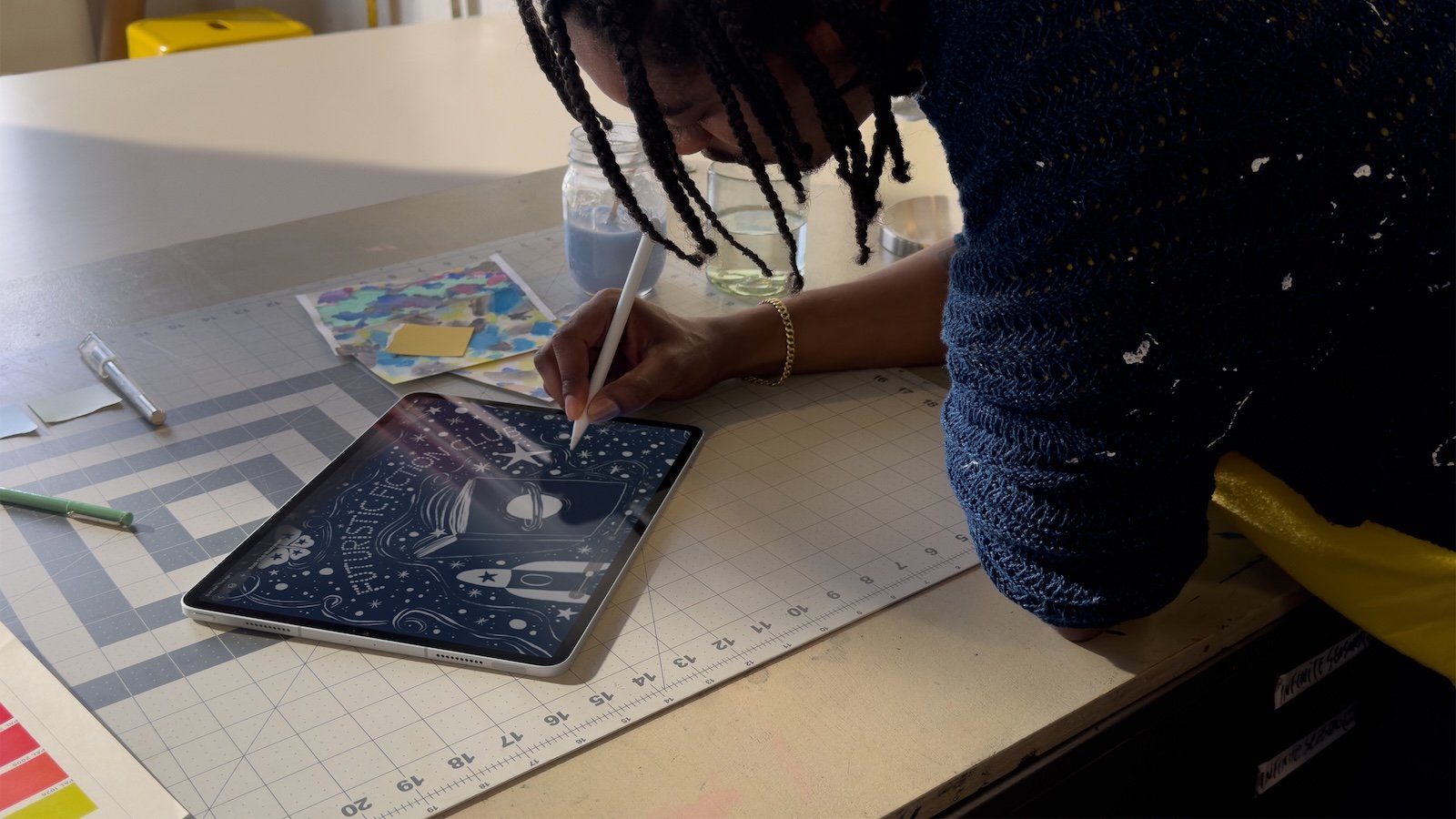
Apple Creator Studio is a subscription-based software suite from Apple that combines several professional creative and productivity apps into a single offering. Its goal is to unify video, audio, graphic design, and document work within a single ecosystem. In addition to well-known professional apps, there is a particular focus on intelligent features integrated into select applications. However, these AI features are clearly limited and subject to strict terms of use.
With Apple Creator Studio, Apple is pursuing a structured approach: powerful tools are no longer offered individually, but as a cohesive subscription. At the same time, it is clearly defined which functions can be used without limits and where restrictions apply. The AI-powered features, in particular, are not intended as free, unlimited tools, but rather as supplementary aids with fixed monthly limits, technical requirements, and regional restrictions.
What is Apple Creator Studio?
Apple Creator Studio is a collection of creativity and productivity apps for macOS, iPadOS, and iOS. The subscription includes professional applications for video editing, music production, graphic design, live performance, and documents and presentations. It also includes premium content and smart features in Pages, Numbers, Keynote, and Freeform.
Free basic versions of Pages, Numbers, Keynote, and Freeform will remain available and come pre-installed on every new iPhone, Mac, and iPad. The subscription unlocks only additional premium and AI features.
Apps included in Apple Creator Studio
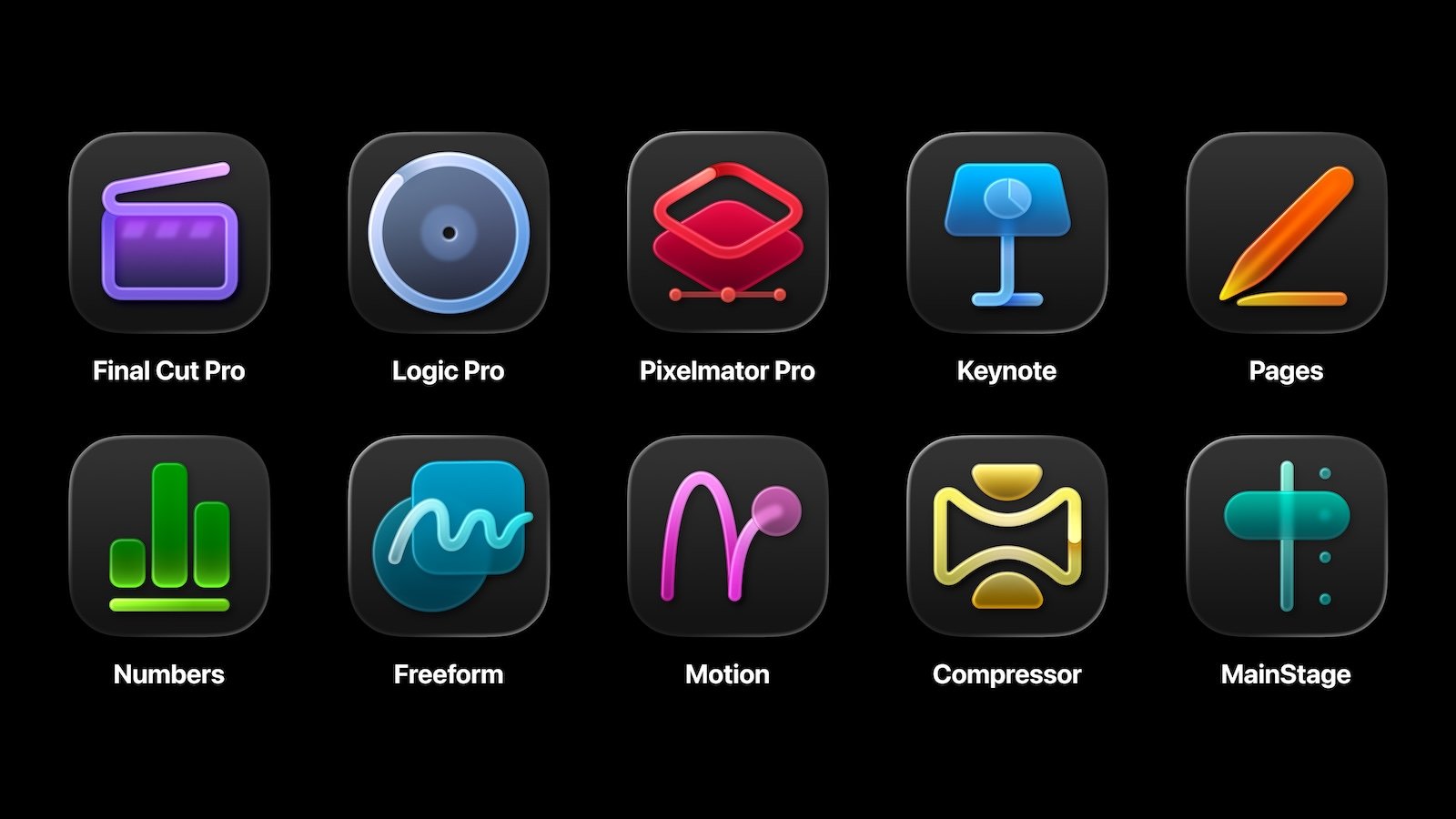
The scope of services includes the following applications and versions:
- Final Cut Pro for Mac 12.0
- Final Cut Pro for iPad 3.0
- Logic Pro for Mac 12.0
- Logic Pro for iPad 3.0
- Pixelmator Pro for Mac 4.0
- Pixelmator Pro for iPad 4.0
- Motion 6.0 (Mac)
- Compressor 5.0 (Mac)
- MainStage 4.0 (Mac)
- Pages 15.1 (Mac, iPad and iPhone)
- Numbers 15.1 (Mac, iPad and iPhone)
- Keynote 15.1 (Mac, iPad and iPhone)
Subscription and entry
When you first open an Apple Creator Studio app, a free one-month trial is offered. After that, you can choose between a monthly or annual subscription. You sign up using your Apple account directly within the app.
Once logged in, you can create new projects or continue working on existing ones. Existing subscriptions to Final Cut Pro for iPad or Logic Pro for iPad can be integrated into Apple Creator Studio by downloading another app from the suite and activating the subscription there.
Subscription management
The subscription can be changed or cancelled at any time on Mac, iPad, or iPhone. After cancellation, full access remains until the end of the current billing period.
On a Mac, subscription management is done via the menu bar of the included app under "Manage Subscriptions". There you can adjust the plan, cancellation, and payment method.
On iPad and iPhone, subscriptions are managed via the system settings under "Apple Account" and "Subscriptions." Here, too, the subscription duration, cancellation date, and payment information can be changed.
Individual purchase of apps
Final Cut Pro, Logic Pro, Motion, Compressor, MainStage, and Pixelmator Pro remain available as one-time purchases for Mac in the App Store. If you have already purchased these apps and also have an Apple Creator Studio subscription, you can use both versions simultaneously. The subscription versions are identified by their own app icons.
Family Sharing
Apple Creator Studio can be shared with up to five other people via Family Sharing, provided that subscription sharing is enabled. Subscriptions for students and faculty at universities are excluded from Family Sharing. One-time purchased apps can also be shared.
System requirements
Apple Creator Studio's full functionality is available with macOS 26, iPadOS 26, and iOS 26. Individual apps have the following minimum requirements:
Final Cut Pro
- Mac: macOS 15.6 or later
- iPad: iPadOS 18.6 or later, iPad with M1 or later, iPad (A16) or iPad mini (A17 Pro)
Logic Pro
- Mac: macOS 15.6 or later, Apple Silicon required
- iPad: iPadOS 26 or later, at least A12 Bionic chip; some features require A17 Pro or later.
Pixelmator Pro
- Mac: macOS 26 or later
- iPad: iPadOS 26 or later, M1, A16 or A17 Pro
Pages, Numbers and Keynote
- Mac: macOS 15.6 or later
- iPad, iPhone, Apple Vision Pro: iPadOS 18, iOS 18 or visionOS 2 or later
- For certain premium features: macOS 26, iPadOS 26, iOS 26 or visionOS 26
Motion and Compressor
- macOS 15.6 or later
- Some Compressor features require Apple Silicon
Main Stage
- macOS 15.6 or later
- Apple Silicon required
Smart features in Apple Creator Studio
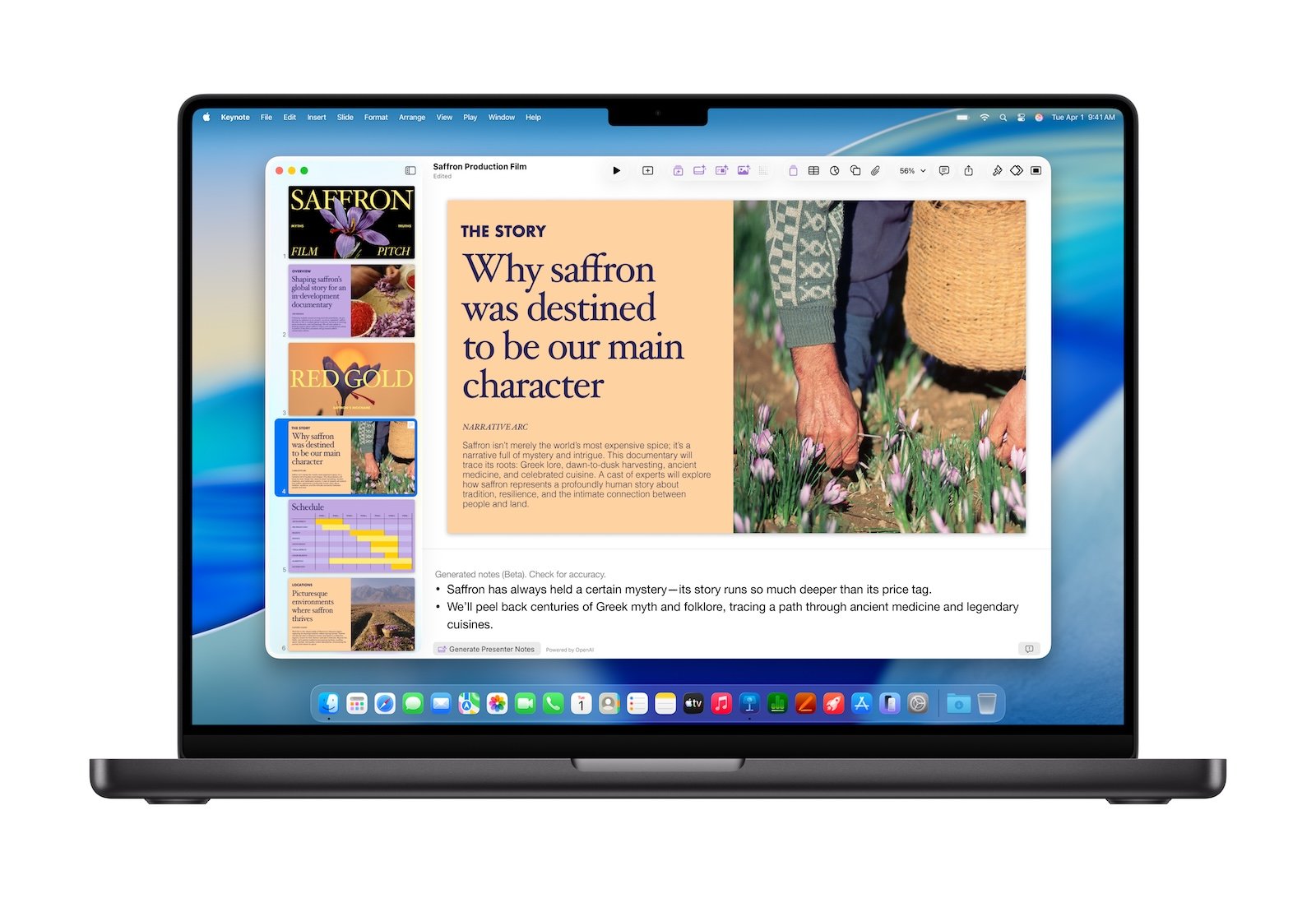
The Apple Creator Studio versions of Pages, Numbers, and Keynote include additional smart features. These include, among others:
- Image generation
- Super resolution
- Automatic cropping
- Generate presentation
- Generate moderator notes
- Foil cleaning
- Magic fill in Numbers
These functions are not available without limits by default and require modern hardware and current operating systems.
System requirements for AI functions
Additional requirements apply to image generation and the automatic creation of presentations and moderator notes:
- iPhone 15 Pro or 15 Pro Max or newer
- iPad with A17 Pro or M1 and newer
- Mac with M1 or newer
- iOS 26, iPadOS 26 or macOS 26 Tahoe or later
- Active Apple account with iCloud set up
- Apple Intelligence enabled with the latest macOS version
Age restrictions, language or region settings, managed accounts, and legal requirements may limit availability.
Clear limitations on AI functions
A key aspect of Apple Creator Studio is the clear limitation of its intelligent features. Usage is subject to fixed monthly limits based on technical availability and server capacity. The minimum monthly limits for exclusive use are:
- 50 generated images
- 50 presentations, each with approximately 8 to 10 slides
- Moderator's notes for approximately 700 slides
These quotas are automatically reset each month. The actual number may vary depending on the complexity of the requests, network availability, and server load.
The AI features are provided by OpenAI and are only available in regions where these services are permitted. Local regulations, network operators, or government restrictions may further limit access.
Monitoring and reporting of problems
The current usage status of the AI functions can be viewed directly in Pages, Numbers, or Keynote. Furthermore, it is possible to report erroneous or unexpected results directly from within the respective app.
The content processed by these intelligent features is not used to train models. There is no connection to a ChatGPT account, as Apple explains in a support document.
- Apple restricts new features without a Creator Studio subscription
- Apple Creator Studio: Icons clearly indicate the subscription version
- Apple Creator Studio or Adobe Creative Cloud Pro?
Apple Creator Studio: Between Flexibility and Limitation
Apple Creator Studio is a clearly structured subscription for creative work on Mac, iPad, and iPhone. It combines established professional apps with additional premium and AI features without completely replacing existing perpetual subscription models. A deliberately controlled approach is particularly evident in the intelligent features: usage, availability, and scope are clearly defined, technically limited, and region-dependent. This ensures that Apple Creator Studio remains a predictable toolkit with transparently defined functionality and limitations. The best products for you: Our Amazon Storefront offers a wide selection of accessories, including those for HomeKit. (Image: Apple)
- Is Apple Music taking up too much storage space? This will help immediately
- AirTag 2: Setting up Precision Finding on the Apple Watch
- How to turn texts into reminders with Apple Intelligence
- Precision Finding on the Apple Watch requires AirTag 2
- AirTag 2: Which airlines support baggage tracking
- AirTag 1 or AirTag 2: How to tell the difference
- AirTag 2: These iPhones are compatible with improved tracking
- iPhone alarm silent: Why the alarm suddenly stops working
- Safari at 120 Hz: How to activate smoother scrolling
- iOS 26 improves group chats with five new features
- Here's how to create Apple Music playlists with ChatGPT
- iOS 26: Change default apps on your iPhone
- Optimize your messaging app: Stop unwanted audio recordings
- iOS 26 turns photos into impressive 3D spatial scenes
- AirPods: Media no longer continues playing during sleep thanks to iOS 26
- Use Apple's Family Sharing to share content together
- iPhone tip: How alternative app distribution channels work
- iPhone tip: Access flight information directly in the system
- iOS 26.2 explained: How the new AirDrop codes work
- iOS 26.2 enhances the Reminders app with alarm functionality
- Here's how to properly create a backup for iPhone and iPad
- Setting up and using Apple Car Key: All functions explained
- New iOS 26.2 feature: Screen flashes for notifications
- Longer battery life with iOS 26 – Adaptive Power explained
Frequently Asked Questions (FAQ) about Apple Creator Studio
Apple Creator Studio is a subscription-based software suite from Apple that combines several professional creative and productivity apps into one offering. These include applications for video editing, music production, graphic design, live performance, and document and presentation creation.
The package includes Final Cut Pro, Logic Pro, Pixelmator Pro, Motion, Compressor, MainStage, Pages, Numbers, and Keynote, among others. Depending on the application, the apps are available for Mac, iPad, and in some cases, iPhone.
The basic versions of Pages, Numbers, Keynote, and Freeform remain free and come pre-installed on new Apple devices. Apple Creator Studio unlocks only additional premium content and smart features.
When you first open an Apple Creator Studio app, you can activate a free one-month trial. After that, you can choose between a monthly or annual subscription. Subscription management is handled through your Apple account.
Yes. The subscription can be canceled or changed at any time on Mac, iPad, or iPhone. Full access will be retained until the end of the current billing period.
Yes. Final Cut Pro, Logic Pro, Motion, Compressor, MainStage, and Pixelmator Pro are still available as one-time purchases for Mac. Purchased versions can be used alongside an Apple Creator Studio subscription.
A regular monthly or annual subscription can be shared with up to five other family members. Subscriptions for students and faculty in higher education are excluded from family sharing.
Full functionality is available with macOS 26, iPadOS 26, and iOS 26. Individual apps have lower minimum requirements; some require Apple Silicon chips.
Pages, Numbers and Keynote offer features such as image generation, presentation generation, presenter note generation, super resolution, automatic cropping, slide cleanup and magic fill.
No. The AI functions are clearly limited. A minimum of 50 images, 50 presentations with approximately 8 to 10 slides each, and presenter notes for around 700 slides are permitted per month. These limits are reset monthly.
Usage is contingent on technical availability, server capacity, and regional regulations. Apple deliberately opts for fixed usage limits rather than unlimited access.
The AI features are provided by OpenAI and are only available in regions where these services are permitted. Legal regulations or network operators may further restrict access.
No. The content processed by the intelligent functions is not used to train models. There is no connection to a ChatGPT account.
Yes. In Pages, Numbers, and Keynote, you can view the usage status of smart features directly in the app settings. You can also report erroneous results directly.