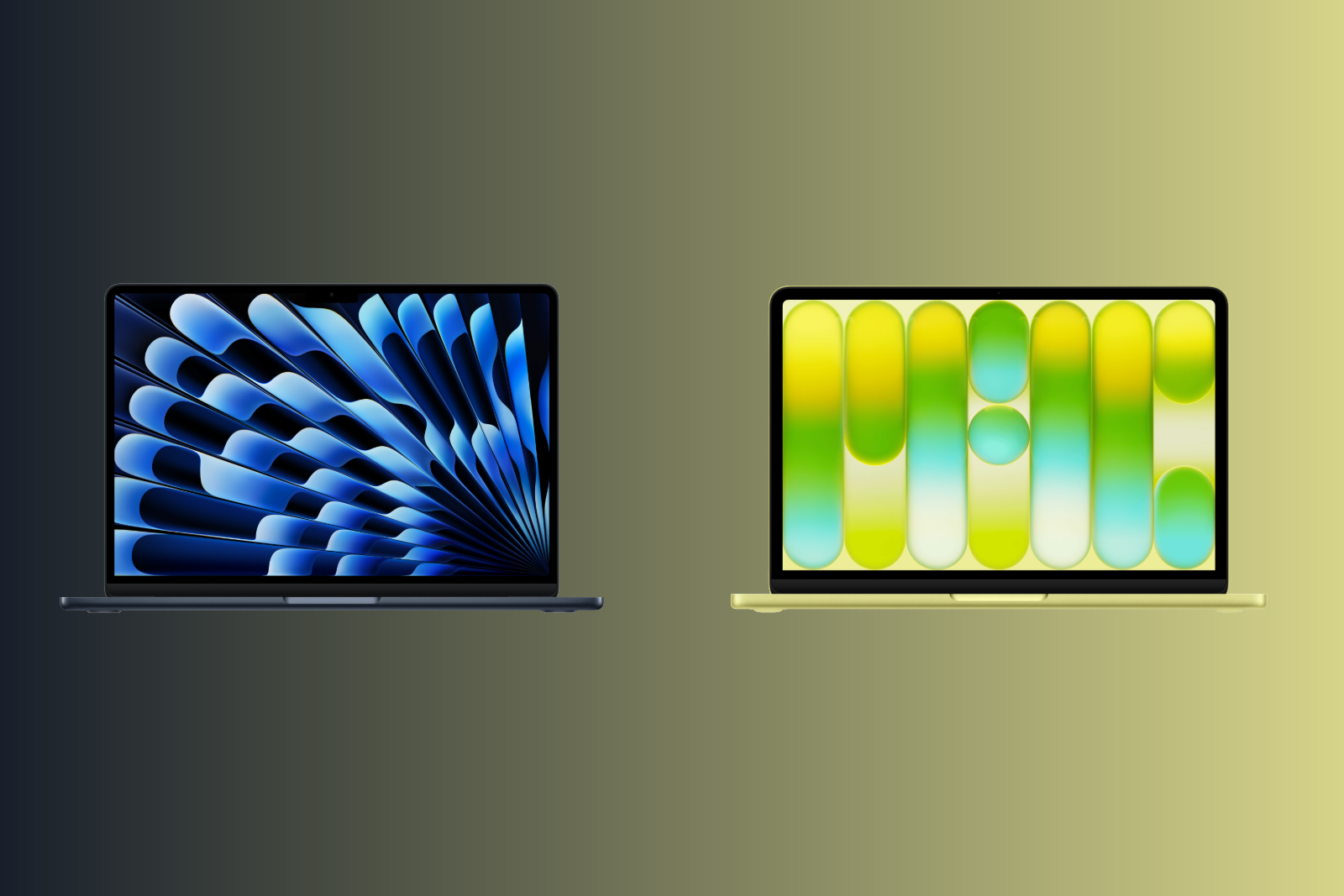
The MacBook Neo is Apple's most affordable notebook ever – and the MacBook Air has traditionally been the entry point into the Mac world. Both are 13-inch laptops with similar dimensions and identical weight. But behind the similar casings lie completely different technologies. The price difference of 400 to 500 euros raises the question: Where exactly does the Neo offer savings – and when is the extra cost for the Air worthwhile?
With the MacBook Neo, Apple positioned a Mac laptop under €800 for the first time in March 2026. The device uses the A18 Pro chip from the iPhone 16 Pro – a first for a Mac. The MacBook Air with the M5 remains the mid-range notebook in the lineup and offers significantly more performance, better connectivity, and a higher-quality display. The differences between the two models are greater than with any other size choice in Apple's lineup. Understanding the compromises of the Neo allows for an informed purchase decision.
Both models are available in the Apple Store Germany:
MacBook Neo:
- 256 GB: 699 Euro (without Touch ID, without keyboard backlighting)
- 512 GB: 799 Euro (with Touch ID, without keyboard backlighting)
MacBook Air 13″ (M5):
- 512 GB / 16 GB: from €1,199
There's a €500 price difference between the cheapest Neo and the Air. The difference between comparable 512GB models is €400.
Display
| Feature | MacBook Neo | MacBook Air 13″ |
|---|---|---|
| Diagonal | 13 inches (33.02 cm) | 13.6 inches (34.46 cm) |
| Resolution | 2408 x 1506 pixels | 2,560 x 1,664 pixels |
| Pixel density | 219 ppi | 224 ppi |
| Brightness | 500 nits | 500 nits |
| Technology | Liquid Retina (IPS, LED) | Liquid Retina (IPS, LED) |
| Color space | sRGB | P3 Wide Color |
| True Tone | No | Yes |
| Billion colors | Yes | Yes |
The MacBook Air has the larger and better display. It's half an inch larger, has a higher resolution, and supports the P3 Wide Color gamut—meaning richer, more vibrant colors that make a noticeable difference for photo editing, design, and media consumption. It also features True Tone, which automatically adjusts the color temperature to the ambient light.
The MacBook Neo is limited to the sRGB color space and doesn't offer True Tone. For everyday tasks like browsing, writing, and streaming, the display is still good – 500 nits of brightness and one billion colors provide a solid picture. However, those who edit photos or need color-accurate work will reach the Neo's limits.
Display Conclusion: The Air offers a significantly better display – larger, more color-accurate, and with True Tone. The Neo display is sufficient for everyday tasks, but not for creative work.
Chip and Performance
| Feature | MacBook Neo | MacBook Air 13″ |
|---|---|---|
| Chip | A18 Pro (iPhone chip) | Apple M5 |
| CPU | 6-Core (2P + 4E) | 10-Core (4 Super + 6 Efficiency) |
| GPU | 5-Core | 8-core (optional 10-core) |
| Neural Engine | 16-Core | 16-Core |
| Memory bandwidth | 60 GB/s | 153 GB/s |
| RAM | 8 GB (not expandable) | 16 GB (up to 32 GB) |
| Raytracing | Yes | Yes |
The M5 in the MacBook Air is a fully-fledged laptop chip. The A18 Pro in the MacBook Neo comes from the iPhone 16 Pro – it was optimized for the energy efficiency of a smartphone, not for the continuous demands of a laptop.
In practice, this means that, according to benchmarks, the MacBook Air is around 20 percent faster in single-core tasks and around 80 percent faster in multi-core tasks. The memory bandwidth of the M5, at 153 GB/s, is more than twice that of the A18 Pro (60 GB/s).
The biggest difference is the RAM: The Neo only has 8 GB, which is not expandable. The Air starts with 16 GB and can be configured up to 32 GB. For macOS with Apple Intelligence, multiple browser tabs, and a creative app running simultaneously, 8 GB is already insufficient—and will become increasingly limiting in the coming years.
Both models fully support Apple Intelligence.
Performance verdict: The Neo is sufficient for simple everyday tasks. However, those who regularly work with multiple apps simultaneously, edit photos, or perform video editing will need the significantly higher performance and double the RAM of the Air. The Neo's 8 GB of RAM is the biggest bottleneck for future-proofing.
Keyboard and Trackpad
There are surprisingly large differences here.
| Feature | MacBook Neo | MacBook Air 13″ |
|---|---|---|
| Keyboard lighting | No | Yes |
| Ambient light sensor | No | Yes |
| Touch ID | Only available with the 512GB model | Yes (always) |
| Trackpad | Mechanical multi-touch | Force Touch (pressure-sensitive) |
The MacBook Neo is the first Apple notebook in about 16 years without a backlit keyboard. Anyone typing in the evening or in dark environments will notice this immediately. It also lacks an ambient light sensor.
Touch ID is only included in the 512GB version of the Neo, which costs €799 – the base model, at €699, does not have a fingerprint sensor. The Air has Touch ID in all configurations.
The Neo's trackpad uses a mechanical click mechanism instead of the Force Touch trackpad in the Air. Force Touch enables haptic feedback, force clicks (e.g., for quick previews and dictionary lookups), and pressure-sensitive input—features that are missing on the Neo. All multi-touch gestures, such as scrolling, zooming, and swiping, function identically on both models.
Keyboard Conclusion: The Air offers a distinctly premium experience with its keyboard and trackpad. The lack of keyboard backlighting on the Neo is the most noticeable compromise in everyday use.
Connectivity and Ports
| Feature | MacBook Neo | MacBook Air 13″ |
|---|---|---|
| Connection 1 | USB 3 (USB-C, 10 Gbit/s) | Thunderbolt 4 (USB-C, 40 Gbps) |
| Connection 2 | USB 2 (USB-C, 480 Mbit/s) | Thunderbolt 4 (USB-C, 40 Gbps) |
| MagSafe | No | Yes |
| 3.5 mm jack | Yes | Yes |
| Wi-Fi | WLAN 6E | WLAN 7 (N1 Chip) |
| Bluetooth | 6 | 6 |
| Thread | No | Yes |
| External Displays | 1x 4K at 60 Hz | 2x 6K at 60 Hz |
The ports are a fundamental difference. The MacBook Neo has one USB 3 port and one USB 2 port – no Thunderbolt. This means: no Thunderbolt dock, no fast external SSDs via Thunderbolt, and no support for the new Apple Studio Displays via the USB 2 port.
The Air offers two full-fledged Thunderbolt 4 ports, each with 40 Gbps – four times faster than the Neo's fastest port. It also features MagSafe for charging, leaving both Thunderbolt ports free.
The Neo doesn't have MagSafe. When charging via USB-C, one of the two ports is occupied – and if it's the USB 3 port, only the slow USB 2 port remains for peripherals.
There's also a big difference when it comes to external displays: The Neo only supports one external display with a maximum resolution of 4K at 60 Hz. The Air supports up to two external displays with resolutions up to 6K at 60 Hz.
Connectivity Conclusion: The Air is in a different league when it comes to ports and connectivity. Anyone using external displays, fast storage, or docks will find the Air indispensable. The Neo is sufficient for basic peripherals – a mouse, the occasional USB stick, and a monitor.
Camera and Audio
| Feature | MacBook Neo | MacBook Air 13″ |
|---|---|---|
| Camera | 1080p FaceTime HD | 12 MP Center Stage |
| Desktop view | No | Yes |
| Speakers | 2-speaker system | 4-speaker system |
| Microphones | 2 with beamforming | 3 with beamforming |
| High impedance headphones | No | Yes |
The Air has a significantly better camera: 12 MP with Center Stage (automatic framing) and desktop view support. The Neo has a basic 1080p camera without Center Stage.
The Air features four speakers, while the Neo has only two. The difference in sound is noticeable in everyday use – especially with music and movies. The Air also has three microphones instead of two and supports high-impedance headphones via its headphone jack.
Battery and Charging
| Feature | MacBook Neo | MacBook Air 13″ |
|---|---|---|
| Battery capacity | 36.5 Wh | 53.8 Wh |
| Video streaming | Up to 16 hours | Up to 18 hours |
| Wireless surfing | Up to 11 hours | Up to 15 hours |
| MagSafe | No | Yes |
| Fast Charging | No | Yes (from 70 W) |
| Minimum charging power | 20 W | 30 W |
| Power adapter included (EU) | No | No |
The Air lasts significantly longer: up to 18 hours of video streaming compared to 16 hours for the Neo, and the difference is even greater for wireless surfing at 15 vs. 11 hours.
The Air supports fast charging from 70W – the Neo does not. Both models are shipped without a power adapter in the EU.
Battery conclusion: The Air lasts noticeably longer and supports fast charging. The Neo gets through a workday with light tasks, but its battery life is less than ideal with intensive use.
Design and Weight
| Feature | MacBook Neo | MacBook Air 13″ |
|---|---|---|
| Height | 1.27 cm | 1.13 cm |
| Width | 29.75 cm | 30.41 cm |
| Depth | 20.64 cm | 21.5 cm |
| Weight | 1.23 kg | 1.23 kg |
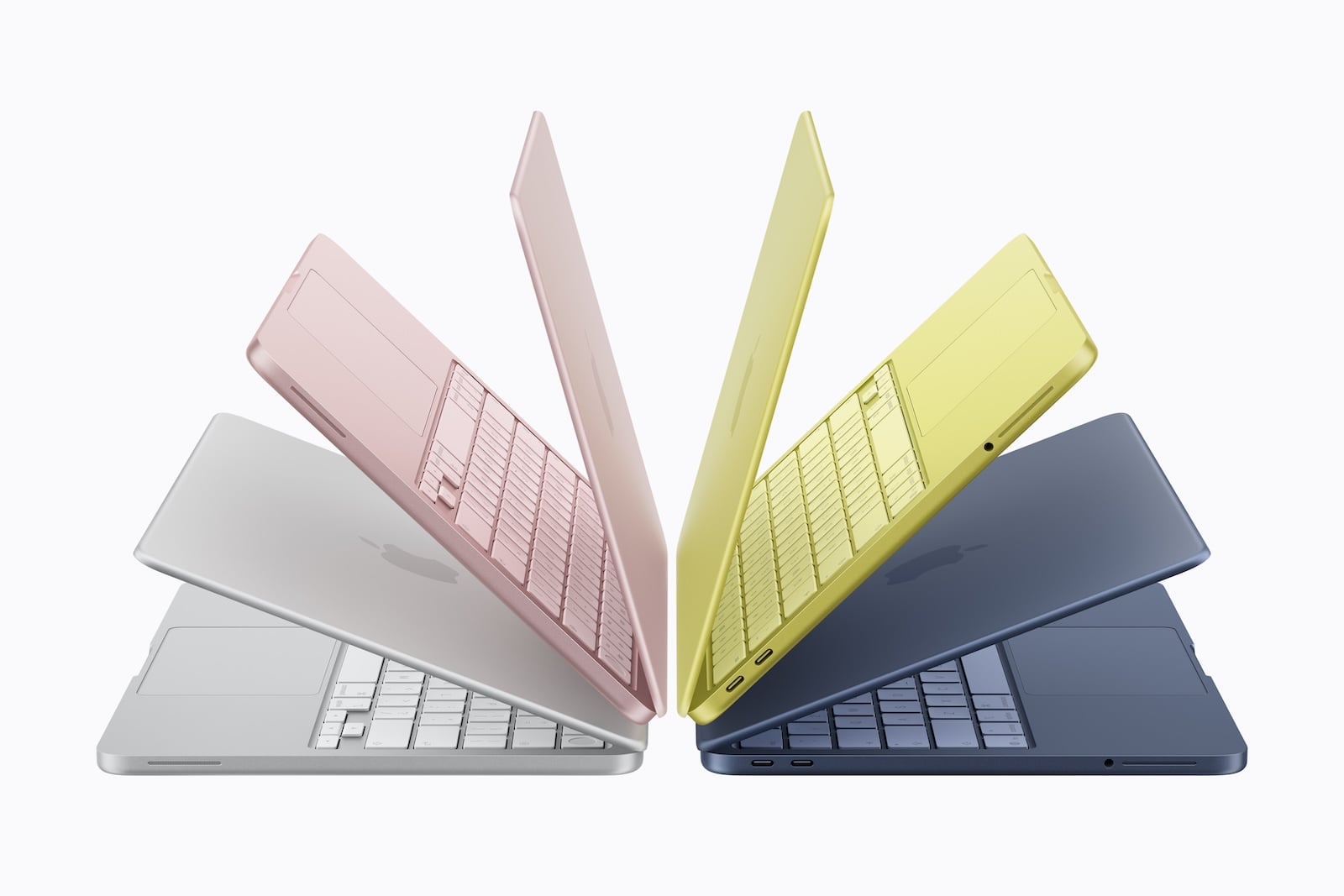
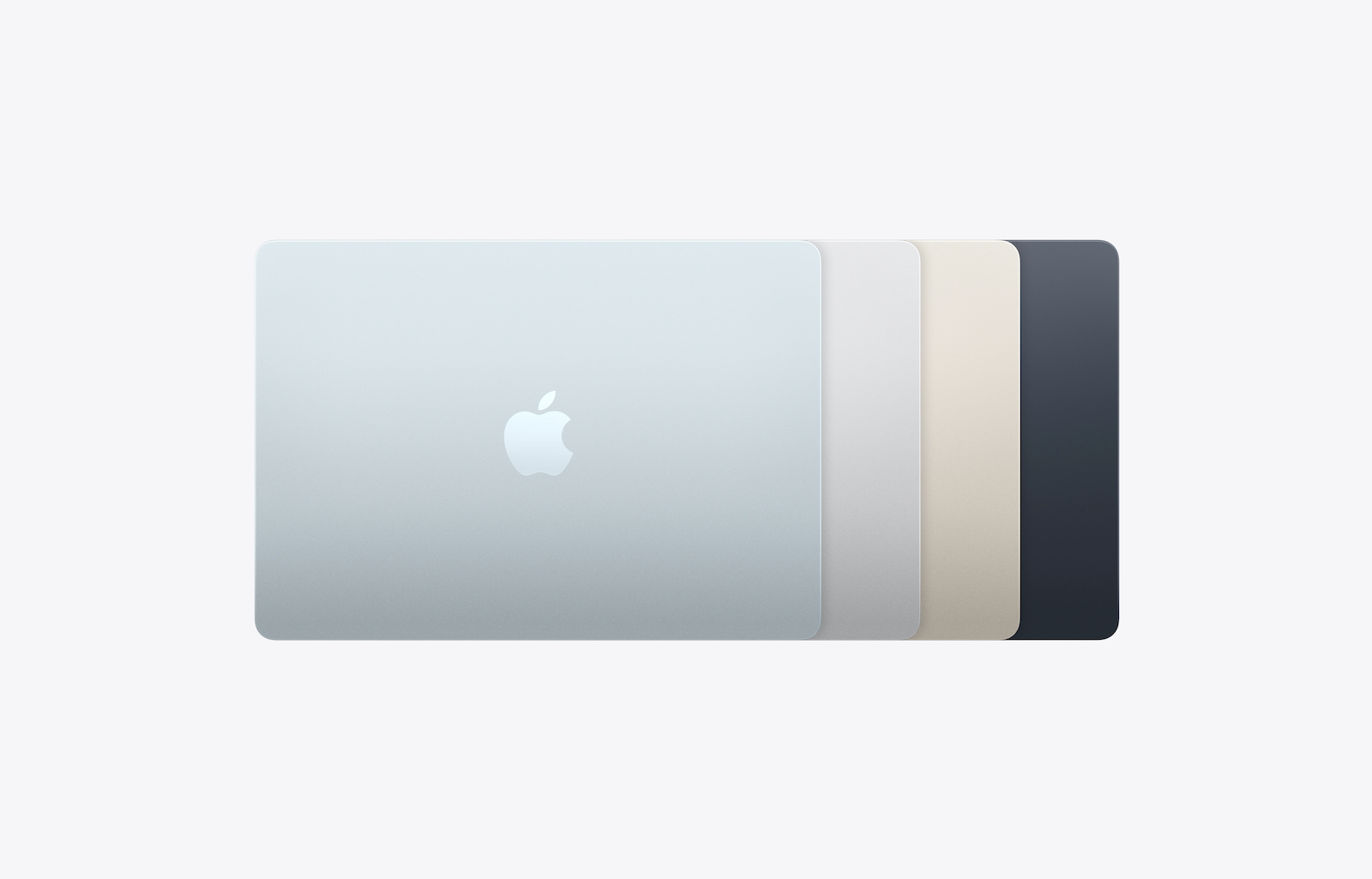
| Colors | Silver, Pink, Citrus, Indigo | Sky Blue, Silver, Starlight, Midnight |
Surprise: Both models weigh exactly the same – 1.23 kg. The Neo has a slightly smaller footprint but is a bit thicker than the Air. The Neo's colors (pink, citrus, indigo) are significantly more vibrant than the Air's and are reminiscent of the colorful iMacs.
Which model is right for whom?
MacBook Neo (from €699) – the right choice if:
- Looking for an affordable entry into the Mac world?
- The budget should remain below 800 euros.
- Mainly simple tasks are performed: browsing, emails, streaming, word processing, FaceTime.
- Apple Intelligence should be usable on a Mac without spending a lot of money.
- The device is a second laptop or a school/university device.
- No external Thunderbolt devices or multiple displays are needed.
MacBook Air 13″ (from €1,199) – the right choice if:
- More power is needed for multitasking, image editing, or video editing.
- 16 GB of RAM and the possibility of up to 32 GB are important.
- A P3 Wide Color Display with True Tone is required for color-accurate work.
- Thunderbolt 4, MagSafe and support for two external displays are required.
- Keyboard backlighting and Force Touch trackpad are appreciated
- Longer battery life and fast charging are priorities
- The MacBook is intended to serve as the main computer for several years.
All differences at a glance
| Feature | MacBook Neo | MacBook Air 13″ |
|---|---|---|
| Price from | 699 € | 1.199 € |
| Chip | A18 Pro | M5 |
| CPU | 6-Core | 10-Core |
| GPU | 5-Core | 8/10-Core |
| RAM | 8 GB (fixed) | 16 GB (up to 32 GB) |
| Memory bandwidth | 60 GB/s | 153 GB/s |
| Memory | 256 / 512 GB | 512 GB / 1 / 2 / 4 TB |
| Display | 13″ sRGB | 13.6″ P3 Wide Color |
| True Tone | No | Yes |
| Pixel density | 219 ppi | 224 ppi |
| Keyboard lighting | No | Yes |
| Touch ID | Only 512 GB | Yes (always) |
| Trackpad | Mechanically | Force Touch |
| Connections | 1x USB 3, 1x USB 2 | 2x Thunderbolt 4 |
| MagSafe | No | Yes |
| Wi-Fi | WLAN 6E | WLAN 7 |
| Bluetooth | 6 | 6 |
| External Displays | 1x 4K | 2x 6K |
| Camera | 1080p FaceTime HD | 12 MP Center Stage |
| Speakers | 2 | 4 |
| Microphones | 2 | 3 |
| Battery (Streaming) | 16 hours | 18 hours |
| Battery (surfing) | 11 hours | 15 hours |
| Fast Charging | No | Yes |
| Weight | 1.23 kg | 1.23 kg |
| Apple Intelligence | Yes | Yes |
MacBook Air or MacBook Neo – which is worth it?
The MacBook Neo is an impressive device for its price. For under €800, you get a fully-fledged macOS notebook with Apple Intelligence, a solid display, and a day's battery life for light tasks. It's an excellent choice for students, pupils, casual users, and anyone looking for an affordable entry into the Mac world.
Anyone planning to use the MacBook as their primary computer for the next few years should opt for the Air. The doubled RAM (16 GB vs. 8 GB) is the decisive factor for future-proofing – macOS and apps become more demanding every year, and 8 GB is already insufficient for intensive multitasking. Added to this are the better display, Thunderbolt 4, MagSafe, backlit keyboard, Force Touch trackpad, longer battery life, and fast charging.
Ultimately, the Neo is the best Mac notebook for the money. The Air is the best Mac notebook for most people. The €400 price premium for the 512GB models is justified for anyone who wants to do more than just basic everyday tasks. The best products for you: Our Amazon storefront offers a wide selection of accessories, including those for HomeKit. (Image: Apple x Apfelpatient)
- MacBook Pro M5: 14 vs. 16 inch – Which is worth it?
- MacBook Air M5: 13 vs. 15 inch – Which size is worth it?
- iPhone Buying Guide: iPhone 17 vs. Air vs. 17e
- iPad Buying Guide 2026: Which iPad is right for you?
- Apple Watch Buying Guide: Ultra 3 vs. Series 11 vs. SE 3
- MacBook Air vs. MacBook Pro 2026: Which is worth it?
- Apple AI Pin: All the info on the new wearable
- iPhone 17 vs. iPhone 17 Pro: Which model is really worth it?
- Apple is reportedly preparing six new products
- iPhone Fold: All rumors and facts at a glance
- Apple radically restructures its iPhone lineup: All the details
- AirPods Max 2: All audio improvements at a glance
- AirPods Max 2: New feature for the Digital Crown
- AirPods Max 2 overview: What's stayed the same
- AirPods Max 2 vs. AirPods Max 1: All the differences in detail
- iOS 27: These are the new features Apple is planning for the iPhone
- M6 MacBook Pro: Apple plans major changes
- Apple 2026: These new devices are still expected
- MacBook Neo changes the role of the iPad as a laptop replacement
- Apple TV 2026: Why Apple prefers to wait rather than rush into delivery
- MacBook Neo: Why this Apple notebook is so important
- MacBook Neo vs. MacBook Air: The most important differences
- Studio Display vs. Studio Display XDR: All the differences
- M5 MacBook Air vs. M4 MacBook Air: The differences
Frequently Asked Questions: MacBook Air vs. Neo
The RAM. The MacBook Neo only has 8 GB of RAM, which is not expandable. The MacBook Air starts with 16 GB and can be configured up to 32 GB. This is the crucial factor for future-proofing – macOS and apps become more demanding every year, and 8 GB is already insufficient for intensive multitasking.
The MacBook Neo uses the A18 Pro chip from the iPhone 16 Pro – it's the first Mac with an iPhone chip. The M5 in the MacBook Air is about 20 percent faster in single-core and 80 percent faster in multi-core tasks. Both chips fully support Apple Intelligence.
No. The MacBook Neo is the first Apple notebook in about 16 years without a backlit keyboard. It also lacks an ambient light sensor. Anyone who regularly types in dark environments will notice this immediately.
Only the 512GB model, priced at €799, has Touch ID. The base model with 256GB, priced at €699, does not have a fingerprint sensor – to unlock it, a password must be entered or an Apple Watch used.
Yes, but only one. The MacBook Neo supports one external display with a maximum resolution of 4K at 60 Hz via its USB 3 port. The MacBook Air supports up to two external displays with a maximum resolution of 6K at 60 Hz via its Thunderbolt 4 ports.
No. The MacBook Neo charges exclusively via USB-C. When charging, one of the two USB-C ports is occupied. The MacBook Air uses MagSafe for charging, which leaves both Thunderbolt ports free for peripherals.
For students, pupils, casual users, and anyone looking for an affordable entry into the Mac world. It's perfectly suited for simple tasks like browsing, email, streaming, and word processing. However, those who regularly work with multiple apps simultaneously or plan to use the MacBook as their main computer for several years should opt for the Air.