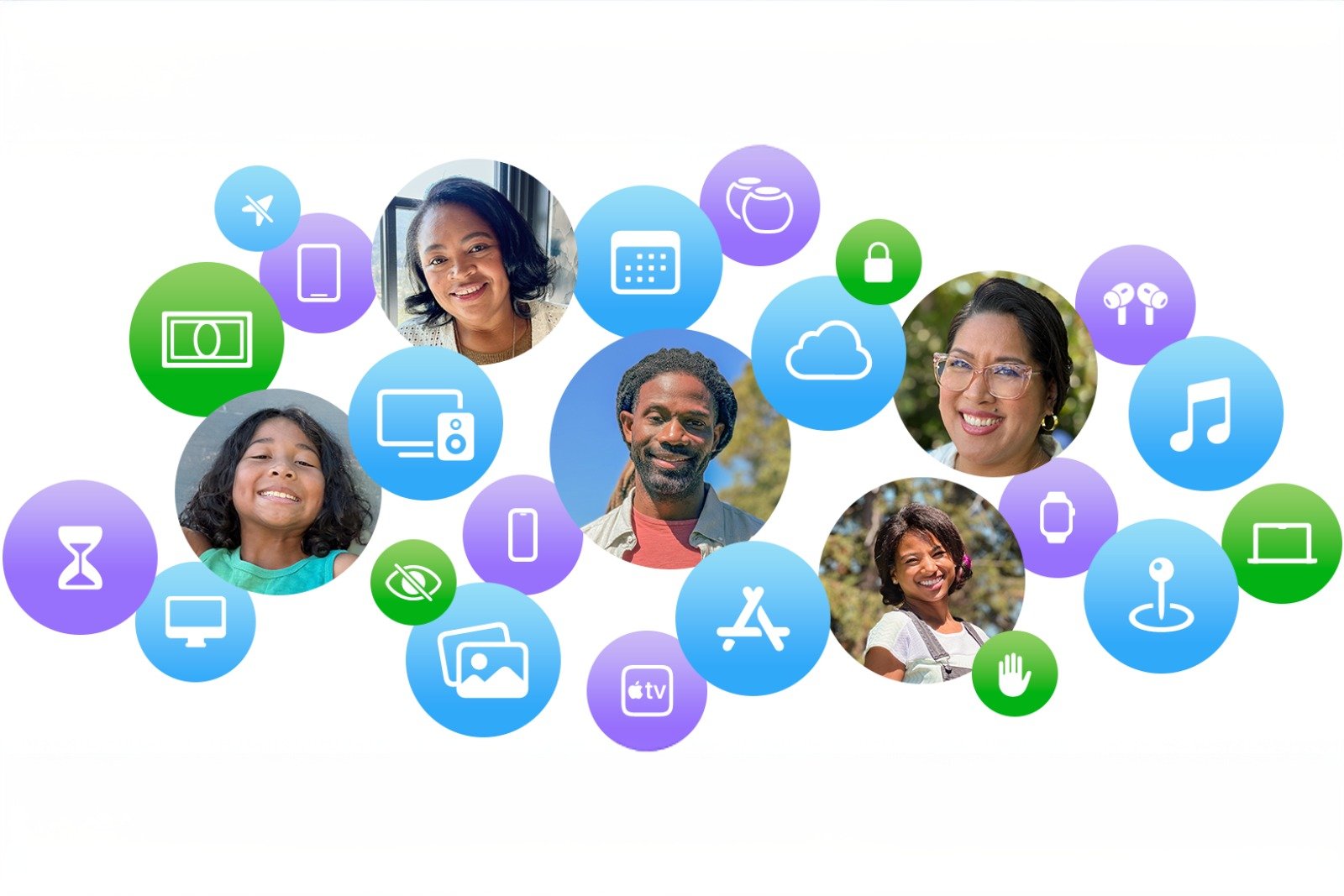
Family Sharing brings together key Apple services under one roof. It simplifies sharing subscriptions, purchases, and settings, and expands functionality with options like location sharing, device finding, and parental controls. Usage remains private and personalized for each member, as individual Apple accounts are used. This makes organizing digital content within the household clearer and more secure.
Digital services and devices quickly become overwhelming. Different subscriptions, separate purchases, and individual usage patterns often lead to chaos. Family Sharing brings these elements together, offering a simple structure for sharing and managing content and devices. At the same time, personal data and recommendations remain separate, making Family Sharing a practical solution for modern, connected household organization.
How Family Sharing works
Family Sharing allows up to six people to use Apple services like iCloud Plus, Apple Music, Apple TV, Apple Fitness Plus, and other offerings. It also includes features like location sharing, finding lost devices together, and managing children's accounts with screen time and parental controls.
The family organizer invites other members and manages the basic settings. Once members join, they gain access to all content and subscriptions that are eligible for sharing. Despite the shared structure, each member retains their own profile with personal recommendations, settings, and data.
- Quickly set up Family Sharing on iPhone, iPad, and Mac
- Family Sharing explained: Easily share and manage iCloud+
Subscriptions and purchase approval
Many Apple subscriptions can be shared directly via Family Sharing. Services like Apple Music, Apple Fitness Plus, and Apple TV become automatically available to all members once Family Sharing is enabled. Some services, such as iCloud Plus, require additional activation to share storage plans.
Purchase sharing expands access to apps, movies, music, books, and other content. Purchased items automatically appear in the Purchases section of the App Store, iTunes Store, Apple Books, or the Apple TV app. Certain content cannot be shared due to licensing restrictions. Users who wish to keep individual purchases private can hide items.
- Use Apple's Family Sharing to share content together
- Adjust family sharing and expand access to subscriptions
- Use Family Sharing to share apps and purchases
Management of children's devices
For children under 13, a separate Apple account can be created within Family Sharing. This gives the child a full Apple profile optimized for age-appropriate content. At the same time, the organizer or guardians retain control over security, purchases, and usage time.
- Create an Apple account for children & use Family Sharing
- Setting up an iPhone for children using Family Sharing and Quick Start
Setting up a device for a child
A new iPhone or iPad can be configured directly for a child using Quick Start. Screen time and parental controls can be set right from the start. Alternatively, manual setup is also possible.
Approve purchases and downloads
With the Purchase Request function, all purchase or download attempts by the child are first sent to the organizer's device. The request can then be approved or rejected. This ensures that the organizer retains control over spending and content at all times.
Limit and monitor usage
Screen time provides detailed reports on how much time a child spends using apps, the internet, or engaging in other activities. Fixed limits, break times, and content restrictions can be set. All settings can be conveniently managed on the parent's device.
Edit date of birth and age ratings
The family organizer can update the birthdate linked to the child's account. Additionally, they can specify whether apps are allowed to use the child's age group to personalize their content. This ensures a consistent and age-appropriate experience.
- Share age group with apps and better filter content
- Change your date of birth in your Apple account securely and easily
Share locations and find devices
Family Sharing connects all devices via the "Find My" app. Members can automatically share their location to keep track of everyone. Sharing can be paused at any time if more privacy is desired.
Location overview of family members
The shared view makes it easier to see where each member is located. This provides orientation in daily life and helps with quick coordination.
Finding lost devices
All devices in the group appear in the "Find My" app. A lost device can be located or marked as lost. This feature protects personal data and allows for automated locking or erasure if the device is considered permanently lost or stolen.
- Change your Apple account password via device and web
- Find my: Everything you need to know about finding lost Apple devices
- This is how to leave or change a Family Sharing
Everyday benefits of Family Sharing on Apple
Family Sharing offers a structured and practical solution for sharing and managing Apple services. It combines subscriptions, purchases, location services, and parental controls into one clear system. At the same time, individual member profiles and data remain protected and private. Family Sharing reduces effort, increases security, and creates a straightforward framework for digital processes in everyday family life. The best products for you: Our Amazon Storefront offers a wide selection of accessories, including those for HomeKit. (Image: Apple)
- iPhone tip: How alternative app distribution channels work
- iPhone tip: Access flight information directly in the system
- iOS 26.2 explained: How the new AirDrop codes work
- iOS 26.2 enhances the Reminders app with alarm functionality
- Here's how to properly create a backup for iPhone and iPad
- Setting up and using Apple Car Key: All functions explained
- New iOS 26.2 feature: Screen flashes for notifications
- Longer battery life with iOS 26 – Adaptive Power explained
- Live translation with AirPods: Here's how the feature works
- iOS 26: The new focus mode „Reduce interruptions“
- iOS 26.1: Reactivate the classic stop button on the alarm clock
- iOS 26.1 brings a new lock screen setting for the iPhone
- iOS 26.1: Liquid Glass effects can be toned down
- watchOS 26 brings hints about the Apple Watch dial
- macOS 26 Update: Hidden Tools and Improvements
- New call history in iOS 26: All conversations at a glance
- iOS 26: iMessage not working? Apple announces the solution
- iOS 26 Tricks: 26 small innovations with a big impact
- iOS 26 solves the Bluetooth problem with AirPods in the car
- iPhone: How the new call waiting feature works in iOS 26
- iPhone gets new feature against spam and advertising calls
- iOS 26: New option saves time and data when sending photos
- iOS 26: Over 10 hidden features everyone needs to know
FAQ about Family Sharing
Family Sharing connects up to six people in a group. Subscriptions, purchases, locations, and device features can be shared, while each member retains their own profile.
Many Apple services, such as Apple Music, Apple TV, Apple Fitness Plus, and iCloud Plus, can be shared. iCloud Plus requires additional activation.
Each member retains their own data, recommendations, and settings. Content can be hidden, and children's accounts are protected by parental controls and screen time limits.
Children under 13 receive their own Apple account. This allows screen time, purchase requests, content filters, and break times to be centrally managed.
A child's attempted purchases are sent to the organizer's device, where they can be approved or rejected directly.
The family organizer can update the date of birth and decide whether apps are allowed to use the age to personalize content.
Locations appear in the "Find My" app. Sharing can be paused at any time. Members' devices can be located, marked as lost, or deleted.
Some apps, movies, books, or music tracks cannot be shared due to licensing restrictions. This content will not appear in group purchases.
Members can be removed or added. The organizer can dissolve the entire group, thereby disconnecting shared services.
Yes, Family Sharing only works with separate accounts. This keeps personal data private and recommendations individual.