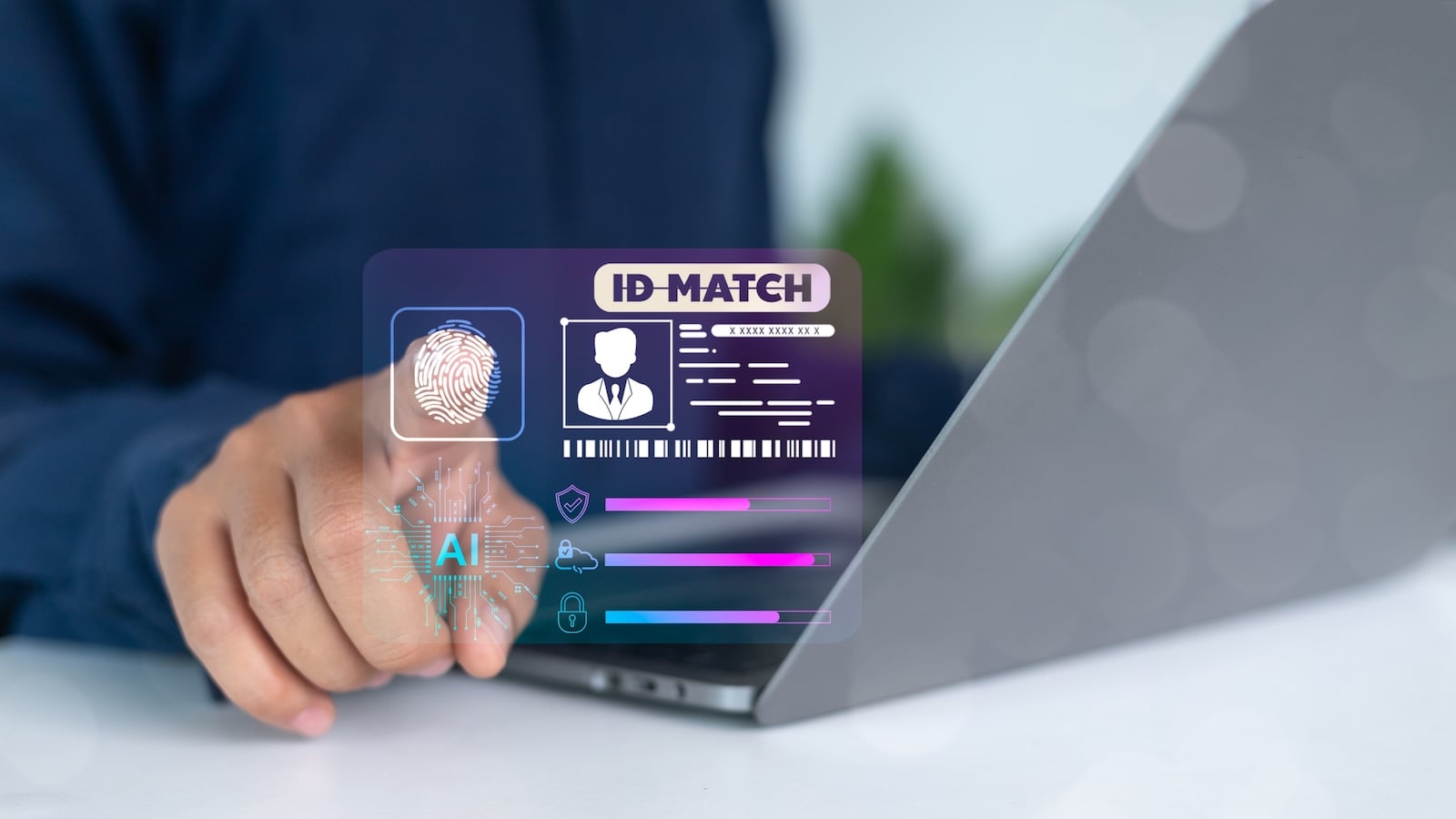
Invoices for orders you never placed. Payment reminders from services you don't recognize. Here's how to recognize identity theft and react appropriately.
One in three Germans has already been a victim of identity theft. The consequences range from unauthorized debits and forged contracts to debt collection demands and reputational damage. Criminals often need surprisingly little: a name, date of birth, and address are often enough to make purchases online on someone else's account. This article explains how identity theft works, how to recognize it, what to do in an emergency, and how to effectively protect yourself with your iPhone.
How identity theft works
Identity theft means that someone uses your personal information to impersonate you – and to enter into contracts, make purchases, or open accounts in your name. The stolen data comes from various sources.
Data breaches involve hacking entire databases of online services, shops, or social networks. Millions of records containing email addresses, passwords, dates of birth, and addresses then end up on the dark web, where they are traded for just a few euros. Complete credit card data alone costs around 40 euros per record. As an individual, you can hardly protect yourself against such attacks on service providers – which makes unique passwords and two-factor authentication all the more important.
Phishing, smishing, and social engineering are targeted attacks in which fraudsters deceive you into revealing your data. A fake email from your bank, a text message with a supposed package tracking link, or a call from alleged Apple support – all these methods aim to steal login credentials, credit card information, or personal details.
Publicly available information from social networks also provides fraudsters with valuable material. Name, date of birth, place of residence, employer, and marital status – much of this data is openly available on Facebook, Instagram, or LinkedIn and can be misused for identity fraud.
How to recognize identity theft
Most victims only become aware of identity theft after the damage has already been done. Watch out for these warning signs:
You receive invoices or payment reminders for orders you never placed. Your bank account shows debits you can't identify. You receive letters from debt collection agencies regarding outstanding debts you don't recognize. Your login for an online service suddenly stops working because someone changed your password. Friends ask if you sent them a message demanding money. You receive a confirmation email for registering with a service you never used. Your credit report contains entries you're unaware of.
If any of these signals occur, act immediately – the faster you react, the less damage will be done.
Immediate action: What you need to do in an emergency
Change passwords: Immediately change the passwords for all affected accounts—and all accounts where you used the same or a similar password. Use the Passwords app on your iPhone, which automatically generates strong, unique passwords.
Contact your bank: Inform your bank about the incident. Have any compromised cards blocked – you can reach the emergency blocking hotline at 116 116. Check your bank statements for unauthorized debits and dispute them in writing with your bank.
File a police report: Report the incident to the police – this can also be done via your state's online police station. The report is not only important for the investigation, but also serves as proof against debt collection agencies and creditors making unjustified demands.
Inform Schufa and other credit agencies: Report the identity theft to Schufa and other credit agencies. This will create a record that makes it more difficult to conclude further fraudulent contracts in your name. Check your Schufa report for unfamiliar entries and have any incorrect entries corrected.
Dispute unjustified demands: Object to invoices and payment reminders for orders you did not place in writing. Ask the issuer for proof of a valid contract and include a copy of your police report.
Inform affected services: Contact all online services where your data has been misused. Have unauthorized accounts blocked and also inform payment service providers such as PayPal or Klarna.
Check if your data has already been affected
You don't have to wait until you receive payment reminders. There are free tools you can use to check if your email address or other personal data has appeared in a known data breach.
The Hasso Plattner Institute's Identity Leak Checker (sec.hpi.de/ilc) is a German tool that checks your email address against known data breaches and informs you via email which data has been affected. The website Have I Been Pwned (haveibeenpwned.com) also offers an extensive database with billions of compromised records.
Additionally, the Passwords app on your iPhone automatically checks whether your saved passwords have appeared in known data breaches. Open the app and tap "Security"—compromised, reused, and weak passwords will be listed there, and you can change them directly.
How to protect yourself from identity theft
The best protection is prevention. The following measures significantly reduce the risk of identity theft.
Use a unique password for each service. If a service is hacked and your password is stolen, that password must not grant access to other accounts. The Passwords app automatically creates unique passwords and stores them securely.
Enable two-factor authentication everywhere. Even if a password is stolen, 2FA protects your account. The Passwords app can manage verification codes directly – no separate authenticator app required.
Be sparing with your personal data. Consider carefully before filling out any online form or registering whether you really need to provide all the information. Use a separate email address for newsletters and contests. Set your social media profiles to private and don't publish data such as your date of birth, address, or phone number publicly.
Use iCloud Private Relay. Private Relay masks your IP address when browsing with Safari, making it harder for third parties to track your online activity. Combined with rotating Wi-Fi addresses, this significantly reduces your digital footprint. You can find all the details in our article Using Public Wi-Fi Securely.
Secure your Apple Account. Your Apple Account is the key to iCloud, the App Store, and all your Apple services. Protect it with a strong password, two-factor authentication (2FA) enabled, and a recovery contact. For maximum protection, you can enable Enhanced Privacy for iCloud, which secures your data with end-to-end encryption.
Pay attention to security warnings from your passwords app. Regularly check the "Security" section of your passwords app and immediately change any passwords marked as compromised.
Identity protection is an ongoing task
Identity theft can't be prevented with a single measure – but the risk can be drastically reduced with the right habits. Use unique passwords, activate two-factor authentication everywhere, be careful with your personal data, and regularly check whether your email addresses have appeared in data breaches. Your iPhone already comes with powerful tools like the Passwords app, iCloud Private Relay, and enhanced privacy settings – you just need to use them consistently. The best products for you: Our Amazon Storefront offers a wide selection of accessories, including those for HomeKit. (Image: Shutterstock / K2L Family Stock)
- Recognizing Social Engineering: How to Protect Yourself from Manipulation
- Detecting AI fraud: Deepfakes, fake voices and how to protect yourself
- Recognizing Quishing: How to protect yourself from QR code fraud
- Use public Wi-Fi safely: How to protect your iPhone
- iOS 26.4: Show Hotspot Data usage per Device
- Recognizing Smishing: How to protect yourself from SMS fraud
- Create and manage secure passwords: The Apple guide
- WhatsApp hacked: How to protect your Account
- Recognizing Phishing: How to protect yourself from fraud
- Creating, Changing, and Deleting an Apple ID: The complete Overview
- Activate iPhone Call forwarding: All Methods under iOS 26
- iPhone vibrates for no Reason: Causes and Solutions under iOS 26
- Connecting and resetting AirPods: Instructions for all Models
- AirDrop not working: All Solutions for iOS 26
- iPhone loading slowly: Causes and Solutions under iOS 26
- iPhone Screen Recording: Instructions for iOS 26
- How to view your Wi-Fi Password on your iPhone: All Methods under iOS 26
- iPhone Update Problems: All Solutions for iOS 26
- Creating an iPhone Backup: All methods under iOS 26
- Transferring Data to a new iPhone: All Methods under iOS 26
Frequently Asked Questions: Identity Theft
Identity theft means that someone uses your personal information, such as your name, date of birth, address, or credit card number, to impersonate you. Criminals use this information to enter into contracts, make purchases on your account, or open accounts in your name.
Typical signs include invoices or payment reminders for orders you never placed, unknown debits from your account, mail from debt collection agencies, or confirmation emails for registrations with services you don't use. If your login to a service suddenly stops working, that can also be a warning sign.
Immediately change all affected passwords, contact your bank, and have compromised cards blocked via the emergency card blocking hotline 116 116. File a police report and notify Schufa (Germany's largest credit bureau). Dispute any unjustified claims in writing and include a copy of your police report.
Use the Hasso Plattner Institute's Identity Leak Checker at sec.hpi.de/ilc or the website haveibeenpwned.com. Both check for free whether your email address has appeared in known data breaches. Additionally, the Passwords app on your iPhone will show under "Security" whether any saved passwords have been compromised.
There is no such thing as 100% protection, as you can't prevent data leaks at service providers. However, you can drastically reduce the risk by using a unique password for each service, activating two-factor authentication everywhere, being careful with your personal data, and regularly checking whether your data has been compromised.
Generally, you are not liable for contracts that someone else has entered into in your name. However, you must prove to the creditor that you did not enter into the contract. Filing a police report is the most important form of proof. In some cases, a lawyer can help defend against unjustified claims.
The Passwords app creates unique passwords, checks them against known data leaks, and manages two-factor authentication. iCloud Private Relay masks your IP address while browsing. Rotating Wi-Fi addresses prevent tracking on public networks. And Enhanced Privacy for iCloud secures your data with end-to-end encryption.