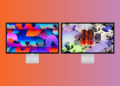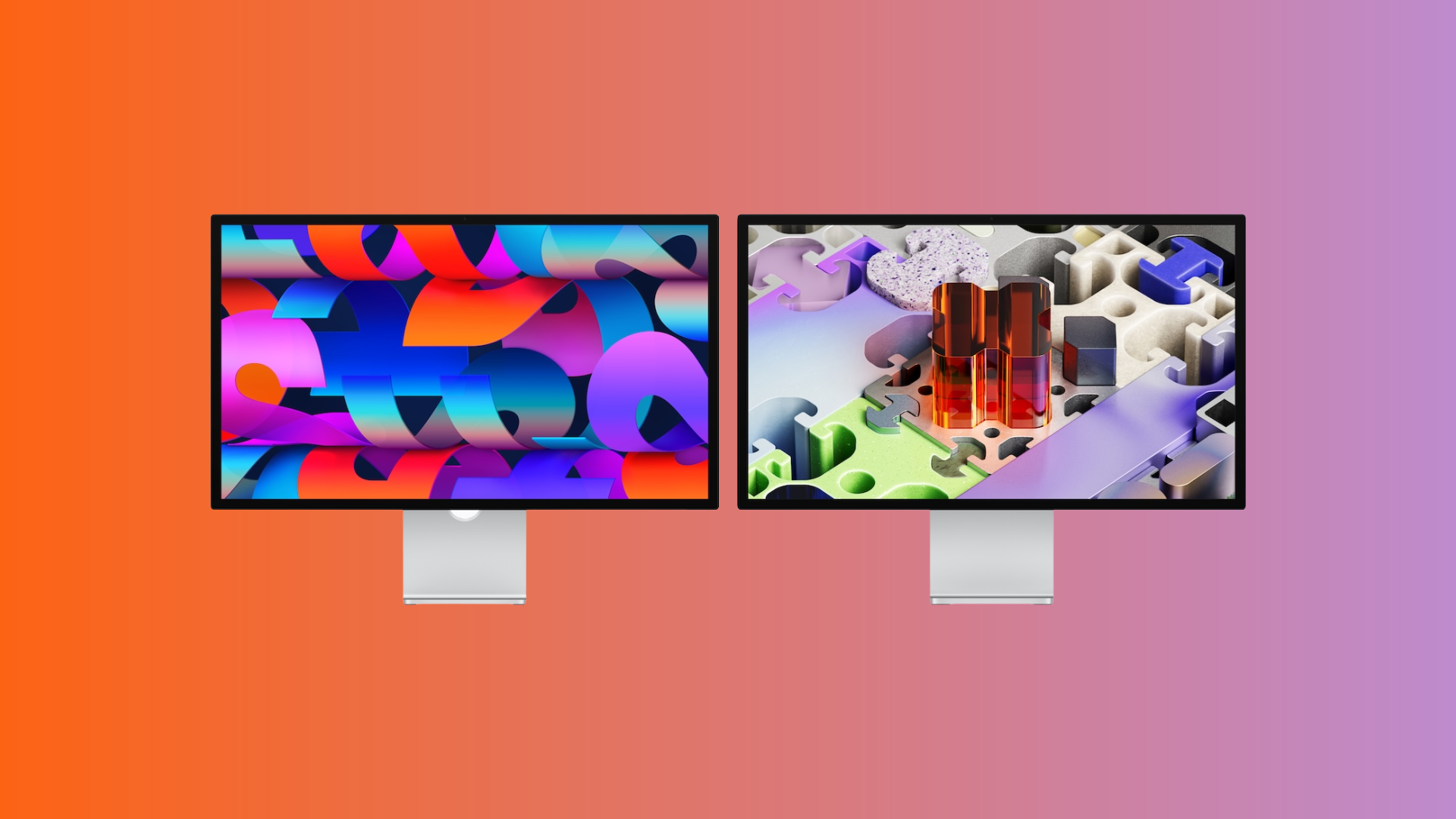
Since March 2026, Apple has offered two external displays: the Studio Display and the Studio Display XDR. Both are 27 inches, have the same 5K resolution, and share the same camera, speakers, and Thunderbolt 5 ports. The price difference of €1,800 lies almost entirely in the display technology: LED vs. Mini-LED, 60 Hz vs. 120 Hz, 600 nits vs. 2,000 nits. This comparison shows which display is right for whom.
With the Studio Display XDR, Apple has replaced the previous Pro Display XDR, bringing professional display technology to a more compact and affordable form factor. At the same time, the Studio Display has been updated with Thunderbolt 5, an improved camera, and better speakers – but retains the same display technology as its 2022 predecessor. The result is two displays that are virtually indistinguishable externally, but technically operate in different leagues.
Both displays have been available in the Apple Store Germany since March 11, 2026:
Studio Display:
- Standard glass: from 1,699 euros
- Nanotextured glass: from €1,999
- Height-adjustable stand: €399 extra
Studio Display XDR:
- Standard glass: from 3,499 euros
- Nanotextured glass: from 3,799 euros
- Height-adjustable stand or VESA mount adapter available at no extra charge
The price difference between the two displays is €1,800. The Studio Display XDR includes the height-adjustable stand as standard – this costs an extra €399 for the Studio Display. Factoring this in, the effective price difference for a comparable configuration is around €1,400.
Display
This is the key difference – and the reason for the price increase.
| Feature | Studio Display | Studio Display XDR |
|---|---|---|
| Diagonal | 27 inches (68.29 cm) | 27 inches (68.29 cm) |
| Resolution | 5120 x 2880 pixels | 5120 x 2880 pixels |
| Pixel density | 218 ppi | 218 ppi |
| Technology | LED (LCD) | Mini-LED with 2,304 dimming zones |
| SDR brightness | 600 nits | Up to 1,000 nits |
| HDR peak brightness | n/a | 2,000 nits |
| Refresh rate | 60 Hz | 120 Hz with Adaptive Sync |
| Color space | P3 Wide Color | P3 + Adobe RGB |
| True Tone | Yes | Yes |
| Billion colors | Yes | Yes |
| Nanotextured glass | Optional | Optional |
Studio Display
The studio display uses a classic LED-backlit LCD panel with 600 nits of brightness and a 60 Hz refresh rate. Image quality is very good – P3 Wide Color and True Tone ensure rich, natural colors. This is more than sufficient for most everyday tasks, web development, SDR image editing, and office work.
Studio Display XDR
The Studio Display XDR uses mini-LED backlighting with 2,304 local dimming zones. This enables a contrast ratio of 1,000,000:1 – deep blacks alongside brilliant highlights, virtually without halo effects. SDR brightness reaches up to 1,000 nits, while HDR peak brightness is 2,000 nits.
In addition, it features a 120Hz refresh rate with Adaptive Sync, which dynamically adjusts the frame rate to the content. Scrolling, window movements, and animations feel significantly smoother than on the 60Hz Studio Display. Anyone coming from a MacBook Pro with ProMotion will notice the difference immediately.
The extended color gamut with P3 and Adobe RGB is particularly relevant for print and design professionals. Adobe RGB covers a different color space than P3 – anyone working with color-critical printing needs this support.
Important: Older Macs with M1, M1 Pro, M1 Max, M1 Ultra, M2, and M3 only support the Studio Display XDR at 60 Hz. The full 120 Hz refresh rate is only available with the M2 Pro and newer models.
Display Conclusion: The Studio Display delivers a very good 5K image for everyday use and SDR workflows. The XDR is for those who need HDR, maximum brightness, 120 Hz, and Adobe RGB in their daily work – a difference that is immediately noticeable in professional workflows.
Reference modes
| Studio Display | Studio Display XDR |
|---|---|
| Apple Display (P3-600 nits) | Studio Display XDR (P3-2,000 nits) |
| HDTV Video (BT.709-BT.1886) | Studio Display XDR (P3 + Adobe RGB-2,000 nits) |
| NTSC Video (BT.601 SMPTE-C) | HDR Video (P3-ST 2084) |
| PAL and SECAM Video (BT.601 EBU) | HDTV Video (BT.709-BT.1886) |
| Digital Cinema (P3-DCI) | NTSC Video (BT.601 SMPTE-C) |
| Digital Cinema (P3-D65) | PAL and SECAM Video (BT.601 EBU) |
| Design and printing (P3-D50) | Digital Cinema (P3-DCI) |
| Photography (P3-D65) | Digital Cinema (P3-D65) |
| Internet and Web (sRGB) | Design and printing (P3-D50) |
| Design and printing (Adobe RGB-D50) | |
| Photography (P3-D65) | |
| Photography (Adobe RGB-D65) | |
| HDR Photography (P3-D65) | |
| Internet and Web (sRGB) |
The Studio Display XDR offers 14 reference modes compared to 9 on the Studio Display. Particularly relevant are HDR Video (P3-ST 2084) for professional HDR color correction, Adobe RGB modes for print and photography, and HDR photography. Those working in these workflows need these modes for color-critical work.
Camera and Audio
There are no differences here. Both displays offer:
- Camera: 12 MP Center Stage with Desktop view
- Speakers: Hi-Fi 6-speaker system with force-balanced woofers and wide stereo sound
- 3D Audio: Support for Dolby Atmos
- Microphones: Ring of three studio-quality microphones with directional beamforming
- Siri: Support for "Hey Siri"
The camera and audio system of both displays is excellent for video calls, podcasts, and media consumption. The center stage camera with desktop view is a practical feature for hybrid working.
Connections
| Feature | Studio Display | Studio Display XDR |
|---|---|---|
| Thunderbolt 5 | 2x (1 upstream, 1 downstream) | 2x (1 upstream, 1 downstream) |
| USB-C | 2x (up to 10 Gbit/s) | 2x (up to 10 Gbit/s) |
| Host store | 96 W | 140 W |
| Series connection | Yes (up to 4 studio displays) | Yes (up to 2 displays) |
Both displays have the same ports: two Thunderbolt 5 and two USB-C. The downstream Thunderbolt 5 port allows for daisy-chaining additional displays or connecting high-speed accessories.
The only difference: The Studio Display XDR charges the connected Mac with up to 140W – enough for a 16-inch MacBook Pro. The Studio Display delivers 96W, which is sufficient for a 14-inch MacBook Pro or MacBook Air.
Stand and Assembly
| Option | Studio Display | Studio Display XDR |
|---|---|---|
| Tilt adjustable | Standard (no extra charge) | – |
| Tilt and height adjustable | +399 Euro | Standard (no extra charge) |
| VESA Mount Adapter | No extra charge | No extra charge |
| Height adjustment | 105 mm (optional) | 105 mm (standard) |
| Inclination | -5° to +25° | -5° to +25° |
The Studio Display XDR comes standard with a tilt- and height-adjustable stand – this costs an additional 399 euros for the Studio Display. Choosing the height-adjustable stand for the Studio Display brings the total price to 2,098 euros (standard glass).
Both displays are alternatively available with a VESA mount adapter and can be mounted in landscape format or (VESA only) in portrait format.
Weight and Dimensions
| Feature | Studio Display | Studio Display XDR |
|---|---|---|
| Weight (height adjustable) | 7.6 kg | 8.5 kg |
| Weight (VESA) | 5.4 kg | 6.3 kg |
| Width | 62.3 cm | 62.3 cm |
| Depth (height adjustable) | 20.7 cm | 21.4 cm |
The Studio Display XDR is approximately 900 grams heavier than the Studio Display – due to its mini-LED backlight with 2,304 dimming zones. The external dimensions are almost identical.
Compatibility
Both displays are compatible with all Macs with an Apple chip (M1 and later) and macOS Tahoe 26.3.1. Select iPad models are also supported.
Important limitation of the Studio Display XDR: The full 120 Hz refresh rate is only supported by Macs with M2 Pro, M2 Max, M2 Ultra, M3 Pro, M3 Max, M3 Ultra, M4, and newer. Macs with M1, M1 Pro, M1 Max, M1 Ultra, M2, and M3 (base) processors will only drive the XDR at 60 Hz. For iPads, only the iPad Pro M5 supports the full 120 Hz refresh rate.
Which display is right for whom?
Studio Display (from €1,699) – the right choice if:
- Looking for a high-quality 27-inch 5K display for a Mac workstation
- The main tasks performed in SDR are: web development, office applications, image editing, and music production.
- 600 nits brightness and P3 Wide Color are sufficient for the workflow.
- A 60 Hz refresh rate is no problem
- The budget should remain below 2,000 euros.
- The integrated camera, speakers, and microphones are appreciated.
Studio Display XDR (from €3,499) – the right choice if:
- Professional HDR video production or color correction is carried out
- Adobe RGB is required for print and design work.
- 120 Hz and Adaptive Sync are desired for smoother operation.
- Maximum brightness (2,000 nits HDR, 1,000 nits SDR) is required.
- Mini-LED with 2,304 dimming zones is required for deep blacks and extreme contrasts.
- The display should charge the connected Mac with 140W (e.g., 16-inch MacBook Pro).
- The height-adjustable stand is desired as standard.
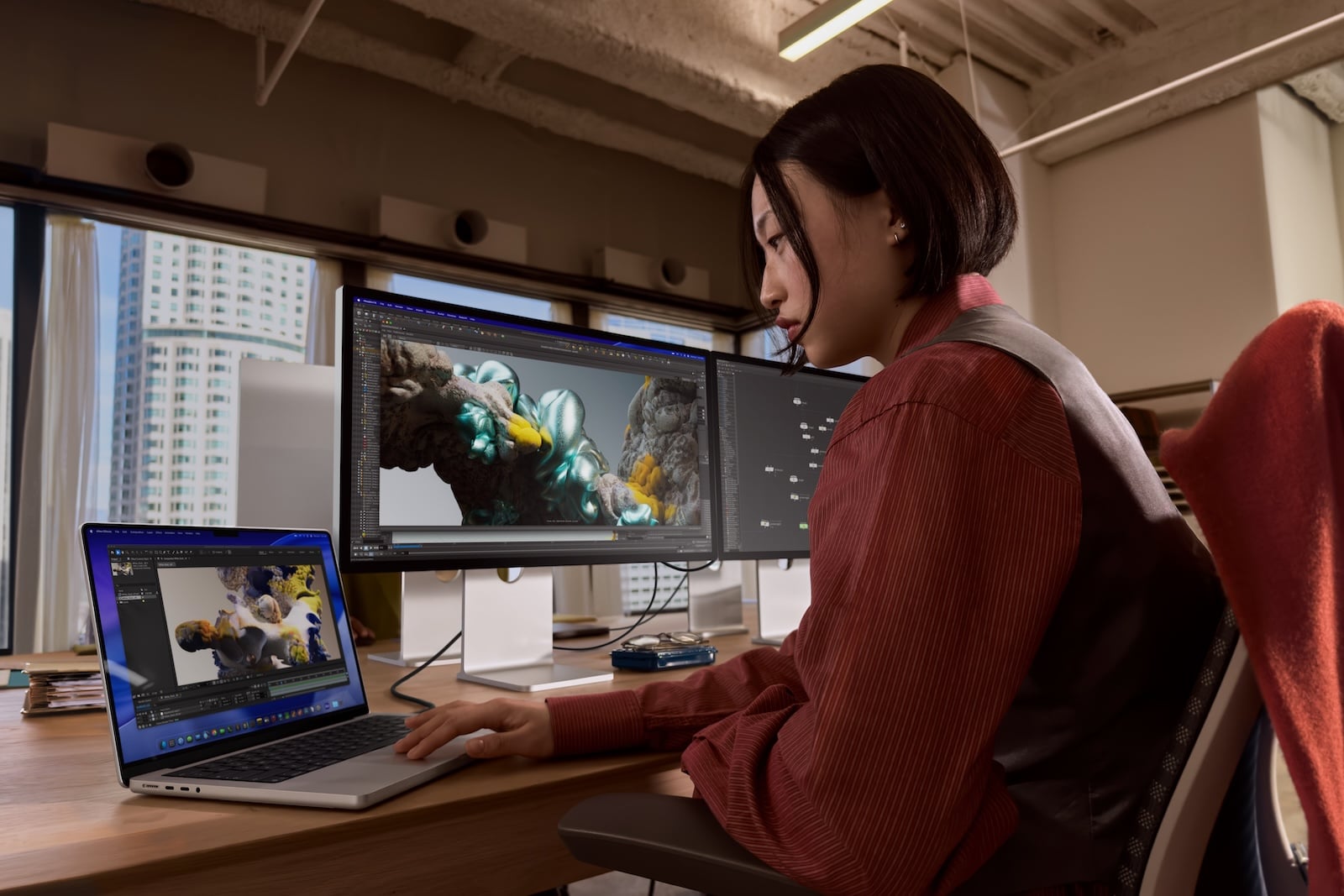
All differences at a glance
| Feature | Studio Display | Studio Display XDR |
|---|---|---|
| Price from | 1.699 € | 3.499 € |
| Diagonal | 27 inch 5K | 27 inch 5K |
| Resolution | 5120 x 2880 (218 ppi) | 5120 x 2880 (218 ppi) |
| Technology | LED (LCD) | Mini-LED (2,304 dimming zones) |
| SDR brightness | 600 nits | 1,000 nits |
| HDR peak brightness | n/a | 2,000 nits |
| Refresh rate | 60 Hz | 120 Hz + Adaptive Sync |
| Color space | P3 | P3 + Adobe RGB |
| Reference modes | 9 | 14 |
| Camera | 12 MP Center Stage | 12 MP Center Stage |
| Speakers | Hi-Fi 6-LS | Hi-Fi 6-LS |
| Microphones | 3 Studio quality | 3 Studio quality |
| Thunderbolt 5 | 2x | 2x |
| USB-C | 2x (10 Gbit/s) | 2x (10 Gbit/s) |
| Host store | 96 W | 140 W |
| Stand (standard) | Tilt adjustable | Tilt and height adjustable |
| Nanotextured glass | Optional (+€300) | Optional (+€300) |
| Weight (height adjustable) | 7.6 kg | 8.5 kg |
Studio Display or Studio Display XDR – which is worth it?
The Studio Display is the right choice for most Mac users. It offers a superb 5K image with P3 Wide Color, an excellent camera and speakers, Thunderbolt 5, and the ability to daisy-chain up to four displays. For SDR workflows—which applies to the vast majority of users—there's no reason to spend an extra €1,800.
The Studio Display XDR is aimed at a clearly defined target group: professionals in HDR video production, color correction, 3D rendering, and print design. The mini-LED technology with 2,304 dimming zones, 2,000 nits of HDR peak brightness, 120 Hz, and Adobe RGB make a visible difference – but only in workflows that actually utilize these technologies. Those who don't work color-critically in HDR or for print are paying the premium for features that remain invisible in everyday use.
Ultimately, both displays share the same camera, speakers, microphones, and ports. The price difference is solely for the display technology. If you need it, the XDR is one of the best professional displays on the market. If you don't, the Studio Display is an excellent 5K display that will be well-equipped for years to come. The best products for you: Our Amazon storefront offers a wide selection of accessories, including those compatible with HomeKit. (Image: Apple X Apfelpatient)
- Mac Buying Guide M4: Mac mini vs. Mac Studio vs. iMac
- MacBook Air vs. Neo: Is the extra cost worth it?
- MacBook Pro M5: 14 vs. 16 inch – Which is worth it?
- MacBook Air M5: 13 vs. 15 inch – Which size is worth it?
- iPhone Buying Guide: iPhone 17 vs. Air vs. 17e
- iPad Buying Guide 2026: Which iPad is right for you?
- Apple Watch Buying Guide: Ultra 3 vs. Series 11 vs. SE 3
- MacBook Air vs. MacBook Pro 2026: Which is worth it?
- Apple AI Pin: All the info on the new wearable
- iPhone 17 vs. iPhone 17 Pro: Which model is really worth it?
- Apple is reportedly preparing six new products
- iPhone Fold: All rumors and facts at a glance
- Apple radically restructures its iPhone lineup: All the details
- AirPods Max 2: All audio improvements at a glance
- AirPods Max 2: New feature for the Digital Crown
- AirPods Max 2 overview: What's stayed the same
- AirPods Max 2 vs. AirPods Max 1: All the differences in detail
- iOS 27: These are the new features Apple is planning for the iPhone
- M6 MacBook Pro: Apple plans major changes
- Apple 2026: These new devices are still expected
- MacBook Neo changes the role of the iPad as a laptop replacement
- Apple TV 2026: Why Apple prefers to wait rather than rush into delivery
- MacBook Neo: Why this Apple notebook is so important
Frequently Asked Questions: Studio Display vs. Studio Display XDR
The display technology. The Studio Display uses an LED-backlit LCD panel with 600 nits and 60 Hz. The Studio Display XDR uses Mini-LED with 2,304 local dimming zones, up to 2,000 nits HDR peak brightness, 120 Hz with Adaptive Sync, and the extended Adobe RGB color gamut. Camera, speakers, microphones, and ports are identical on both displays.
Only for professional workflows that actually require HDR, Adobe RGB, or 120 Hz – such as HDR video production, color correction, 3D rendering, or print design. For the vast majority of users working in SDR, the Studio Display offers an excellent 5K picture without any visible limitations.
No. The full 120 Hz refresh rate is only available on Macs with the M2 Pro, M2 Max, M2 Ultra, M3 Pro, M3 Max, M3 Ultra, M4, and newer processors. Macs with the M1, M1 Pro, M1 Max, M1 Ultra, M2, and M3 (base model) only support the XDR at 60 Hz. On the iPad, only the iPad Pro M5 supports 120 Hz.
The XDR weighs approximately 900 grams more than the Studio Display (8.5 vs. 7.6 kg with height-adjustable stand). This is due to the mini-LED backlight with 2,304 dimming zones, which requires additional hardware within the housing.
Not standard. The Studio Display comes standard with a tilt-adjustable stand. The tilt- and height-adjustable stand costs an additional €399. The height-adjustable stand is included at no extra cost with the Studio Display XDR.
Yes. The Studio Display supports daisy-chaining up to four displays via the Thunderbolt 5 downstream port. The Studio Display XDR supports up to two displays daisy-chained – the lower number is due to the higher bandwidth requirements of 120 Hz and HDR.
The Studio Display charges the connected Mac with up to 96W – enough for a 14-inch MacBook Pro or MacBook Air. The Studio Display XDR delivers up to 140W and can therefore fast charge a 16-inch MacBook Pro.