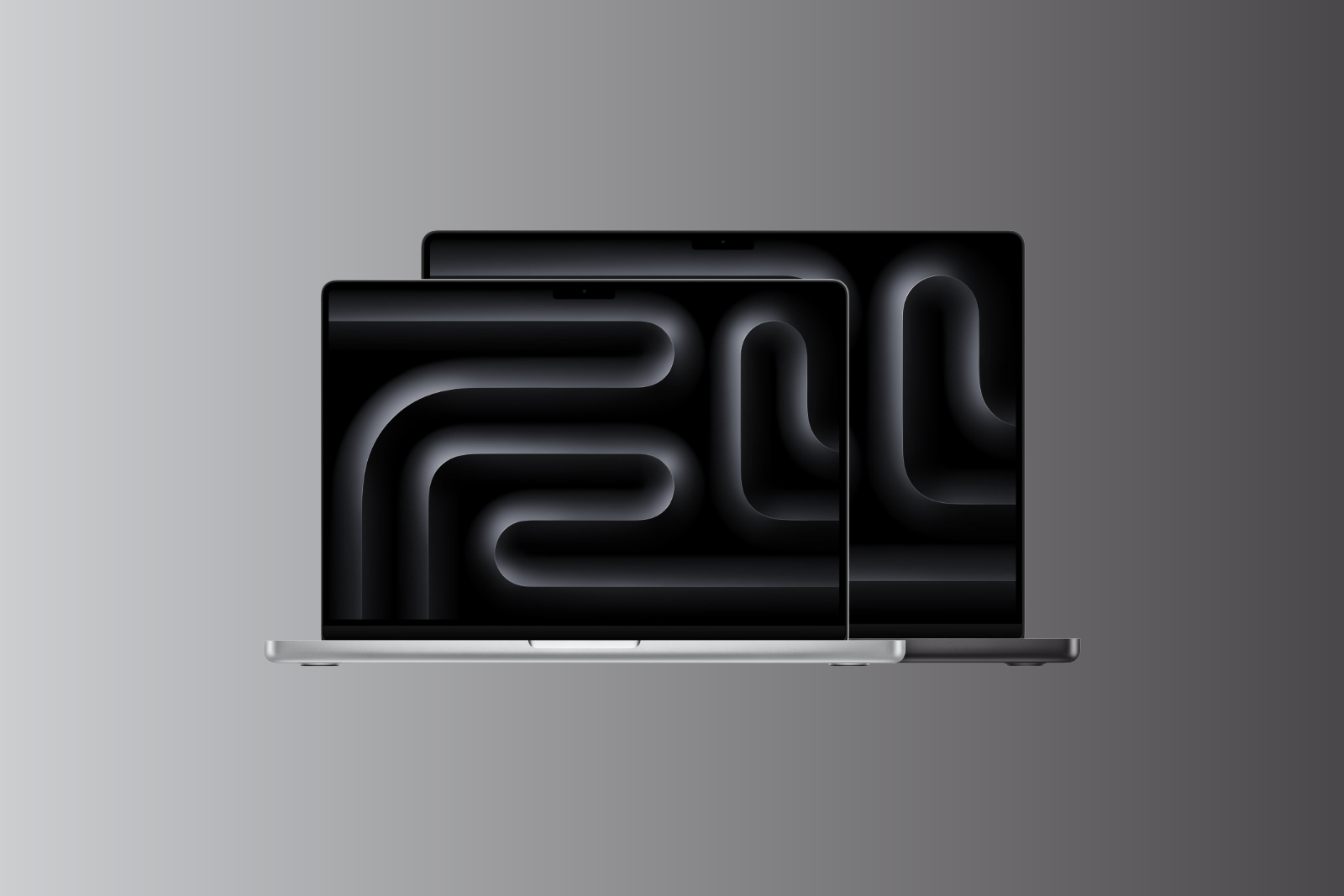
The MacBook Pro is available in 14-inch and 16-inch versions – with up to three different chips: M5, M5 Pro, and M5 Max. While the 14-inch model with the base M5 serves as the entry-level option, the 16-inch model is only available with either the M5 Pro or M5 Max. The differences extend far beyond screen size: Thunderbolt generation, Wi-Fi standard, battery life, CPU configuration, and maximum RAM vary depending on the model. This comparison shows which combination is best for whom.
The 2026 MacBook Pro lineup is the most complex in the entire Mac range. Those wanting to buy a MacBook Pro not only have to choose between two sizes, but also between three chip variants, each with different CPU and GPU configurations. Added to this are differences in connectivity, battery, and ports that aren't immediately apparent. Most importantly, the 14-inch base model with the M5 processor differs technically more from the Pro and Max variants than most people expect.
All MacBook Pro models are available in the Apple Store Germany:
MacBook Pro 14-inch:
- M5: from €1,899
- M5 Pro: from €2,499
- M5 Max: from 4,199 euros
MacBook Pro 16 inch:
- M5 Pro: from €2,999
- M5 Max: from 4,499 euros
The 16-inch model isn't available with the base M5 – anyone wanting the larger display has to start with at least the M5 Pro. There's a price difference of over €2,500 between the cheapest 14-inch model and the most expensive 16-inch model.
Display
| Feature | MacBook Pro 14″ | MacBook Pro 16″ |
|---|---|---|
| Diagonal | 14.2 inches (35.97 cm) | 16.2 inches (41.05 cm) |
| Resolution | 3024 x 1964 pixels | 3456 x 2234 pixels |
| Pixel density | 254 ppi | 254 ppi |
| Technology | Liquid Retina XDR | Liquid Retina XDR |
| ProMotion | Up to 120 Hz | Up to 120 Hz |
| XDR Brightness | 1,000 nits full screen / 1,600 nits peak | 1,000 nits full screen / 1,600 nits peak |
| SDR Brightness (Outdoor) | 1,000 nits | 1,000 nits |
| Contrast ratio | 1.000.000:1 | 1.000.000:1 |
| Color space | P3, 1 billion colors | P3, 1 billion colors |
| Nanotextured glass | Optional | Optional |
The displays of both sizes are technically identical – same brightness, same contrast, same color gamut, same ProMotion technology with up to 120 Hz. Both support fixed refresh rates (47.95 to 60 Hz) for professional video work and optionally offer a display with nanotextured glass for reflection-free work in bright environments.
The only difference is the size. The 16-inch display offers significantly more workspace – an advantage for video editing timelines, code editors with multiple panels, or when working with large spreadsheets and design projects.
Chip and Performance
This is where it gets complex. The MacBook Pro offers three different chips, each with different configurations.
M5 (14 inch only)
| Feature | M5 |
|---|---|
| CPU | 10-Core (4 Performance + 6 Efficiency) |
| GPU | 10-Core |
| Neural Engine | 16-Core |
| Memory bandwidth | 153 GB/s |
| RAM | 16 or 24 GB (max. 32 GB) |
| Max. storage | 4 TB |
The M5 in the 14-inch MacBook Pro is the same chip as in the MacBook Air. It offers solid performance for everyday tasks, software development, image editing, and light video editing. For those who don't need extreme processing power but appreciate the Pro display, Pro ports, and better speakers, this is a well-rounded package.
M5 Pro
| Feature | M5 Pro (14″) | M5 Pro (16″) |
|---|---|---|
| CPU (Base) | 15-Core (5 Super + 10 Performance) | 18-core (6 Super + 12 Performance) |
| CPU (optional) | 18-Core (6S + 12P) | – (always 18-core) |
| GPU (Base) | 16-Core | 20-Core |
| GPU (optional) | 20-Core | – (always 20-core) |
| Neural Engine | 16-Core | 16-Core |
| Memory bandwidth | 307 GB/s | 307 GB/s |
| RAM | 24 GB (max. 64 GB) | 24 GB (max. 64 GB) |
| Max. storage | 4 TB | 4 TB |
One key difference: The 14-inch model with the M5 Pro processor starts with a 15-core CPU (5 Super + 10 Performance) and a 16-core GPU, while the 16-inch model always comes with the full 18-core CPU (6 Super + 12 Performance) and 20-core GPU. Those who want maximum M5 Pro performance in the 14-inch form factor must choose the 18-core/20-core configuration.
M5 Max
| Feature | M5 Max (14″ and 16″) |
|---|---|
| CPU | 18-core (6 Super + 12 Performance) |
| GPU | 32-core or 40-core |
| Neural Engine | 16-Core |
| Memory bandwidth | 460 GB/s (32-core) / 614 GB/s (40-core) |
| RAM | 36 GB (max. 128 GB) |
| Max. storage | 8 TB |
| Media Engine | 2x encoding, 2x ProRes |
The M5 Max is designed for professional workflows: 8K video production, complex 3D rendering, machine learning models, and tasks that demand massive amounts of memory. With up to 128 GB of RAM and 614 GB/s memory bandwidth in the 40-core variant, it's in a league of its own.
Performance Summary: The M5 is sufficient for most professional tasks and is ideal for developers and creatives who don't require extreme rendering. The M5 Pro offers the best compromise between performance and price for demanding creative work. The M5 Max is only justified if maximum GPU performance, very high RAM requirements, or professional video production with ProRes are your daily tasks.
Connectivity and Ports
Here is an often overlooked but important difference between the 14-inch base model and all other configurations.
| Feature | 14″ M5 (Base) | 14″ M5 Pro/Max | 16″ M5 Pro/Max |
|---|---|---|---|
| Thunderbolt | 3x Thunderbolt 4 (40 Gbit/s) | 3x Thunderbolt 5 (120 Gbit/s) | 3x Thunderbolt 5 (120 Gbit/s) |
| Wi-Fi | WLAN 6E | WLAN 7 (N1 Chip) | WLAN 7 (N1 Chip) |
| Bluetooth | 5.3 | 6 | 6 |
| Thread | No | Yes | Yes |
| HDMI | Yes | Yes | Yes |
| SDXC | Yes | Yes | Yes |
| MagSafe 3 | Yes | Yes | Yes |
| 3.5 mm jack | Yes | Yes | Yes |
The 14-inch base model with the M5 chip has Thunderbolt 4, Wi-Fi 6E, and Bluetooth 5.3 – the same connectivity as the previous generation MacBook Pro. Only the M5 Pro and higher models offer Thunderbolt 5 with three times the bandwidth (120 Gbps vs. 40 Gbps), Wi-Fi 7 via the N1 chip, and Bluetooth 6.
Thunderbolt 4 is sufficient for most users. However, those who regularly work with external SSDs, eGPUs, or professional peripherals will benefit from the three times greater bandwidth of Thunderbolt 5.
External Displays
| Model | Max. external Displays |
|---|---|
| 14″ M5 | 2 |
| 14″/16″ M5 Pro | 3 |
| 14″/16″ M5 Max | 4 |
Battery and Charging
| Model | Battery | Video streaming | Surfing | Minimum charging power | Fast charging |
|---|---|---|---|---|---|
| 14″ M5 | 72.4 Wh | 24 hours | 16 hours | 60 W | 96 W |
| 14″ M5 Pro | 72.4 Wh | 22 hours | 14 hours | 70 W | 96 W |
| 14″ M5 Max | 72.4 Wh | 20 hours | 13 hours | 70 W | 96 W |
| 16″ M5 Pro | 100 Wh | 24 hours | 17 hours | 140 W | 140 W |
| 16″ M5 Max | 100 Wh | 22 hours | 16 hours | 140 W | 140 W |
The 14-inch base model with the M5 processor has the best battery life of all 14-inch configurations – up to 24 hours of video streaming. The more powerful the chip, the shorter the battery life.
The 16-inch model compensates for its larger display with a significantly larger battery (100 Wh vs. 72.4 Wh). As a result, the 16-inch model with the M5 Pro lasts just as long as the 14-inch model with the M5 – up to 24 hours. However, the 16-inch model requires a 140W power adapter for charging.
In the EU, all models come without a power adapter – only the MagSafe cable.
Design and Weight
| Feature | MacBook Pro 14″ | MacBook Pro 16″ |
|---|---|---|
| Height | 1.55 cm | 1.68 cm |
| Width | 31.26 cm | 35.57 cm |
| Depth | 22.12 cm | 24.81 cm |
| Weight (M5) | 1.55 kg | – |
| Weight (M5 Pro) | 1.60 kg | 2.14 kg |
| Weight (M5 Max) | 1.62 kg | 2.15 kg |
| Colors | Space Black, Silver | Space Black, Silver |
The 16-inch model weighs over 500 grams more than the 14-inch model. This makes a noticeable difference in a backpack – especially on long hikes or daily commutes. The 14-inch model remains easily portable at 1.55 to 1.62 kg.
Audio
All MacBook Pro models – regardless of size and chip – feature the same Hi-Fi 6-speaker system with force-balanced woofers, wide stereo sound, and support for 3D audio with Dolby Atmos. The three studio-quality microphones with directional beamforming are also identical across all models.
Which model is right for whom?
MacBook Pro 14″ with M5 (from €1,899) – the right choice if:
- The desired Pro Display features XDR, ProMotion 120 Hz and 1,600 nits peak brightness.
- The Pro ports (HDMI, SDXC, MagSafe) are needed
- The M5's performance is sufficient for software development, image editing, and light video editing.
- Thunderbolt 4 and WLAN 6E are no problem
- The budget should remain below 2,500 euros.
MacBook Pro 14″ with M5 Pro (from €2,499) – the right choice if:
- More CPU and GPU power is needed for video editing, 3D rendering, or music production.
- Thunderbolt 5, WLAN 7 and Bluetooth 6 are desired
- Up to 64 GB of RAM and up to 3 external displays are required.
- A compact format for on-the-go use is preferred.
- The best compromise between performance, portability and price is sought.
MacBook Pro 14″ with M5 Max (from €4,199) – the right choice if:
- Maximum performance in a compact format is required
- Up to 128 GB of RAM and 8 TB of storage are needed for professional workflows.
- 8K video, ProRes production, or machine learning models can be operated.
- Up to 4 external displays can be connected simultaneously.
MacBook Pro 16″ with M5 Pro (from €2,999) – the right choice if:
- A large display is desired for video editing timelines, code editors, or design projects.
- The full M5 Pro performance (18-core CPU, 20-core GPU) is required at no extra cost.
- The best battery life of all MacBook Pro models (up to 24 hours) is estimated.
- The MacBook Pro serves as the main work device at the desk or in the studio.
MacBook Pro 16″ with M5 Max (from €4,499) – the right choice if:
- The largest display and maximum performance should be combined.
- Professional video production, 3D animation, or AI workflows are operated.
- The 100 Wh battery is designed to guarantee endurance even during demanding tasks.
- The MacBook Pro is the central production device
All differences at a glance
| Feature | 14″ M5 | 14″ M5 Pro | 14″ M5 Max | 16″ M5 Pro | 16″ M5 Max |
|---|---|---|---|---|---|
| Price from | 1.899 € | 2.499 € | 4.199 € | 2.999 € | 4.499 € |
| Display | 14.2″ XDR | 14.2″ XDR | 14.2″ XDR | 16.2″ XDR | 16.2″ XDR |
| ProMotion | 120 Hz | 120 Hz | 120 Hz | 120 Hz | 120 Hz |
| CPU | 10-Core | 15/18-Core | 18-Core | 18-Core | 18-Core |
| GPU | 10-Core | 16/20-Core | 32/40-Core | 20-Core | 32/40-Core |
| RAM (Base) | 16 GB | 24 GB | 36 GB | 24 GB | 36 GB |
| RAM (max.) | 32 GB | 64 GB | 128 GB | 64 GB | 128 GB |
| Memory bandwidth | 153 GB/s | 307 GB/s | 460–614 GB/s | 307 GB/s | 460–614 GB/s |
| Memory (Basic) | 512 GB | 1 TB | 2 TB | 1 TB | 2 TB |
| Storage (max.) | 4 TB | 4 TB | 8 TB | 4 TB | 8 TB |
| Thunderbolt | 4 (40 Gbit/s) | 5 (120 Gbit/s) | 5 (120 Gbit/s) | 5 (120 Gbit/s) | 5 (120 Gbit/s) |
| Wi-Fi | WLAN 6E | WLAN 7 | WLAN 7 | WLAN 7 | WLAN 7 |
| Bluetooth | 5.3 | 6 | 6 | 6 | 6 |
| External Displays | 2 | 3 | 4 | 3 | 4 |
| Battery | 72.4 Wh | 72.4 Wh | 72.4 Wh | 100 Wh | 100 Wh |
| Battery (Video) | 24 hours | 22 hours | 20 hours | 24 hours | 22 hours |
| Weight | 1.55 kg | 1.60 kg | 1.62 kg | 2.14 kg | 2.15 kg |
| Speakers | Hi-Fi 6-LS | Hi-Fi 6-LS | Hi-Fi 6-LS | Hi-Fi 6-LS | Hi-Fi 6-LS |
Which MacBook Pro is worth buying in 2026?
The 14-inch MacBook Pro with M5 Pro offers the best balance of performance, portability, and price. It delivers Thunderbolt 5, Wi-Fi 7, up to 64 GB of RAM, and enough processing power for demanding creative work—all in a chassis that's easy to transport.
The 14-inch base model with the M5 processor is an interesting option for those who want the Pro display and Pro ports but don't need extreme processing power. It's €600 cheaper than the M5 Pro model, but has Thunderbolt 4 instead of 5 and Wi-Fi 6E instead of 7.
The 16-inch model with the M5 Pro is the best choice for anyone who needs a large display as their primary work device. It offers the full performance of the M5 Pro (18-core CPU, 20-core GPU) at no extra cost, the largest battery (100 Wh), and the longest battery life of up to 24 hours.
The M5 Max models in both sizes are aimed at a small target group: professionals in video production, 3D animation, machine learning, and scientific data processing. Those who don't actively need maximum performance and up to 128 GB of RAM are better served by the M5 Pro, which is also significantly cheaper. The best products for you: Our Amazon storefront offers a wide selection of accessories, including those for HomeKit. (Image: Apple x Apfelpatient)
- MacBook Air M5: 13 vs. 15 inch – Which size is worth it?
- iPhone Buying Guide: iPhone 17 vs. Air vs. 17e
- iPad Buying Guide 2026: Which iPad is right for you?
- Apple Watch Buying Guide: Ultra 3 vs. Series 11 vs. SE 3
- MacBook Air vs. MacBook Pro 2026: Which is worth it?
- Apple AI Pin: All the info on the new wearable
- iPhone 17 vs. iPhone 17 Pro: Which model is really worth it?
- Apple is reportedly preparing six new products
- iPhone Fold: All rumors and facts at a glance
- Apple radically restructures its iPhone lineup: All the details
- AirPods Max 2: All audio improvements at a glance
- AirPods Max 2: New feature for the Digital Crown
- AirPods Max 2 overview: What's stayed the same
- AirPods Max 2 vs. AirPods Max 1: All the differences in detail
- iOS 27: These are the new features Apple is planning for the iPhone
- M6 MacBook Pro: Apple plans major changes
- Apple 2026: These new devices are still expected
- MacBook Neo changes the role of the iPad as a laptop replacement
- Apple TV 2026: Why Apple prefers to wait rather than rush into delivery
- MacBook Neo: Why this Apple notebook is so important
- MacBook Neo vs. MacBook Air: The most important differences
- Studio Display vs. Studio Display XDR: All the differences
- M5 MacBook Air vs. M4 MacBook Air: The differences
Frequently Asked Questions: MacBook Pro 14 vs. 16
Both sizes share the same Liquid Retina XDR display with ProMotion 120Hz, the same speakers, and the same ports. The main differences are the display size (14.2 vs. 16.2 inches), the battery (72.4 vs. 100 Wh), the weight (1.55–1.62 kg vs. 2.14–2.15 kg), and the available chips. The 16-inch model is not available with the base M5 processor.
The 14-inch MacBook Pro with the M5 processor uses Wi-Fi 6E and Bluetooth 5.3 – it lacks an N1 chip for wireless networking. Only the M5 Pro and higher models offer Wi-Fi 7, Bluetooth 6, and Thunderbolt 5 instead of Thunderbolt 4. This is an often overlooked difference compared to the rest of the lineup.
Yes, if performance and future-proofing are important. The M5 Pro offers significantly more CPU and GPU cores, up to 64 GB of RAM instead of 32 GB, Thunderbolt 5 with three times the bandwidth, and Wi-Fi 7. For video editing, 3D rendering, music production, and professional workflows, the extra 600 euros is a worthwhile investment.
Not in the base model. The 14-inch model with the M5 Pro starts with a 15-core CPU and 16-core GPU, while the 16-inch model always has the full 18-core CPU and 20-core GPU. Those who want maximum M5 Pro performance in the 14-inch form factor must upgrade to the 18-core/20-core configuration.
The M5 Max is aimed at professionals in video production, 3D animation, machine learning, and scientific data processing. With up to 128 GB of RAM, 8 TB of storage, 614 GB/s memory bandwidth, and a dual ProRes engine, it's designed for extreme workflows. Those who don't actively need these capabilities will be better served by the M5 Pro, which is significantly more affordable.
The 14-inch model with the M5 and the 16-inch model with the M5 Pro share the top spot with up to 24 hours of video streaming. The more powerful the chip, the shorter the battery life – the 14-inch model with the M5 Max lasts 20 hours, and the 16-inch model with the M5 Max lasts 22 hours.
In the EU, no MacBook Pro model includes a power adapter – only the USB-C to MagSafe 3 cable. The 14-inch model requires at least 60W (M5) or 70W (M5 Pro/Max). The 16-inch model requires at least 140W. Fast charging works from 96W for the 14-inch model and from 140W for the 16-inch model.