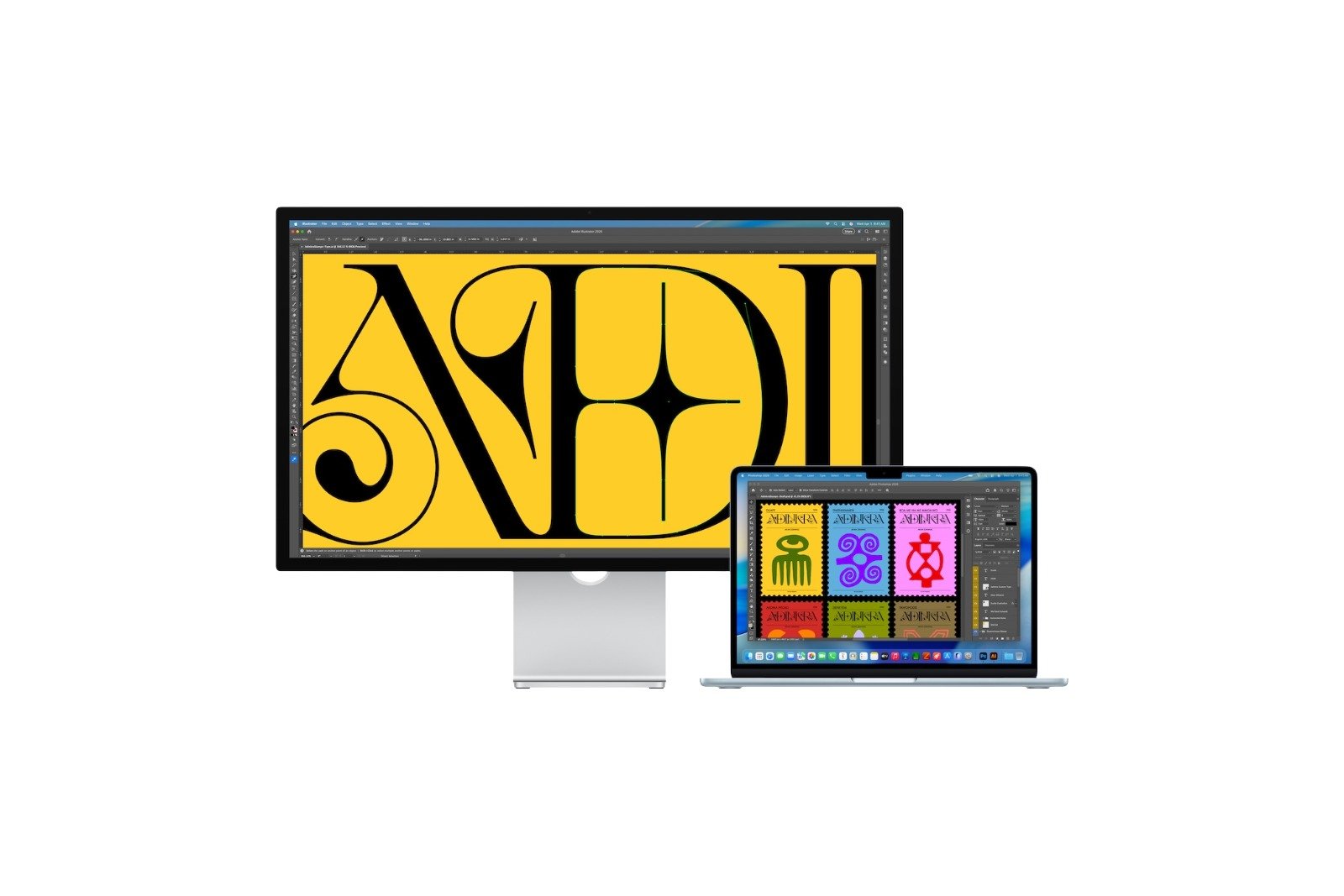
The MacBook Neo is one of the most unusual new releases in Apple's current lineup. Clearly aimed at price-conscious users, the laptop's starting price of €699 is significantly lower than most other Macs. At the same time, Apple is launching new displays that, according to the manufacturer, are ideally suited to the Mac ecosystem.
This quickly raises the question of how well the MacBook Neo works with the new monitors. A connection is possible in principle. However, there is a crucial technical limitation: the output is limited to 4K at 60 Hz, even if a monitor supports significantly higher resolutions or refresh rates. Apple confirmed this limitation to 9to5Mac.
Apple officially calls the redesigned Studio Display "the perfect companion for the Mac." In many cases, that's true. However, anyone planning to use a MacBook Neo as a work device and purchasing one of the new Studio Displays should be aware of a few technical details.
While the combination works in principle, the MacBook Neo's hardware imposes clear limitations on external video output. Additionally, there are further restrictions regarding ports and support for older Macs.
Compatibility between MacBook Neo and Studio Display
The MacBook Neo can be connected to Apple's new Studio Displays. Using it as an external monitor is therefore possible. However, the laptop's maximum image output is limited to:
- 4K resolution
- 60 Hz refresh rate
This limitation applies regardless of the technical capabilities of the connected display.
Apple has confirmed this limitation. Even though the display could handle more, the MacBook Neo cannot output more than 4K at 60 Hz.
Apple's new Studio Displays at a glance
Apple currently offers two different display models that differ in both price and technical specifications.
Studio Display
The regular Studio Display starts at €1,699. It offers the following features:
- 5K resolution
- Maximum refresh rate of 60 Hz
This means the display is primarily aimed at creative users and professional applications.
Studio Display XDR
The new Studio Display XDR is significantly more powerful and correspondingly more expensive.
- Starting price: 3,499 euros
- Resolution: 5K
- Maximum refresh rate: up to 120 Hz
The limitations of the MacBook Neo are particularly evident with this model. Although the display supports up to 120 Hz, the notebook can only output 4K at 60 Hz.
MacBook Neo connectivity options
The reason for this limitation lies in the device's hardware.
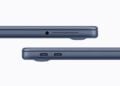
The MacBook Neo has two USB-C ports. However, they do not support the same functions.
Only one of these ports supports DisplayPort 1.4, which is required for connecting external monitors. The correct port is:
- the USB 3 port that is closest to the back of the device.
If an external monitor is to be used, it must be connected to this port. The display connection will not work if the other USB-C port is used.
No Thunderbolt and no daisy-chaining for multiple monitors
Another technical point concerns the lack of Thunderbolt support. The MacBook Neo does not support Thunderbolt. This results in additional limitations:
- Multiple monitors cannot be connected in series.
- So-called daisy-chain connections are not possible.
The device is therefore clearly designed for a simple setup with a single external monitor.
More affordable alternatives to Apple's Studio Displays
Since the MacBook Neo can only output 4K at 60 Hz anyway, many users are wondering about more sensible alternatives.
Apple positions the Studio Display as the ideal Mac monitor. However, there are significantly cheaper options for the MacBook Neo that deliver virtually the same results. Many manufacturers offer USB-C 4K monitors, for example:
- LG
- Dell
- Samsung
These displays can be used with the MacBook Neo without any problems and usually cost significantly less than Apple's own monitors.
Limitations for Macs with Intel chips
Another important point concerns older Macs. The new Studio Display and Studio Display XDR models are not compatible with Intel-based Macs. Therefore, anyone still using a Mac with an Intel processor cannot use these displays.
This means that Apple's new generation of displays is aimed exclusively at Macs with more recent Apple hardware.
- MacBook Neo: Why this Apple notebook is so important
- MacBook Neo vs. MacBook Air: The most important differences
- Studio Display vs. Studio Display XDR: All the differences
MacBook Neo and Studio Display: Compatible, but with clear limitations
The MacBook Neo is generally compatible with Apple's new Studio Displays. However, the combination does have some technical limitations. The most significant of these is the maximum image output of 4K at 60 Hz, even if a display supports higher resolutions or refresh rates.
Additional limitations include the single DisplayPort-enabled port and the lack of a Thunderbolt feature, which prevents multiple monitors from being daisy-chained.
Users of a MacBook Neo who want to connect an external display will often find that a USB-C 4K monitor from manufacturers like LG, Dell, or Samsung offers a significantly cheaper solution with comparable practical performance. (Image: Apple)
- Pentagon decision on Anthropic draws criticism
- macOS informs about USB-C limit on the MacBook Neo
- MacBook Neo: Why Apple chose this name
- New MacBook models will ship in Europe without a power adapter
- Apple Music introduces transparency tags for AI content
- Apple TV series "Stick" gets prominent reinforcements
- Apple's new Studio Displays use different chips
- Subscription apps: Why only a few apps are growing strongly
- iOS 26.3.1 & Co.: Apple releases new updates
- Apple expands its portfolio with seven new devices
- MacBook Neo: 8 GB RAM as the biggest compromise
- MacBook Neo: Why the Mac only supports one monitor
- MacBook Neo: More recycled materials than ever before
- MacBook Neo: Two USB-C ports with important differences
- MacBook Neo: Touch ID is only available at an extra cost
- MacBook Neo: Apple's new entry into the Mac world
- iPhone Security: Dangerous exploit toolkit in circulation
- M4 iPad Air: First Geekbench results have surfaced
- Studio Display XDR supports DICOM medical images
- Apple is promoting Mac gaming at GDC 2026
- Studio Display XDR: 120 Hz only with certain Macs
- Studio Display & Studio Display XDR without Intel support
- OpenAI: GPT-5.3 enables better dialogue