The Studio Display XDR features a mini-LED panel and a refresh rate of up to 120 Hz. On paper, this sounds like maximum performance for all current Apple devices. In practice, however, full 120 Hz support depends directly on the chip used. Many Macs and iPads can utilize the Studio Display XDR, but only achieve 60 Hz.
With the Studio Display XDR, the refresh rate is the key factor. 120 Hz ensures noticeably smoother motion, quieter scrolling, and an overall more fluid image. This can make a difference, especially in professional applications. However, Apple clearly distinguishes between devices that generally support the display and those that can actually output the full 120 Hz. Compatibility is broad, but maximum performance is not.
The Studio Display XDR and its 120 Hz
Technically, the Studio Display XDR uses Mini-LED technology. This technology enables precise backlighting and high brightness. Combined with a refresh rate of up to 120 Hz, the result is a display clearly aimed at demanding users.
The limitation applies exclusively to the refresh rate. All other display functions remain fully intact even at 60 Hz. This means that users of non-supported devices will not lose any features other than the higher refresh rate.
These Macs stay at 60 Hz
According to Apple, Macs with an M1, M1 Pro, M1 Max, M1 Ultra, M2, or M3 chip only support the Studio Display XDR at 60 Hz. This applies regardless of the chip's performance. Even an M1 Ultra or M1 Max doesn't fully utilize the 120 Hz refresh rate.
It is important to note that all other functions remain available. Resolution, brightness, and general compatibility remain unaffected. The limitation applies exclusively to the refresh rate.
These Macs support the full 120 Hz
For full 120Hz support, a Mac with a newer or more powerful chip is required. Specifically, Apple lists the following models: M2 Pro, M2 Max, and M2 Ultra, as well as M3 Pro, M3 Max, and M3 Ultra. Macs with M4, M4 Pro, or M4 Max chips are also fully compatible. Additionally, M5, M5 Pro, and M5 Max chips also support the maximum refresh rate.
Only with these chips can the Studio Display XDR be operated at 120 Hz.
macOS Tahoe 26.3.1 is required
All Macs with an Apple Silicon chip will be able to use the Studio Display XDR with the upcoming macOS Tahoe 26.3.1 update. Basic support is therefore available for all Apple Silicon models. Whether 60 Hz or 120 Hz is possible still depends on the specific chip.
Use with the iPad
iPads can also be used with the Studio Display XDR. A similar limitation applies here as with Macs.
The M5 iPad Pro supports a 120Hz display. All other compatible iPad models are limited to 60Hz. These include the M4 iPad Pro, the 12.9-inch iPad Pro (3rd to 6th generation), the 11-inch iPad Pro (1st to 4th generation), the iPad Air models with the M2, M3, or M4 chip, and the 5th generation iPad Air.
Basic display support remains, only the maximum refresh rate is limited.
The question is: Studio Display or Studio Display XDR?
For older Macs and iPads that do not support 120 Hz, there is little reason to prefer the more expensive Studio Display XDR to the standard Studio Display.
The Studio Display is available from €1,699. The Studio Display XDR, on the other hand, starts at €3,499. Without 120 Hz support, the practical advantage of the XDR model is significantly reduced, making the price difference harder to justify.
Pre-order and market launch
The Studio Display XDR can be pre-ordered from March 4th. The official market launch is scheduled for March 11th.
Which devices truly push the Studio Display XDR to its limits?
The Studio Display XDR is compatible with all Apple Silicon Macs once macOS Tahoe 26.3.1 is available. However, to take advantage of the advertised 120Hz refresh rate, you'll need at least a Mac with an M2 Pro, M2 Max, or M2 Ultra processor, or a newer Pro, Max, or Ultra model up to the M5. For iPads, only the M5 iPad Pro offers full 120Hz support.
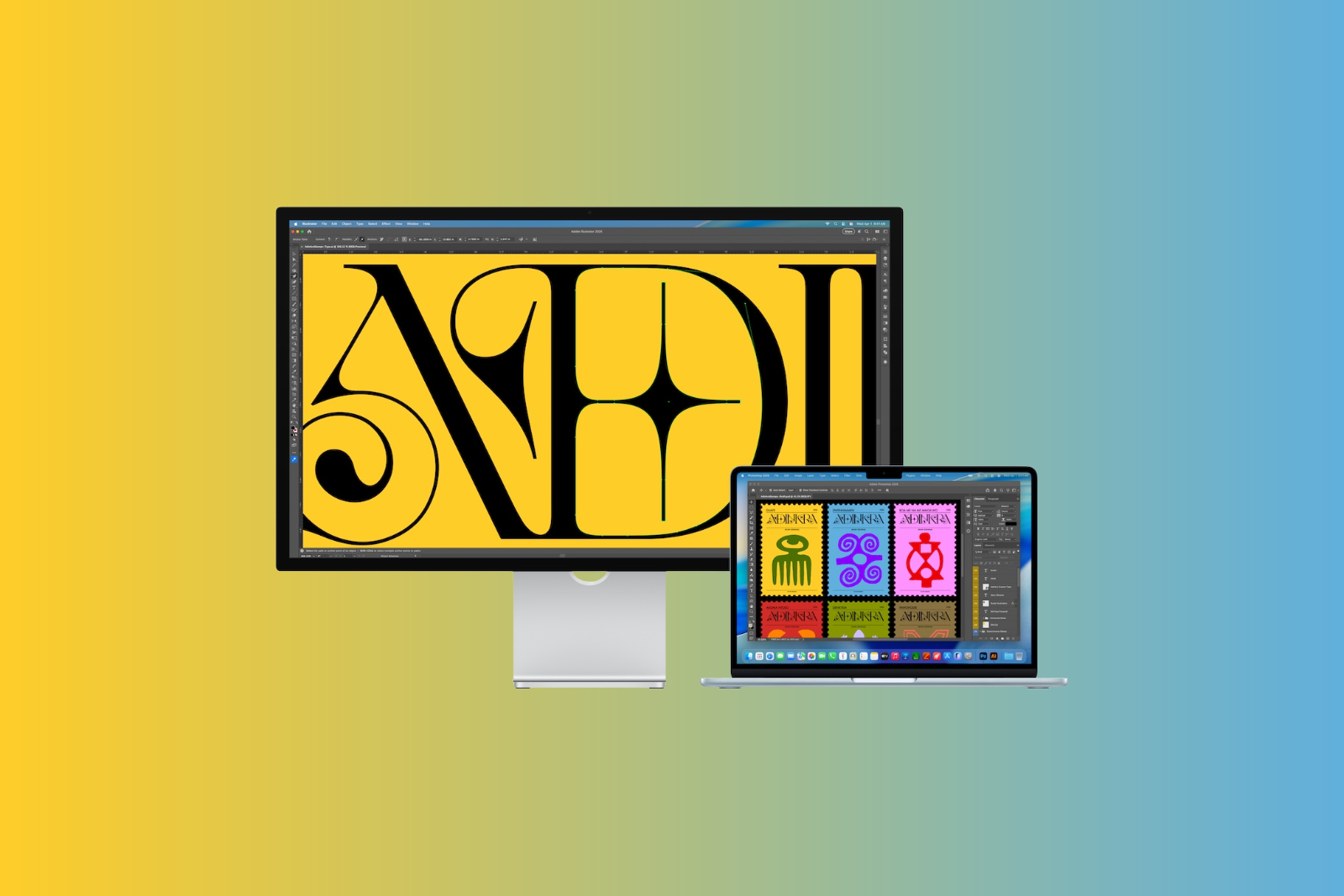
The chip used is therefore the primary factor determining whether the Studio Display XDR can fully utilize its key performance feature. (Image: Apple / Apfelpatient)
- Studio Display & Studio Display XDR without Intel support
- OpenAI: GPT-5.3 enables better dialogue
- Meta Ray-Ban: Data privacy nightmare revealed
- The Pro Display XDR is being discontinued
- MacBook Air M5: What the new generation brings
- MacBook Pro with M5 Pro & M5 Max officially unveiled
- Apple M5 Pro and M5 Max: More power for professionals
- Apple presents Studio Display & Studio Display XDR
- Apple TV: No third season for Palm Royale
- Anthropic simplifies AI migration with import tool
- Where is the file located? Offline Files knows the answer instantly
- iOS 26.4 Beta 3 is here: Next step towards release
- Paramount plans mega streaming service with HBO
- Apple unveils new accessories for spring 2026
- Will an iPhone 16e case also fit the iPhone 17e?
- iPad Air with M4 is here: Here's what the update offers
- The iPhone 17e is here: Here's what's inside the new model
- Apple TV impresses at international award ceremonies
- Anthropic: Claude climbs to number 1 in the App Store
- Apple Stores in the UAE temporarily closed
- Anthropic: Why download numbers are exploding right now
- ChatGPT is approaching 1 billion users per week
- „"Steve Jobs in Exile": The book about humiliation and discipline