Apple currently offers four iPad models: the 11th generation iPad, the iPad mini, the iPad Air with M4 processor, and the iPad Pro with M5 processor. All run iPadOS 26, but differ significantly in chip, display, features, and price. This buyer's guide highlights the actual differences and helps you choose the right one.
The iPad lineup in 2026 is more clearly structured than ever before. From the entry-level model at €379 to the professional tandem OLED tablet for over €1,000, there's a suitable device for every need. Apple has further narrowed the gap between models this year: The new iPad Air with M4 gets 12 GB of RAM, Wi-Fi 7, and a significantly faster chip – bringing it closer to the Pro than ever before. At the same time, the base iPad remains the only model without Apple Intelligence, which influences purchasing decisions in the entry-level segment.
The current iPad lineup in the Apple Store Germany:
- iPad (11th Gen, A16): from €379 – since March 2025
- iPad mini (A17 Pro): from €549 – since October 2024
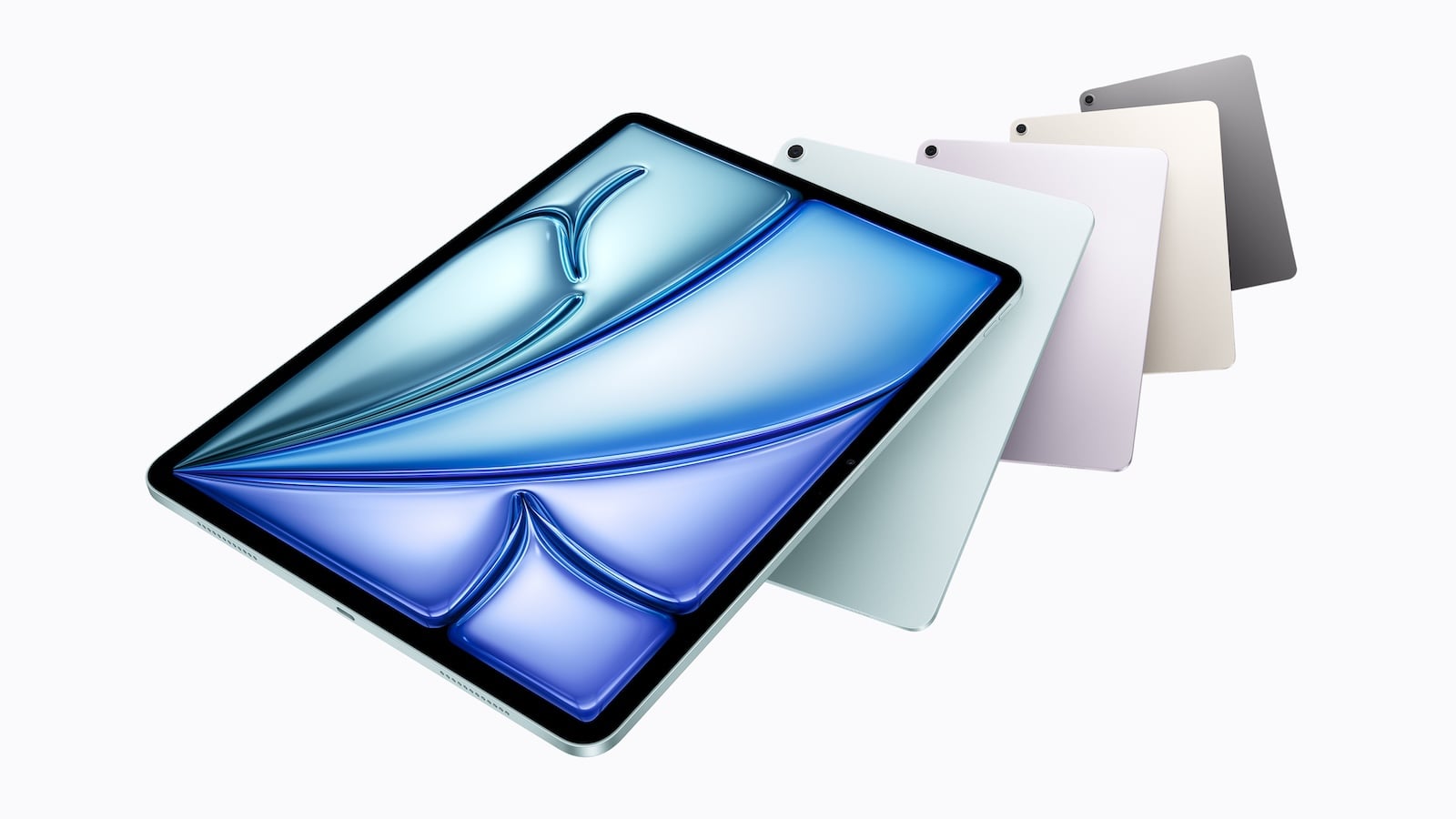
- iPad Air (M4): from €649 (11″) / from €849 (13″) – since March 2026
- iPad Pro (M5): from €1,099 (11″) / from €1,449 (13″) – since October 2025
There's a price difference of over €1,000 between the cheapest iPad and the most expensive iPad Pro. These models are aimed at completely different target groups – and that's precisely why it's worth taking a closer look at the actual differences.
Design and Display
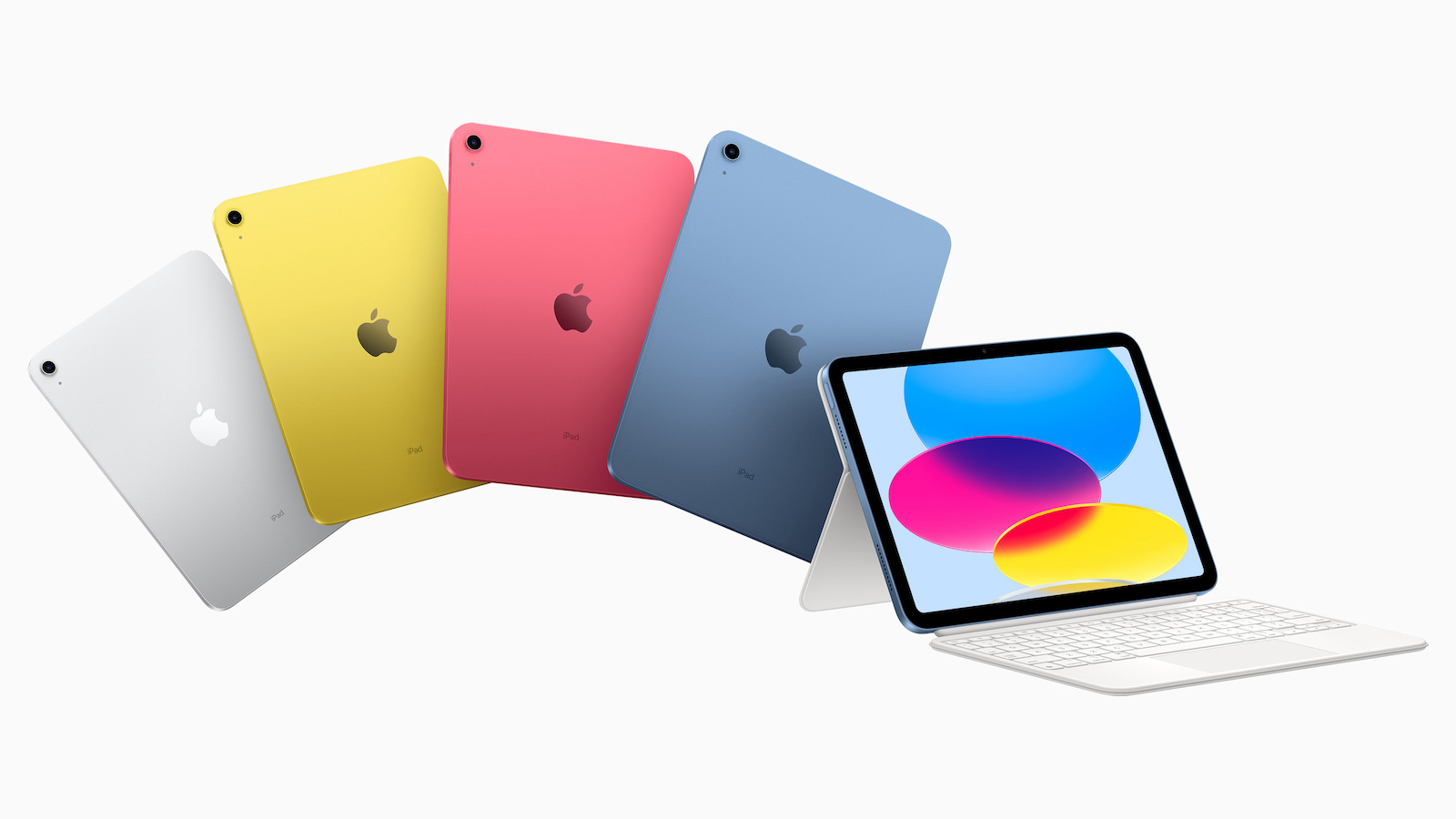
iPad (11th generation)
- 10.9-inch Liquid Retina display (IPS, LED backlight)
- 2,360 x 1,640 pixels at 264 ppi
- 500 nits brightness
- True Tone
- Not fully laminated, no P3 Wide Color, no anti-reflective coating
- Aluminum case in Silver, Blue, Pink and Yellow
- 7 mm thin, 477 g (Wi-Fi)
The base iPad is the only model in the lineup with a display that isn't fully laminated. This means there's a visible gap between the glass surface and the actual screen. In everyday use, this is hardly noticeable when typing or reading, but the difference is perceptible when drawing with the Apple Pencil.
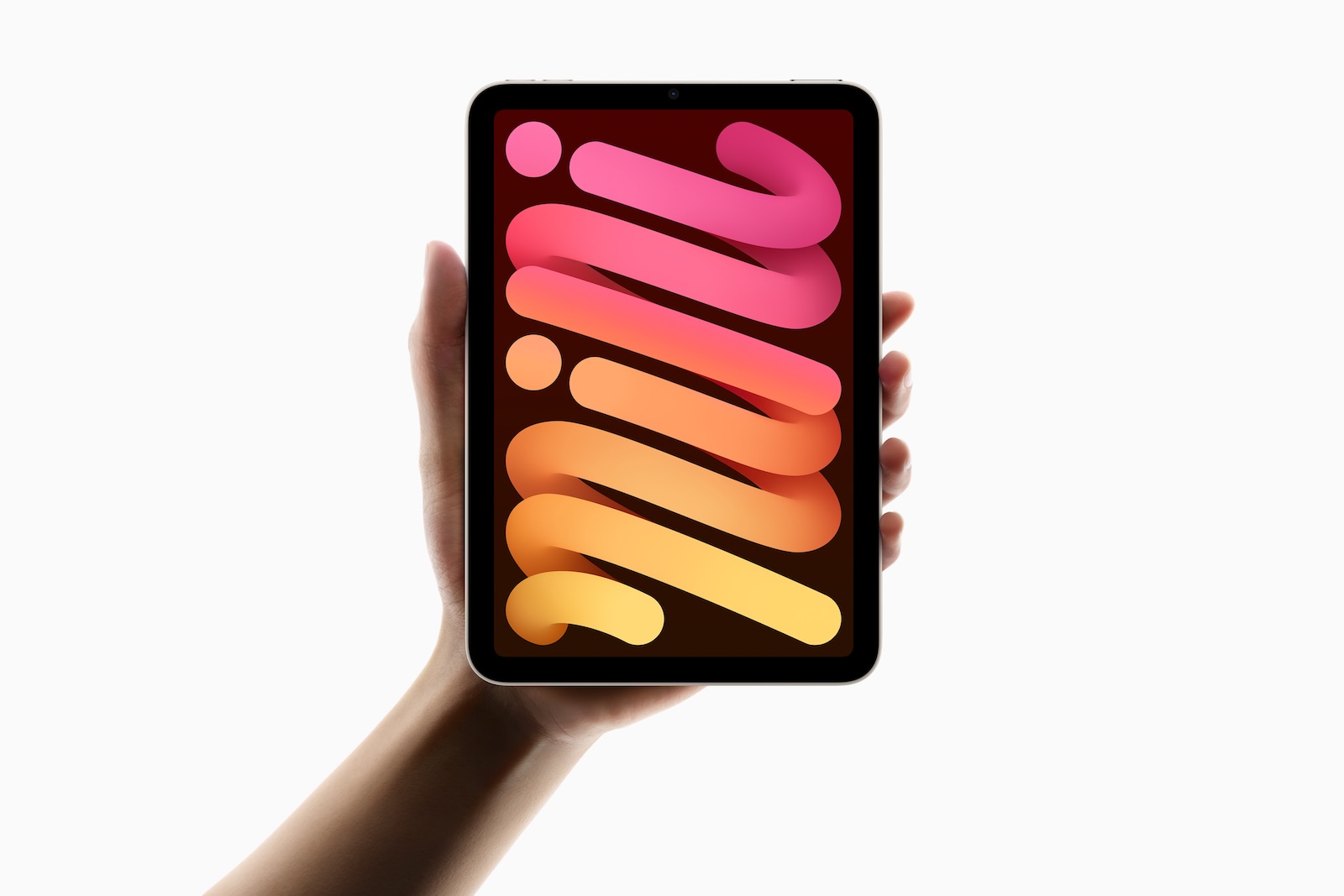
iPad mini
- 8.3-inch Liquid Retina display (IPS, LED backlight)
- 2266 x 1488 pixels at 326 ppi (highest pixel density of all iPads)
- 500 nits brightness
- P3 Wide Color, True Tone, fully laminated, anti-reflective coating
- Aluminum case in Blue, Violet, Starlight and Space Grey
- 6.3 mm thin, 293 g (Wi-Fi) – the lightest iPad
The iPad mini is Apple's most compact tablet and the only one that fits comfortably in a jacket pocket. Despite its small size, it has the highest pixel density in the entire iPad lineup.
iPad Air (M4)
- 11-inch or 13-inch Liquid Retina display (IPS, LED backlight)
- 500 nits (11″) or 600 nits (13″) brightness
- P3 Wide Color, True Tone, fully laminated, anti-reflective coating
- Aluminum case in Blue, Violet, Starlight and Space Grey
- 6.1 mm thin, 464 g (11″, Wi-Fi) or 616 g (13″, Wi-Fi)
Like its predecessor, the iPad Air offers a choice between two display sizes, making it the most versatile model for creative professionals who don't need a Pro.
iPad Pro (M5)
- 11-inch or 13-inch Ultra Retina XDR display (tandem OLED)
- ProMotion with adaptive refresh rate from 10 to 120 Hz
- SDR: 1,000 nits, XDR: 1,000 nits full screen, 1,600 nits peak brightness (HDR)
- 1 nit minimum brightness
- Contrast ratio 2,000,000:1
- P3 Wide Color, True Tone, fully laminated, anti-reflective coating
- Nanotexture glass option available on 1 TB and 2 TB models
- Aluminum case in Silver and Space black
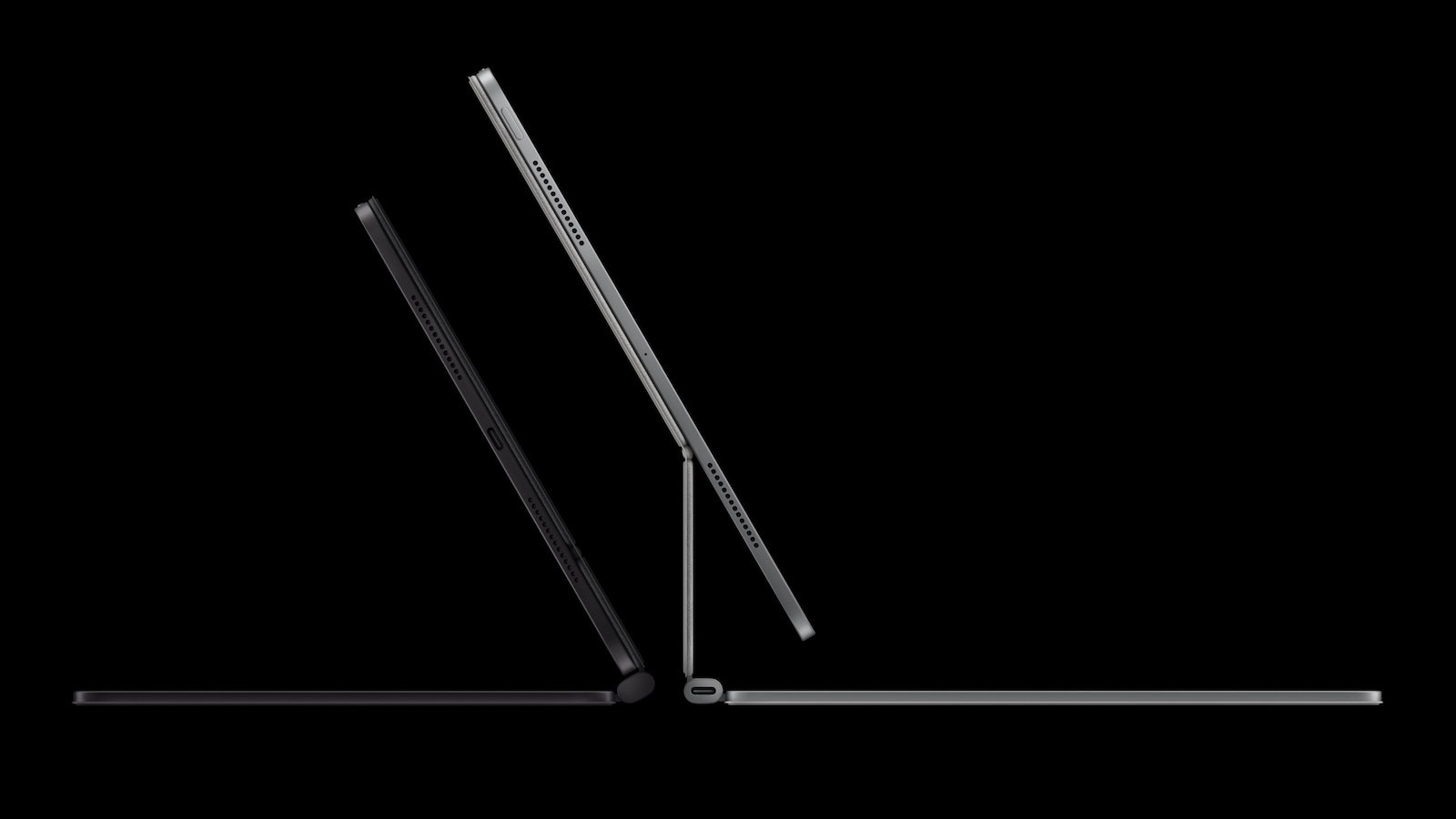
- 5.1 mm (13″) or 5.3 mm (11″) thin – the thinnest iPads ever
- 444 g (11″, Wi-Fi) or 579 g (13″, Wi-Fi)
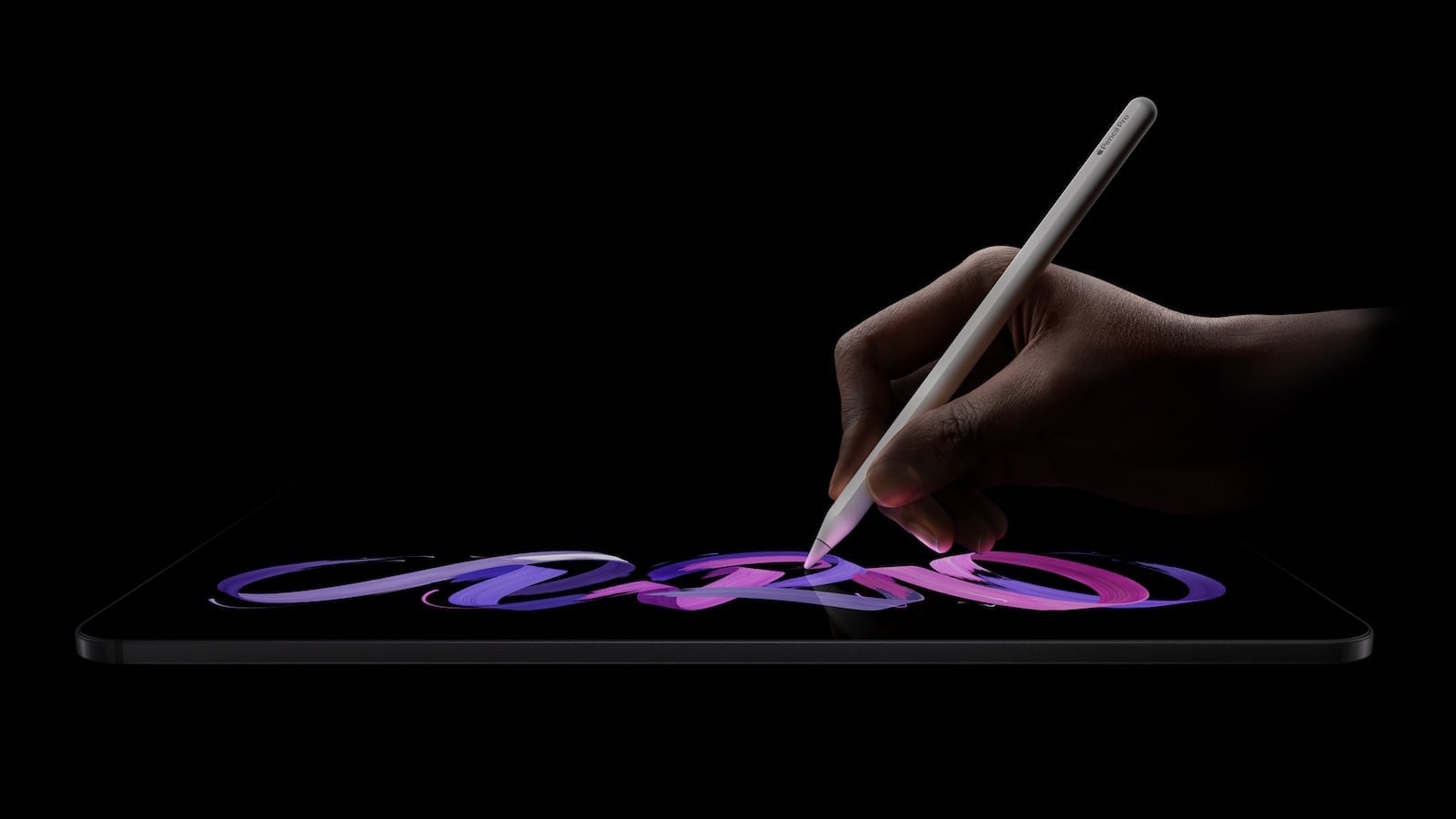
The iPad Pro is the only iPad with an OLED display. Its tandem OLED technology delivers deep blacks, extreme contrast, and HDR peak brightness at a level unmatched by any other tablet. ProMotion at 120Hz makes scrolling, drawing, and animation significantly smoother than on the 60Hz displays of other models.
Display Conclusion: The basic iPad is sufficient for media consumption and simple tasks. The mini offers the sharpest display in the smallest format. The Air, with its two sizes, covers everyday use and creative work. The Pro, with its tandem OLED display and 120Hz ProMotion, is the undisputed benchmark for anyone working professionally with images, video, or design.
Chip and Performance
| Model | Chip | CPU | GPU | RAM | Memory bandwidth |
|---|---|---|---|---|---|
| iPad (11th Gen) | A16 | 5-Core | 4-Core | 6 GB | n/a |
| iPad mini | A17 Pro | 6-Core (2P + 4E) | 5-Core | 8 GB | n/a |
| iPad Air (M4) | M4 | 8-Core (3P + 5E) | 9-Core | 12 GB | 120 GB/s |
| iPad Pro (M5) | M5 | 9/10-Core | 10-Core | 12/16 GB | 153 GB/s |
The performance difference between the models is significant. The iPad with the A16 chip handles everyday tasks with ease – browsing, streaming, emails, and simple games. It's sufficient for more demanding tasks like multitasking with multiple apps or light image editing, but reaches its limits with computationally intensive workflows.
Despite its compact size, the iPad mini with A17 Pro is surprisingly powerful. It supports Apple Intelligence and offers enough performance for everyday mobile use.
The iPad Air with M4 represents a significant leap forward. With 12GB of RAM and the M4 chip, it handles video editing in iMovie, photo editing in Lightroom, multitasking with Stage Manager, and even lighter professional workflows. It's more than sufficient for most users.
The iPad Pro with M5 processor is the top performer. The 1TB and 2TB models feature a 10-core CPU and 16GB of RAM. They also include a dedicated media engine for hardware-accelerated 8K video, ProRes, and ProRes RAW. For professional video production, 3D rendering, and CAD applications, the Pro is the only true choice.
Performance summary: For everyday use, the A16 or A17 Pro are sufficient. For creative work and productivity, the M4 in the Air offers the best value for money. The Pro with M5 is only necessary for professional workflows involving 8K video, ProRes, or complex 3D applications.
Apple Intelligence
An important point to consider when making a purchase decision: Not all iPads support Apple Intelligence.
| Model | Apple Intelligence |
|---|---|
| iPad (11th Gen, A16) | No |
| iPad mini (A17 Pro) | Yes |
| iPad Air (M4) | Yes |
| iPad Pro (M5) | Yes |
The 11th generation iPad with the A16 chip is the only current iPad without Apple Intelligence. Those who want to use the writing tools, Image Playground, Genmoji, smart summaries, and the improved Siri must opt for at least the iPad mini or iPad Air.
For anyone who wants to use Apple Intelligence in the long term, this is a crucial criterion against the basic iPad.
Apple Pencil Support
| Model | Apple Pencil Pro | Apple Pencil (USB-C) | Apple Pencil (1st Gen) | Hover |
|---|---|---|---|---|
| iPad (11th Gen) | No | Yes | Yes (with adapter) | No |
| iPad mini | Yes | Yes | No | Yes |
| iPad Air (M4) | Yes | Yes | No | Yes |
| iPad Pro (M5) | Yes | Yes | No | Yes |
The Apple Pencil Pro offers additional features compared to the Apple Pencil (USB-C): haptic feedback, a pinch gesture for switching tools, the "Rotate" function for precise control, and improved "Find My" search. To use the full functionality of the Pencil, you need at least an iPad mini, iPad Air, or iPad Pro.
Connectivity and Ports
| Model | USB | Wi-Fi | Bluetooth | Cellular |
|---|---|---|---|---|
| iPad (11th Gen) | USB-C 2.0 (480 Mbit/s) | WLAN 6 | 5.3 | Qualcomm |
| iPad mini | USB-C 3.0 (10 Gbit/s) | WLAN 6E | 5.3 | Qualcomm |
| iPad Air (M4) | USB-C 3.0 (10 Gbit/s) | WLAN 7 (N1 Chip) | 6 | Apple C1X |
| iPad Pro (M5) | Thunderbolt/USB 4 (40 Gbit/s) | WLAN 7 (N1 Chip) | 6 | Apple C1X |
The iPad Air and iPad Pro use Apple's own N1 chip for wireless networks with Wi-Fi 7 and Bluetooth 6. The base iPad is limited to Wi-Fi 6 and USB 2.0 – a significant disadvantage for data transfer.
The iPad Pro is the only model with Thunderbolt/USB 4, which enables transfer rates of up to 40 Gbit/s and facilitates connection to professional peripherals such as external displays, storage devices and audio interfaces.
All models use eSIM technology in the cellular version – physical SIM cards are no longer supported. All cellular models offer 5G.
Biometric security
| Model | Unlocking |
|---|---|
| iPad (11th Gen) | Touch ID (top button) |
| iPad mini | Touch ID (top button) |
| iPad Air (M4) | Touch ID (top button) |
| iPad Pro (M5) | Face ID (TrueDepth Camera) |
The iPad Pro is the only model with Face ID. It recognizes faces even when the iPad is held in landscape orientation. All other iPads use Touch ID in the top button. Additionally, the iPad Pro has a LiDAR scanner for augmented reality and precise depth measurement.
Camera and Audio
All four models have a 12MP rear camera and a 12MP front camera with Center Stage. The iPad Pro additionally offers an adaptive True Tone flash on the back and a LiDAR scanner.
There are differences in the sound:
- iPad (11th Gen): Stereo speakers in landscape orientation
- iPad mini: Stereo speakers in landscape orientation
- iPad Air (M4): Stereo speakers in landscape orientation
- iPad Pro (M5): 4-speaker audio with a ring of four studio-quality microphones
The Pro version has a significantly better audio system – both for media consumption and for professional audio and video recordings.
Battery and Charging
According to Apple, all four models offer up to 10 hours of web browsing or video playback via Wi-Fi. The cellular models offer up to 9 hours over a mobile data network.
The iPad Pro is the only model that offers fast charging: up to 50 percent in approximately 30 minutes with a 60W power adapter or higher – sold separately.
Which model is right for whom?
iPad (11th Gen, A16) – from €379 – the right choice if:
- Looking for an affordable tablet for streaming, browsing, emails and simple tasks.
- Apple Intelligence plays no role
- The iPad is mainly used on the sofa, in the kitchen, or as a family tablet.
- Children need their own tablet for school
- The budget should remain below 500 euros.
iPad mini (A17 Pro) – from €599 – the right choice if:
- Looking for a compact, lightweight tablet for on the go?
- Apple Intelligence is desired on the smallest iPad
- The device is used in professions such as medicine, aviation, or field service.
- Handwritten notes should be taken with the Apple Pencil Pro in a small format
- A handy tablet is needed for reading, traveling and everyday mobile use.
iPad Air (M4) – from €649 – the right choice if:
- Looking for a high-performance tablet for studies, office work and creative work.
- The choice between an 11-inch and a 13-inch display is important.
- Apple Intelligence, WLAN 7 and 12 GB RAM are desired.
- Video editing, image editing or multitasking is done with Stage Manager
- The best price-performance ratio in the iPad lineup is being sought.
- The Apple Pencil Pro should be used with all its functions
iPad Pro (M5) – from €1,199 – the right choice if:
- Professional video production, 3D rendering or CAD applications are operated.
- An OLED display with 120 Hz ProMotion and HDR peak brightness is required.
- Face ID and LiDAR scanner are required
- Thunderbolt/USB 4 is important for external displays and peripherals.
- Four-speaker audio and studio-quality microphones are required.
- ProRes video recording and hardware-accelerated 8K video are required.
- The best possible iPad without compromise is being sought.
All differences at a glance
| Feature | iPad (11th Gen) | iPad mini | iPad Air (M4) | iPad Pro (M5) |
|---|---|---|---|---|
| Price from | 379 € | 549 € | €649 (11″) / €849 (13″) | €1,099 (11″) / €1,449 (13″) |
| Display | 10.9″ Liquid Retina | 8.3″ Liquid Retina | 11″ / 13″ Liquid Retina | 11″ / 13″ Ultra Retina XDR |
| Display technology | IPS (LED) | IPS (LED) | IPS (LED) | Tandem OLED |
| ProMotion (120 Hz) | No | No | No | Yes |
| Brightness | 500 nits | 500 nits | 500 / 600 nits | 1,000 nits SDR / 1,600 nits HDR |
| Chip | A16 | A17 Pro | M4 | M5 |
| RAM | 6 GB | 8 GB | 12 GB | 12 / 16 GB |
| Apple Intelligence | No | Yes | Yes | Yes |
| Apple Pencil Pro | No | Yes | Yes | Yes |
| Unlocking | Touch ID | Touch ID | Touch ID | Face ID |
| LiDAR | No | No | No | Yes |
| USB | USB-C 2.0 | USB-C 3.0 | USB-C 3.0 | Thunderbolt / USB 4 |
| Wi-Fi | WLAN 6 | WLAN 6E | WLAN 7 | WLAN 7 |
| Bluetooth | 5.3 | 5.3 | 6 | 6 |
| 5G Cellular | Optional | Optional | Optional | Optional |
| Speakers | Stereo | Stereo | Stereo | 4 speakers |
| Battery | Up to 10 hours | Up to 10 hours | Up to 10 hours | Up to 10 hours |
| Fast charging | No | No | No | Yes |
| Memory | 128 / 256 / 512 GB | 128 / 256 / 512 GB | 128 / 256 / 512 GB / 1 TB | 256 / 512 GB / 1 / 2 TB |
| Weight (smallest model) | 477 g | 293 g | 464 g | 444 g |
| Colors | 4 | 4 | 4 | 2 |
Which iPad is really worth it in 2026?
The iPad Air with M4 is the best-value iPad of 2026. With the M4 chip, 12GB of RAM, Apple Intelligence, Wi-Fi 7, and a choice of 11- or 13-inch screens, it covers everything students, creatives, and professionals need in their daily lives. It's powerful enough for video editing and photo manipulation, fully supports the Apple Pencil Pro, and costs significantly less than the Pro.
The iPad Pro with M5 only justifies its higher price for those who truly need the tandem OLED display with ProMotion, Thunderbolt, Face ID, LiDAR, and ProRes video. For professional workflows in video, design, and 3D, it's unrivaled. For everyone else, the Air is the better investment.
The iPad mini occupies a niche that no other Apple tablet can fill. It's the only iPad that's truly portable – light enough for a jacket pocket, powerful enough for Apple Intelligence and the Apple Pencil Pro.
The base iPad remains the most affordable entry-level model, but its lack of Apple Intelligence and incompletely laminated display have clear limitations. Nevertheless, it's a solid choice for simple everyday tasks and as a family tablet – especially on a budget. The best products for you: Our Amazon storefront offers a wide selection of accessories, including those compatible with HomeKit. (Image: Apple)
- Apple Watch Buying Guide: Ultra 3 vs. Series 11 vs. SE 3
- MacBook Air vs. MacBook Pro 2026: Which is worth it?
- Apple AI Pin: All the info on the new wearable
- iPhone 17 vs. iPhone 17 Pro: Which model is really worth it?
- Apple is reportedly preparing six new products
- iPhone Fold: All rumors and facts at a glance
- Apple radically restructures its iPhone lineup: All the details
- AirPods Max 2: All audio improvements at a glance
- AirPods Max 2: New feature for the Digital Crown
- AirPods Max 2 overview: What's stayed the same
- AirPods Max 2 vs. AirPods Max 1: All the differences in detail
- iOS 27: These are the new features Apple is planning for the iPhone
- M6 MacBook Pro: Apple plans major changes
- Apple 2026: These new devices are still expected
- MacBook Neo changes the role of the iPad as a laptop replacement
- Apple TV 2026: Why Apple prefers to wait rather than rush into delivery
- MacBook Neo: Why this Apple notebook is so important
- MacBook Neo vs. MacBook Air: The most important differences
- Studio Display vs. Studio Display XDR: All the differences
- M5 MacBook Air vs. M4 MacBook Air: The differences
- iPhone 17e vs. iPhone 16: Which one is worth it?
- iPhone 17e vs. iPhone 16e: All the differences
- M4 iPad Air vs. M3 iPad Air: All the differences
- iPhone 17e vs. iPhone 17: The most important differences
Frequently Asked Questions: iPad Buying Guide
The iPad Air with M4. It offers a powerful M4 chip, 12 GB of RAM, Apple Intelligence, Wi-Fi 7, Apple Pencil Pro support, and a choice of 11-inch and 13-inch screens – starting at €649. For most users, it covers everything needed for everyday life, studies, and work.
No. The 11th generation iPad with the A16 chip is the only current iPad without Apple Intelligence. To use the writing tools, Image Playground, Genmoji, and the improved Siri, you need at least an iPad mini, iPad Air, or iPad Pro.
The biggest differences are the display and performance. The iPad Pro has a tandem OLED display with 120Hz ProMotion, HDR peak brightness of 1,600 nits, and a contrast ratio of 2,000,000:1. It also features Face ID, a LiDAR scanner, Thunderbolt/USB 4, four-speaker audio, and ProRes video recording. The Air uses a 60Hz Liquid Retina display and Touch ID.
The iPad mini is ideal for anyone looking for a compact, lightweight tablet that fits in a jacket pocket. It supports Apple Intelligence and the Apple Pencil Pro, weighs just 293 grams, and boasts the highest pixel density of any iPad at 326 ppi. It's especially popular with commuters, in the medical field, and for taking handwritten notes on the go.
The iPad Air with M4 is perfectly adequate for video editing in iMovie or LumaFusion and image editing in Lightroom or Affinity Photo. Those who work professionally with ProRes, 8K video, or CAD software need the iPad Pro with M5 and its dedicated media engine.
Yes, all four current models use USB-C. However, the speeds differ significantly: The iPad (11th generation) transfers data using USB 2.0 (480 Mbit/s), the iPad mini and iPad Air using USB 3.0 (10 Gbit/s), and the iPad Pro using Thunderbolt/USB 4 (40 Gbit/s).
The Apple Pencil Pro is supported by the iPad mini (A17 Pro), iPad Air (M4), and iPad Pro (M5). The 11th generation iPad is only compatible with the Apple Pencil (USB-C) and the Apple Pencil (1st generation, with adapter) – not with the Pencil Pro.