
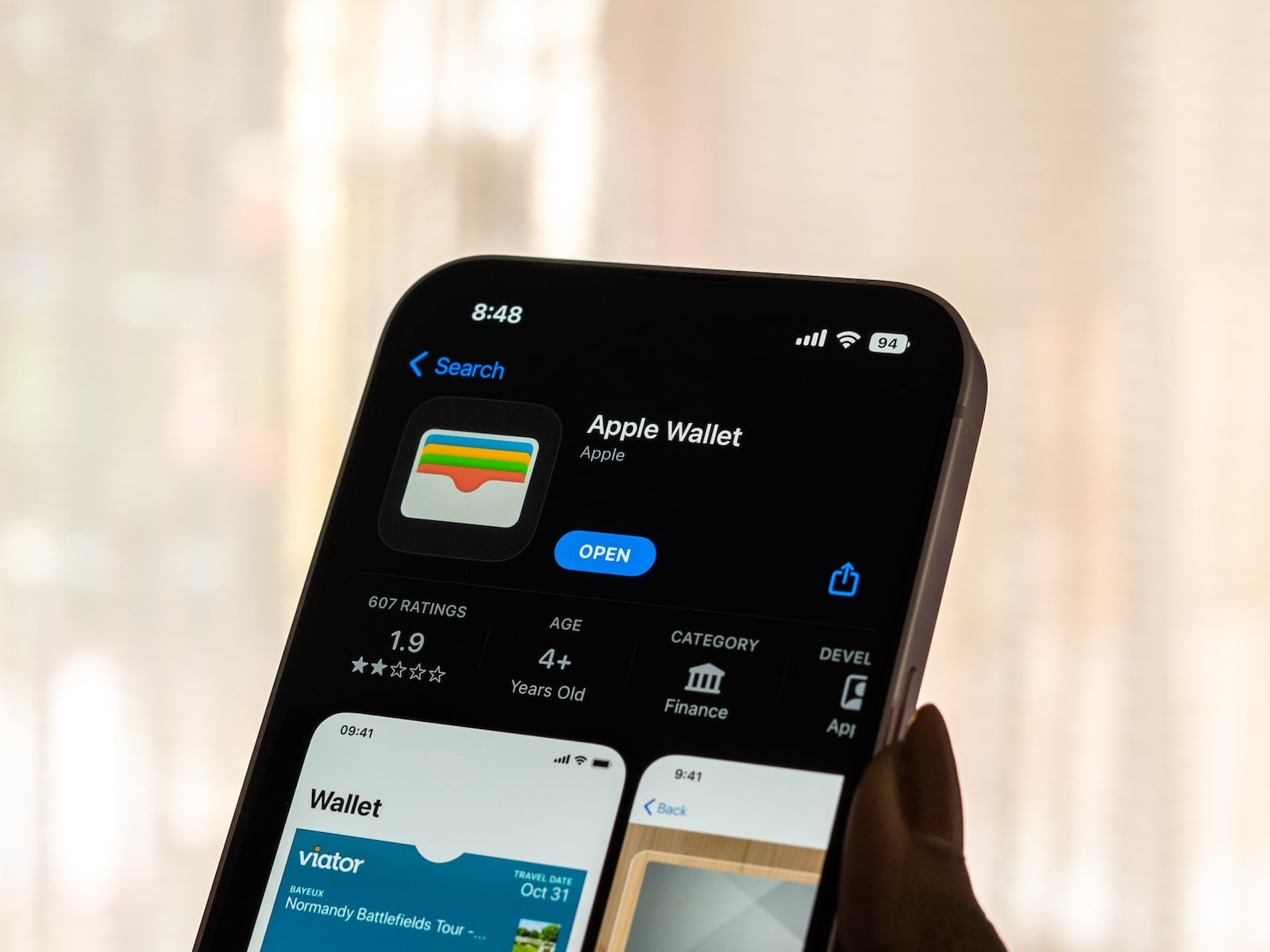
Bloomberg has revealed new details about one of the most exciting iOS 27 features: Apple Wallet will reportedly get "Create a Pass," allowing users to create their own digital passports directly from QR codes. This brings Apple into line with third-party apps that have previously filled this gap.
We've all been there – the gym uses its own app, the movie theater sends tickets by email, the local ice cream parlor prints out a cardboard stamp card. Until now, Apple Wallet could only digitally collect this variety of services if the respective provider actively participated. With iOS 27, this could fundamentally change.
Back in mid-April, hints of four new iOS 27 features, including a specific Wallet upgrade, surfaced in Apple's backend code. Bloomberg reporter Mark Gurman has now confirmed this feature with significantly more details. Called "Create a Pass," it closes a functionality gap that Google Wallet has been addressing since August 2024. The official unveiling is expected at WWDC 2026 on June 8th.
This is how "Create a Pass" works
Access to the new feature is exactly where iPhone users already add cards to Wallet: via the "+" icon in the top right corner of the app. Instead of just scanning credit cards or existing compatible passports, an additional option is available: creating your own passport.
The process is incredibly simple. If an admission ticket, pass, or membership card has a QR code, the iPhone scans it and creates a digital pass. If a QR code is missing, the pass can also be created completely from scratch. This bridges the gap between Apple Wallet and all those event organizers, studios, or businesses whose tickets are not yet compatible with Wallet.
Three template categories, each with its own color scheme
Apple has divided the feature into three templates, each with its own color. The orange standard template serves as a universal solution for all passport types that don't fall into a more specific category. The blue membership template is intended for memberships, such as gym or club memberships. The purple event template is for tickets to concerts, movies, sporting events, and similar occasions.
Within these templates, images, colors, styles, and text can be customized. This allows each user to decide which information is visible on their pass and how it looks. Those who prefer a neat and organized design can create a pass that seamlessly integrates with the existing Wallet features in iOS 26.
A long overdue response to third-party solutions
For years, the App Store has offered apps that provide this exact functionality – with varying degrees of success. Those wanting to manage multiple passports had to rely on tools like Wallet Creator or Pass2U. While these generally work, they aren't always reliable and lack the seamless system integration that Apple users are accustomed to from its own Wallet app.
With the native solution, this workaround disappears. The classic Wallet tips for boarding passes, payment cards, and the like can now also be applied to self-created passes – including sorting, lock screen access, and Apple Watch integration. This very ecosystem-wide effect has been one of the main points of criticism so far: third-party passes often behave differently than those issued by Apple and don't always appear where you expect them to.
A piece of the puzzle in a larger iOS 27 strategy
"Create a Pass" is just one of the many features expected with iOS 27. While the redesigned Siri with its new look and the extension system for third-party AI attract the most attention, Wallet is more about practical everyday improvements. Features such as Undo and Redo for the Home Screen or new AI tools in the Photos app also show that Apple is designing iOS 27 as an update with many small, targeted improvements.
Those waiting for the new Wallet feature should also keep in mind that iOS 27 will no longer run on all current iPhones. Apple will announce the exact minimum requirements at WWDC.
When "Create a Pass" will be available
The official unveiling will take place during the WWDC keynote on June 8th. The first developer beta should be available immediately afterward, with the public beta following traditionally in July. The final version of iOS 27 will be released in September for all compatible iPhones – as usual, around the time of the new iPhone generation's launch.
Until then, it remains unclear whether "Create a Pass" will be available in all regions at launch or initially limited to certain markets. It is also unknown whether the feature will seamlessly integrate with existing passport standards such as PKPASS files.
Apple's wallet strategy is taking shape
With "Create a Pass," Apple is taking a logical step: away from simply aggregating other people's passes and toward actively allowing users to create their own digital cards. Wallet is thus becoming less of a mere repository and more of a flexible tool for everyday digital life. Anyone who regularly receives tickets, membership cards, or event passes in paper or PDF format should find this a significant relief – and this has been one of the most frequently requested features of the app for years. (Image: Shutterstock / sdx15)
- iPhone "Glasswing": Apple plans liquid glass-inspired redesign for 2027
- watchOS 27: Apple brings the Modular Ultra to all Apple Watches
- iPhone Pro 2027: Anniversary design instead of a separate model
- iPhone 18 Pro: Apple apparently planning an aggressive pricing strategy
- Apple Glasses are expected to support gesture control
- Vision Pro: Apple is said to have abandoned the project
- iPad Ultra: Apple is said to have abandoned the plans
- iPhone 18 Pro: Biggest camera upgrades ever
- iOS 27: Camera app gets its own Siri mode
- Apple is reportedly discussing the future of MagSafe internally
- iOS 27: Photos app to get three new AI features
- Liquid Glass iPhone: This is what Apple's anniversary model could look like
- Apple is planning two new Ultra products: iPhone Ultra and MacBook Ultra
- Ming-Chi Kuo: OpenAI is building an AI agent smartphone with Luxshare and MediaTek
- Apple's AI strategy brings three new Hardware categories
- Giant iPad Fold: Will it even be released?
- According to a leak, the iPhone 18 will get an important Pro feature
- Anniversary iPhone 2027: Samsung delivers micro-curved OLED Display
- Apple is working on six completely new product categories
- iPhone 18 Pro Max: Dummy shows thicker camera unit
- iPhone Ultra Dummy: How it compares to the iPad mini and iPhone 17 Pro Max
- iPhone 18: Display and chip reportedly receive downgrades according to leak