
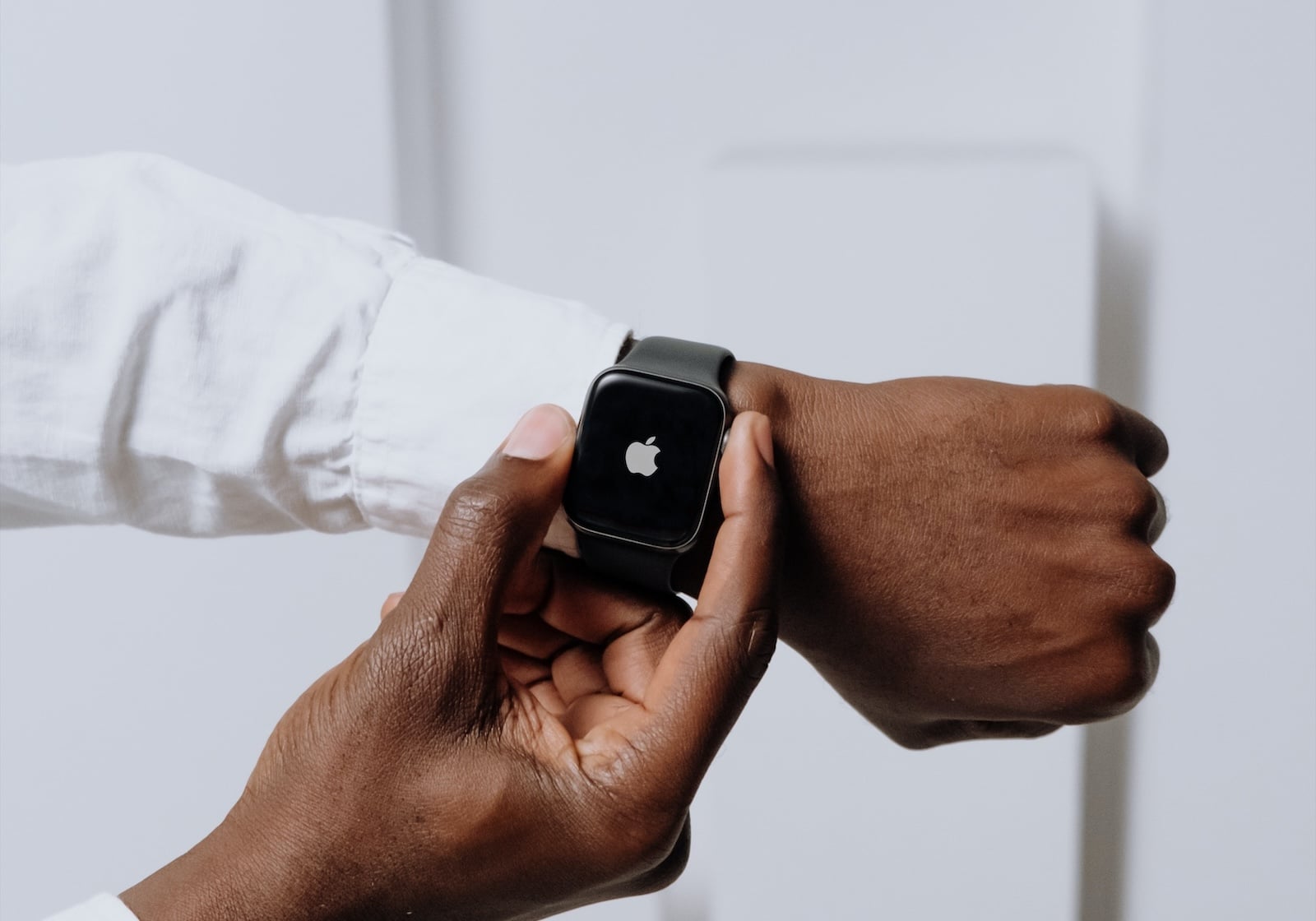
Apple has unveiled watchOS 27 – and this time focuses less on the headlines and more on the details. A dynamic app grid, a new finger gesture, and a whole host of fitness, sleep, and battery improvements make the Apple Watch more seamless for everyday use, without any single feature overshadowing everything else.
Following last year's visually driven leap, watchOS 27 clearly focuses on usability, efficiency, and health data. The system builds on the innovations introduced by watchOS 26 last fall and now addresses precisely the areas where the watch falls short in everyday use: how to quickly access the right app, how to operate it with one hand, and how accurately workout and sleep data are tracked. Apple unveiled watchOS 27 at WWDC 2026 – alongside iOS 27, which also introduces new CarPlay video capabilities and a completely redesigned Siri. The developer beta is already available, the public beta will follow in July, and the final version will be released in the fall.
Dynamic app grid and a new gesture
The most noticeable change to the interface is a redesigned, dynamic app grid. It displays five apps that automatically move to the foreground and rearrange themselves depending on the context and usage patterns. An icon in the lower center provides access to the full app overview.
A new tap gesture has also been added: A single tap with the index finger and thumb allows you to select a widget in the Smart Stack. This also works when the other hand is occupied, for example, when carrying a shopping bag or holding the handlebars.
The Smart Stack is thinking more proactively
Apple is expanding the suggestions in Smart Stack, so that context-related widgets appear more frequently and are more relevant. These include reminders for the birthdays of close contacts, a map showing the location of a parked car, automatic adjustments to the sleep alarm before selected holidays, and checking the balance on a stored transit card.
Your own passports and wallet directly on your wrist
In the Wallet app, users will soon be able to create custom passes for any membership or card that uses a QR code or barcode - such as a library card. These passes are created on the iPhone and can then be accessed directly from the Wallet app on the Apple Watch or as an attached item in the Smart Stack. Transit passes and ID cards will also appear in the Smart Stack, and balances on stored cards can now be viewed in the Wallet app.
Workout Buddy becomes more independent
The Workout Buddy training companion is getting new, data-driven motivational features. It provides progress updates on pace, distance, and workout duration, derived from your fitness history. Most importantly, Workout Buddy will now work even without an iPhone nearby – the watch will continue to motivate you even if your phone is at home or in your locker. Additionally, Workout Buddy is now available in Spanish, so Spanish-speaking users will receive personalized tips in their language.
More detailed fitness and sleep data
For indoor runs and walks, watchOS 27 measures distance more accurately. Improved motion algorithms track the route on the treadmill directly from the wrist, without requiring a connected iPhone. Route maps in the Fitness app are also more precise, showing the actual workout route in greater detail afterward.
Sleep tracking is also expected to become more precise, although Apple has yet to disclose the specific technical changes involved. Additionally, the update fixes a synchronization error with step counting: Steps recorded in the Health app are now directly synced with the Fitness app.
Find My, call context, and improved Liquid Glass
Find My has been completely redesigned and now features a more map-centric layout. The previously separate areas for finding devices, people, and objects are now combined into a single, unified view.
Also new is a feature called Call Context: During a call with a business, the watch can display relevant information from other apps – for example, a verification code from the Mail app when calling an airline. Apple has also improved readability with the Liquid Glass look: more even light refraction and stronger contrasts should make content appear clearer.
Speed, battery and many small adjustable parameters
Beneath the surface, watchOS 27 bundles numerous detailed improvements: Music playback starts faster, app extensions open more quickly, the Wi-Fi connection is more stable, and water detection is more efficient. Battery life is improved with suggested optimizations, and support for guest keys and the aforementioned ability to view card balances in Wallet are also added. The settings interface in the Apple Watch app on the iPhone also receives a new design.
A software year for the Apple Watch
watchOS 27 is an update that draws its strength from the sum of many small improvements, not from a single flagship feature. This aligns with the hardware situation: Reports indicate a rather subdued year for the expected Apple Watch Series 12, meaning the most noticeable innovations will come from software in 2026. Those using a compatible Apple Watch can expect the final version as a free update this fall – following the public beta in July. (Image: Shutterstock / Keshan De Mel)
- CarPlay gets video apps and the new Siri with iOS 27
- Private Cloud Compute: Apple's AI now performs calculations at Google
- Siri AI is free – iCloud+ raises AI daily limits
- iOS 27 and more: The new features beyond the WWDC stage
- iOS 27 cleans up the AirPods settings
- iOS 27: Evidence of the foldable iPhone is mounting
- Xcode 27 and new AI frameworks for developers
- tvOS 27: These are the new features for Apple TV
- iOS 27, macOS 27 and more: Apple launches the Developer Betas
- App Store: Apple gives developers new tools
- Apple expands parental controls with new features
- Siri AI in the EU: DMA delays launch on iPhone and iPad
- Apple Intelligence: The next generation is here
- Siri AI: Apple introduces the completely redesigned assistant
- Tim Cook gets in the mood for WWDC with a "Good Morning" video.
- Gemini could become the upper limit for Apple's AI ambitions
- UK is demanding that Apple implement a feature that already exists
- UK threatens tech executives with jail if children can see nude images
- Epic Games counters Apple's move before the Supreme Court
- Apple Arcade: Nine new games in June and July
- App Store: Ecosystem reaches $1.4 trillion
- Apple TV shows the trailer for "Lucky" starring Anya Taylor-Joy
- Apple opens Europe's first Developer Center in Berlin
- Apple discloses revenue figures in India antitrust dispute