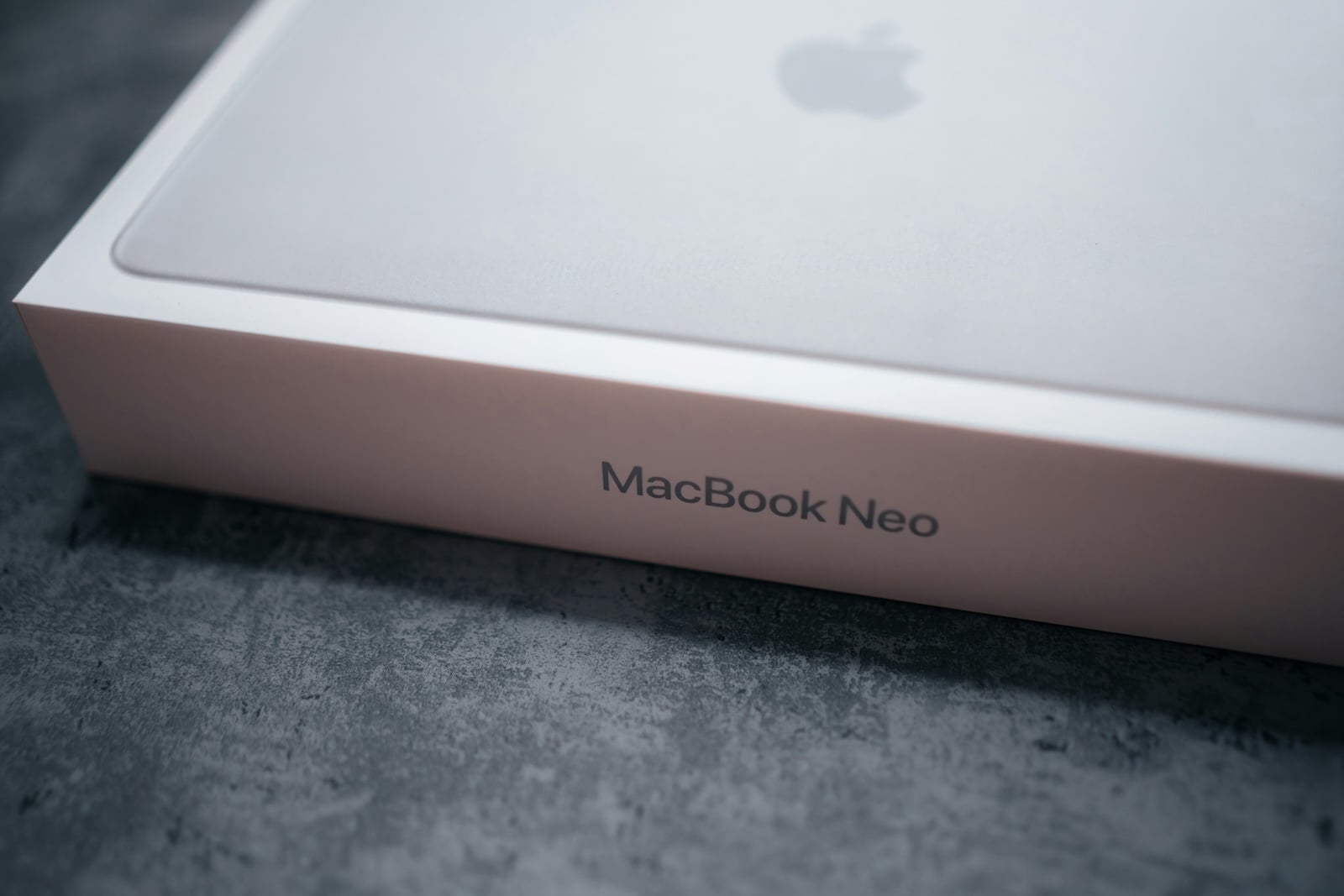
The MacBook Neo stands out not only for its repairability and modifiability, but also for an unusual design choice: there's no longer a traditional hardware indicator light to show when the camera is active. Instead, a green symbol appears on the screen. At first glance, this change might seem like a potential security vulnerability. However, it's actually part of a deliberately designed system based on software and hardware isolation.
Apple has built a reputation for data privacy and device security over the years. Technologies like the Secure Enclave are well-established. The MacBook Neo now employs a similar, yet distinct, approach. The so-called "Exclave" is central to this.
The discussion surrounding the lack of a hardware camera display is therefore not just a question of design, but above all a question of architecture. The crucial question is whether a software-based system can offer the same level of security as a physically coupled LED.
Camera display without hardware light
On the MacBook Neo, camera use is no longer indicated by a physical LED. Instead, a green icon appears directly on the display. This indicator is integrated into the system and is automatically displayed as soon as the camera is active.
At first glance, this presents a potential risk: software can be manipulated, while a hardware light is traditionally considered unavoidable. This is precisely where Apple's technical solution comes in.
The role of the exclave
The camera display runs in the so-called exclave area of the processor. This term was deliberately chosen and differs from the well-known Secure Enclave, even though both concepts pursue similar goals.
The exclave is a completely isolated area that uses its own real-time operating system. This area is separated from the rest of the system and communicates with the kernel and userspace only via a highly restricted interface. Specifically, this means:
- Applications do not have direct access to the exclave.
- System processes can only interact with it to a limited extent.
- Manipulation by malware is practically impossible.
According to developer Guilherme Rambo, the software-based camera display runs entirely within this secure environment (via Daring Fireball).
Safety principle in detail
The system's security results from a combination of several factors:
- Isolation: The exclave is strictly separated from the main system.
- Proprietary operating system: An independent, real-time OS reduces attack surfaces.
- Limited API: Communication only takes place via controlled interfaces.
- Linking camera and display: Camera activity and display are technically linked.
This prevents an attacker from simply activating the camera without the notification appearing. Likewise, the notification cannot be suppressed without access to the exclave.
Comparison with existing Apple technologies
The underlying idea isn't entirely new. Apple has been using isolated security zones for over ten years, for example for biometric data or passwords. However, the Exclave is a further development with a different focus.
A similar approach can be found in iPhones. They also lack a separate hardware light for the camera, yet the systems are considered largely resistant to such attacks.
Restrictions for attackers
Even if the main system is successfully attacked, the exclave remains protected. An attacker cannot:
- access stored biometric data
- Bypassing security mechanisms like Touch ID
- to activate the camera unnoticed
The necessary level of access to manipulate the exclave is practically unattainable.
Previous incidents and their significance
There have been isolated issues with display elements in the past. One example is the orange microphone icon, which remained visible after a Zoom call.
However, this was not a security problem with the system itself, but rather a bug in the third-party software. Apple tended to react conservatively in such cases, leaving ads visible for longer if there was any doubt.
This shows that, in case of doubt, the system works in favor of transparency.
Impact on use
The software-based display has practical implications in addition to its security features. While technically reliable, it can be perceived as disruptive in everyday life.
One example is artists who use Macs in live performances. The permanently visible icon can be perceived as a visual distraction.
At the same time, eliminating a hardware light eliminates a component, which simplifies the design and may make repairs easier.
Classification of the overall concept
The MacBook Neo is aimed at a target group that values customizability and repairability. At the same time, security standards remain high.
The combination of modifiable hardware and a strictly isolated security architecture is unusual. The fact that many components can be modified, yet the camera itself cannot be compromised, is what makes this device stand out.
Overview of software-based security in the MacBook Neo
The MacBook Neo represents a clear shift in the approach to security. Instead of relying on visible hardware signals, it uses a deeply integrated, software-based system.
The exclave plays a central role in this. Its isolation and controlled communication ensure that the camera display remains reliable and difficult to attack.
Although the absence of a physical LED may seem unusual at first, the solution is based on years of development and established safety principles. In practice, this means that the indicator is not just a visual element, but part of a comprehensive security mechanism. (Photo by Unsplash / Kamil Switalski)
- OpenAI officially introduces GPT-5.4 mini and nano
- Apple TV shows new trailer for the comedy "Outcome"
- Apple Anniversary: China is the next big stage
- Tim Cook speaks plainly about Apple, AI and resignation
- MacBook Neo: YouTuber upgrades storage to 1 TB
- Apple AI creates 3D models from just one image
- WhatsApp is testing guest chats: New feature at a glance
- Apple TV: Severance Season 3 – Production starts soon
- Apple officially classifies two iPhones as obsolete
- Apple acquires MotionVFX: More power for Final Cut Pro
- Apple introduces AirPods Max 2 with new audio features
- Apple TV: Racing film "F1" wins Oscar for best sound
- Apple celebrates 50 years of innovation & creativity worldwide
- Apple increases iPad sales despite decline in the tablet market
- MacBook Neo teardown: Surprisingly easy to repair
- Apple lowers commission for developers in the App Store in China
- MacBook Neo impresses – former Windows chief becomes thoughtful
- Apple benefits from India's new production incentives
- MacBook Neo teardown: Modular, screwed together, repairable
- Apple turns 50: Tim Cook looks back on history & future
- Apple closes Coruna vulnerability with updates for older devices