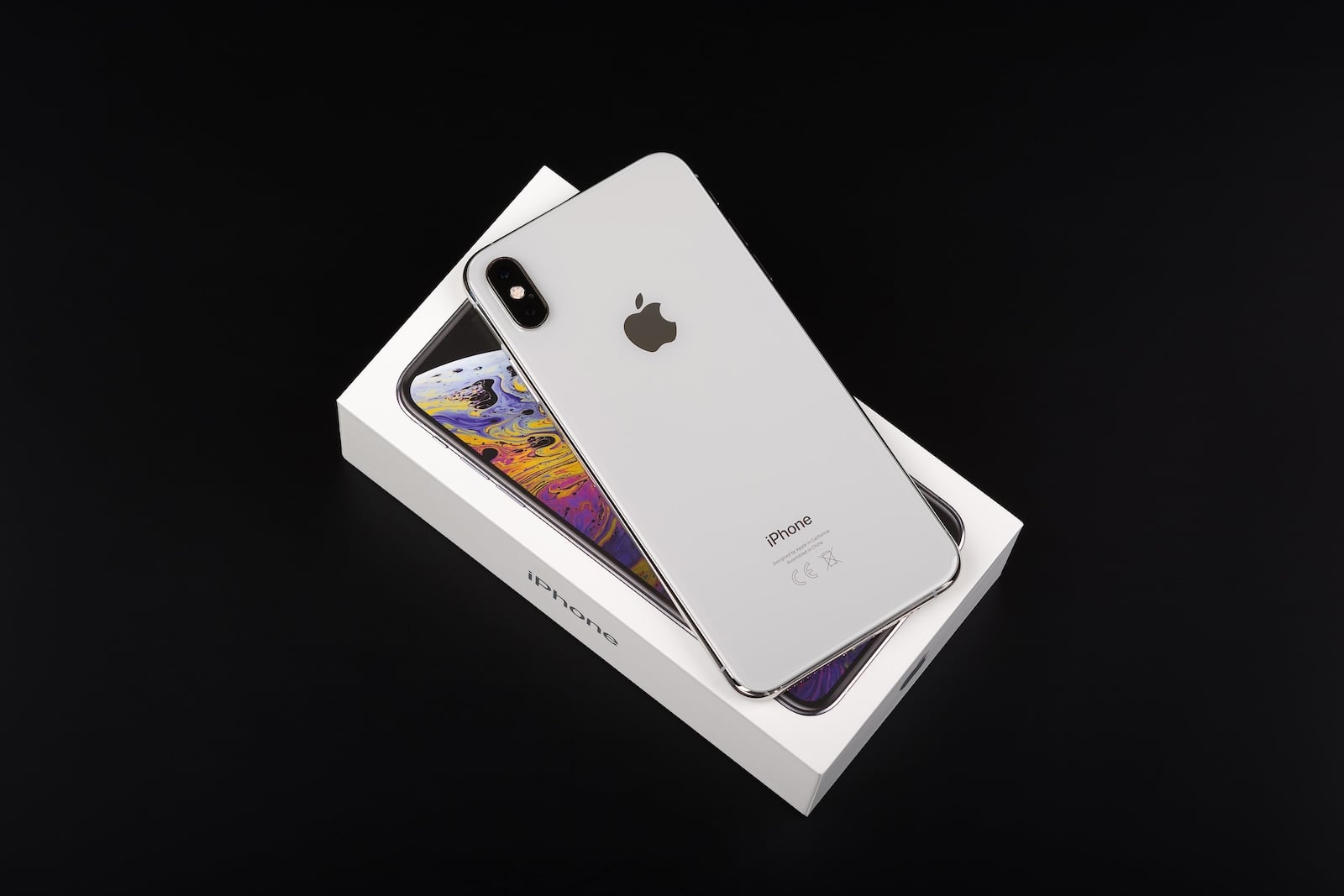
Apple has issued a security warning specifically targeting iPhone users with older iOS versions. Devices still running iOS 13 or iOS 14 are particularly affected. According to Apple, there is an increased risk from targeted hacking attacks carried out via manipulated web content.
The clear recommendation is: An update to a newer iOS version is urgently needed to protect data and device.
Security vulnerabilities in operating systems are nothing new. What is new, however, is the combination of active attacks and specially developed exploit tools that specifically target older iOS versions.
Apple has responded with an official support advisory, emphasizing that outdated software versions represent a real entry point for attacks. Two tools that can specifically exploit vulnerabilities in multiple iOS versions are currently under particular scrutiny.
Exploit tools target multiple iOS versions
The current threat centers on the exploit kits Coruna and DarkSword. According to Apple, these tools are capable of exploiting security vulnerabilities in iOS versions from iOS 13 to iOS 17.2.1.
The attacks are carried out via malicious web content, such as manipulated websites or harmful links. This can compromise an iPhone if it is not adequately secured.
Apple requires an update to iOS 15 or later
Apple has explicitly urged iPhone users to update to at least iOS 15. The reason is that known security vulnerabilities have already been patched in newer versions. Apple's statement is clear:
If your iPhone doesn’t have the latest software, update iOS to protect your data.
According to Apple, devices with iOS versions from iOS 15 to iOS 26 are considered secure against currently known attacks.
Security updates from March 11
On March 11, Apple released additional updates for iOS 15 and iOS 16. These updates specifically address newly discovered vulnerabilities.
At the same time, Apple clarifies that devices with iOS 13 or iOS 14 are not sufficiently protected and must be updated to iOS 15.
Additionally, it is announced that affected users will receive another notification in the coming days, indicating a critical security update.
All affected devices can be updated
One important point:
- All iPhones currently running iOS 13 or iOS 14 also support iOS 15.
There is no device for which these older versions represent the latest available software. An update is therefore possible and necessary in every case.
Additional protection through Safari Safe Browsing
Apple relies not only on system updates, but also on integrated protection mechanisms.
The "Apple Safe Browsing" feature in the Safari browser is enabled by default. It detects and blocks known malicious domains associated with current attacks, preventing dangerous content from being loaded in the first place.
Lockdown mode as an alternative safety measure
For devices that cannot or should not be updated, Apple offers the so-called Lockdown Mode.
This feature is available from iOS 16 onwards and specifically reduces potential attack surfaces. These include, among other things, restrictions on:
- News content such as images
- Web technologies
- potential exploit vectors
However, Lockdown Mode is not intended for the average user. Apple primarily recommends it for individuals at increased risk of becoming targets of state-sponsored attacks.
Use of hacking tools worldwide
The threat has already been proven internationally. According to Apple, the exploit tools were used in the following countries, among others:
- Ukraine
- China
- Saudi Arabia
- Türkiye
- Malaysia
Even though there is currently no evidence of deployments in the USA or other European countries, the tools can in principle be used against any device that uses an outdated iOS version.
Act now: iOS update protects against attacks
The current situation demonstrates that outdated software poses a concrete security risk. Apple is responding with clear recommendations and providing updates as well as additional security features. Updating to iOS 15 or later is crucial to close known vulnerabilities and protect against current attacks. Those who continue to use older iOS versions remain vulnerable to attacks that are already actively being deployed. (Image: Shutterstock / D_Zheleva)
- AppleCare One: Hints of an imminent launch in Europe
- Apple in the crosshairs: Brazil investigates NFC restrictions
- Apple TV expands cast of The Morning Show
- iPhone remains central: Tim Cook sees a great future
- macOS 26.4: These are the most important new features
- tvOS 26.4: Genius Browse delivers better recommendations
- Apple in AI lawsuit: Dispute over data and copyright
- iPhone security vulnerability: Why iOS 26.3 is so important
- iOS 26.4: Family Sharing becomes more flexible with payments
- iOS 26.4 Update: Release Candidate now available
- Apple and China: Conflict overshadows major anniversary celebration
- Apple is scrutiny: Why AI Vibe coding is under pressure
- WhatsApp replaces settings with a new profile tab
- Apple's Home Devices Manager moves to Oura
- iPhone 17e Teardown: New insights into the inner workings
- Apple releases BSI update for iOS 26.3.1 & Co.
- MacBook Neo: Camera protection without hardware light
- OpenAI officially introduces GPT-5.4 mini and nano
- Apple TV shows new trailer for the comedy "Outcome"
- Apple Anniversary: China is the next big stage
- Tim Cook speaks plainly about Apple, AI and resignation