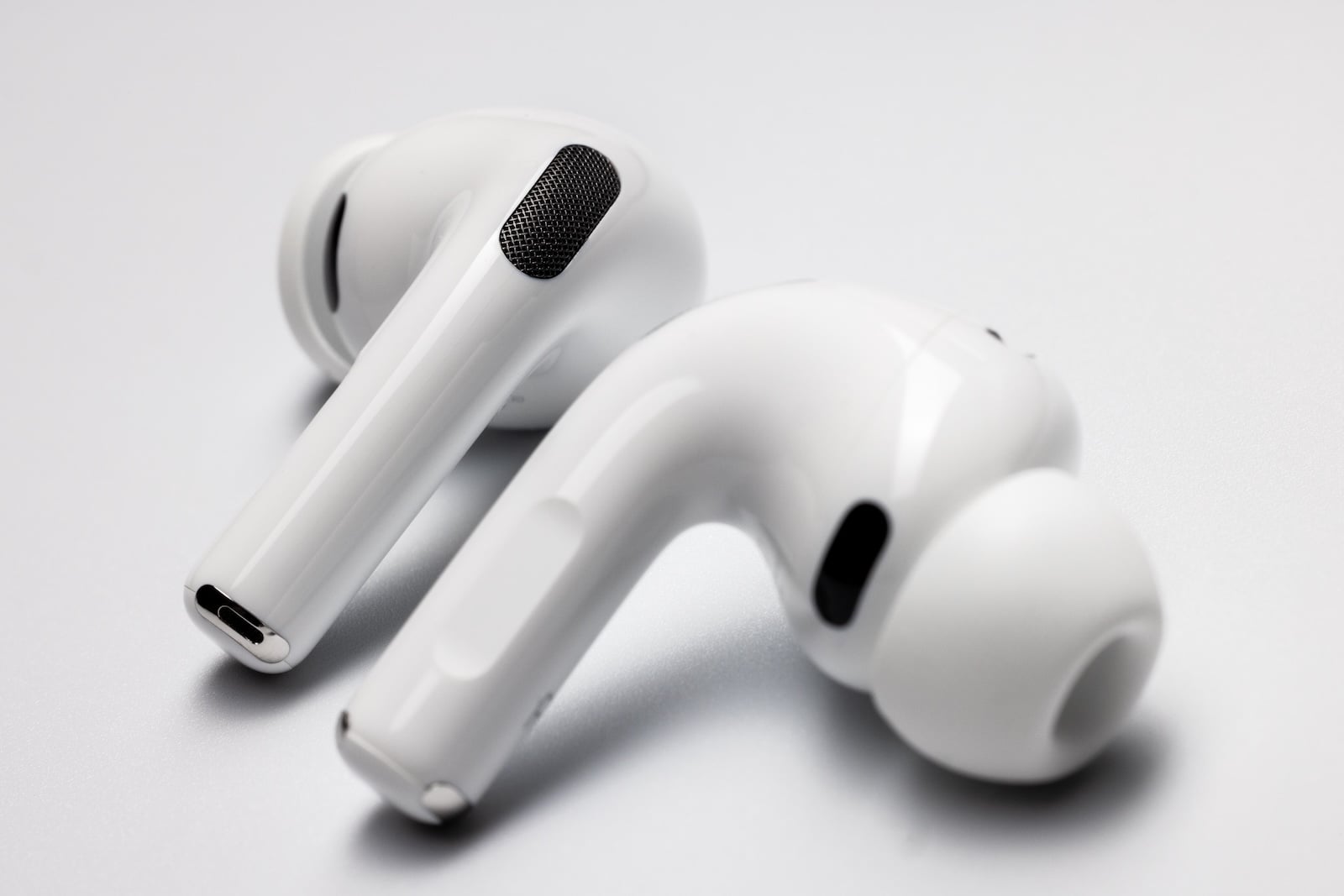
Apple is planning a comprehensive redesign of the AirPods settings interface for iOS 27. Instead of a separate companion app, the existing settings area will become clearer, more organized, and more functional – a long overdue step after years of constantly adding new features to the same, organically grown interface.
While the Apple Watch and Apple Vision Pro each get their own companion app on the iPhone, AirPods have so far remained embedded in a single section of the Settings app. This will not change with iOS 27. What will change, however, is the appearance and structure of this section. A new report from the Bloomberg newsletter Power On describes a reorganization that is among the major software projects for the operating system generation surrounding WWDC 2026.
No dedicated AirPods app – but a new structure
A dedicated app icon on the home screen will not be available for now. AirPods controls will therefore remain within the Settings app, which is unique within Apple's lineup. Apple Watch and Vision Pro are managed on the iPhone via fully-fledged companion apps, while AirPods and AirPods Pro can currently only be configured, and will continue to be, through the Settings menu.
However, iOS 27 is set to bring about a significant change within this menu. It will feature a fundamentally redesigned structure that is intended to be "more functional, better organized, and streamlined." With this, Apple is addressing a problem that has accumulated over the years.
For years, only tacked-on functions
AirPods settings automatically appear at the top of the Settings app as soon as a paired pair is connected to the iPhone. This position is convenient, but the screen behind it has become cluttered over time. With each new feature - from Head Gestures to the hearing aid function to sleep tracking - Apple has added more controls to the same interface. The basic structure dates back to the first generation of AirPods.
A complete redesign aims to reorganize this growing collection, create a cleaner information hierarchy, and make important functions more visible. The report does not specify which controls will be moved, grouped, or highlighted.
Cross-platform in iOS 27, iPadOS 27 and macOS 27
The new AirPods interface is not expected to be limited to the iPhone. According to the report, iPadOS 27 will receive the same redesigned layout, and macOS 27 will follow suit. This would unify the headphone controls across all three platforms – an approach that aligns with the expected design direction of the new generation.
Embedded in a larger software overhaul
The AirPods menu is just one detail in an iOS 27 generation designed as a major overhaul. At its core is a fundamentally redesigned Siri assistant, intended to function more like a chatbot and built on new AI models. According to recent reports, the underlying technology comes from Google Gemini. Further adjustments to the Liquid Glass look and the camera app are also rumored.
iOS 27, iPadOS 27, and macOS 27 will be officially unveiled at WWDC 2026. The keynote starts on June 8th at 10:00 AM Pacific Time, which is 7:00 PM German time.
A small correction with a big impact
A redesigned settings menu isn't a spectacular feature that looks good in marketing materials. However, it's still relevant for everyday use of AirPods: the interface determines how quickly you can access noise cancellation, transparency mode, spatial audio, head gestures, or the hearing aid function. Anyone who regularly switches between modes or owns different generations of AirPods will directly benefit from a streamlined structure.
Apple's decision to intervene now also has a product strategy behind it. The AirPods roadmap is expanding, with future models expected to include additional sensors, even cameras. A software interface that's already stretched to its limits would become even more cluttered with each additional feature. This redesign lays the groundwork for future features to be integrated without completely overloading the menu.
The AirPods area is becoming its own discipline
The decision against a dedicated AirPods app and in favor of revamping the existing menu is pragmatic. Apple is sticking with an established entry point, which is already clearly visible thanks to its automatic appearance when headphones are connected. At the same time, the redesign signals that AirPods are being treated as a separate product ecosystem in terms of software – with its own logic, hierarchy, and enough room for future additions. (Image: Shutterstock / photoschmidt)
- iPhone 18 Pro: Clear case fix and possible new colors
- iPhone 2027: Prototype with fully curved display undergoing testing
- MacBook Ultra: OLED production reaches "Golden Yield"
- Srouji is restructuring Apple's product development
- iPad Fold is expected to inherit the hinge design from the iPhone Ultra
- iOS 27: Grammar check, voice shortcuts and new wallpaper options
- Titanium comeback in the iPhone: Apple is apparently researching an improved alloy
- Apple Watch Ultra 4: Complete redesign and major sensor leap expected
- Apple Watch: New high blood pressure feature is currently under review by the FDA
- iPhone Ultra: Hinge problem slows down trial production
- Apple Watch Series 12 is likely to be just a minor update
- Genmoji in iOS 27 are supposed to suggest themselves
- New Siri app launches with beta label and auto-deleting chats
- iPhone 20: Report warns of possible image distortion in the first edge-to-edge Display
- Apple promotes Siri integration – developers have a specific concern
- Apple plans to open the App Store to AI agents
- iOS 27: Completely new Siri with its own app and system-wide search gesture
- iOS 27: Apple refines Liquid Glass and makes the camera app freely customizable
- iPhone 18 Pro: Significantly brighter display remains a thing of the future
- iPhone 18 Pro: Aggressive pricing strategy despite storage cost pressure
- visionOS 27: What Apple Vision Pro 2026 can really expect