Apple Tips & Tricks
Every new version of iOS, iPadOS, macOS, and watchOS adds features – and hides many of them so well that even long-time Apple users miss them. On top of that come everyday problems: backups failing, AirDrop refusing to work, Wi-Fi passwords disappearing.
This is where step-by-step guides for exactly those moments live: from setting up a new iPhone to transferring data to uncovering hidden features in iOS and macOS. Every guide is verified against the current version – so the steps are correct when you actually need them.
Topics range from basics for newcomers to specialized features for power users: setting up iCloud properly, pairing an Apple Watch with an iPhone, using Focus modes effectively, resetting old devices for resale. When problems come up, the solution isn't just shown – it's also explained why something goes wrong, so the same issue can be solved independently next time.
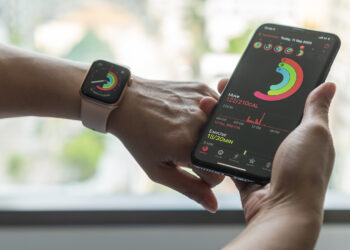
Pause Activity Rings in watchOS 11 – Step by Step
Find out how to pause your activity rings in watchOS 11. Ideal for recovery or vacation without interrupting your streak.
Read moreDetails
Apple Watch: Differences between GPS and Cellular explained
Apple Watch: GPS or Cellular? Find out the differences and choose the best model for your lifestyle. Find the right model...
Read moreDetails
How to disable iPhone calls on iPad & Mac
How to disable iPhone calls on your iPad and Mac: Simple steps to get the most out of your devices and stay undisturbed.
Read moreDetails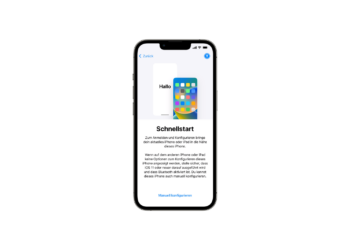
Quick start explained: Transfer data to new iPhone
Transfer your data to your new iPhone with Quick Start. Our step-by-step guide makes the process easy and safe.
Read moreDetails
iOS 18: New features for less dizziness in the car
Say goodbye to dizziness while driving! With iOS 18, Apple is introducing vehicle motion alerts. Find out how it works and how it can help you.
Read moreDetails
Delete iOS 18 beta and install iOS 17: Here's how
Learn how to uninstall the iOS 18 beta & restore iOS 17. Our guide will help you avoid bugs and instabilities...
Read moreDetails
Install iOS 18 Public Beta: Step-by-step instructions
Install iOS 18 Public Beta: Step-by-step instructions and tips for preparing your device. Don't miss the new features!
Read moreDetails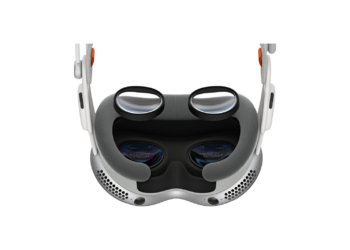
Apple Vision Pro and Optical Inserts: What you need to know
Technical problems with your Apple Vision Pro? Find out why the right light seal is so important after purchasing optical inserts...
Read moreDetails
Apple Vision Pro Reset: How to reset
Reset Apple Vision Pro? This guide will help you back up your data and reset the device to factory settings.
Read moreDetails
Apple Vision Pro: Siri functions in detail
Apple Vision Pro: Your smart companion with Siri. Discover how you can use the assistant for everyday tasks, information and more...
Read moreDetails