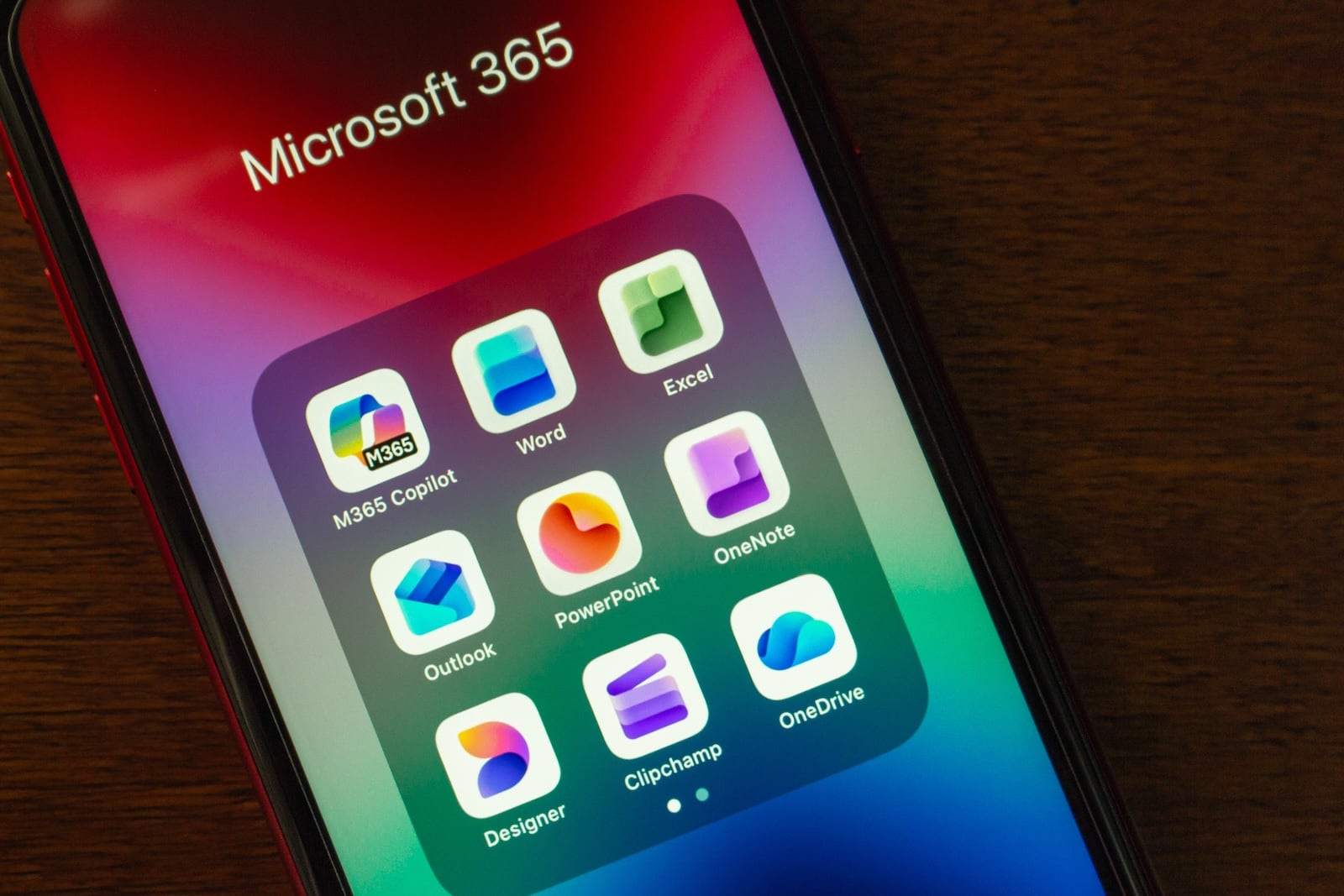
Users of older Macs or iPhones will no longer be able to edit or create Office documents starting in mid-July. Microsoft is drawing a clear line: documents can then only be opened and viewed – Word, Excel, and other Office applications will switch to a severely restricted mode.
Microsoft has announced it will end support for older Apple systems in Microsoft 365, Office 2019, and Office 2021. The cutoff date is July 13, 2026. From that date onward, users of older macOS and iOS versions will still be able to open, print, and view Office files, but will no longer be able to edit, save, or create new ones. This move underscores the importance of keeping operating systems up to date - a principle also central to Apple's regular distribution of security updates, as outdated systems are gradually cut off from services and protection mechanisms.
The "restricted mode" in detail
Microsoft refers to this condition as "reduced functionality mode." Specifically, this means that the affected apps – Word, Excel, PowerPoint, Outlook, and OneNote – can still open and print files, but refuse to edit, save, or create new documents.
The restriction affects two groups equally. It impacts both Microsoft 365 subscribers on macOS, iPhone, and iPad, as well as users of non-subscription versions, such as Office 2021 or Office 2019 on Mac. Therefore, there is no distinction between subscription and non-subscription licenses with regard to this limit.
Which devices are excluded from July
On the iPhone side, support ends for the iPhone 8, iPhone X, and all older models. These devices simply no longer reach the required system version. The cutoff is more lenient for Macs: computers manufactured from 2015 onward are generally safe.
Microsoft specifies macOS 12 Monterey and iOS 17 as the minimum requirements. Users with a current iPhone running the latest system software – for example, after updating to iOS 26.5 and its new features – don't need to worry about Office functionality. This limitation only applies to systems below these requirements.
Ways out of restricted mode
For most users, the solution is straightforward: first update the operating system, then update the Office apps to a supported version. If a device can still be upgraded to macOS 12 or iOS 17 or later, the problem is solved.
Things get more complicated with devices that no longer receive the necessary operating system – such as the iPhone 8 or iPhone X. Microsoft suggests two solutions here: either switching to the free web version of Office at microsoft365.com, or using it via a Microsoft 365 subscription in a browser. Microsoft recommends the simplest approach as copying local files to OneDrive first and then accessing them online. This way, even older devices remain editable, provided a browser is available.
A known pattern for aging devices
End-of-support dates of this kind follow a familiar pattern: Software manufacturers sooner or later decouple their programs from operating systems that themselves no longer receive updates. For many devices from around 2015 to 2017, July 13th marks another point at which functionality noticeably diminishes. Anyone who owns an affected device has until then to either update the system or switch to the web version. (Image: Shutterstock / Koshiro K)
- Musk must hand over Tesla and SpaceX emails in accordance with Apple's procedure
- Vision Pro Stylus: Apple patent aims to make virtual textures tangible
- MacBook Neo is selling better than the new MacBook Air and Pro
- Apple Design Awards 2026: The twelve winners have been chosen
- Anthropic expands Glasswing and plans Mythos launch for all
- Silo Season 3: Trailer reveals the origin story
- Apple TV wins Gotham Award for Pluribus
- iPhone shipments in Latin America increase by 8 percent
- WhatsApp is working on Liquid Glass for the Mac app
- Singapore rejects xAI's document requests in Apple lawsuit
- Apple TV beats Netflix in new quality ranking
- iOS 26.5.1 and macOS Tahoe 26.5.1 fix two bugs
- All systems glow: Apple's WWDC teaser hints at the new Siri
- Nvidia RTX Spark and Dell XPS 13 challenge Apple
- Apple Watch data sheds light on sleep during menopause
- Apple releases new report on conflict minerals
- Apple showcases its image AI research at CVPR 2026
- Claude Opus 4.8: Anthropic's new AI model is here
- How iPad and Mac are helping to save the Cherokee language
- Amazon is also acquiring Apple's 20 percent stake in Globalstar
- Study: People who cancel an annual subscription almost never come back