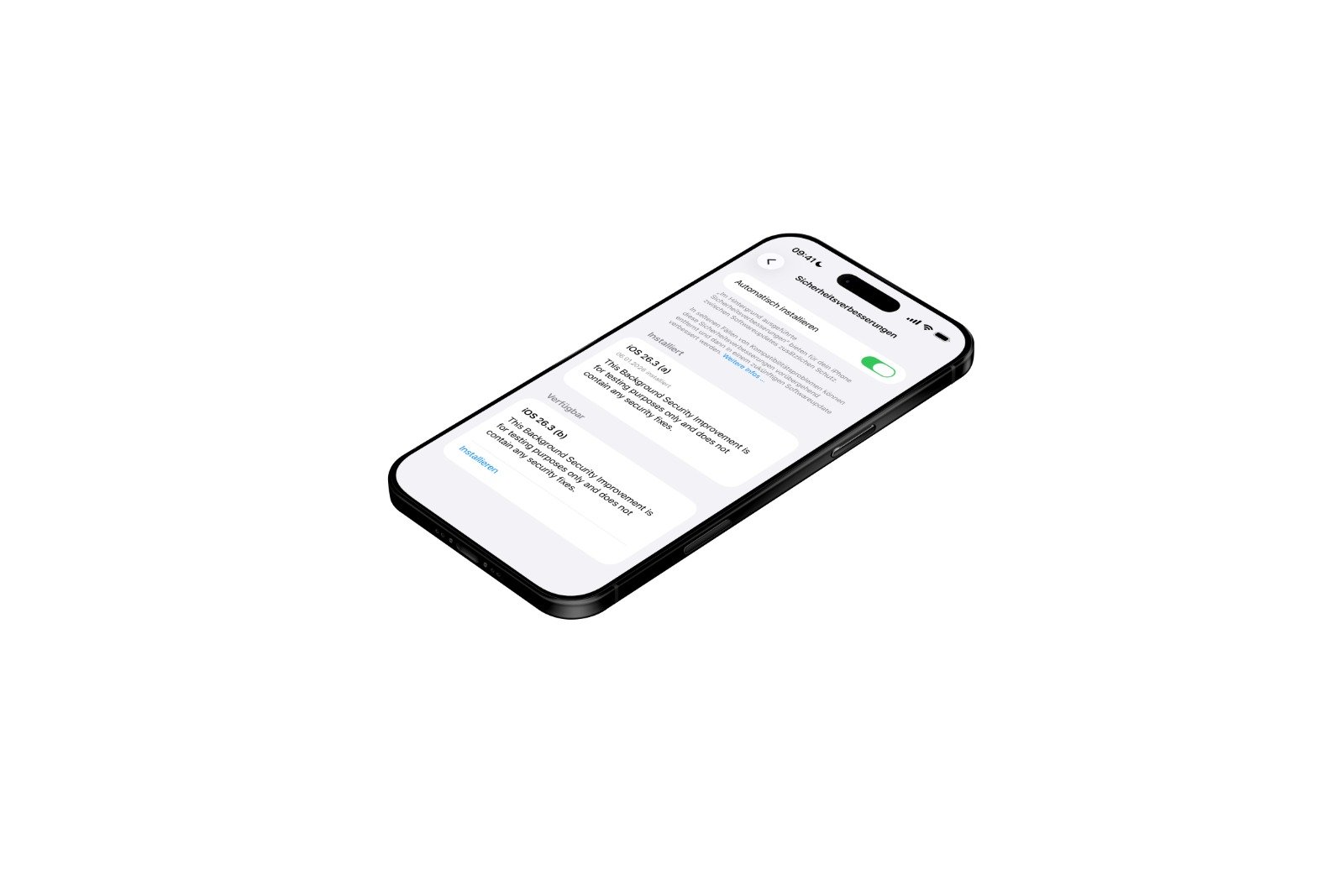
With iOS 26.3, Apple continues its testing of background security updates. The feature itself isn't new, but it's being further developed and tested again under real-world conditions. The goal is to close security vulnerabilities more quickly without having to wait for traditional system updates. In addition to iOS 26.3, iPadOS 26.3 and macOS Tahoe 26.3 are also part of this current testing phase.
Apple has long pursued a more flexible approach to deploying security measures. While major version updates remain important, they aren't always the fastest way to address acute risks. Background security enhancements aim to close precisely this gap. This technique is being tested again in iOS 26.3, this time with a second update released in quick succession.
Background security improvements in iOS 26.3
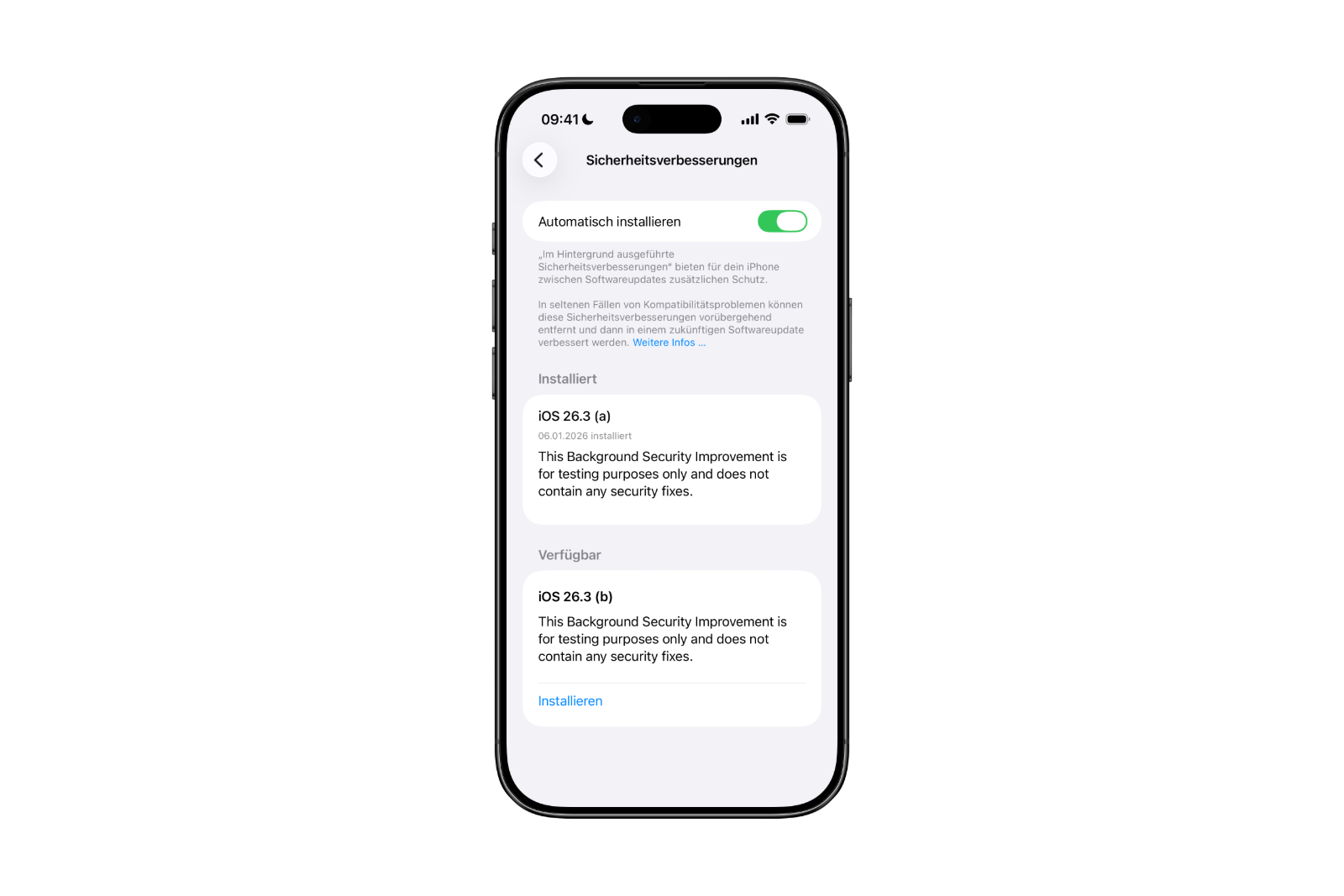
Apple introduced background security improvements with iOS 26.1, iPadOS 26.1, and macOS Tahoe 26.1. iOS 26.3 is now running a further test, aimed at developers and public beta testers. Following an initial test earlier this week, a second update is now available.
According to Apple, these background updates provide additional security measures between regular software updates. The focus is on core components such as Safari, WebKit, and other system libraries. This is intended to close security vulnerabilities more quickly without requiring a full operating system update.
Installation and automatic deployment
Background security improvements are installed via the "Settings" app. Go to "Privacy and security" and then to "Background security improvements." Available updates can be manually installed using the "Install" option.
If the "Install automatically" setting is enabled, the system will handle this step automatically. In this case, background security improvements will be installed automatically as soon as they are available. Manual confirmation is then not necessary.
Those who choose not to use this installation method will receive the corresponding security updates later via a regular software update. Apple thus ensures that no security measure is permanently omitted.
Moving away from Rapid Security Response
Prior to background security improvements, Apple relied on the so-called Rapid Security Response. This feature was introduced with iOS 16, but was rarely used. Furthermore, in 2023, a bug occurred that caused some websites to display incorrectly after a Rapid Security Response update.
These experiences have contributed to Apple's decision to gradually phase out Rapid Security Response. Background security enhancements are intended to take over this role in the long term, operating more reliably and discreetly.
Potential problems and Apple's handling of them
Apple points out that background security updates can, in rare cases, cause compatibility issues. Should this occur, these updates can be temporarily removed. The affected security improvements will then be addressed and re-released via a later software update.
This allows Apple to retain control over potential side effects without compromising safety. Problems should be identified, corrected, and permanently resolved.
iOS 26.3 and Apple's long-term security strategy
iOS 26.3 demonstrates Apple's continued strong commitment to flexible security solutions. Retesting of background security enhancements underscores the company's ambition to deliver protection faster and less dependent on major system updates. Despite potential compatibility issues in rare cases, the approach remains clearly focused on stability and security. This development suggests that this type of update will play a permanent role in the Apple ecosystem going forward. The best products for you: Our Amazon storefront offers a wide selection of accessories, including those for HomeKit. (Image: Apfelpatient)
- John Ternus is once again being considered as the next CEO of Apple
- AirPods of the future: Apple is researching smart gesture logic
- Apple wins antitrust lawsuit and patent dispute against AliveCor
- Apple under pressure: India insists on possible billion-dollar fine
- Blood glucose monitoring with the Apple Watch is getting closer
- Chase will become the new issuer of the Apple Card
- Apple TV dominates Actor Awards with comedy hit The Studio
- OpenAI launches ChatGPT Health with Apple Health integration
- WhatsApp introduces new features for organized group chats
- iOS 26.3 tests background security updates in the system
- Apple 2026: Are higher prices for Macs and iPhones imminent?
- iPhone Fold is getting closer: CES provides strong clues
- Apple makes Macs and iPads significantly faster on 5 GHz Wi-Fi
- Apple Vision Pro makes NBA games immersive for the first time
- Apple TV wins seven awards at Critics' Choice Awards
- iPhone exports from India reach the 50 billion mark
- Belkin showcases powerful Qi2.2 charging solutions at CES 2026
- Apple Vision Pro is not a flop, it's just misrated
- Clicks Power Keyboard: New MagSafe keyboard in detail
- Punkt. MC03: A smartphone that consistently protects data
- Clicks Communicator: Communication instead of smartphone stress
- Apple is focusing on new Fitness+ programs and challenges
- Apple updates vintage list for Macs, iPhones and more
- Apple Fitness+ officially announces big plans for 2026
- Apple raises $3 million to fight AIDS