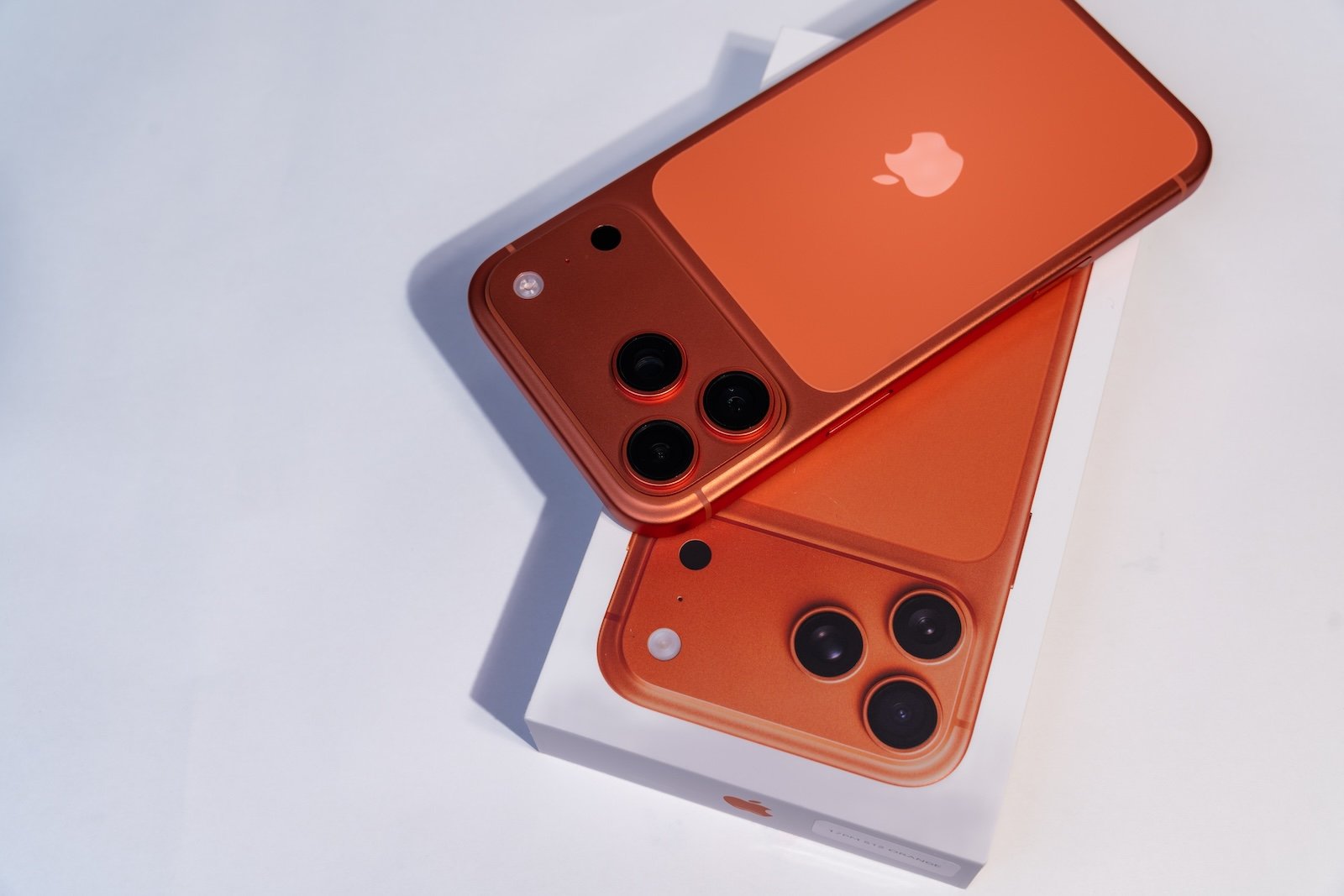
With the release candidate of iOS 26.3, the next interim version of the current iPhone generation reaches its final development stage. iPadOS 26.3, macOS 26.3, watchOS 26.3, tvOS 26.3, and visionOS 26.3 are also available as release candidates. Based on past experience, this version is largely equivalent to the final release, provided no critical bugs are discovered.
Following the extensive iOS 26.1 and iOS 26.2 updates, iOS 26.3 is intentionally more compact. The focus is clearly on stability, regulatory adjustments, and targeted improvements to existing features. No major new features were added in the release candidate, but several structural changes have now been finalized.
Focus on stability and final optimizations
As is typical for a Release Candidate (RC) version, Apple focuses on fine-tuning and system maintenance. Internal processes, background services, and interfaces have been further optimized to ensure stable operation on all supported devices. No visible changes compared to the last beta are documented, suggesting that the feature set is considered complete.
The release candidate serves to evaluate final feedback from the testing phase and eliminate potential errors before the public rollout. If no further serious problems arise, this version represents the final release.
A look back at the confirmed new features in iOS 26.3
The Release Candidate combines all the features that were already introduced in the previous betas and now brings them into a stable form.
Easier switching from iPhone to Android
With iOS 26.3, Apple integrated an official transfer tool directly into the system for the first time, significantly simplifying the switch from an iPhone to an Android smartphone. The transfer works without additional apps or external downloads. After connecting both devices, key content such as photos, messages, notes, contacts, passwords, apps, and other personal data can be transferred.
Sensitive content such as health data, paired Bluetooth devices, and protected content like locked notes are excluded. Combined with a comparable solution from Google, this creates, for the first time, a largely bidirectional platform switch between iOS and Android.
Forwarding messages to third-party wearables
One of the most significant structural changes concerns notifications. iOS 26.3 allows, for the first time, the forwarding of iPhone notifications to third-party wearables. The new setting can be found in the "Notifications" section of the system settings.
The feature is intentionally limited. Notifications can only be forwarded to a single device at a time. As soon as a third-party wearable is active, the Apple Watch will no longer receive notifications. Simultaneous use of multiple devices is not supported. This introduction is directly related to regulatory requirements, particularly within the European Union.
New privacy setting for location data in the mobile network
iOS 26.3 expands the privacy settings with a previously barely visible, but relevant feature. For the first time, it allows users to limit the accuracy of location data that mobile network operators receive via the network.
Location tracking isn't limited to GPS or app permissions. Mobile networks can also pinpoint a device's location very precisely by analyzing its connection to cell towers. iOS 26.3 addresses this very issue.
With the new "Limit precise location" option, the position transmitted to mobile network operators is intentionally less precise. Instead of an exact location, network operators only receive a general area of presence, such as a neighborhood or a larger region. Network functionality itself remains unaffected. This feature is currently only available from select providers.
- Germany: Telekom
- Great Britain: EE, BT
- United States: Boost Mobile
- Thailand: AIS, True
Additional hardware is required. Only devices with Apple's C1 or C1X modem are supported, including the iPhone Air, iPhone 16e, and the iPad Pro M5 with cellular module. A restart is necessary after activating the option.
Apple emphasizes that neither network quality nor security features will be affected. Emergency services will continue to receive precise location data. The setting only affects data transmitted to cellular networks, not location permissions for apps.
New weather wallpapers for the lock screen
The lock screen was also slightly modified in iOS 26.3. Weather and astronomy wallpapers are now clearly separated. Additionally, several new weather wallpapers are available, featuring different combinations of clock displays, widgets, and layouts. This makes personalization clearer and more intuitive.
Outlook on the final rollout
The final version of iOS 26.3 is expected soon. With the release candidate, development is effectively complete. The public rollout will proceed without further changes, barring any major issues.
iOS 26.3 as a deliberately restrained interim update
iOS 26.3 demonstrates Apple's targeted use of smaller, interim updates. Instead of major new features, the focus is on interoperability, data privacy, and regulatory adjustments. The simplified platform switching, the opening up to third-party wearables, and the new control over location data on the cellular network underscore this approach.
The release candidate makes it clear that iOS 26.3 isn't intended to be a spectacular update, but rather to lay a stable foundation for the next steps within the iOS 26 generation. The best products for you: Our Amazon storefront offers a wide selection of accessories, including those for HomeKit. (Image: Shutterstock / KaterynaSypailova)
- iPhone and NFC: These innovations will shape the next few years
- Apple expands education and robotics in India's supply chain
- Apple TV Press Day Event: An overview of all content for 2026
- iPhone spyware bypasses iOS protection for camera and audio
- iOS 26.2.1 is causing problems for some users
- Apple Sports expands its offering to include golf and the DFB Cup
- Apple and Google: Why the search deal is being re-evaluated
- Apple TV presents "The Dink": New summer comedy 2026
- Apple TV presents Outcome: A black comedy with a star-studded cast
- Apple TV announces thriller series “Lucky” for summer 2026
- Apple is increasing SDK requirements for apps starting in April 2026
- xAI is alleged to have destroyed evidence in the antitrust case against Apple
- Apple is consistently expanding AI support in the Support app
- Apple introduces agent-based coding with Xcode 26.3
- Apple Home: Final deadline for upgrades
- Apple Music Replay 2026 is now available in the app and on the web
- WhatsApp in focus: Lawsuit questions encryption
- Apple shows new way to faster AI language models
- SpaceX acquires xAI and plans data centers in space
- Apple benefits from tax reform and expands production in India
- iTunes is more relevant than previously thought: New figures are surprising
- Tim Cook appears in the Epstein Files – without scandal.