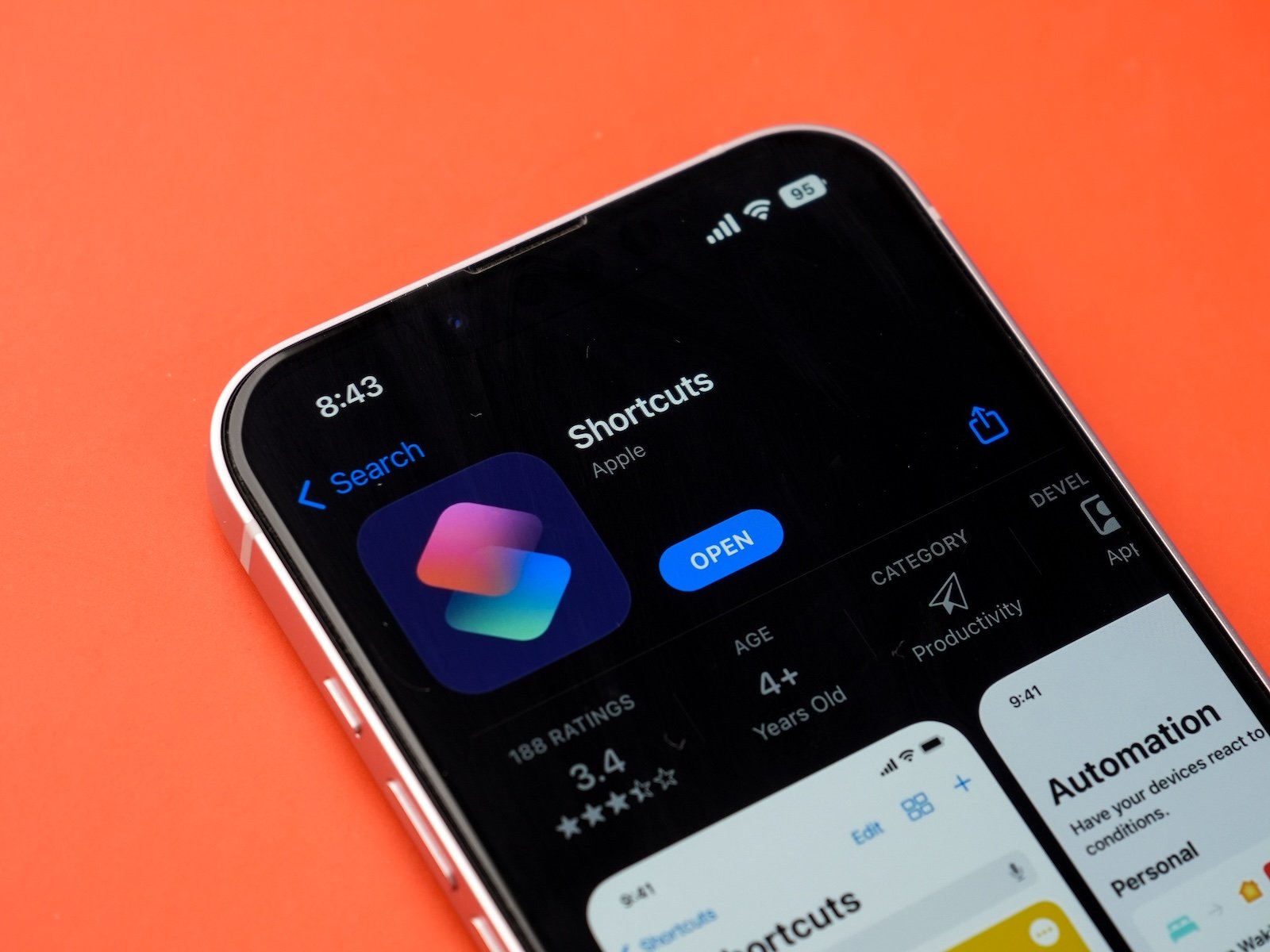
With iOS 26, Apple is releasing a comprehensive update for the Shortcuts app. The new design, a wide range of Apple Intelligence actions, and the expansion of automation to the Mac make the app significantly more versatile. The changes affect not only its appearance, but also its functionality and possible uses – both on iPhone and iPad, as well as on macOS.
The Shortcuts app has long been a tool for advanced users who wanted to automate processes or perform certain functions more quickly. In iOS 26, Apple is going a step further: The app is not only visually redesigned but also significantly expanded in functionality. With Apple Intelligence, machine learning is directly integrated into automation. At the same time, the Mac is fully integrated into the Shortcuts system for the first time. This opens up new possibilities for productive work, creative applications, and everyday routines.
New design: Liquid Glass and new app icon
The first visible update concerns the appearance. The Shortcuts app gets a new icon. The previous light blue tones are giving way to a uniform pink-purple gradient. Several changes are also happening within the app: The so-called Liquid Glass design makes the interface appear more transparent and modern. The navigation bar now floats slightly above the background. Buttons, menus, and other UI elements have been visually redesigned and therefore appear more structured. These changes affect not only iPhones, but also iPads and Macs with macOS Tahoe.
New Apple Intelligence actions for shortcuts
The heart of the update are the new actions based on Apple Intelligence. A total of nine new actions are available:
- Use model
- Open Visual Intelligence
- Create image
- Adjust text color
- Create a list from text
- Create a table from text
- Correct text
- Rewrite text
- Summarize text
These actions utilize technologies already known under names like "Image Playground" or "Writing Tools." They allow content to be analyzed, rephrased, generated, or automatically structured. The "Use Model" action is particularly interesting. Here, you can select the model the shortcut uses. The options are:
- Private Cloud Compute
- On-device model
- ChatGPT
This allows workflows to be created that directly integrate artificial intelligence – locally or in the cloud. ChatGPT can also be used directly in these processes. This could include shortcuts that automatically summarize text, correct content, or visualize it using AI. Apple itself provides a practical example: A student can create a shortcut that compares an audio transcript of a lesson with their own notes and automatically adds important points that may be missing.
New shortcuts in the gallery
Apple is also expanding the Gallery with ready-made shortcuts that can be used directly or customized. New additions include:
- A shortcut for a morning summary
- Recipe suggestions based on existing ingredients
- An action to automatically summarize PDF documents
These gallery entries demonstrate how Apple Intelligence can be integrated into everyday situations. They are aimed not only at power users but also at those who want to get started quickly.
Automation comes to the Mac
With macOS Tahoe, the Shortcuts app's automation feature is coming to Mac for the first time. Previously, this feature was limited to iPhone and iPad. Now, Shortcuts can also be executed automatically on Mac—depending on certain conditions or triggers. These include:
- Time of day
- Moving a file to a specific folder
- Connecting an external monitor
While macOS already offered options for automating actions in the background, integration with the Shortcuts app significantly simplifies access and management. This makes automation accessible to many users for the first time.
iOS 26 takes Shortcuts to a new level
With iOS 26, the Shortcuts app becomes significantly more powerful. The new design provides a better overview, Apple Intelligence brings modern AI features directly into everyday life, and automation on the Mac closes a long-standing gap. The new actions and templates demonstrate that Apple is not only rethinking automation for tech-savvy users in iOS 26, but also wants to make it accessible to everyone. Anyone who works with Shortcuts—or plans to do so in the future—will get the best version of this app yet in iOS 26. The best products for you: Our Amazon Storefront offers a wide selection of accessories, including those for HomeKit. (Image: Shutterstock / sdx15)
- iOS 26: All new camera features at a glance
- iOS 26 at a glance: What's new in the Messages app
- Apple redesigns TV app: What's new in iOS 26
- iOS 26: All the new features and highlights of the Podcasts app
- iOS 26: How Apple fundamentally changes the phone app
- iOS 26: Everything about the new home screen with Liquid Glass
- iOS 26: All the new features around the Liquid Glass design
- iOS 26: 7 exciting AirPods features at a glance
- iOS 26: Everything you need to know about the new FaceTime features
- Genmoji in iOS 26: Apple gives the feature a major update
- iOS 26: Everything about the new games app for iPhone, iPad, and Mac
- iOS 26: The most important new features in the Photos app
- iOS 26: Beats and AirPods automatically pause when you sleep
- iOS 26: All Apple Music innovations at a glance
- iOS 26 expands the functionality of the HomePod
- Image Playground gets significantly better with iOS 26
- iOS 26 brings new screenshot features to the iPhone
- iOS 26: Five new lock screen features at a glance
- iOS 26 design change: Reduce transparency easily
- iOS 26: Create your own ringtones – without GarageBand
- iOS 26: All the new features for Notes and Reminders
- Apple's new Siri could be worth the wait
Everything you need to know about iOS 26 and shortcuts at a glance
iOS 26 brings a new design, nine Apple Intelligence actions, expanded gallery templates, and automation for the first time on the Mac.
The Liquid Glass design provides a transparent, modern look in the Shortcuts app with floating navigation and redesigned UI elements.
New actions include Use Model, Create Image, Summarize Text, and Rewrite Text.
Users can choose between private cloud compute, on-device model, and ChatGPT to use AI actions directly in shortcuts.
Yes, automations can now also be started on the Mac – for example, when moving files or connecting a monitor.
macOS Tahoe brings the automation section of the Shortcuts app to the Mac and now allows system-wide automations directly from the app.
ChatGPT can be selected as a model and helps with rewriting, summarizing, or generating content directly in the app.
Yes, for example, for a morning summary, PDF summaries, and recipe ideas based on available ingredients.
No, the new shortcuts and templates are also aimed at beginners and make it easier to access automation and AI.
iOS 26 will be available as a regular software update starting in September 2025. It can be installed via Settings > General > Software Update.