Apple Tips & Tricks
Every new version of iOS, iPadOS, macOS, and watchOS adds features – and hides many of them so well that even long-time Apple users miss them. On top of that come everyday problems: backups failing, AirDrop refusing to work, Wi-Fi passwords disappearing.
This is where step-by-step guides for exactly those moments live: from setting up a new iPhone to transferring data to uncovering hidden features in iOS and macOS. Every guide is verified against the current version – so the steps are correct when you actually need them.
Topics range from basics for newcomers to specialized features for power users: setting up iCloud properly, pairing an Apple Watch with an iPhone, using Focus modes effectively, resetting old devices for resale. When problems come up, the solution isn't just shown – it's also explained why something goes wrong, so the same issue can be solved independently next time.
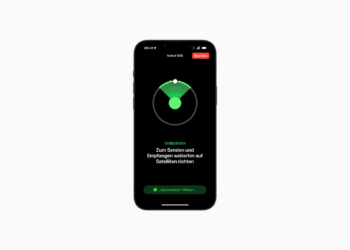
iPhone 14: Share location via satellite using Find My
Share location via satellite using Find My: Apple has now officially launched the iPhone 14 satellite emergency call feature in Germany.
Read moreDetails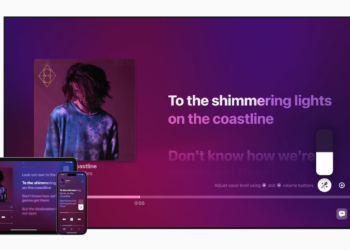
Apple Music Sing: These devices support karaoke mode
Supported devices in focus: Apple announced a brand new karaoke mode called "Apple Music Sing" for Apple Music yesterday.
Read moreDetails
iPad Pro 6: Apple explains how WiFi 6E works
The new iPad Pro models, announced last week, are the first Apple devices to support WiFi 6E.
Read moreDetails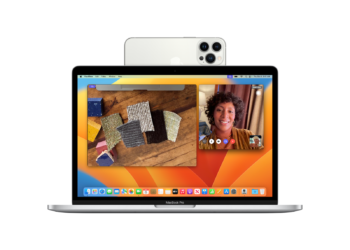
macOS Ventura & iOS 16: Apple explains the camera handover
Apple has described the new camera handoff feature of macOS Ventura and iOS 16 in detail in a support document.
Read moreDetails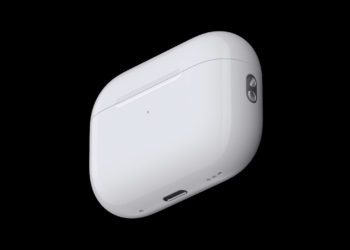
AirPods Pro 2: How Precise Search works
With the AirPods Pro 2, Apple has improved the charging case and added a U1 chip for precision search with Find My.
Read moreDetails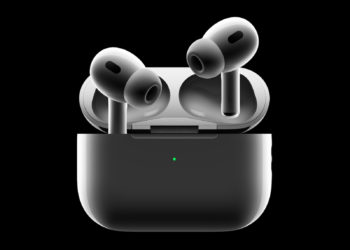
AirPods Pro 2: How to enable or disable the charging sound
With the AirPods Pro 2, Apple has significantly improved the charging case and added a U1 chip for "Precise Search" with Find...
Read moreDetails
Apple Watch Ultra: How to customize the action button
The Apple Watch Ultra features an action button on the left side of the case that can perform a variety of functions...
Read moreDetails
Apple Watch Ultra: How to control the siren
Apple Watch Ultra: The siren uses a unique sound signature with two different alternating patterns.
Read moreDetails
iPhone 14 Pro: How to use the 48MP camera
Apple iPhone 14 Pro with 48MP camera: Below I will show you how to activate the full performance of the camera.
Read moreDetails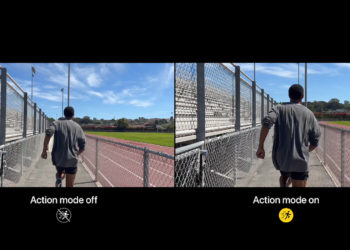
iPhone 14: How the new action mode works
The new iPhone 14 models have an action mode for video recording. Find out everything you need to know below.
Read moreDetails