
apple patient
  • Home
  • News
  • Rumors
  • Tips & Tricks
  • Reviews
  • Insights
No Result
View All Result
  • Home
  • News
  • Rumors
  • Tips & Tricks
  • Reviews
  • Insights
No Result
View All Result
apple patient
No Result
View All Result

macOS Ventura & iOS 16: Apple explains the camera handover

by Milan
October 25, 2022 - 6:49 PM
in Apple Tips & Tricks
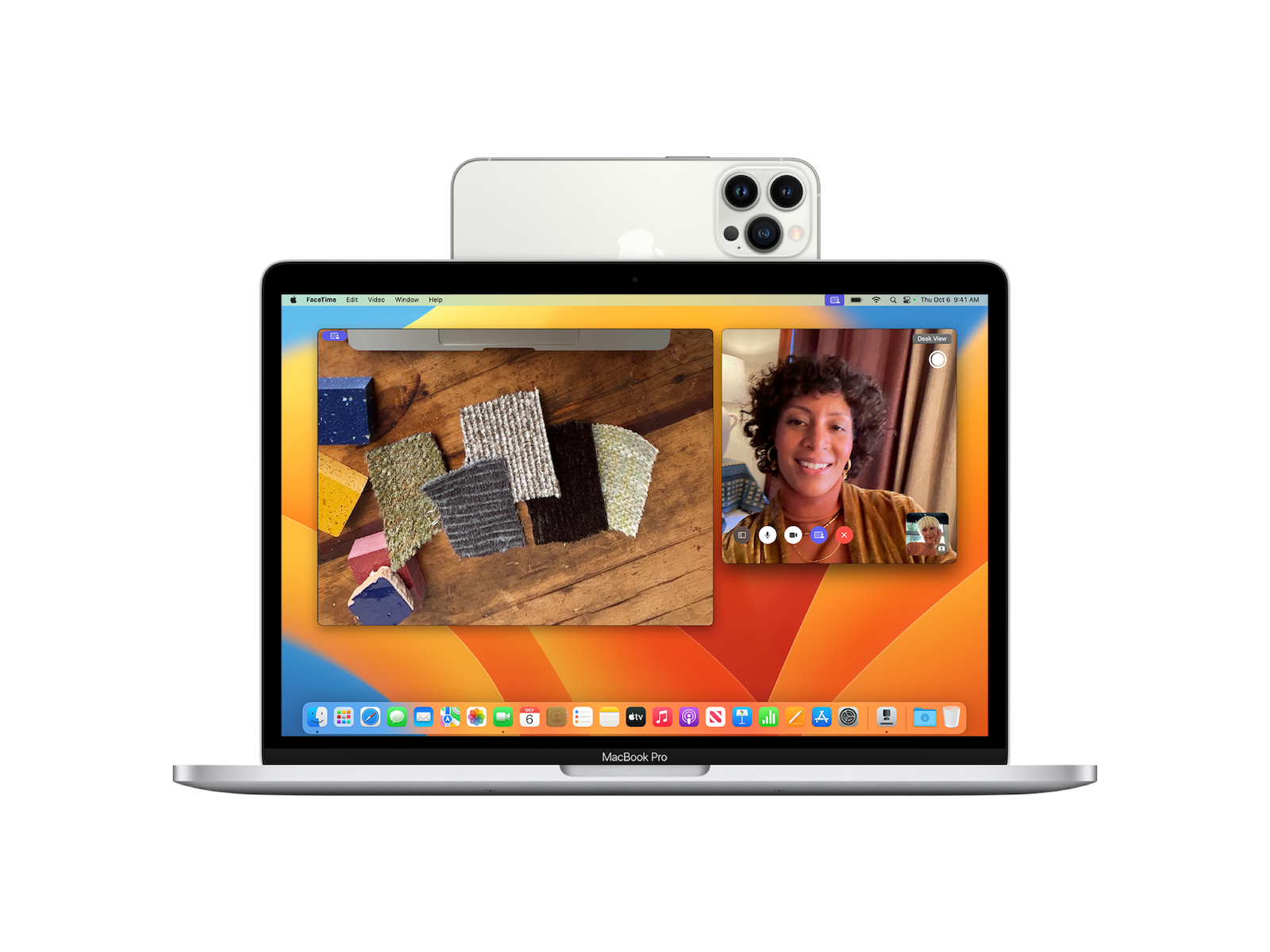
macOS Ventura & iOS 16 Camera Handover

Image: Apple

Apple has detailed the new camera handoff feature of macOS Ventura and iOS 16 in a recently published support document, providing details, instructions, and tips for the feature.

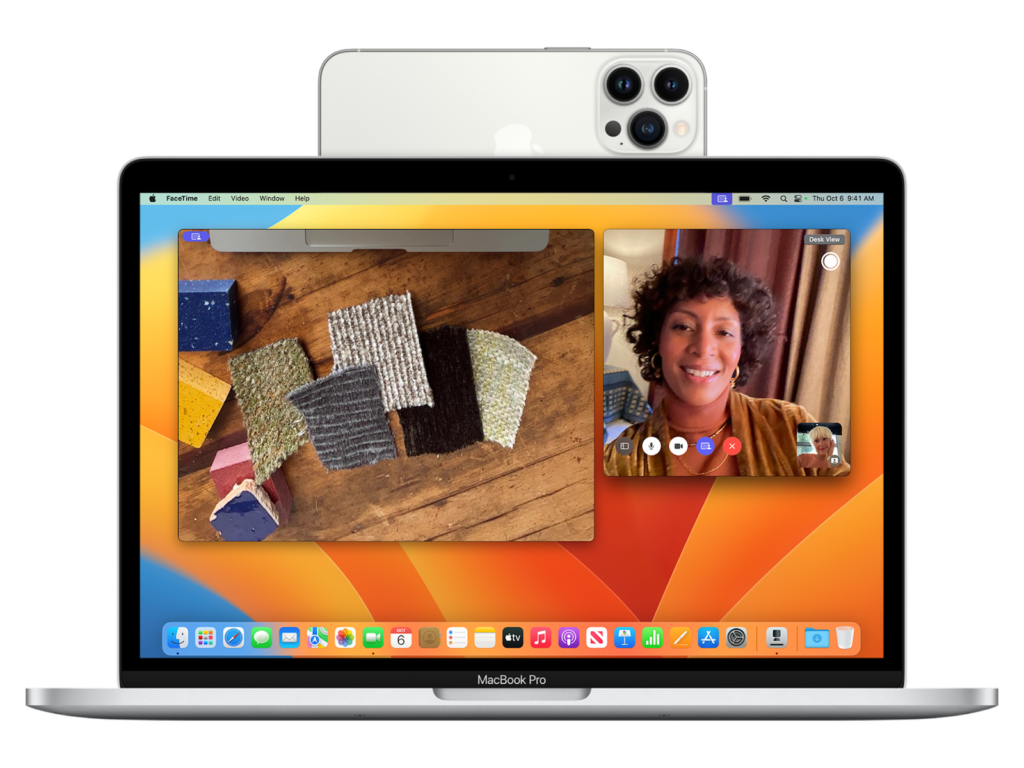
Camera Pass is a new feature in macOS Ventura that allows users to use an iPhone as a webcam on their Mac. Camera Pass works wirelessly or wired in FaceTime, Zoom, and other apps. With the feature, users get video directly from the iPhone camera, which is of significantly better quality than the Mac's built-in lens. With Camera Pass, users also can use various effects from their iPhones. For the first time, users can, for example, use the iPhone's wide-angle lens to activate Center Stage.
macOS Ventura & iOS 16 Camera Handover
Image: Apple

macOS Ventura & iOS 16 are required

Studio Light, Portrait Mode and Desk View, which shows the desk and the user's face simultaneously, are also available. To attach an iPhone to a MacBook, users can purchase a new iPhone mount from Belkin that allows the iPhone to be attached to the top bezel of the MacBook. The mount costs 34.95 euros and is available in the Apple Online Store. According to the support document Users need an iPhone with iOS 16 or higher and a Mac with macOS Ventura to use camera sharing. Users must also be logged in with the same Apple ID on both devices and two-factor authentication must be enabled. (Image: Apple)

  • Apple Music & Co.: Apple increases prices for services
  • iOS 16.1, iPadOS 16.1, macOS Ventura & more released
Make Apfelpatient a preferred source One click – and you'll see us more often on Google
Was this article helpful?
YesNo
Tags: iOSiOS 16iOS 16.1iPhoneMacmacOSmacOS 13 Ventura

Our Amazon Storefront

A handpicked selection of products for iPhone, Mac and more – sorted by topic and updated regularly.

Shop Now

This post contains affiliate links (including Amazon). We earn a small commission on qualifying purchases – at no extra cost to you. Learn more on our Partner Program page.

Previous Post

iPhone 15 Pro: New details on the specifications

Next Post

iOS 16.2 & Co.: Apple starts new beta phase

Next Post
iOS 16.2 Beta

iOS 16.2 & Co.: Apple starts new beta phase

Apple TV The Morning Show Season 5

Apple TV: The Morning Show ends with season 5

July 23, 2026
Apple Maps iOS 27

Apple Maps will be permanently installed in Ford electric cars by 2027

July 23, 2026
Google EU

EU imposes €890 million fine on Google

July 23, 2026

About APFELPATIENT

APFELPATIENT brings you the latest Apple news, product updates, guides, reviews and tips across the entire Apple ecosystem — from the iPhone to the Mac to the Apple Vision Pro. From the first rumors to confirmed news: researched responsibly.

Follow Apfelpatient

Facebook Instagram YouTube threads threads

Company

  • About Apfelpatient
  • Contact
  • Author Profiles

Community

  • Netiquette
  • Push Notifications
  • RSS feed

Legal

  • Legal Notice
  • Privacy Policy
  • Terms of Use
  • Cookie Settings
  • Affiliate Program

Resources

  • Sitemap

© 2026 Apfelpatient. All rights reserved.

No Result
View All Result
  • Home
  • News
  • Rumors
  • Tips & Tricks
  • Reviews
  • Insights

© 2026 Apfelpatient. All rights reserved. Page Directory

Change language to Deutsch


