Apple Tips & Tricks
Every new version of iOS, iPadOS, macOS, and watchOS adds features – and hides many of them so well that even long-time Apple users miss them. On top of that come everyday problems: backups failing, AirDrop refusing to work, Wi-Fi passwords disappearing.
This is where step-by-step guides for exactly those moments live: from setting up a new iPhone to transferring data to uncovering hidden features in iOS and macOS. Every guide is verified against the current version – so the steps are correct when you actually need them.
Topics range from basics for newcomers to specialized features for power users: setting up iCloud properly, pairing an Apple Watch with an iPhone, using Focus modes effectively, resetting old devices for resale. When problems come up, the solution isn't just shown – it's also explained why something goes wrong, so the same issue can be solved independently next time.
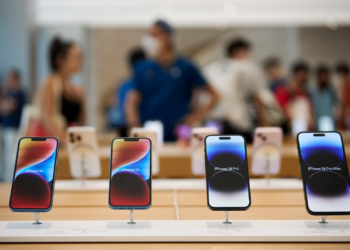
iPhone 14: How accident detection works
With the launch of the iPhone 14 and the new Apple Watch models, Apple introduced a new safety feature called Accident Detection.
Read moreDetails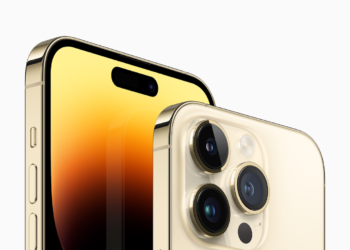
iPhone 14: How to activate the new power on and off tones
For the iPhone 14 series, Apple has introduced a new feature that plays a sound when the iPhone is turned on and off.
Read moreDetails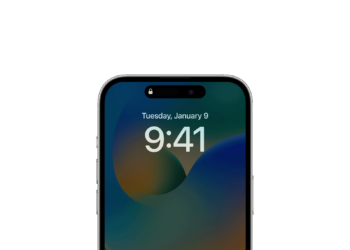
iPhone 14 Pro: Disable Always-On Display
The iPhone 14 Pro and iPhone 14 Pro Max have an always-on display. Below I'll show you how to...
Read moreDetails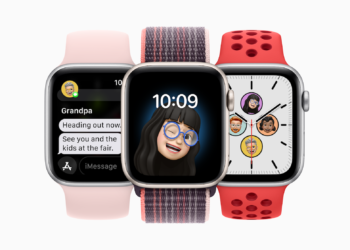
watchOS 9: These Apple Watch models will receive the new energy saving mode
Compatibility with older Apple Watch models: During the keynote, a watchOS 9 feature was announced, a brand new power saving mode.
Read moreDetails
iOS 16: Create favorites within a Safari tab group
Apple has made some improvements to the Safari browser in iOS 16, including adding some new features in tab groups.
Read moreDetails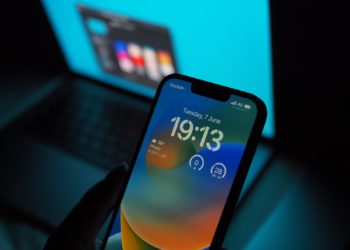
iOS 16: How to customize the iPhone lock screen
With iOS 16, Apple has completely redesigned the iPhone's lock screen. It is more customizable and can display information-rich widgets.
Read moreDetails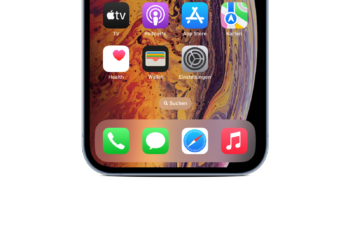
iOS 16: How to remove the search bar on the home screen
Here's how to remove it: In iOS 16, Apple added a search bar to the iPhone's home screen, right above...
Read moreDetails
iOS 16: How to split Safari tab groups
In iOS 16 and iPadOS 16, Apple allows you to share tab groups in Safari. We'll show you how it all works...
Read moreDetails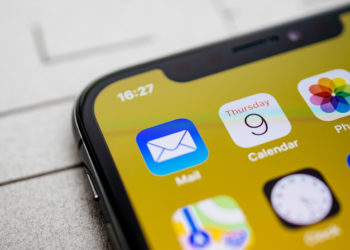
Send later with Mail: How to use the iOS 16 innovation
The Mail app gets some valuable improvements with iOS 16. Send later with Mail: How scheduled emails work in iOS 16.
Read moreDetails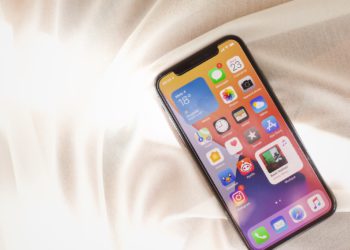
Visual reference: Copy & share motifs from images in iOS 16
Isolate the subject of an image from the background: Apple has improved the "Visual Lookup" feature for images in iOS 16.
Read moreDetails