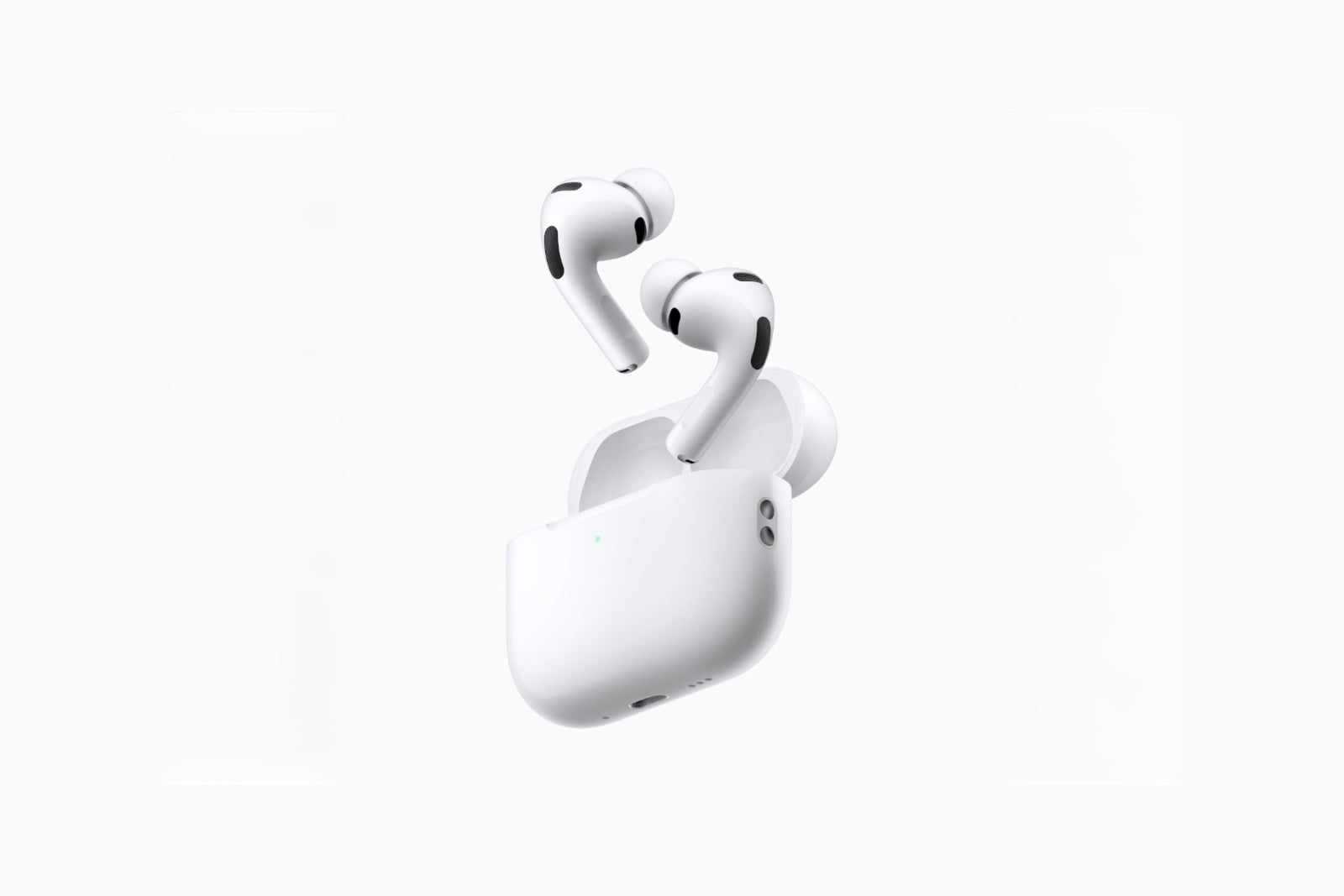
For years, Apple alone determined how AirPods sounded. With iOS 27, this decision is being placed in the hands of users for the first time: An equalizer with three sliders is located directly in the AirPods settings and affects everything that plays through the earbuds.
Users of headphones from Sony, Bose, or Sennheiser have been able to adjust the frequency response themselves for years. With AirPods, only Apple's preset settings remained, supplemented by an adaptive automatic function that couldn't be adjusted. This changes fundamentally with iOS 27 – the equalizer is now part of the larger AirPods feature set included in this version and fits in with the newly organized AirPods settings, which group the most important options into thematic categories.
Which AirPods support the equalizer?
This feature requires Apple's H2 chip. It supports:
- AirPods Pro 2 (Lightning and USB-C)
- AirPods Pro 3
- AirPods 4 (with and without active noise cancellation)
- AirPods Max 2
Older models are excluded, including the first generation of AirPods Max. If you're unsure which model is in the charging case, the overview of current AirPods generations will help you compare the differences. Anyone considering upgrading can find all currently available AirPods models listed here.
This is how the equalizer is set
The AirPods must be connected and in the ear for this to work – only then will the entry appear at the top of the settings.
- Open the settings on your iPhone.
- Tap on your AirPods entry at the top.
- Select Audio & Routing.
- Tap on Equalizer.
- Select Custom and drag the points for depths, midpoints, and heights up or down.
A playback control appears above the sliders, displaying the last played track. This allows you to immediately assess any changes while the track is playing, instead of blindly adjusting values. A dedicated menu item restores Apple's original settings if the result is unsatisfactory.
What the three controls actually change
A three-band equalizer roughly divides the frequency spectrum. The lows define the bass foundation – kick drum, bass lines, the physical thump of electronic music. The mids carry vocals and most instruments; cutting them too much makes vocals sound hollow and distant. The highs control detail, cymbals, and sibilance.
For podcasts and audiobooks, a slight boost in the midrange is beneficial, as it makes speech sound more immediate. When listening to music in noisy environments, a boost in the bass helps to compensate for the noise that would otherwise be masked by street noise. Boosting the treble improves clarity but risks making sibilant sounds unpleasantly harsh. It's advisable to adjust the settings gradually, switching back to the default settings periodically – the ear adapts to changes more quickly than you might expect.
The difference to the old equalizer in the music app
An EQ setting has existed in iOS for years, hidden in the settings within the Music app. It differs from the new slider in two crucial ways.
The older version uses fixed presets instead of freely adjustable bands and only applies to playback via Apple Music. Everything else – Spotify, YouTube, podcasts, videos, games – remains unaffected. However, it works with any headphones.
The equalizer in iOS 27 reverses this relationship: it's tied to the AirPods rather than an app and therefore affects all audio output, regardless of the source. Anyone using both simultaneously should keep this in mind, as the effects are additive.
The profile migrates to iPad and Mac with
The setting is specific to the AirPods, not the iPhone. If you pair the same earbuds with an iPad or Mac, the same sound profile will apply without needing to be reconfigured. On a Mac, you'll find this setting in System Preferences; on an iPad, it's in the same location as on an iPhone.
This is especially useful if you're using the same earbuds to listen to music on your computer and podcasts on the go. If the setting isn't working on one device, a quick disconnect and reconnect usually fixes it – instructions for doing this can be found in the guide on connecting and resetting AirPods.
Availability and requirements
The equalizer is part of iOS 27, iPadOS 27, and macOS 27 Golden Gate. The final versions will be released in the fall; the feature is already included in the preview versions, but requires compatible AirPods beta firmware. It installs itself in the background as soon as the earbuds are in their charging case near the iPhone.
Three bands are relatively few – competing models sometimes offer significantly finer gradations. However, for everyday use, the division into bass, midrange, and treble is sufficient to correct the biggest criticisms of Apple's factory tuning without getting lost in frequency response diagrams.
AirPods equalizer – the most important points at a glance
| Detail | Info |
|---|---|
| Requirement | H2 chip in the AirPods |
| Supported models | AirPods Pro 2, AirPods Pro 3, AirPods 4, AirPods Max 2 |
| Operating system | iOS 27, iPadOS 27, macOS 27 Golden Gate |
| Path | Settings › AirPods › Audio & Routing › Equalizer |
| Bands | Lows, mids, highs |
| Scope | All apps and audio sources |
| Across devices | Profile also applies on iPad and Mac |
The equalizer fills a gap that has plagued AirPods users for years. Those who previously struggled with the sound no longer need to resort to accessibility settings, but can adjust directly using three sliders – and immediately hear the changes. (Image: Apple)
- iOS 27: Liquid Glass transparency can be adjusted seamlessly
- iOS 27: Hide audio and dictation icons in Messages
- Detecting stalkerware on the iPhone
- iMessage contact key verification explained
- Installing iOS 27 Public Beta: Instructions, risks and troubleshooting
- Disable Apple Intelligence: How to turn off the AI
- Apple Notes: Record audio and convert it to text
- Apple Intelligence and Data Privacy: How Apple Protects Your Data
- Create iPhone ringtones – without GarageBand
Frequently Asked Questions: AirPods Equalizer
Apple's H2 chip is required. This applies to AirPods Pro 2 in both connector variants, AirPods Pro 3, AirPods 4 with and without active noise cancellation, and AirPods Max 2. Older generations are excluded, including the first AirPods Max.
Yes. The equalizer is tied to the AirPods rather than a single app and therefore applies to every audio output – regardless of whether the music comes from Apple Music, a streaming service, a video, or a game.
Apple limits itself to bass, midrange, and treble. Competing products from companies like Sony or Sennheiser offer significantly finer gradations; for common adjustments to the factory settings, the three-tiered system is sufficient for everyday use.
No. The new setting is tied to AirPods with the H2 chip. For other headphones, only the older EQ setting in the Music app remains, which, however, uses fixed presets and only applies to Apple Music.
The older version offers fixed profiles and only works with Apple Music, but it functions with any headphones. The new one uses freely movable controls, is paired with AirPods, and captures all audio sources. Users who activate both should expect the effects to overlap.
Yes, the profile is stored in the AirPods and not on the iPhone. Once the same earbuds are paired with an iPad or Mac, the same settings apply there without needing to be set up again.