Phone and FaceTime aren't among the apps with the longest list of changes in iOS 27 – but the biggest new feature is located precisely where phone calls have been the most frustrating. Two features stand out, along with half a dozen smaller improvements. And one of the two major new features won't even be available to German-speaking users at launch.
Apple has focused on refining existing features in iOS 27, and this is particularly evident in the Phone app: Instead of another interface redesign, like the one that fundamentally changed the Phone app in iOS 26, it receives a single new feature that addresses a specific everyday annoyance. FaceTime, in turn, benefits from a camera function previously exclusive to the Camera app, as well as several improvements under the hood. The following overview summarizes all the new features of both apps, including requirements that not every iPhone meets.
Call Context prepares the call to the company
The key new feature of the phone app is called Call Context. When calling a business number, the relevant information from the company's apps is displayed directly on the call screen. For example, when calling an airline, this is the confirmation code for the upcoming flight; for a hotel, the reservation number; and for a retailer, the order number for a return.
The function does not analyze the conversation itself. It only uses the dialed phone number and compares it to the content of the email. If the system finds multiple matching events, it stacks the other matches under the most likely result. If desired, the iPhone can also read the found code aloud instead of just displaying it.
The processing takes place entirely on the device; data is not transferred to Apple or any third parties. An iPhone 15 Pro or newer is required, as Call Context is part of Apple Intelligence. Calls originating from an iPad or Mac are also supported.
Why Call Context is currently ineffective in this country
Herein lies a limitation that is easily overlooked in the feature description: Call Context starts exclusively in English. Apple has not announced a timeline for additional languages.
For users in Germany, Austria, and Switzerland, this means that the feature will not be available with German as the system language at launch. Anyone wanting to try it would have to switch their iPhone to English – which would mean that German-language confirmation emails would form the very basis of the data required for an English-language analysis. The practical benefit in this scenario is likely to be limited.
Experience shows that Apple typically adds more languages for Apple Intelligence features during the x.1 and x.2 updates. However, there is no promise of this happening in this case.
Dual Capture shows both cameras in the same conversation
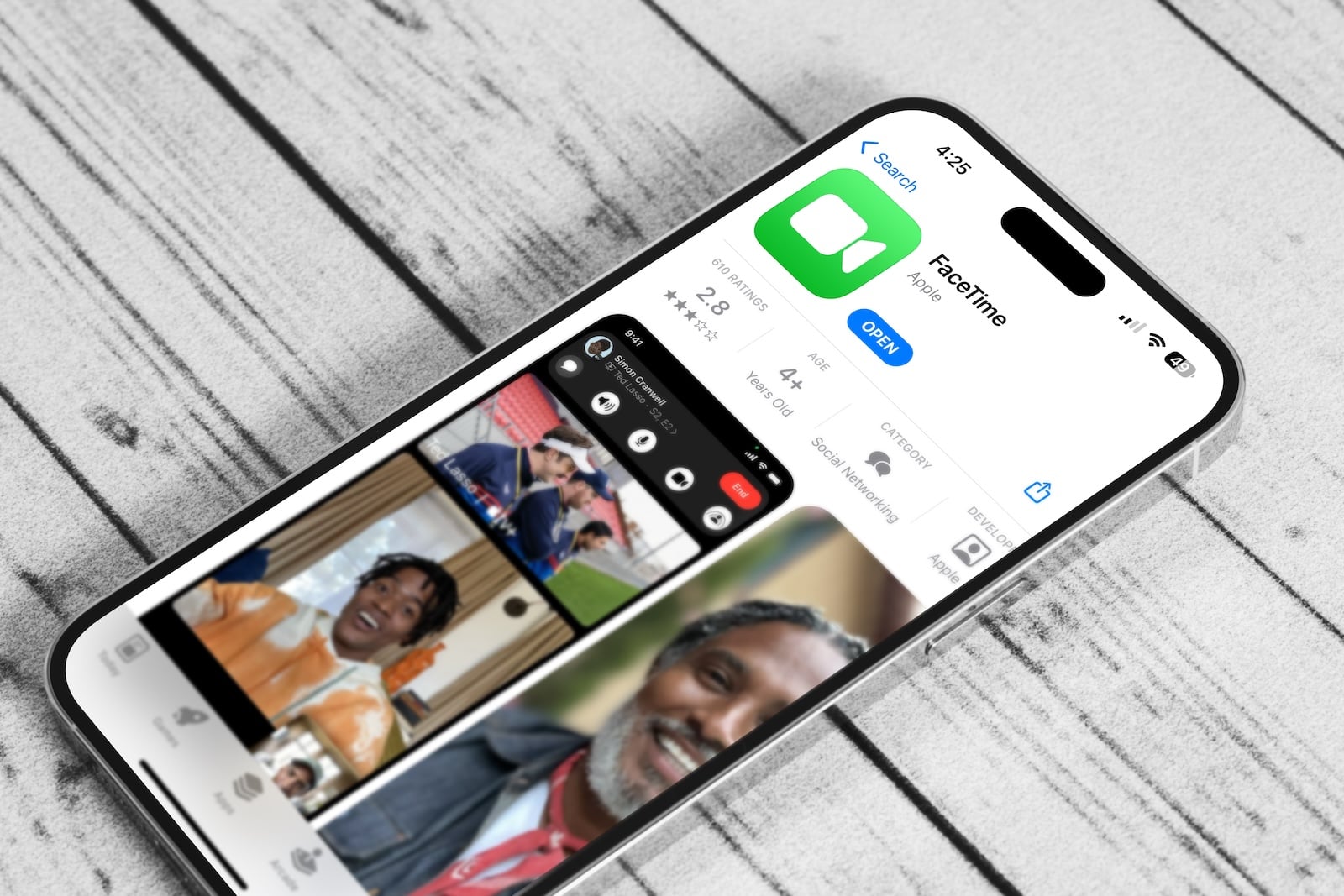
In FaceTime, Dual Capture is the most noticeable new feature. The front and rear cameras work simultaneously, so the other person sees your face and what the rear camera is pointing at at the same time. For anything that's difficult to describe – a DIY problem, a landmark, a shelf in a hardware store – this eliminates the need for constantly switching cameras.
The function is activated via the camera switch button. Users who only want to send the rear-facing image can hide the front camera view with a tap.
There is a hardware limitation when sending: Simultaneous transmission of both camera images is possible on the iPhone 17, iPhone 17 Pro, iPhone 17 Pro Max, iPhone Air, and newer models. There is no such requirement for the receiving device – anyone with iOS 27 installed can view the dual video stream regardless of their iPhone model.
More stable connections in areas with poor network coverage
Two improvements relate to connection quality and are only noticeable during use. FaceTime calls maintain higher quality than before, even with a weak connection. And switching between Wi-Fi and cellular data is smoother, so calls are less likely to drop when you leave or re-enter the house while on a call.
Neither of these features requires an active activation function; they activate automatically. Network switching, in particular, has been one of the most frequent causes of dropped FaceTime calls for years.
Live subtitles and enhanced communication security
Live captions, which automatically transcribe conversations, now support Traditional Chinese in iOS 27. German has long been a supported language and is not affected by this addition. This feature should not be confused with live translation in Messages, Phone, and FaceTime, which translates conversations in other languages instead of just transcribing them.
Communication security has also been expanded. The protection mechanism previously detected nudity in FaceTime and messages, and starting with iOS 27, it also blocks depictions of violence and gore. For families with children's accounts, this is the most relevant change in the update, as it extends the scope of protection beyond sexual content for the first time.
Overview of the requirements for the new functions
| Feature | Requirement | Available with German system language |
|---|---|---|
| Call Context | iPhone 15 Pro or newer | No, only English at the start. |
| Dual Capture (send) | iPhone 17, 17 Pro, 17 Pro Max, iPhone Air or newer | Yes |
| Dual Capture (receiving) | any iPhone with iOS 27 | Yes |
| Connection quality and network switching | any iPhone with iOS 27 | Yes |
| Live subtitles | any iPhone with iOS 27 | Yes, German is already supported. |
| Enhanced communication security | any iPhone with iOS 27 | Yes |
iOS 27 in Phone and FaceTime – the most important points at a glance
The list of changes is short, but addresses two very different needs: Call Context eliminates the tedious search function in business calls, while Dual Capture makes FaceTime useful for anything that can be shown rather than explained. In between are improvements that no one will actively notice as long as they work.
For German-speaking regions, the picture remains mixed. Dual Capture, more stable connections, and enhanced communication security will be available with the update this fall. The biggest new feature of the Phone app will initially be left out – until Apple adds voice support, you're unlikely to see much of Call Context in Germany. (Image: Shutterstock / Sudarsan Thobias)
- Apple Security Camera: All the rumors at a glance
- Apple HomePad: All the rumors at a glance
- New Apple TV 4K: All the rumors about the update with Siri AI
- HomePod 3 & HomePod mini 2: All the rumors at a glance
- MacBook Neo 2: All the rumors at a glance
- MacBook Ultra: All the rumors at a glance
- iPhone and Satellite Features: These Countries Are Included
- Apfelpatient Weekly #16
- Apple Glasses: All the rumors at a glance
Frequently Asked Questions: New features in Phone and FaceTime in iOS 27
No. The feature launches exclusively in English; Apple has not announced a timeline for other languages.
iPhone 15 Pro and newer models will receive this feature, as it's part of Apple Intelligence. Older models won't get it, even with iOS 27.
No. Only the dialed number is evaluated and compared with the content of the email. The processing takes place entirely on the device.
Yes. To send, you need an iPhone 17, 17 Pro, 17 Pro Max, iPhone Air or newer – to view, iOS 27 on any hardware is sufficient.
Use the button to switch cameras during a call. The front camera view can be hidden separately.
Live subtitles transcribe what is said, live translation translates it into another language.
In addition to nudity, now also depictions of violence and gore in FaceTime and messages.