Apple Tips & Tricks
Every new version of iOS, iPadOS, macOS, and watchOS adds features – and hides many of them so well that even long-time Apple users miss them. On top of that come everyday problems: backups failing, AirDrop refusing to work, Wi-Fi passwords disappearing.
This is where step-by-step guides for exactly those moments live: from setting up a new iPhone to transferring data to uncovering hidden features in iOS and macOS. Every guide is verified against the current version – so the steps are correct when you actually need them.
Topics range from basics for newcomers to specialized features for power users: setting up iCloud properly, pairing an Apple Watch with an iPhone, using Focus modes effectively, resetting old devices for resale. When problems come up, the solution isn't just shown – it's also explained why something goes wrong, so the same issue can be solved independently next time.
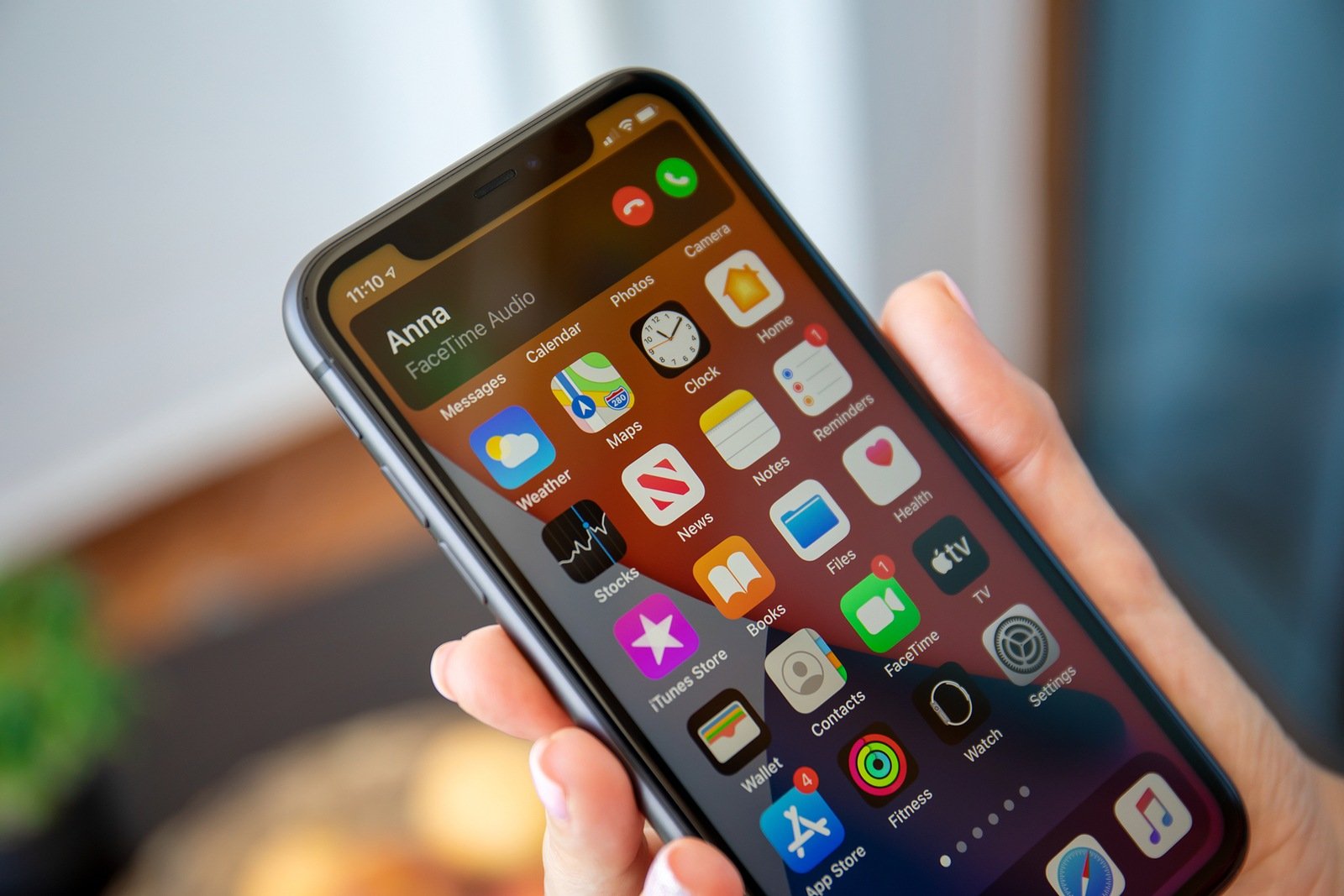
iOS 14: Compact user interface for calls
This is how the compact user interface for calls under iOS 14 or iPadOS 14 is used on the iPhone or iPad and...
Read moreDetails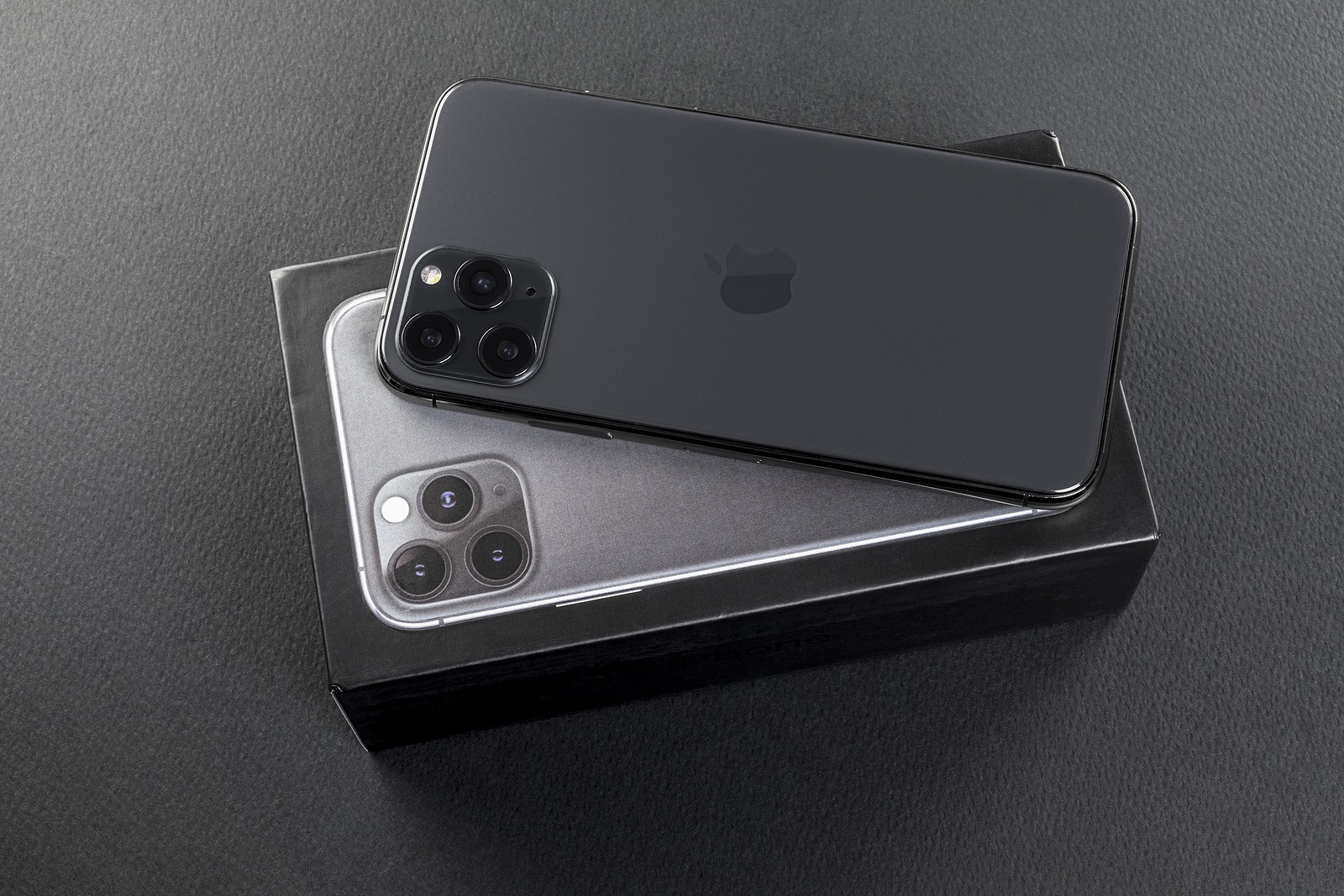
iOS 14: What the integrated translator can do
Apple has added a standalone translator app in iOS 14 that is completely native and can also work offline.
Read moreDetails
watchOS 7: How to enable hand washing
Handwashing in watchOS 7: The Apple Watch feature couldn't come at a better time. Here's how to activate it.
Read moreDetails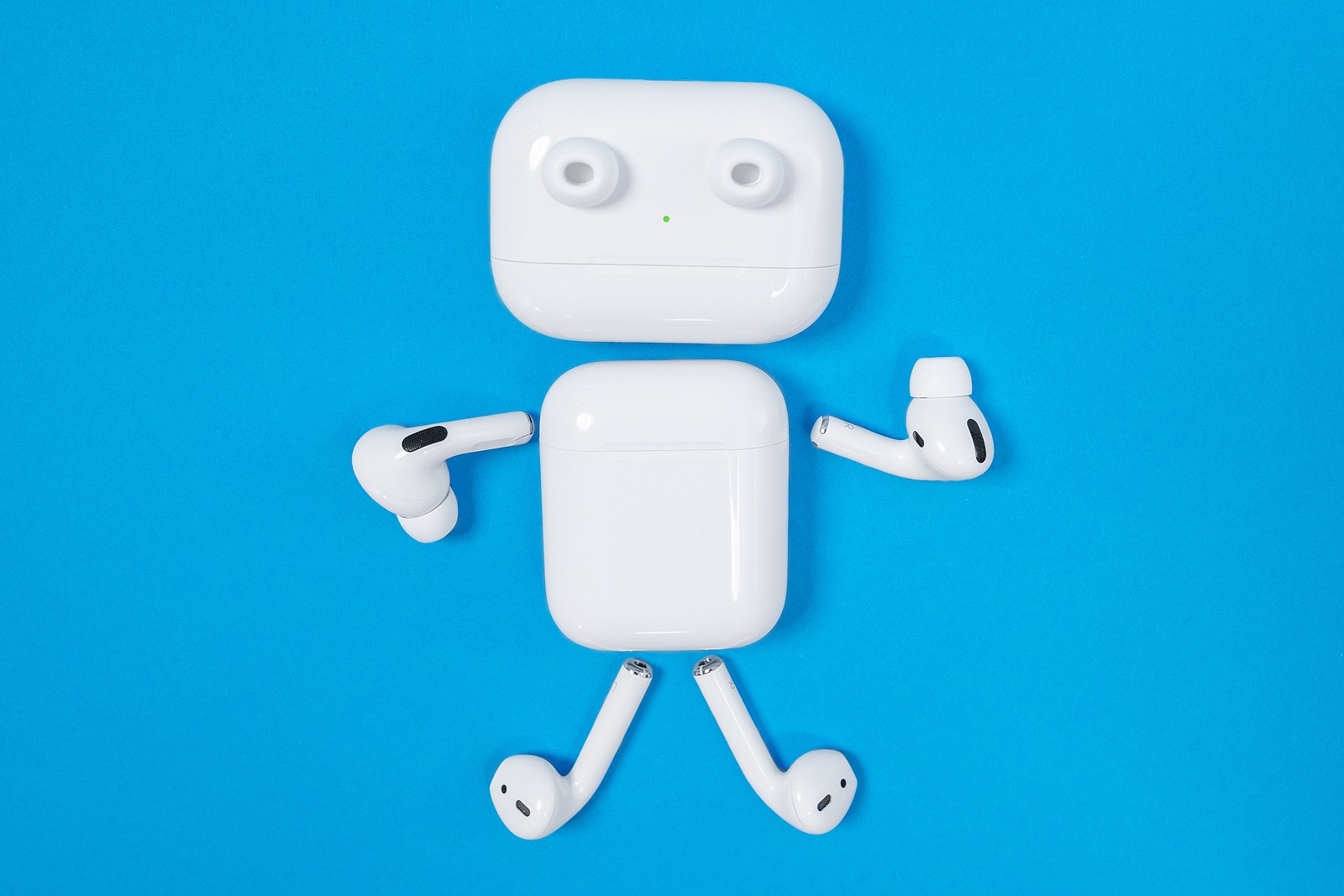
iOS 14: These features will be added to AirPods
Spatial Audio and more: Thanks to iOS 14, a few new features are finally being added to the...
Read moreDetails
watchOS 7: How to change the app layout
watchOS 7 app layout: This means that many apps now have to be adapted and previous functions are now controlled differently.
Read moreDetails
iOS 13.6: Adjust automatic iOS updates: Here's how
iOS 13.6: Users can now control the automatic downloading of iOS updates themselves. Below I will show you how to use the feature...
Read moreDetails
iOS 14: How to use the picture-in-picture feature
Picture-in-picture option in iOS 14: This feature allows you to watch videos while using another app. Here's how it works!
Read moreDetails
MacBook: Apple warns about camera covers
Many users use camera covers - whether on iMacs or MacBooks. But Apple warns against covers.
Read moreDetails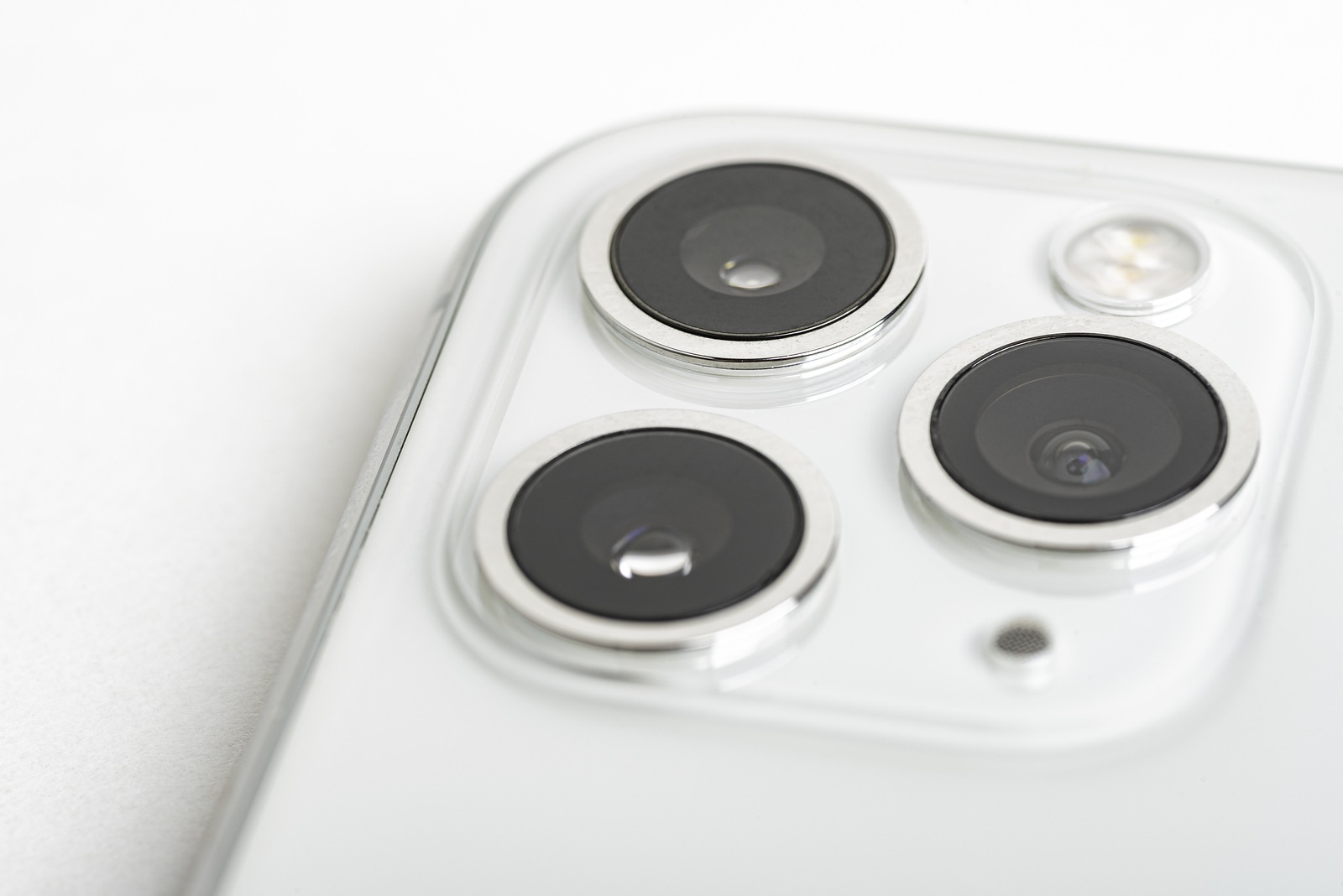
iOS 14: What do the orange and green dots mean?
iOS 14: A particularly striking innovation is the status bar next to the iPhone notch. We'll explain what it means below.
Read moreDetails
iOS 14: Add image captions? Here's how!
iOS 14: For example, users can now add captions to any photo or video. Here are the instructions.
Read moreDetails