Apple Tips & Tricks
Every new version of iOS, iPadOS, macOS, and watchOS adds features – and hides many of them so well that even long-time Apple users miss them. On top of that come everyday problems: backups failing, AirDrop refusing to work, Wi-Fi passwords disappearing.
This is where step-by-step guides for exactly those moments live: from setting up a new iPhone to transferring data to uncovering hidden features in iOS and macOS. Every guide is verified against the current version – so the steps are correct when you actually need them.
Topics range from basics for newcomers to specialized features for power users: setting up iCloud properly, pairing an Apple Watch with an iPhone, using Focus modes effectively, resetting old devices for resale. When problems come up, the solution isn't just shown – it's also explained why something goes wrong, so the same issue can be solved independently next time.

iOS 14 & watchOS 7: How to solve GPS problems & more
iOS 14 & watchOS 7: There should be a solution for missing GPS and other health data or problems with battery life...
Read moreDetails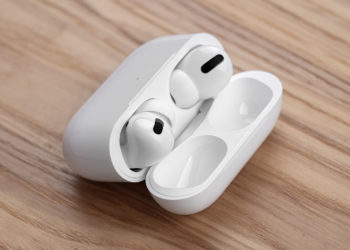
iOS 14 AirPods: Prevent automatic switching
iOS 14: This also includes the automatic switching of the AirPods between iPhone, iPad and Mac - prevent automatic switching of the AirPods.
Read moreDetails
iOS 14: How to hide home screen pages
iOS 14 brings numerous useful features that also benefit users with large app libraries. Hide pages!
Read moreDetails
watchOS 7: Hide tiles in the Control Center
Apple Watch: The watchOS 7 update was recently released for all users. The update contains some useful features.
Read moreDetails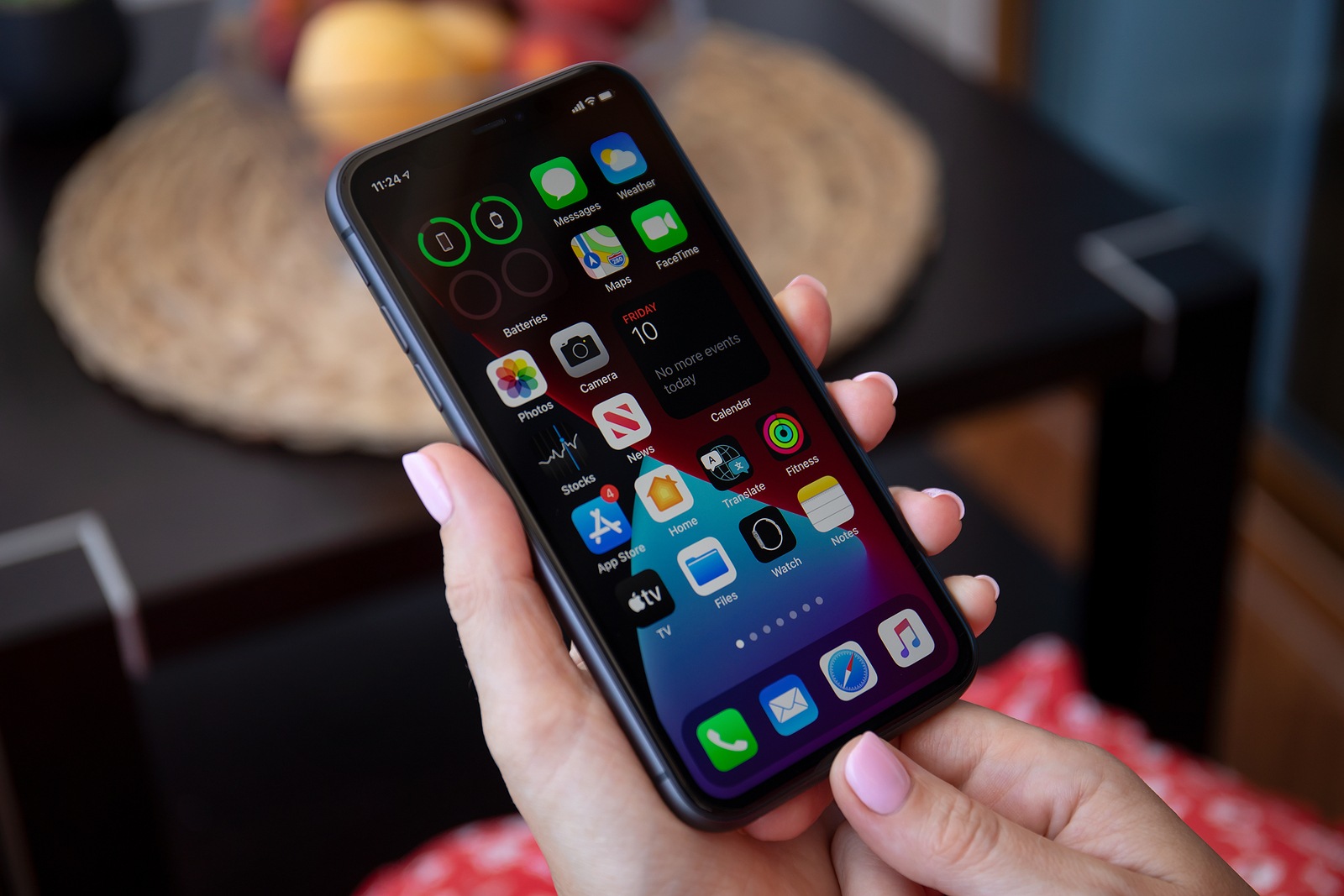
iOS 14: How to change your default mail and browser app
iOS 14: The new update brings many interesting features, including the freedom to choose the default mail and browser application.
Read moreDetails
Apple Watch: The difference between GPS and GPS+Cellular
The Apple Watch is becoming more and more popular. According to market research firm Canalys, around 18 million...
Read moreDetails
iOS 14: How to check headphone levels in real time
This is how the headphone level is checked in real time under iOS 14 or iPadOS 14. This is how the function works on the iPhone...
Read moreDetails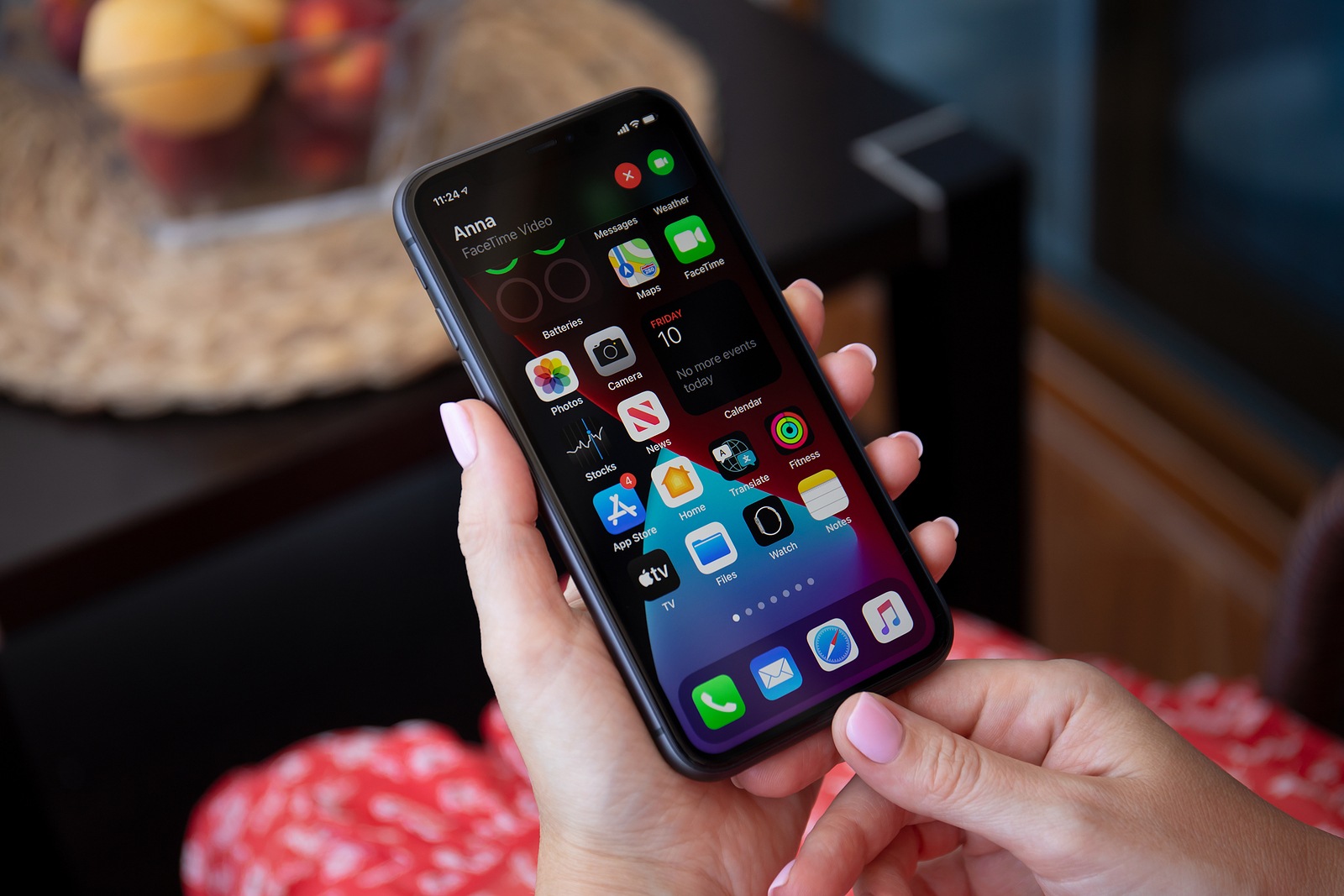
iOS 14: How to pin conversations in iMessage
iOS 14: The message pinning feature is quick and easy to use and places your favorite conversations.
Read moreDetails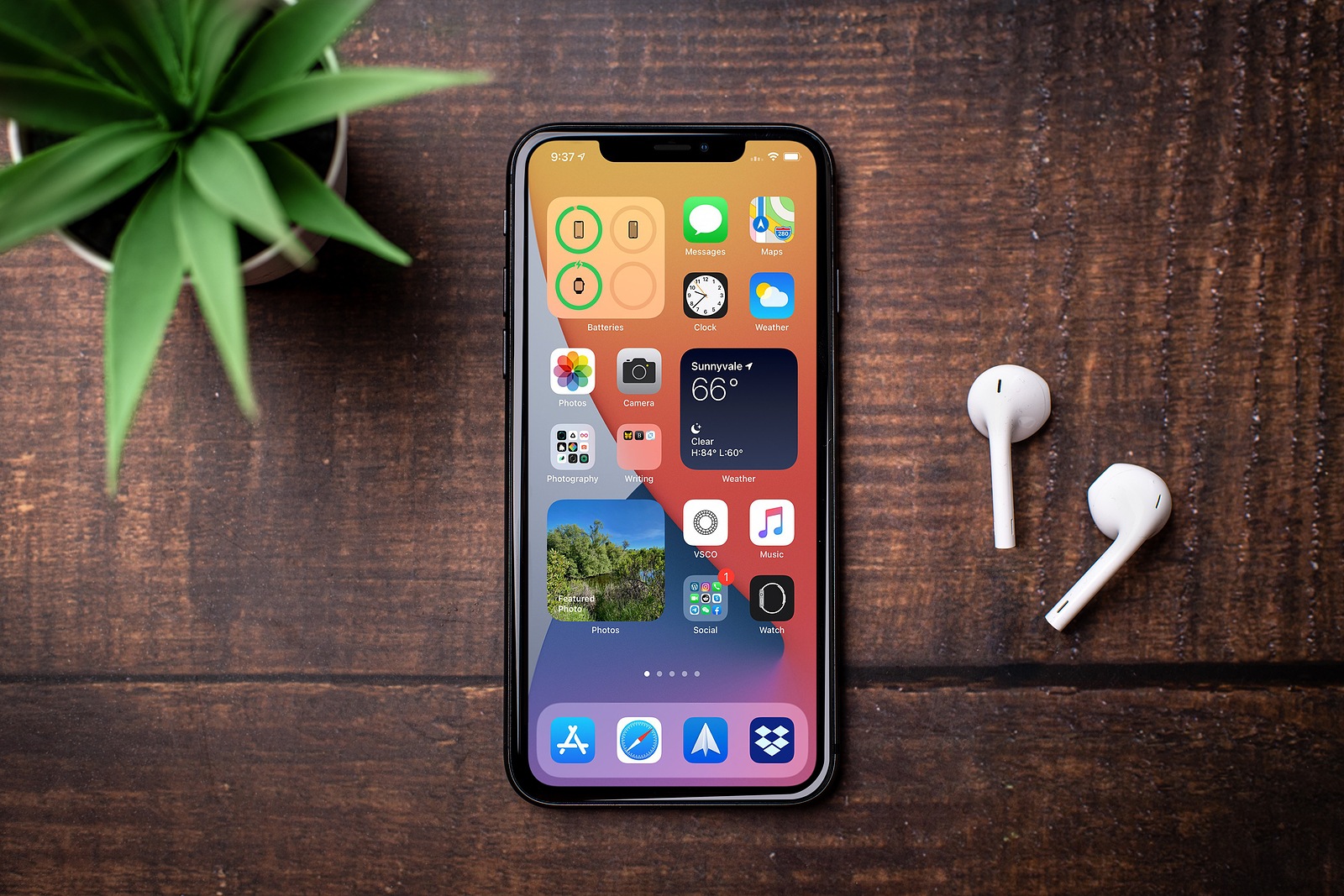
iOS 14: How to create widget stacks
Widget stack: In iOS 14, Apple has made some major changes to the home screen of iPhone and iPad.
Read moreDetails
iOS 14: These features improve the iPhone camera
iOS 14: What's more important for a portable camera than being able to quickly capture unique moments?
Read moreDetails