Apple Tips & Tricks
Every new version of iOS, iPadOS, macOS, and watchOS adds features – and hides many of them so well that even long-time Apple users miss them. On top of that come everyday problems: backups failing, AirDrop refusing to work, Wi-Fi passwords disappearing.
This is where step-by-step guides for exactly those moments live: from setting up a new iPhone to transferring data to uncovering hidden features in iOS and macOS. Every guide is verified against the current version – so the steps are correct when you actually need them.
Topics range from basics for newcomers to specialized features for power users: setting up iCloud properly, pairing an Apple Watch with an iPhone, using Focus modes effectively, resetting old devices for resale. When problems come up, the solution isn't just shown – it's also explained why something goes wrong, so the same issue can be solved independently next time.
tvOS 14.5: How to adjust the color balance on Apple TV
tvOS 14.5 step-by-step guide: Apple has announced that the Apple TV will receive a new iPhone-based color balance feature.
Read moreDetails
"Find My" Network: How to track third-party accessories
Apple announced on April 7 that third-party accessories may receive support for the Find My app in the future.
Read moreDetails
Facebook data leak: How to check if you are affected
Are you affected? It was recently announced that a major data leak compromised Facebook users' personal data.
Read moreDetails
iOS 14: Restrict third-party access to Photos app
Among the many security and privacy improvements in iOS 14 is improved control of photo permissions.
Read moreDetails
iOS 14.4: How Bluetooth devices are classified
More control: Apple has integrated new features in iOS 14.4. From now on, users can classify Bluetooth devices - here's how.
Read moreDetails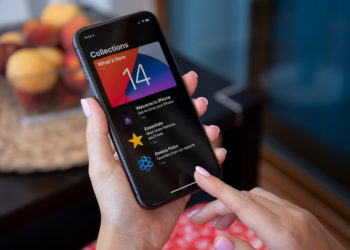
iOS 14 Location Services: The approximate location
There is a feature in iOS 14 that has been forgotten. It is called "Precise Location" and is under Location Services...
Read moreDetails
iPhone 12: How to take selfies in night mode
Apple has given the iPhone 12 a whole host of useful features, including night mode for selfies.
Read moreDetails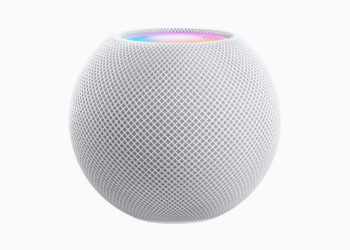
HomePod: How to start ambient sounds
Apple has added a feature to the HomePod in iOS 13.2.1 that allows the playback of so-called ambient sounds.
Read moreDetails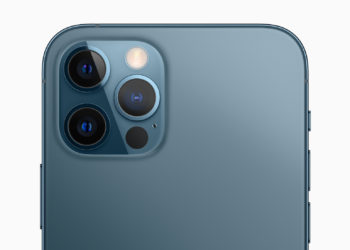
iPhone 12 Pro: Measure height with LiDAR scanner
The iPhone 12 series has undergone an extensive redesign. But the LiDAR scanner on the Pro versions is particularly impressive.
Read moreDetails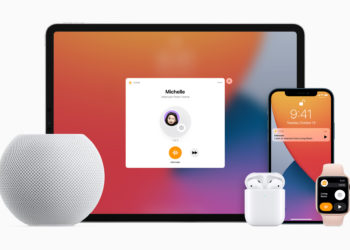
Siri: The difference between HomePod mini & HomePod
The brand new HomePod mini appears in a new spherical design and, like the classic version, is available in black and white...
Read moreDetails