Apple Tips & Tricks
Every new version of iOS, iPadOS, macOS, and watchOS adds features – and hides many of them so well that even long-time Apple users miss them. On top of that come everyday problems: backups failing, AirDrop refusing to work, Wi-Fi passwords disappearing.
This is where step-by-step guides for exactly those moments live: from setting up a new iPhone to transferring data to uncovering hidden features in iOS and macOS. Every guide is verified against the current version – so the steps are correct when you actually need them.
Topics range from basics for newcomers to specialized features for power users: setting up iCloud properly, pairing an Apple Watch with an iPhone, using Focus modes effectively, resetting old devices for resale. When problems come up, the solution isn't just shown – it's also explained why something goes wrong, so the same issue can be solved independently next time.

I found an AirTag. What should I do?
But what if you find someone else's AirTag? For example, in a bag? Or what about stalking? These questions...
Read moreDetails
Apple AirTag: How to rename your tracker
"Find My" network: If you want to rename your AirTag, you can do so at any time in just a few steps.
Read moreDetails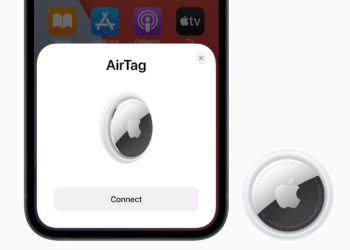
"Find My" network: How to set up Apple AirTag
Setting up AirTag: It couldn't be easier. Still, a few steps and decisions are required.
Read moreDetails
“Unlock with Apple Watch”: Apple explains new feature
Unlocking with Apple Watch: In iOS 14.5 and watchOS 7.4, Apple has introduced a feature for mask wearers.
Read moreDetails
iOS 14.5: How to share lyrics and song clips in Apple Music
In iOS 14.5, Apple has added a new Apple Music feature that allows subscribers to share song lyrics as text as well as audio clips...
Read moreDetails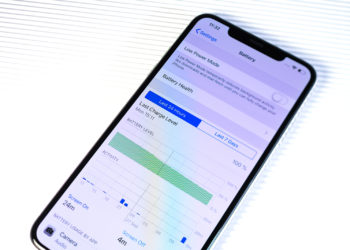
iOS 14.5: How to recalibrate the battery on iPhone 11 models
In iOS 14.5, Apple introduced a new process to recalibrate battery health reports on iPhone 11 models.
Read moreDetails
iOS 14.5: Set your preferred music streaming service with Siri
In iOS 14.5, Apple introduced a feature that allows users to select a specific music service for use with Siri...
Read moreDetails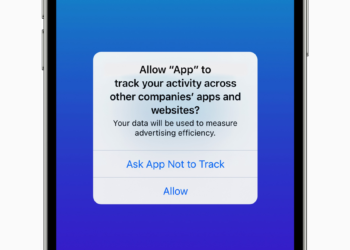
iOS 14.5: How to control app tracking on iPhone
App tracking: With the launch of iOS 14.5, apps are no longer allowed to access your iPhone's IDFA without your explicit permission...
Read moreDetails
Unlock iPhone with Apple Watch – how to do it under iOS 14.5
In iOS 14.5, Apple has implemented some interesting features, including the "Unlock iPhone with Apple Watch" feature.
Read moreDetails
Traveling abroad with AirTags: What you need to know
Use Apple AirTags abroad. However, not all functions are supported in all countries or regions of the world.
Read moreDetails