
apple patient
  • Home
  • News
  • Rumors
  • Tips & Tricks
  • Reviews
  • Insights
No Result
View All Result
  • Home
  • News
  • Rumors
  • Tips & Tricks
  • Reviews
  • Insights
No Result
View All Result
apple patient
No Result
View All Result

watchOS 7: How to change the app layout

by Milan
6. August 2020 - 15:24
in Apple Tips & Tricks
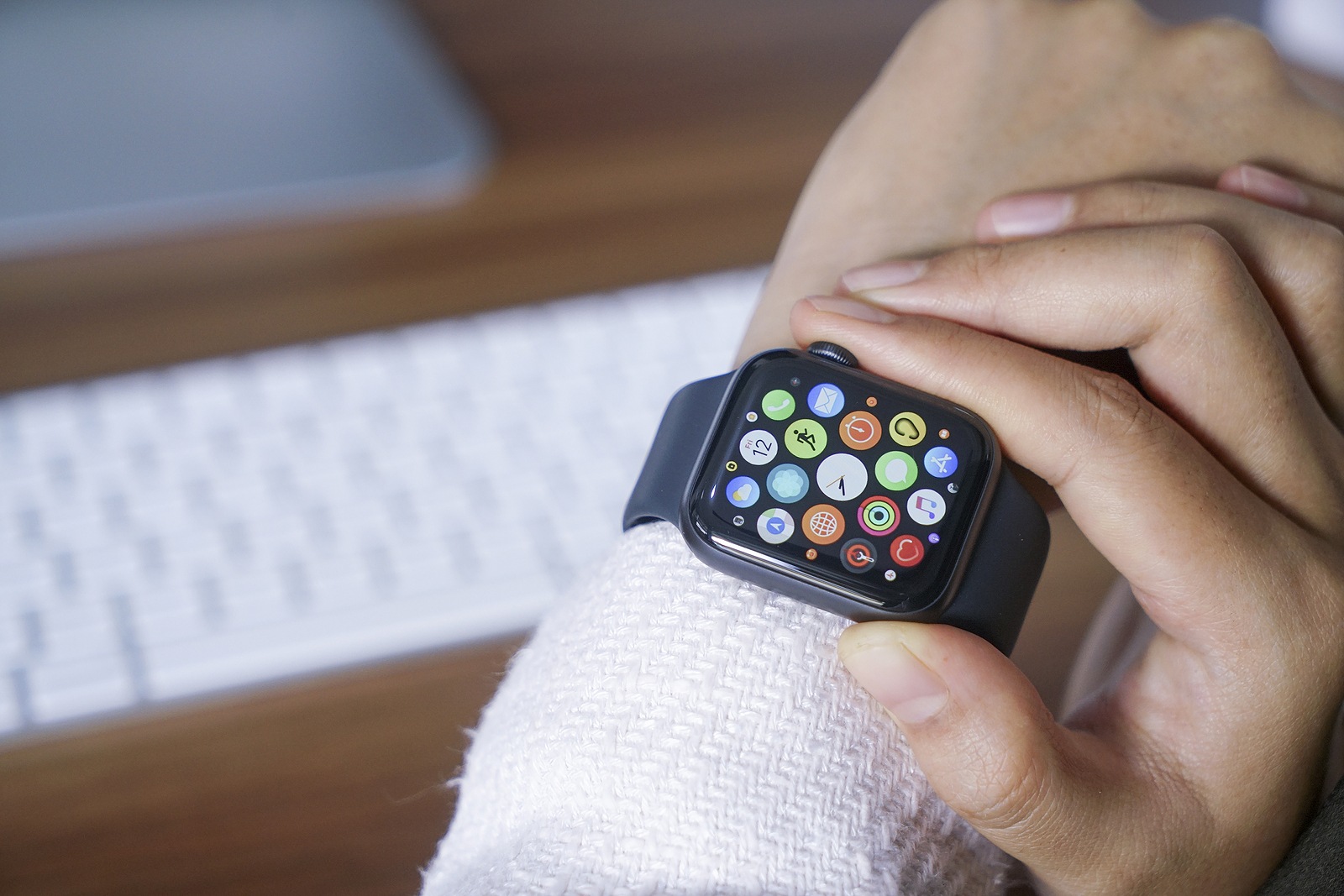
Bali Indonesia June 12, 2020 : female hands using with apple, Apple Watch is a line of smartwatches designed, developed, and marketed by Apple Inc.

Bali Indonesia June 12, 2020 : female hands using with apple, Apple Watch is a line of smartwatches designed, developed, and marketed by Apple Inc.

A big and somewhat controversial change in watchOS 7 is the removal of Force Touch. This means that many apps now have to be customized and previous functions are now controlled differently - including changing the app layout.

With Force Touch, watchOS 6 users can open hidden menus on the Apple Watch, including options for clearing notifications or customizing watch faces. This also allows the app layout to be displayed in a grid or list view. However, since Force Touch is no longer supported, the feature had to be accommodated elsewhere. The question of why Apple removed Force Touch from watchOS 7 cannot be answered with certainty. This somewhat surprising the change is not the first, however. Old hands will certainly remember the iPhone XR, which came with the Haptic Touch feature. This is essentially a feedback mechanism that was supposed to replace the well-known 3D Touch. The function is now supported on all new iPhone models. 

watchOS 7: How to display the app layout as a grid or list

So we now know one thing for sure, the Apple Watch Series 6 will not support Force Touch. What Apple will do with the newly gained space under the display remains to be seen. So after Force Touch was removed, Apple had to put this option in the Apple Watch settings. So navigate to the settings and then select "App view". Now you can select the grid or list view via the app layout menu.
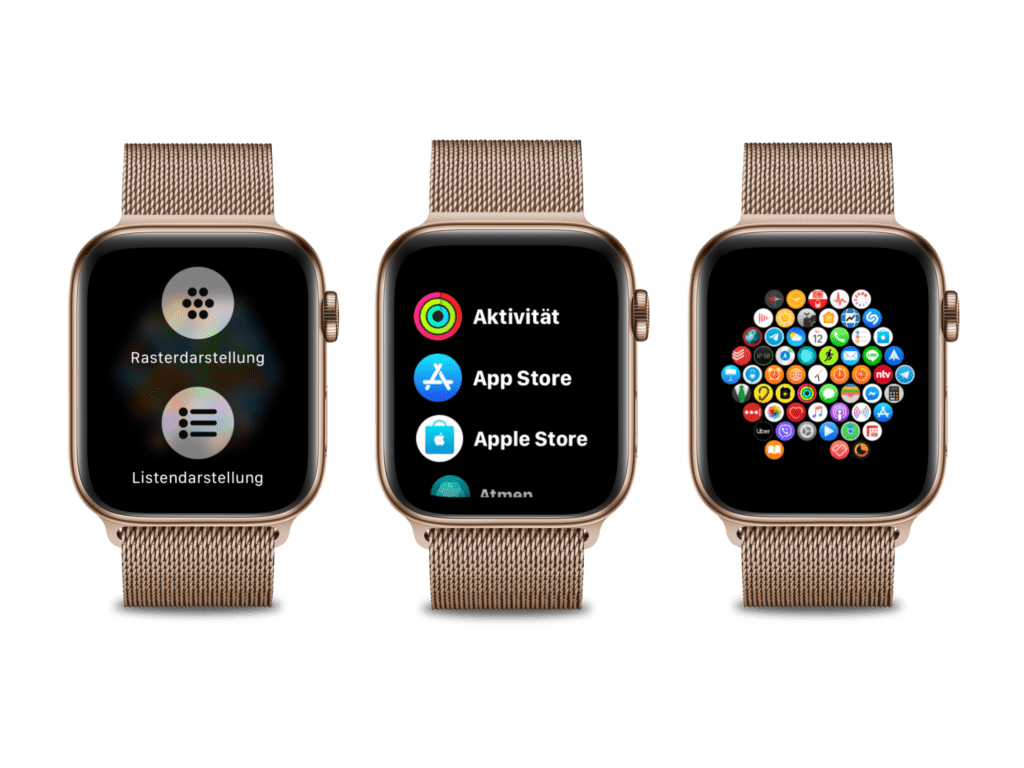
Screenshot: Apfelpatient

watchOS 7: Big changes in the control area

Similarly, the calendar view now has to be changed in the settings, while the gesture for changing the movement goal in the activities application is just another menu item. The "Customize watch faces" menu is now called up by a long press. The removal of Force Touch therefore brings with it some changes in the area of controls. Selecting the app layout is just one example of many others. While Apple has already adapted its own apps, third-party providers have yet to follow suit. (Photo by raditya / Bigstockphoto)
  • Apple Watch: Everything about watchOS 7
  • Apple Watch Series 6: Everything we know
Make Apfelpatient a preferred source One click – and you'll see us more often on Google
Was this article helpful?
YesNo
Tags: watchOSwatchOS 7

Our Amazon Storefront

A handpicked selection of products for iPhone, Mac and more – sorted by topic and updated regularly.

Shop Now

This post contains affiliate links (including Amazon). We earn a small commission on qualifying purchases – at no extra cost to you. Learn more on our Partner Program page.

Previous Post

Can the iPhone 12 charge accessories?

Next Post

iPhone 12 leak: Image shows interior view

Next Post
Varna, Bulgaria - January 23, 2018: Perspective view of new Apple iPhone X 10 isolated on white background. New iOS 11 homescreen on iPhone X frameless display. High quality studio shot.

iPhone 12 leak: Image shows interior view

Apple iPhone Ultra

iPhone Ultra: 25 percent market share expected for foldables

July 24, 2026
Apple TV The Morning Show Season 5

Apple TV: The Morning Show ends with season 5

July 23, 2026
Apple Maps iOS 27

Apple Maps will be permanently installed in Ford electric cars by 2027

July 23, 2026

About APFELPATIENT

APFELPATIENT brings you the latest Apple news, product updates, guides, reviews and tips across the entire Apple ecosystem — from the iPhone to the Mac to the Apple Vision Pro. From the first rumors to confirmed news: researched responsibly.

Follow Apfelpatient

Facebook Instagram YouTube threads threads

Company

  • About Apfelpatient
  • Contact
  • Author Profiles

Community

  • Netiquette
  • Push Notifications
  • RSS feed

Legal

  • Legal Notice
  • Privacy Policy
  • Terms of Use
  • Cookie Settings
  • Affiliate Program

Resources

  • Sitemap

© 2026 Apfelpatient. All rights reserved.

No Result
View All Result
  • Home
  • News
  • Rumors
  • Tips & Tricks
  • Reviews
  • Insights

© 2026 Apfelpatient. All rights reserved. Page Directory

Change language to Deutsch


