apple patient
  • Home
  • News
  • Rumors
  • Tips & Tricks
  • Reviews
  • Insights
No Result
View All Result
  • Home
  • News
  • Rumors
  • Tips & Tricks
  • Reviews
  • Insights
No Result
View All Result
apple patient
No Result
View All Result

How to change the Apple AirTag battery

Milan Jovicic by Milan Jovicic
May 4, 2021 - 3:30 PM
in Apple Tips & Tricks
Changing the AirTag battery

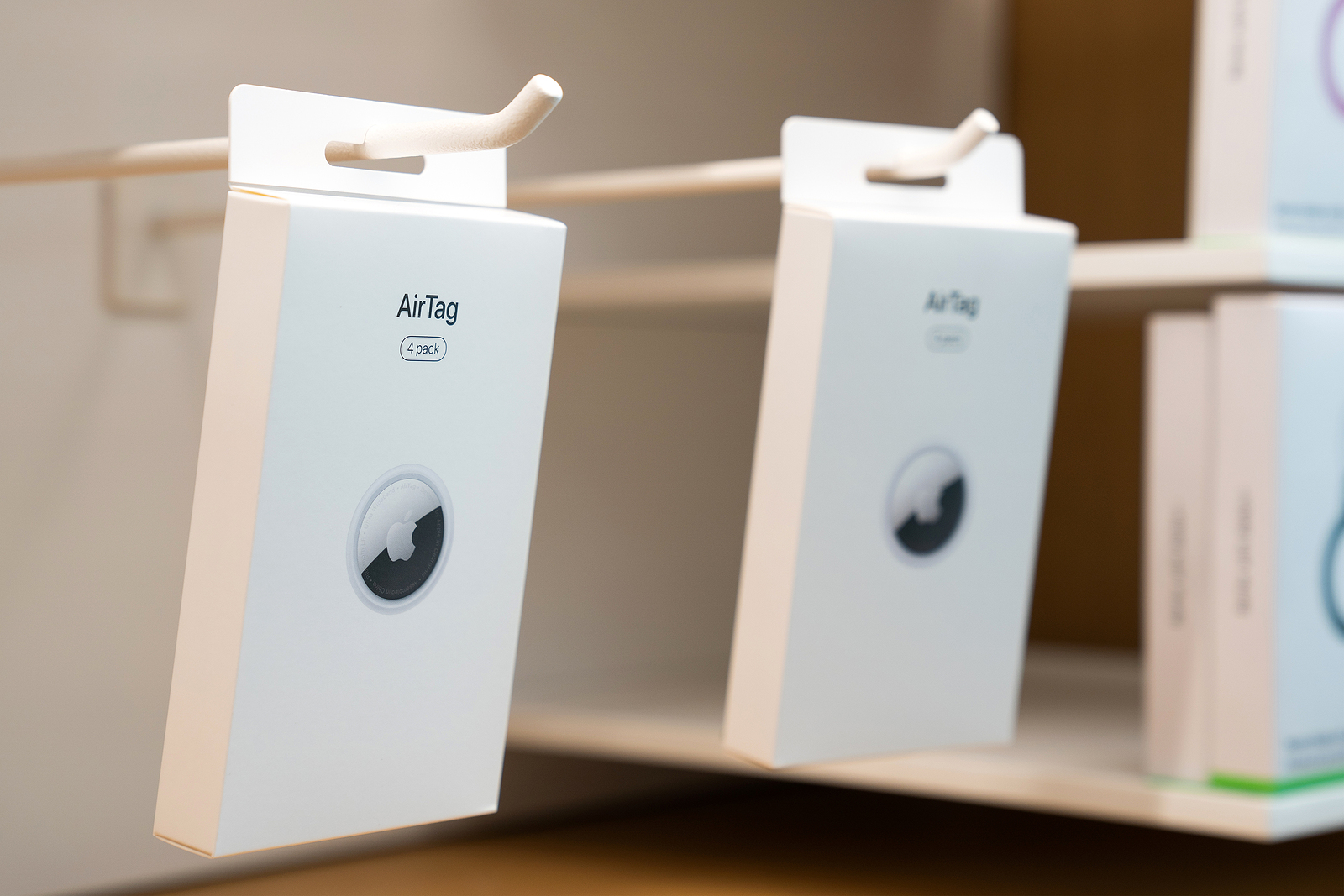
Shanghai, China. April 30, 2021. Editorial Use Only. Brand New in Boxes Airtag Device Accessory and Key Chain in the Apple Store Shelf.

WhatsAppFacebookEmail
Threads

According to Apple, an AirTag battery lasts for about a year. However, the iPhone warns the user in good time before it runs out. However, in some cases it could be problematic. Below we have looked at both the warning and the process of changing the battery.

Let's say you're going on a two-week trip and you have an AirTag attached to your suitcase. You're on your way to the airport and you get a warning that your AirTag battery is low. You might get lucky and it'll last until you get back. The problem is - the warning is just an estimate. In the end, it depends on your personal usage whether the battery will last or not. So I would recommend replacing the battery in good time. Apple says the battery lasts about 12 months. So my advice would be to set a reminder to replace your AirTags battery every 11 months. That way you can definitely take preventative measures.

How to change the Apple AirTag battery

Before you change the battery, you should buy a CR2032 battery. Next, take the AirTag and open it as follows:

  • Press down on the polished stainless steel battery cover of your AirTag and twist the cover counterclockwise.
  • The cover will rotate about a third of the way before it is loose enough to come off.
  • Remove the cover and the battery.
  • Now insert a new battery with the “+” symbol facing up.
  • Replace the cover by aligning the three tabs on the cover with the three slots on your AirTag.
  • Press down on the cover until you hear a sound.
  • Turn the cover clockwise until it stops turning.

That's it. You've got another year of air! Oh, and remember to refresh your memory, have fun with your AirTag. Are you looking for suitable AirTag cases? Then take a look at Amazon. In our AirTag list you will find the trackers and accessories from Apple and third-party providers - enjoy browsing. (Photo by askarim / Bigstockphoto)


  • How to put an AirTag into Lost Mode
Make Apfelpatient a preferred source One click – and you'll see us more often on Google
Was this article helpful?
YesNo
Tags: AirTags
SendShareSend
Share

Our Amazon Storefront

A handpicked selection of products for iPhone, Mac and more – sorted by topic and updated regularly.

Shop Now

This post contains affiliate links (including Amazon). We earn a small commission on qualifying purchases – at no extra cost to you. Learn more on our Partner Program page.

Milan Jovicic

Milan Jovicic

Milan founded Apfelpatient in 2016 and has written all of its content himself since 2018 – news, rumors, guides and product reviews. Apple devices here aren't test units for a fortnight but everyday tools: from the iPhone to the MacBook Pro, MacBook Air and iMac through to the Apple Vision Pro, at least one device from nearly every product category is in daily use, many of them replaced annually. Every menu path in a guide is verified on the device before it goes live.

Guests in the lobby of the Steve Jobs Theater beneath the circular ceiling element, venue for the keynote at Apple's September event

Apple Event in September: iPhone 18 Pro, Ultra and more

August 5, 2026
Symbolic image of the iPhone 20 showing two tilted device outlines of different sizes=

iPhone 20: All the rumors about the anniversary model

August 4, 2026
Guests outside the Steve Jobs Theater at Apple Park, where Apple will also hold its September event in 2026

Apple is preparing for its September event: the date is approaching

August 4, 2026

About APFELPATIENT

APFELPATIENT brings you the latest Apple news, product updates, guides, reviews and tips across the entire Apple ecosystem — from the iPhone to the Mac to the Apple Vision Pro. From the first rumors to confirmed news: researched responsibly.

Follow Apfelpatient

Facebook Instagram YouTube Threads Threads

Company

  • About Apfelpatient
  • Contact
  • Author Profiles

Community

  • Netiquette
  • Push Notifications
  • RSS feed

Legal

  • Legal Notice
  • Privacy Policy
  • Terms of Use
  • Cookie Settings
  • Affiliate Program

Resources

  • Sitemap

© 2026 Apfelpatient. All rights reserved.

No Result
View All Result
  • Home
  • News
  • Rumors
  • Tips & Tricks
  • Reviews
  • Insights

© 2026 Apfelpatient. All rights reserved. Page Directory

Change language to Deutsch