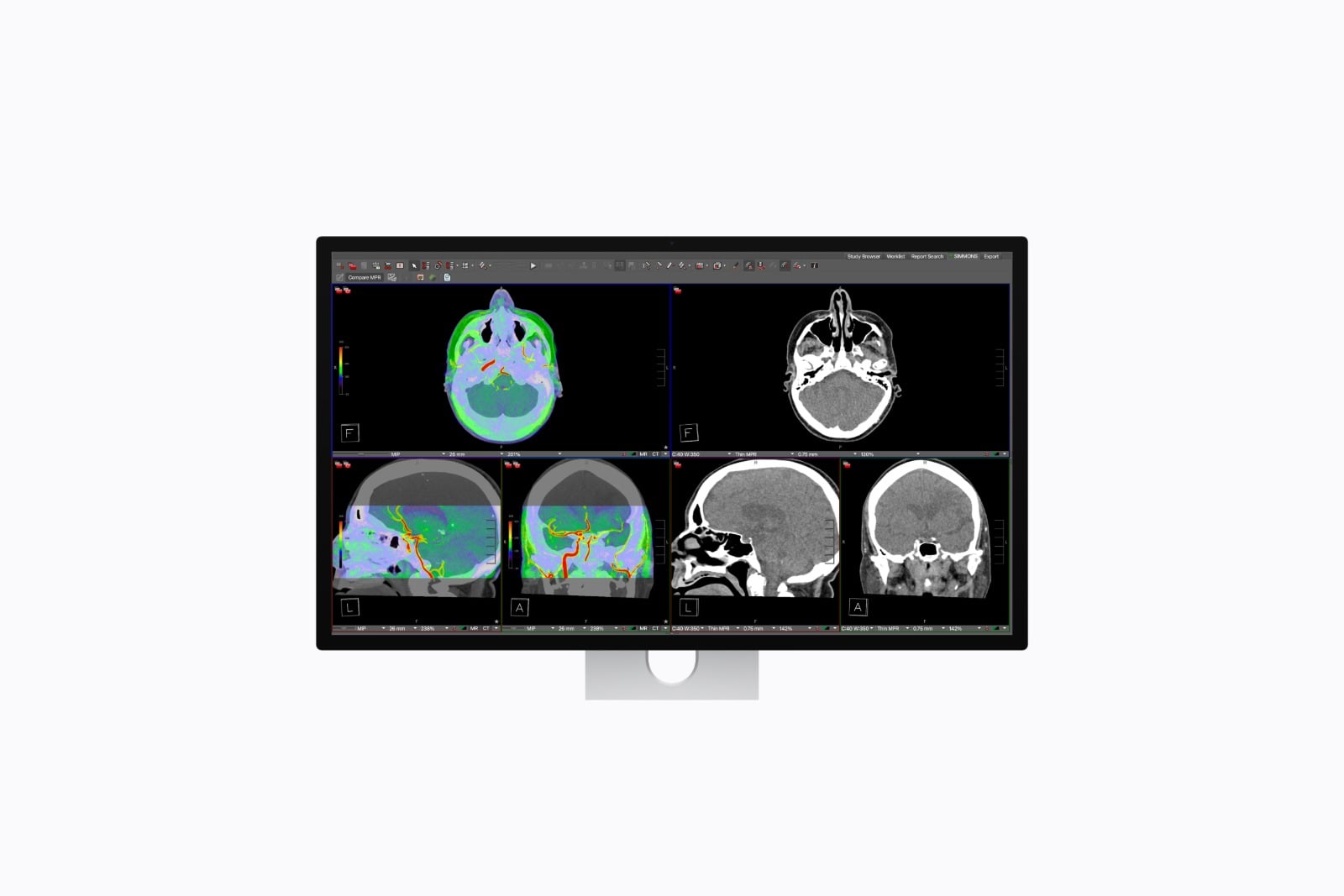
Apple's Studio Display XDR launches this week. Even before its release, the first in-depth reviews have already appeared. These provide a detailed look at the new display, including the Mini-LED panel, the 120Hz refresh rate, and various professional reference modes.
However, a feature was also discovered that is currently missing: full support for professional calibration. According to current information, this feature will be added to the Studio Display XDR with a future software update.
The Studio Display XDR is primarily aimed at professional users. In fields such as photography, video production, graphic design, and medical imaging, precise color reproduction plays a crucial role. Reference modes and accurate calibration options are therefore essential.
Apple already offers several reference profiles, but initial tests show that the factory calibration is not perfect in all areas. At the same time, it's clear that Apple has prepared further calibration options that will only be activated with a future update.
Initial tests show slight deviation
In a review for The Verge, author John Higgins noted that the factory calibration of the Studio Display XDR has a minor flaw.
The brightness at the lower end of the grayscale is set a bit too high. As a result, shadows don't appear as deep as they should, and some darker colors appear brighter than expected. According to Higgins, however, this problem only affects the factory calibration.
Current calibration options
The Studio Display XDR can already be calibrated, but only to a limited extent. Currently, only fine-tuning is possible. Two values can be adjusted:
- White dot
- Luminance
These settings allow basic adjustments, but are not sufficient for a complete professional calibration.
Full calibration planned via update
Apple plans to enable full calibration support with a future software update. Additional parameters will then be adjustable:
- White dot
- Primary colors
- Luminance
- gamma
These options allow the Studio Display XDR to be adjusted much more precisely to professional color standards. According to Higgins, professional users or studios should calibrate the display anyway to achieve the best possible color accuracy.
Reference modes and whitepapers
Apple is already promoting the Studio Display XDR with several reference modes. These include both Apple's own profiles and Adobe standards. Additionally, there are new DICOM presets for medical imaging.
Higgins also discovered a white paper on the Studio Display XDR, which contains further technical details on the color system and calibration options of the display.
Price and market launch
The Studio Display XDR will be released on March 11th. The monitor is already available for pre-order and costs €3,499.
Studio Display XDR will receive expanded calibration options later
The Studio Display XDR launches with modern display technology, numerous reference modes, and a powerful feature set for professional applications. However, initial tests show that the full calibration function is still missing at market launch.
Apple is already planning a software update that will add this feature. With the later support for full calibration, the Studio Display XDR should become even more appealing, especially for professional studios and creative work environments. (Image: Apple)
- M5 MacBook Air Reviews: More performance than expected
- visionOS 26.4: How to get X-Plane 12 on Apple Vision Pro
- MacBook Neo Reviews: High praise despite clear limitations
- Apple has the advantage: Laptop prices could rise sharply
- Apple now produces one in four iPhones in India
- Apple & AT&T: German publishers demand punishment
- iOS 26.4 Beta 4: An overview of all visible changes
- MacBook Neo: Apple makes repairs significantly cheaper
- ChatGPT uses Shazam and instantly recognizes songs in the chat
- Cosmic Orange Trend: Competitors copy Apple's iPhone
- Apple TV: New star for "The Morning Show" season 5
- MacBook Pro with M5 Pro and Max tested: Incredibly fast
- Apple Studio Display XDR: First reviews praise upgrade
- macOS 26.4 brings MacBook Neo wallpapers to all Macs
- iOS 26.4: New emojis for iPhone, iPad & Mac
- iOS 26.4 Beta 4 is here: Apple continues the testing phase
- Apple now integrates MagSafe into every new iPhone
- M4 iPad Air Reviews: Apple's powerful tablet just got better
- iPhone 17e: Initial reviews praise the new budget model
- Apple turns 50: Tim Cook calls Apple "unique"
- MacBook Air with M5: Benchmark shows significant improvement
- Apple is restructuring its leadership: New names in management
- MacBook Neo: Apple focuses on design despite the low price