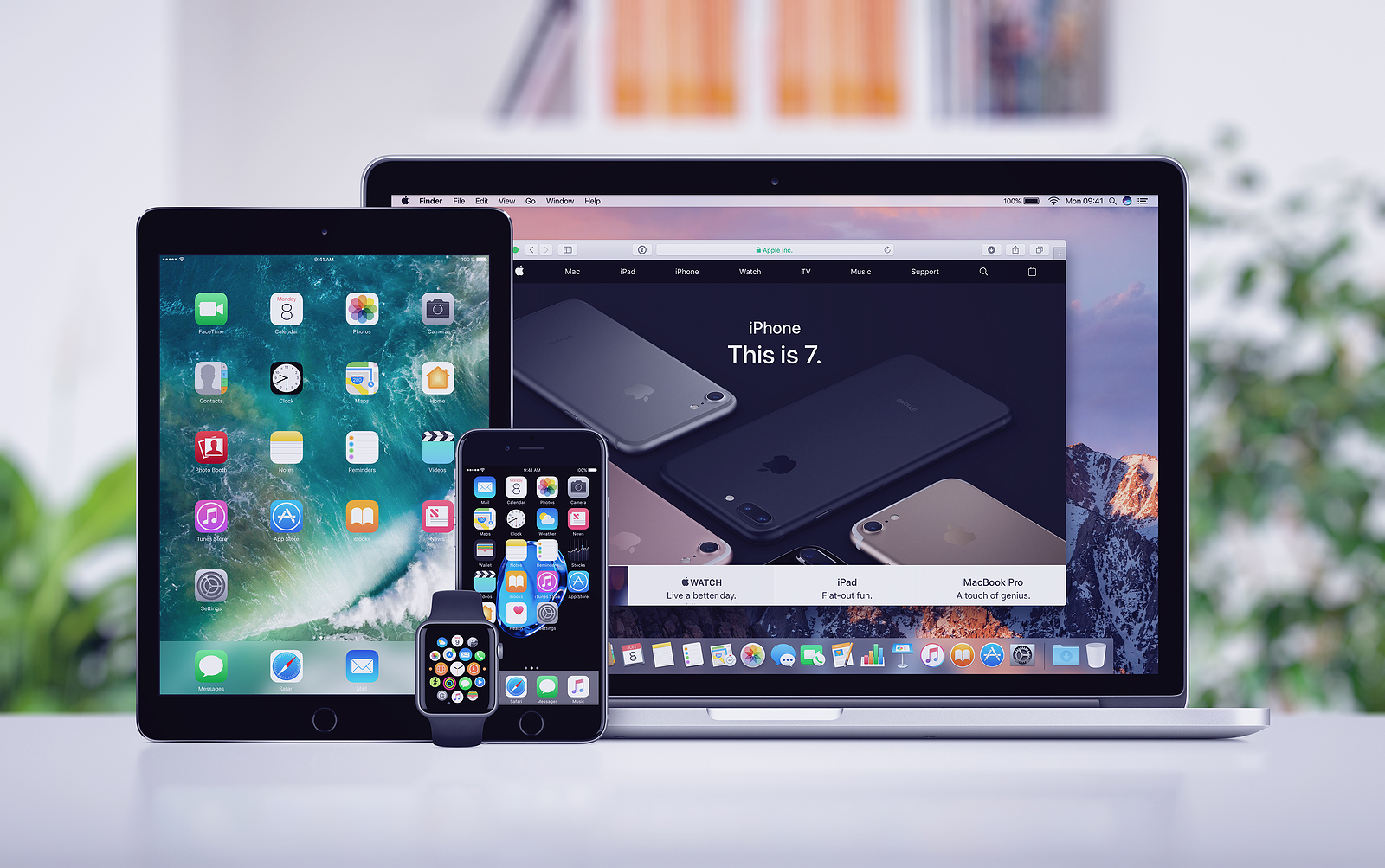
Apple released its 2021 Platform Security Guide back in February, detailing M1 Macs, iOS 14, macOS Big Sur, watchOS 7, and more. Now the guide has been updated to include more information on Touch ID on the new Magic Keyboard, as well as unlocking your iPhone with your Apple Watch in iOS 14.5.
The revised Platform Security Guide describes in detail how the new Magic Keyboard with Touch ID that ships with the new M1 iMacs works and more. Apple writes:
Magic Keyboard with Touch ID acts as the biometric sensor; it does not store biometric templates, perform biometric matching, or enforce security policies (such as requiring password after 48 hours of no unlock). The Touch ID sensor in Magic Keyboard with Touch ID must be securely paired with the Secure Enclave on your Mac before it can be used. Only then does the Secure Enclave perform the login and matching processes and enforce security policies in the same way as a built-in Touch ID sensor.
Apple explains communication channel between Magic Keyboard with Touch ID and the Secure Enclave
The documentation also describes secure pairing, secure pairing intent, and Touch ID channel security. To ensure a secure communication channel between the Touch ID sensor in the Magic Keyboard with Touch ID and the Secure Enclave on the paired Mac, the following prerequisites are required:
- The secure pairing between the Magic Keyboard with Touch ID PKA block and the Secure Enclave as described above
- A secure channel between the Magic Keyboard with Touch ID sensor and its PKA block
Apple then goes on to explain:
The secure channel between the Magic Keyboard with Touch ID sensor and its PKA pad is set up at the factory with a unique key shared between the two. (This is the same technique used to create the secure channel between the Secure Enclave on the Mac and its built-in sensor for Mac computers with built-in Touch ID.)
Another important update to the guide includes details on the cryptography used to unlock the iPhone with the Apple Watch feature introduced in iOS 14.5.
To make it more convenient to use multiple Apple devices, some devices can automatically unlock others in certain situations.
Automatic unlocking supports three applications:
- An Apple Watch can be unlocked by an iPhone.
- A Mac can be unlocked by an Apple Watch.
- An iPhone can be unlocked by an Apple Watch if a user with their nose and mouth covered is detected.
All three use cases are based on the same foundation:
A mutually authenticated station-to-station (STS) protocol where long-term keys are exchanged at feature activation time and unique ephemeral session keys are negotiated for each request. Regardless of the underlying communication channel, the STS tunnel is negotiated directly between the Secure Enclaves in both devices and all cryptographic material is kept within this secure domain (except for Mac computers without a Secure Enclave, which terminate the STS tunnel in the kernel).
How it works in detail
To understand how it works in detail, there are two phases:
- A complete unlocking sequence can be divided into two phases. First, the device to be unlocked (the “target”) generates a cryptographic unlocking secret and sends it to the device performing the unlocking (the “initiator”). Later, the initiator performs the unlocking using the previously generated secret.
- To enable automatic unlocking, the devices connect to each other over a BLE connection. Then, a 32-byte unlock secret randomly generated by the target device is sent to the initiator over the STS tunnel. At the next biometric or passcode unlock, the target device wraps its passcode-derived key (PDK) with the unlock secret and discards the unlock secret from its memory.
- To perform the unlock, the devices initiate a new BLE connection and then use peer-to-peer Wi-Fi to securely estimate the distance between the devices. If the devices are within the specified range and the required security policies are met, the initiator sends its unlock secret to the target via the STS tunnel. The target then generates a new 32-byte unlock secret and sends it back to the initiator. If the current unlock secret sent by the initiator successfully decrypts the unlock record, the target device is unlocked and the PDK is repackaged with a new unlock secret. Finally, the new unlock secret and PDK are then discarded from the target device's memory.
Along with these updates, Apple added details to the CustomOS Image4 Manifest Hash and edited some details for Express Mode transactions, Secure Multi-Boot, and Sealed Key Protection. For the full 2021 Platform Security Guide, see here. (Photo by alexey_boldin / Bigstockphoto)