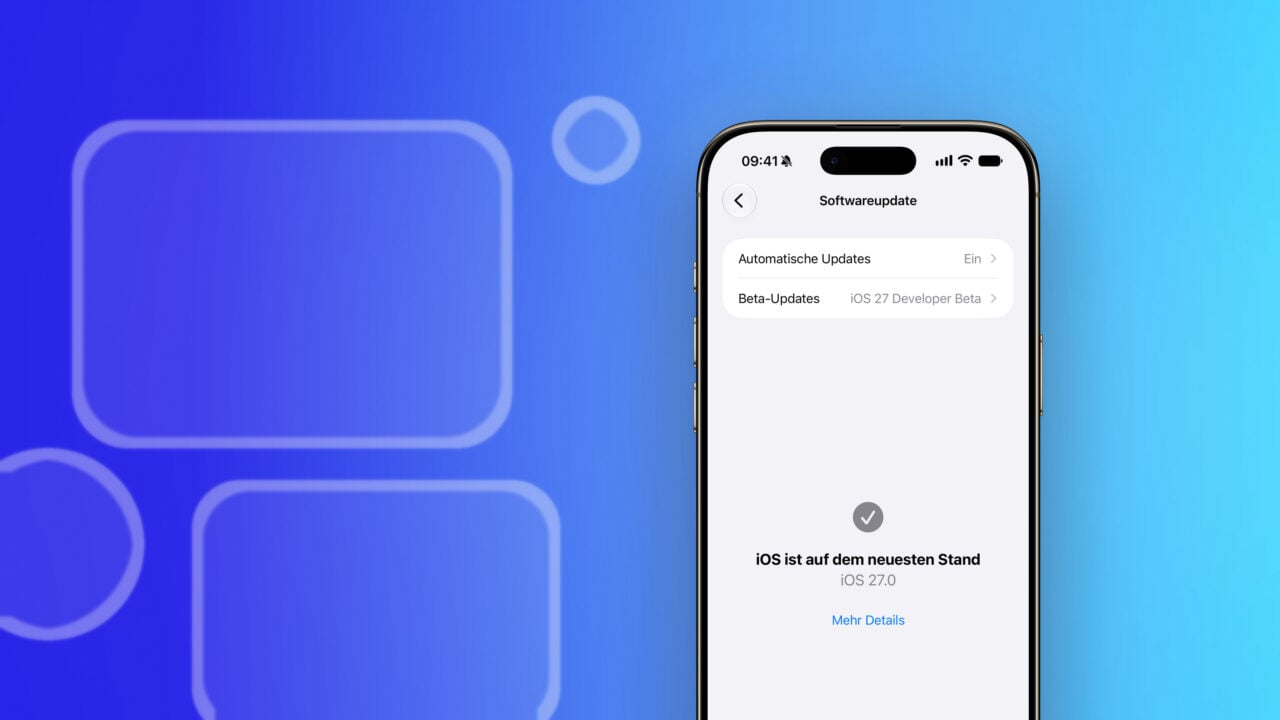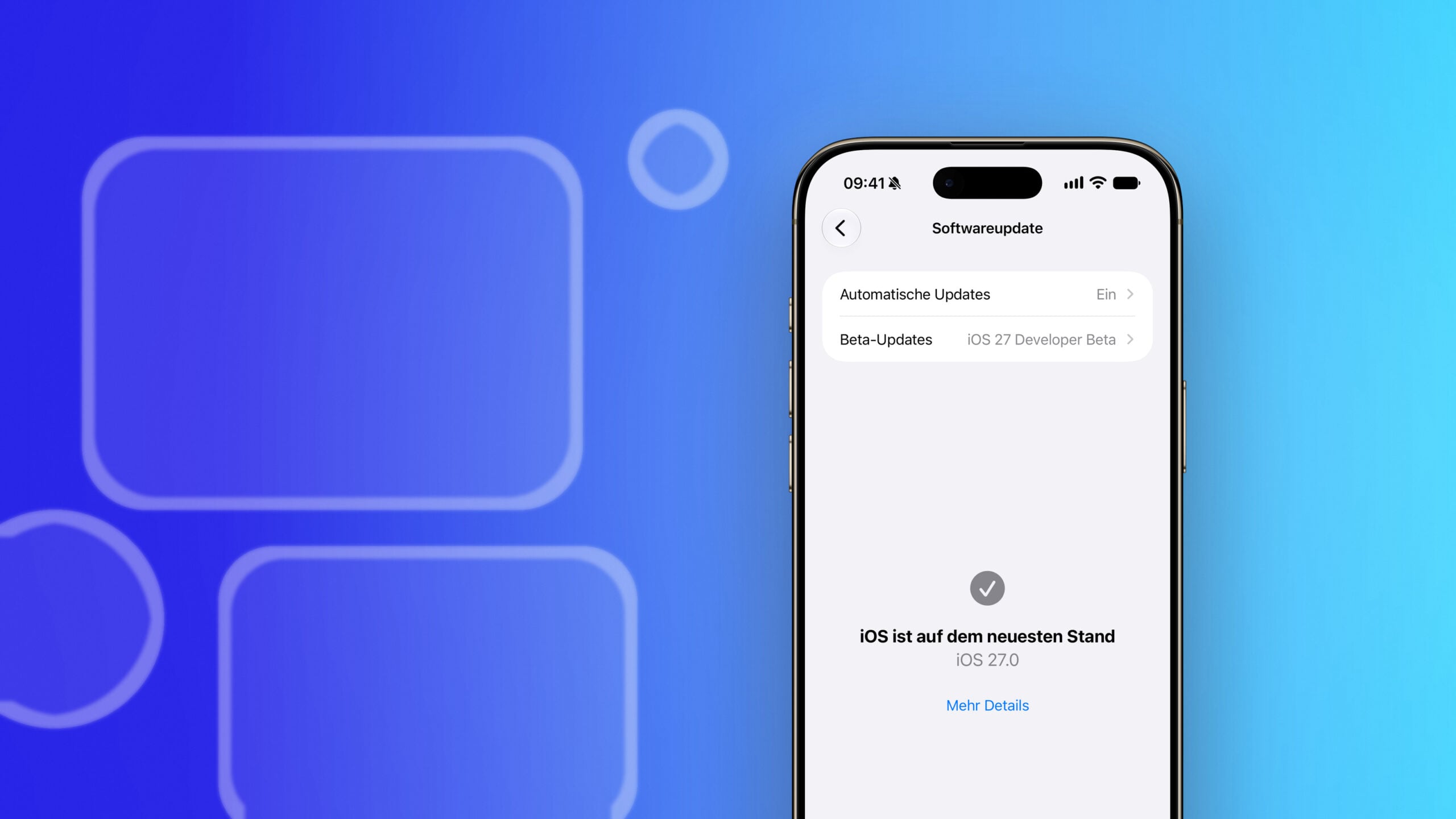
After a three-week break, Apple has released the fifth beta version of iOS 27 – and this time the changes are immediately visible on the home screen. Several system apps have new icons, Siri AI's voice adaptation is significantly improved, and a notification in the Control Center has disappeared.
The fifth beta is more noticeably different from the previous rounds, which focused primarily on the underlying infrastructure. New app icons greet every user upon unlocking, and the expanded voice customization is the first major feature change in weeks. We've compiled the changes found in the current test version – the overview of the fourth beta shows, for comparison, how small the improvements were last time around.
Key Facts at a Glance
- Five system apps have received redesigned icons, including Safari, Settings, and Preview.
- The controls for tempo and intensity now apply to eleven voices instead of two – as part of Siri AI, which remains blocked on iPhone and iPad in the EU.
- The mobile network standard indicator disappears from the control center as soon as the iPhone is connected to Wi-Fi.
- A new section in the search settings controls what is displayed before typing.
- There were three weeks between Beta 4 and Beta 5; after that, a weekly release schedule is expected.
New icons for five system apps
The most noticeable change concerns the app icons. Apple had already redesigned icons like Maps, Photos, and Wallet at the start of the beta, but initially left others as they were in iOS 26. Beta 5 brings some of these changes in.
| App | What changes |
|---|---|
| Safari | Stronger blue, more finely drawn compass lines and arrows |
| Siri | The symbol now more closely resembles the bubble that appears when the call is made. |
| Settings | Significantly more translucency in the gear |
| Preview | Completely new design: magnifying glass over a colored background |
| Remote control | More detail, grey instead of black background |
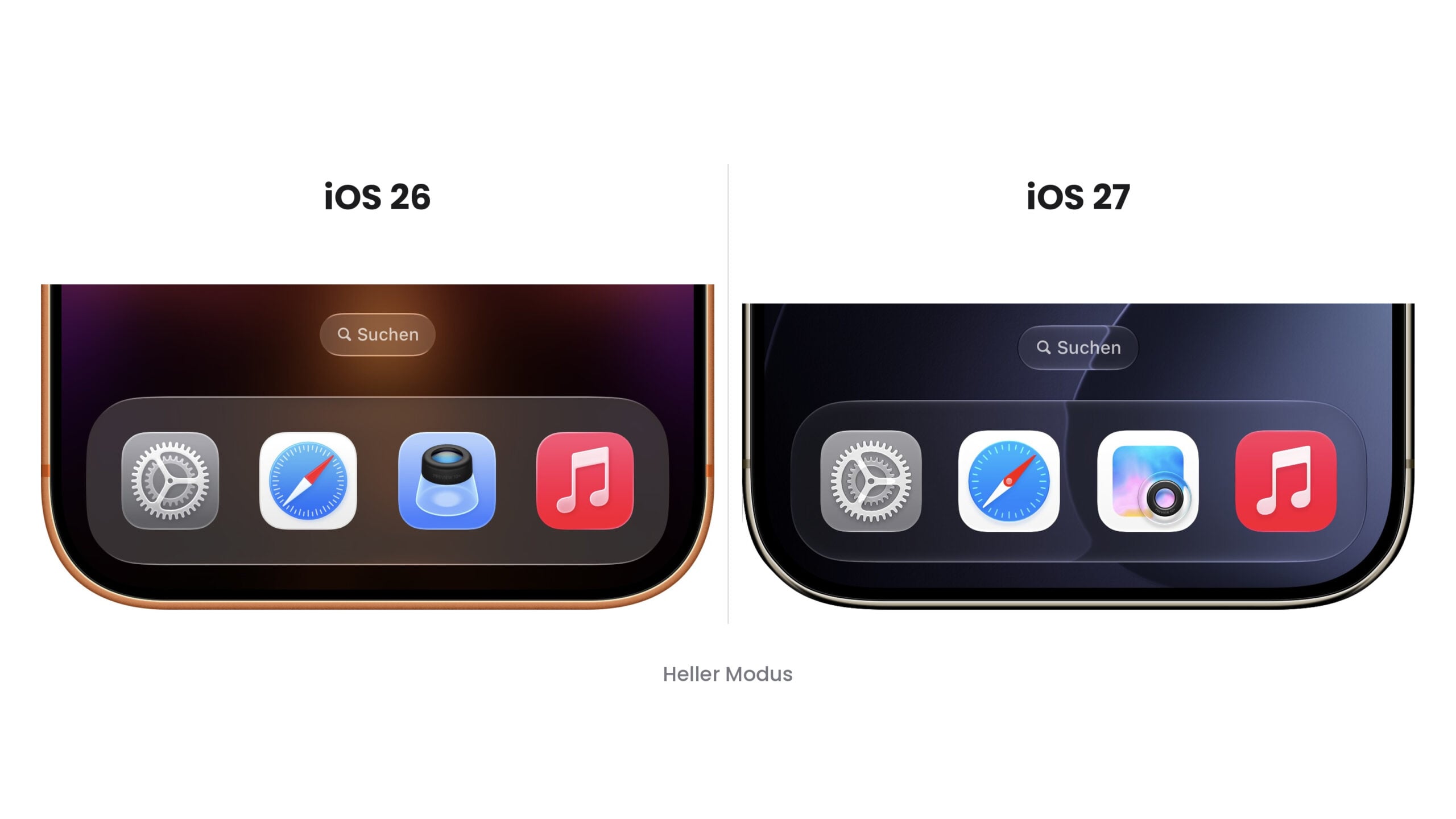
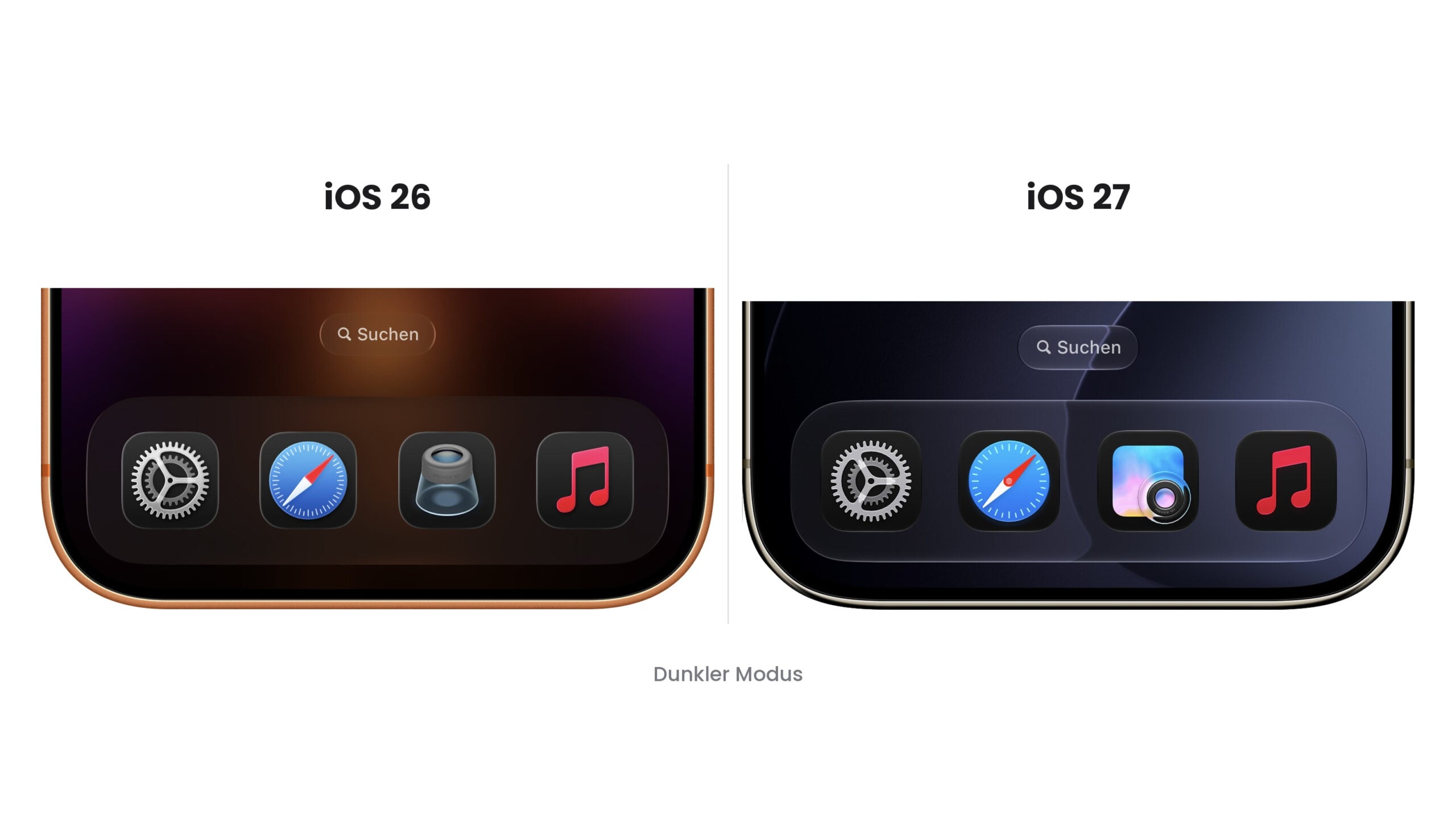
It is likely that Apple will tweak more symbols in the upcoming betas: The company had announced that it would give all symbols a more layered structure for Liquid Glass.
Siri AI voice customization expands to eleven voices
The second major change concerns Siri AI. The speed and intensity sliders, which in earlier betas were only available for two newly introduced American-accented voices, now apply to all American and British voices. This allows for adjustments to eleven voices, with five levels for each slider.
The settings can be found under Settings, Siri, Voice. On a current iPhone, there are eight American and four British voices to choose from that support customization.
The hardware requirements are quite strict. The new voices rely on a model that runs directly on the device and require an iPhone 17 Pro or iPhone Air, an iPad Pro with an M4 chip or newer, or a Mac with an M3 chip and at least 12 GB of RAM. Siri AI itself runs on the iPhone 15 Pro and later; older devices will continue to use the existing voice output.
What else has changed
Two minor adjustments are noticeable in everyday use. In the Control Center, iOS hides the display of the mobile network standard as soon as the iPhone is connected to a Wi-Fi network – the information was irrelevant in this situation anyway.
A new section has been added to the search settings, controlling what appears before you type: the number of app suggestions, suggestions for app shortcuts, and recently searched terms. This applies to searches on the home screen.
Beneath the surface lies a discovery that goes beyond mere polishing: snippets of code point to a method for verifying the origin of photos taken with the iPhone camera. None of this is visible in the beta version.
Three weeks break, then weekly schedule
The gap to the previous round is the truly remarkable point. Beta 4 was released on July 20th, Beta 5 is coming on August 10th – three weeks instead of the usual two. For the final phase before a September release, that's a long break.
For the remaining weeks, a weekly release schedule is expected, similar to what was established in previous cycles shortly before release. We anticipate that the upcoming rounds will be correspondingly more detailed and focus on bug fixes. The scope of Beta 5 supports this: anyone who tests for three weeks and then delivers revised icons and an expanded slider has essentially finalized the feature set.
How much of that reaches Germany
The enhanced voice customization is the only real feature change in this beta – and it's part of Siri AI. On iPhones and iPads, the new assistant is blocked in the EU due to the Digital Markets Act, so the speed and intensity controls remain inaccessible. Switzerland is neither in the EU nor the EEA and is not subject to the Digital Markets Act; Siri AI is available there.
In addition, there's a tight hardware hurdle: the new voices require an iPhone 17 Pro or an iPhone Air. For users in Germany and Austria, the only noticeable change in this round is the redesigned icons – those who want to get more out of the beta will find an adjustment option in the Liquid Glass transparency sliders, which works independently.
iOS 27 Beta 5: Here's what's next
The test version is available to developers via Software Update; the public version usually follows shortly after. Those who want to get started can find the steps in our guide to the public iOS beta – on a secondary device and after a complete backup.
Several more rounds of testing are required before the September release. Whether Apple will revise further icons should become clear in the next beta. (Image: Apfelpatient)
- Apple Reference Image: iOS 27 is intended to identify photos as authentic
- Ascension: Apple TV orders horror series from Alfonso Cuarón
- iOS 27 Beta 5: Apple pushes ahead with the major update