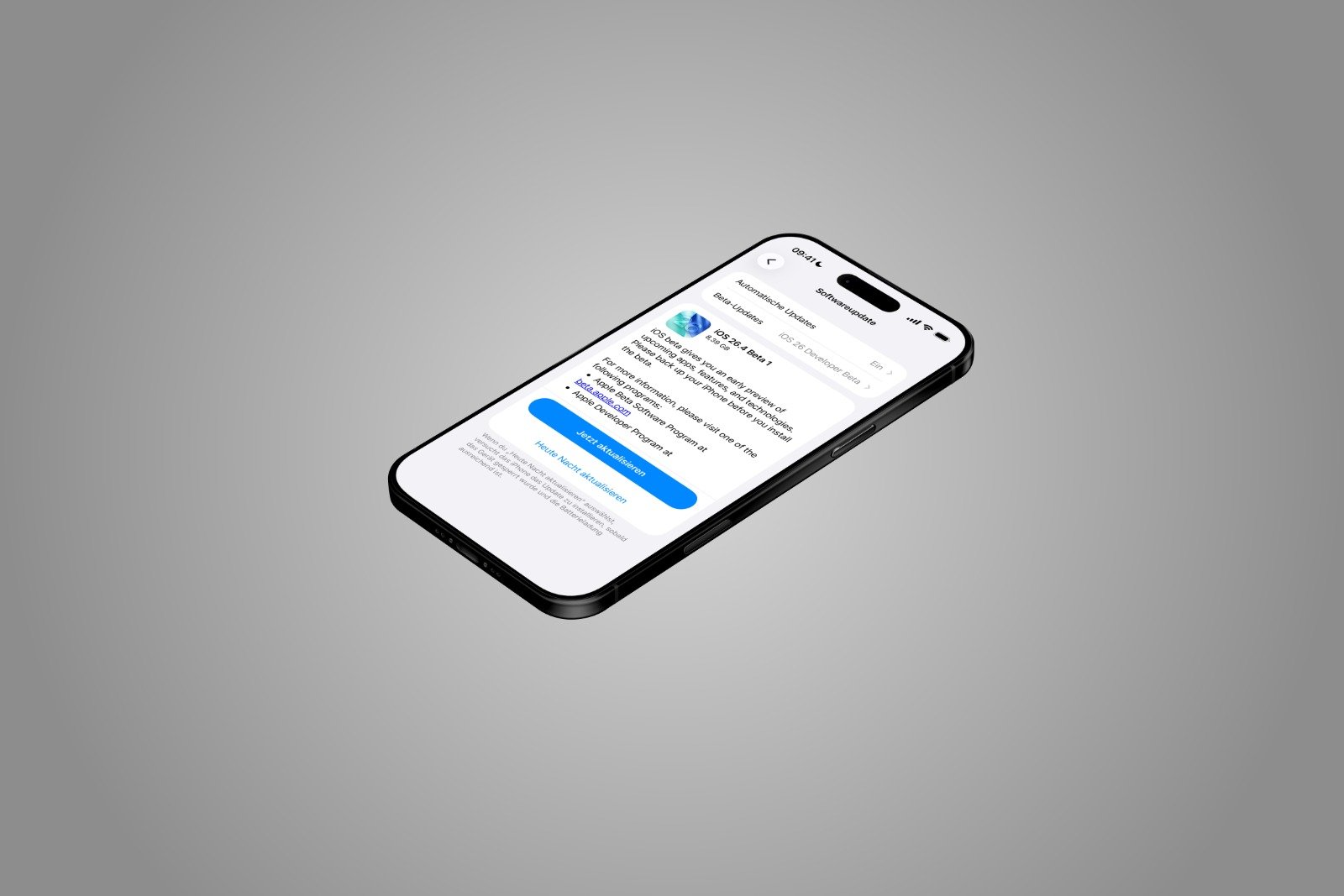
With iOS 26.4, Apple has released the first beta version of a major update for the iPhone. This version is currently only available to developers, but a public beta is expected soon. The final release is anticipated in the spring.
The first beta already shows that iOS 26.4 is more than just a minor maintenance update. Apple is expanding key apps, significantly improving security, and visually and functionally overhauling several system areas. At the same time, the company is responding to regulatory requirements from the European Union.
iOS 26.4 brings changes that are noticeable both in everyday use and in the background. On the one hand, there are new features in Apple Music and Apple Podcasts, and on the other hand, significant security improvements such as the default activation of Device Theft Protection and the planned end-to-end encryption for RCS messages.
In addition, there will be design adjustments, new widgets, additional options in iCloud, and special features for third-party wearables in the EU. Beta 1 already provides a complete overview of the planned new features.
Playlist Playground: AI playlists in Apple Music
Apple Music introduces a new feature called "Playlist Playground" in iOS 26.4. This allows users to create playlists based on simple text input.
Instead of manually selecting songs, a description is entered. This can be a specific idea like "hip-hop party songs" or "disco songs that defined the 1970s". Moods like "morning coffee music" are also possible. The function processes this input and automatically creates a playlist with 25 songs. A suitable title is also generated.
The created playlist can then be further customized. Additional text can be added to refine the selection. Furthermore, a custom cover can be chosen and a description added. The aim is to significantly simplify the playlist creation process.
In parallel, Apple Music is getting the "Concerts Near You" feature. This displays concerts in the vicinity and tour dates for favorite artists. Additionally, Apple has redesigned the presentation of albums and playlists. Full-screen cover art provides a more consistent and modern look.
Video podcasts in Apple Podcasts
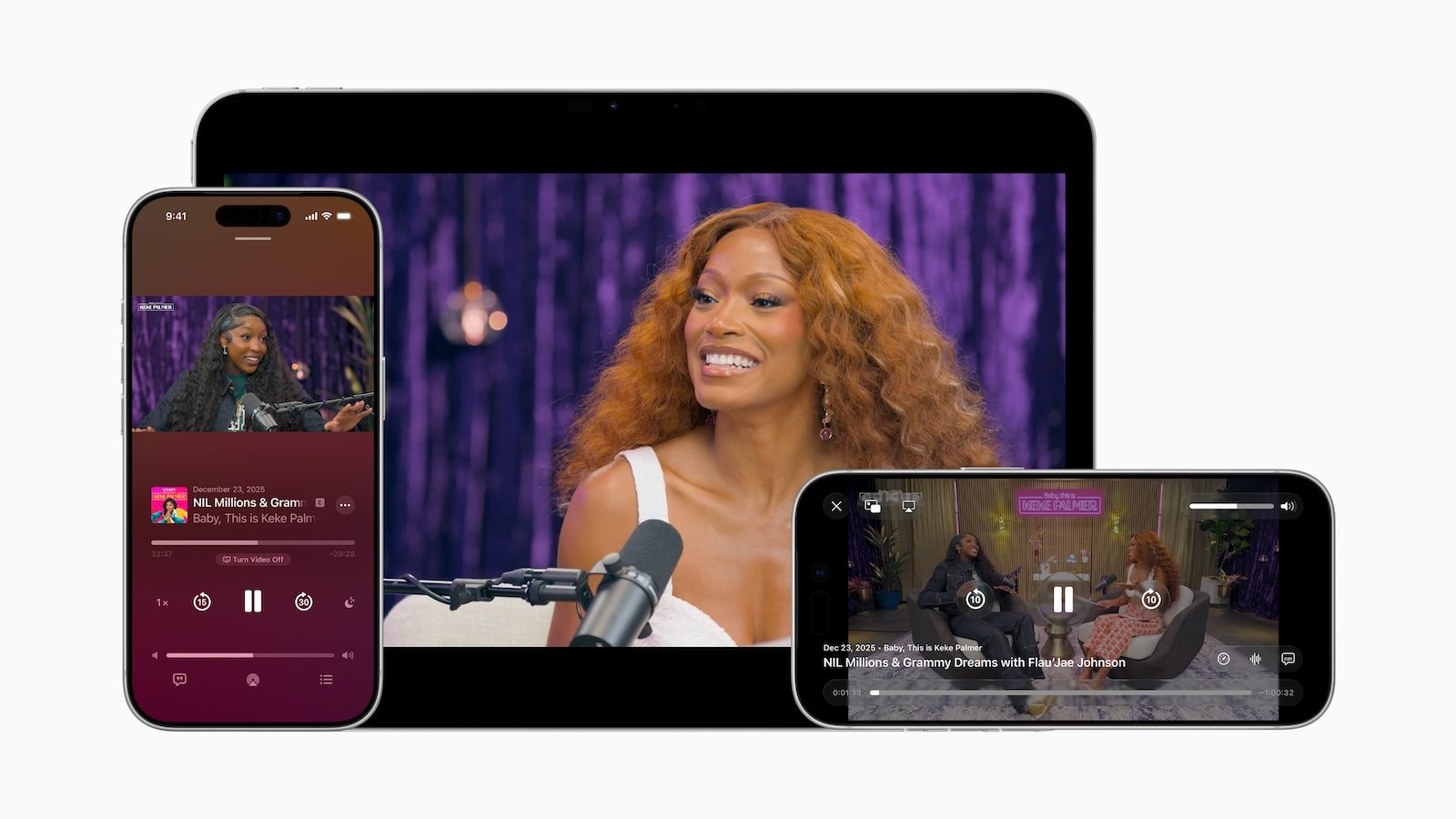
Apple Podcasts is also being expanded with iOS 26.4. For the first time, the app fully supports video podcasts.
The technical basis is HTTP Live Streaming (HLS). This method ensures stable playback, regardless of whether a Wi-Fi or mobile data connection is used. Video episodes can be downloaded and watched offline.
Within a show, users can switch between audio and video playback. According to Apple, creators also benefit from expanded control and monetization options. The new video content is fully integrated into existing features, including personalized recommendations and editorial suggestions in the "New" and "Categories" sections.
Device theft protection is now active by default
One of the most important changes in iOS 26.4 concerns device theft protection. This security feature is now automatically activated and no longer needs to be turned on manually.
Apple introduced the protection in 2023 after cases came to light in which perpetrators spied on iPhone users' passcodes and subsequently stole the devices. With the passcode, they could, among other things, empty bank accounts, view saved passwords, and disable the "Find My" feature.
With theft protection enabled, certain actions require additional biometric authentication via Face ID or Touch ID. These include accessing the Passwords app, making changes to your Apple account, making Safari purchases, or disabling Lost Mode in Find My. Some particularly sensitive functions are completely blocked without biometric verification. Others are subject to a one-hour security delay.
By activating this feature by default, iOS 26.4 increases the basic protection of all devices.
End-to-end encryption for RCS messages
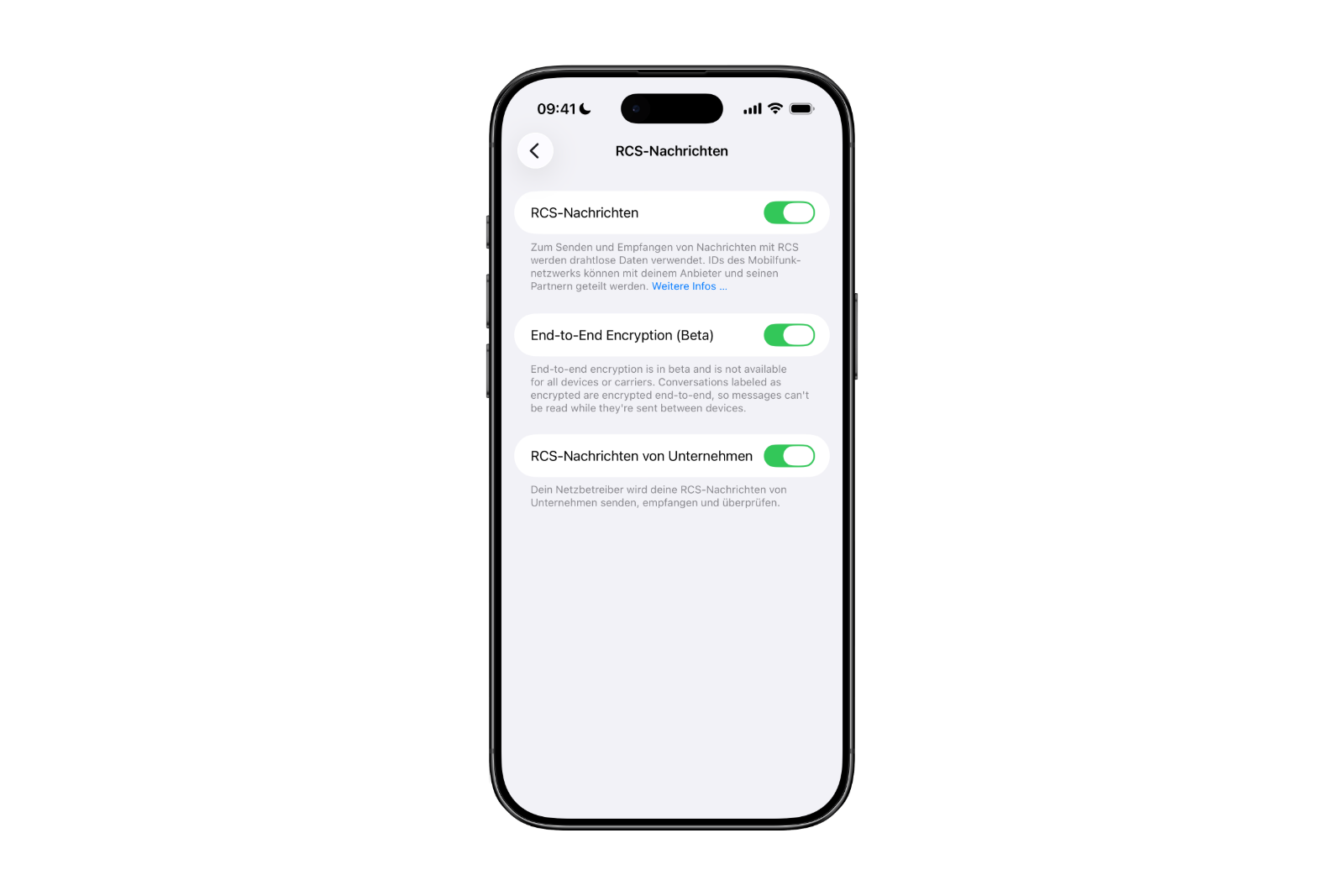
Another key feature of iOS 26.4 is the introduction of end-to-end encryption for RCS messages. The tests cover iOS 26.4, iPadOS 26.4, and macOS Tahoe 26.4.
While iMessage has been fully encrypted for years, this security was previously lacking for cross-platform communication between iPhone and Android. Although RCS messages were encrypted between Android devices, this was not the case between Android and iPhone.
Apple is collaborating with the GSM Association on this. In the beta version, encrypted RCS messages are indicated by a lock icon in the conversation interface. Apple is currently testing encryption between iPhones. Full security for iPhone-Android conversations is expected to follow in a later iOS 26 update.
Both iMessages and encrypted RCS messages are uniformly marked with a lock symbol.
Changes in the Messages app
Besides encryption, iOS 26.4 brings minor visual adjustments to the Messages app. These include new animations, such as when starting a new conversation. The interface remains fundamentally unchanged, but looks slightly more modern.
Unified Apple Account Hub and App Store redesign
In apps like the App Store, Apple Music, and others, a new Apple account hub replaces the previous profile sections. Functionally, much remains the same, but the design is now uniform.
Several navigation elements in the App Store have also been adjusted. Apps and purchase history have been combined, and there's a dedicated section for app updates. These are now accessible with two clicks. The separate "Search" button has been removed; instead, the search bar appears when you tap the top of the screen.
New Ambient Music Widget
iOS 26.4 introduces a new "Ambient Music" widget for the home and lock screens. It allows you to play built-in ambient sound options designed for sleep, productivity, or well-being. The widget provides quick access to these background sounds without having to open a separate app.
Revised wallpaper and clock face gallery
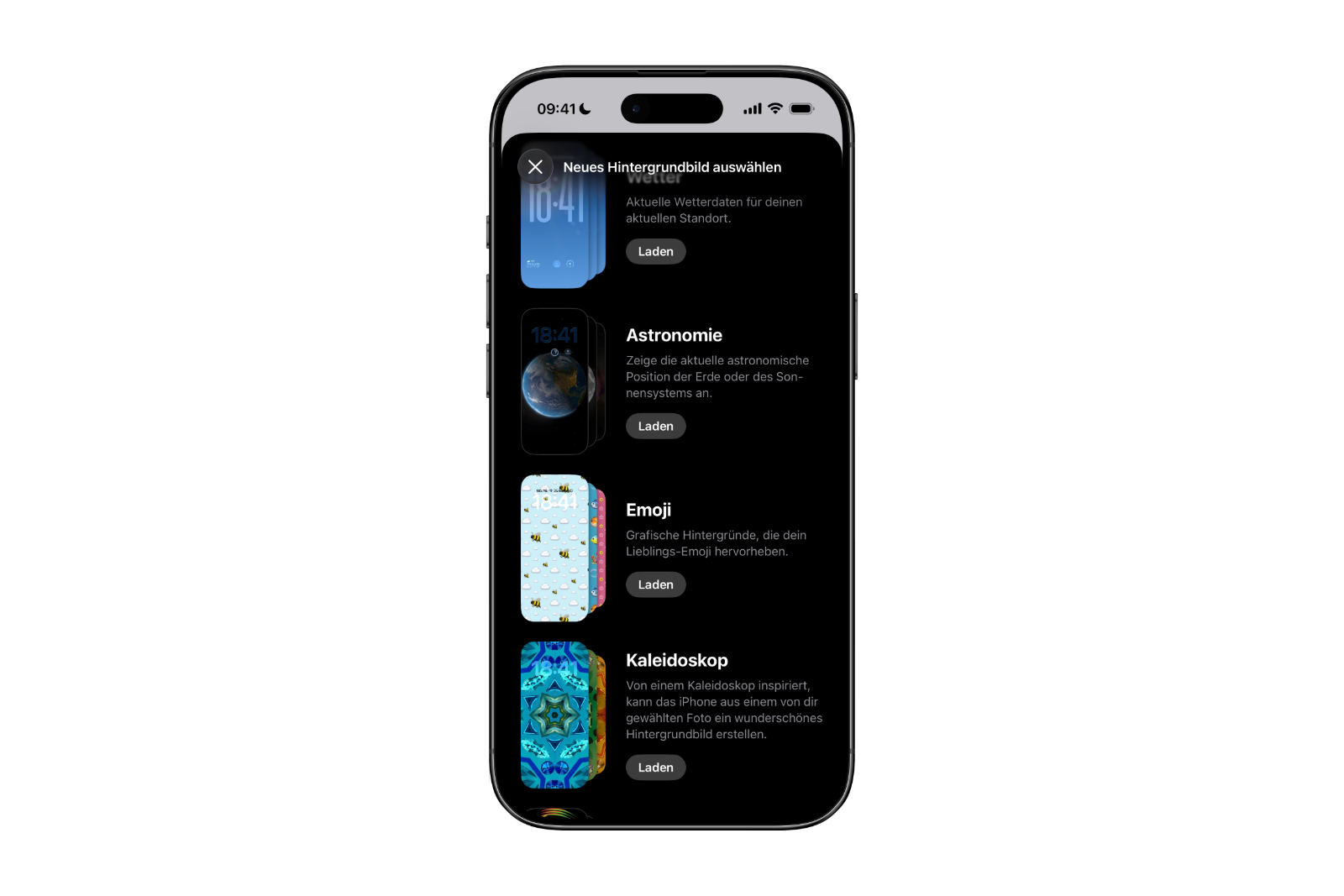
The wallpaper gallery has a new design. Wallpapers from categories such as weather, astronomy, emoji, or colors can now be selected more clearly and downloaded directly to the iPhone.
The watch face gallery in the Apple Watch app has also been adjusted accordingly and now follows the same design concept.
Freeform Creator Studio
The Freeform app will receive the so-called Creator Studio in iOS 26.4. This is intended for subscribers of the Creator Studio service.
The studio adds its own content hub, offering additional format options. Subscribers gain access to high-quality graphics, photos, and illustrations unavailable to non-subscribers. AI features are also integrated for creating and editing images.
Freeform is also getting a new app icon. Apple had previously announced that premium content and features would be available later this year as part of the Apple Creator Studio subscription.
New "Urgent" section in Memories
In the Reminders app, iOS 26.4 introduces a new section called "Urgent". When creating a reminder, if this option is enabled, it will automatically appear in this separate section. Urgent reminders are accompanied by an alarm and will trigger a clear warning when they are due.
New iCloud web settings
In the iCloud settings, there is now an option called "iCloud.com". This replaces the previous setting "Access iCloud data on the web".
Additionally, the "Allow Search" feature has been added. This allows trusted Apple devices to send search results to iCloud.com.
Hints of new emojis
The current beta of iOS 26.4 contains no new emojis. However, the code hints at upcoming characters that could appear in a later beta. These include a trombone, a treasure chest, a distorted face, a hairy creature like Bigfoot, a battle cloud, an apple core, an orca, a landslide, and a ballet dancer.
EU-specific features for third-party wearables
iOS 26.4 also brings features that are exclusively available in the European Union.
The forwarding of notifications to third-party wearables, such as Android smartwatches, is back. This feature was already present in a beta version of iOS 26.3 but was missing from the final release. Notifications can only be forwarded to one device at a time. When this feature is enabled, the Apple Watch will not receive notifications.
Additionally, proximity pairing could be enabled for third-party devices. This would allow compatible devices to be paired simply by bringing them close to an iPhone or iPad, similar to AirPods. This feature is also limited to the EU.
iOS 26.4 brings technical and regulatory changes
iOS 26.4 is shaping up to be a comprehensive update within the iOS 26 series. Besides new media features like video podcasts and AI-powered playlists, the focus is clearly on security and system unification.
The standard activation of anti-theft protection and the planned end-to-end encryption for RCS messages are particularly relevant steps. At the same time, Apple's EU-specific adjustments demonstrate that regulatory requirements are increasingly influencing the platform.
With its planned release in spring, iOS 26.4 is expected to be a significant update, both technically and functionally. The best products for you: Our Amazon storefront offers a wide selection of accessories, including those for HomeKit. (Image: Apfelpatient)
- iOS 26.4 makes Apple Music smarter with AI playlists
- macOS 26.4 introduces load limiting for Mac
- visionOS 26.4 integrates NVIDIA CloudXR
- macOS 26.4 & iPadOS 26.4 with Safari update
- macOS 26.4 begins the final phase for Rosetta 2
- iOS 26.4: These are the new features in Apple Music
- iOS 26.4: New structure for wallpapers
- iOS 26.4: New standard for iPhone security
- iOS 26.4: New RCS encryption in beta testing
- Apple is expanding Apple Podcasts into a video hub
- iOS 26.4 Beta launched: Apple opens new testing phase
- Apple Music: New features for TikTok
- Apple announces „Apple Experience“ on March 4, 2026
- OpenAI hires OpenClaw developer Peter Steinberger
- Apple and iWork: Is the brand facing its end?
- Apple replaces SEED with new Sales Coach App
- Apple shows rollout of iOS 26 and iPadOS 26
- Mac Studio: Do Shortages Indicate an Update?
- Meta plans facial recognition for smart glasses
- Apple wins third patent lawsuit against Optis
- Apple study reveals expectations for AI agents
- Apple assures: New Siri will arrive as promised in 2026