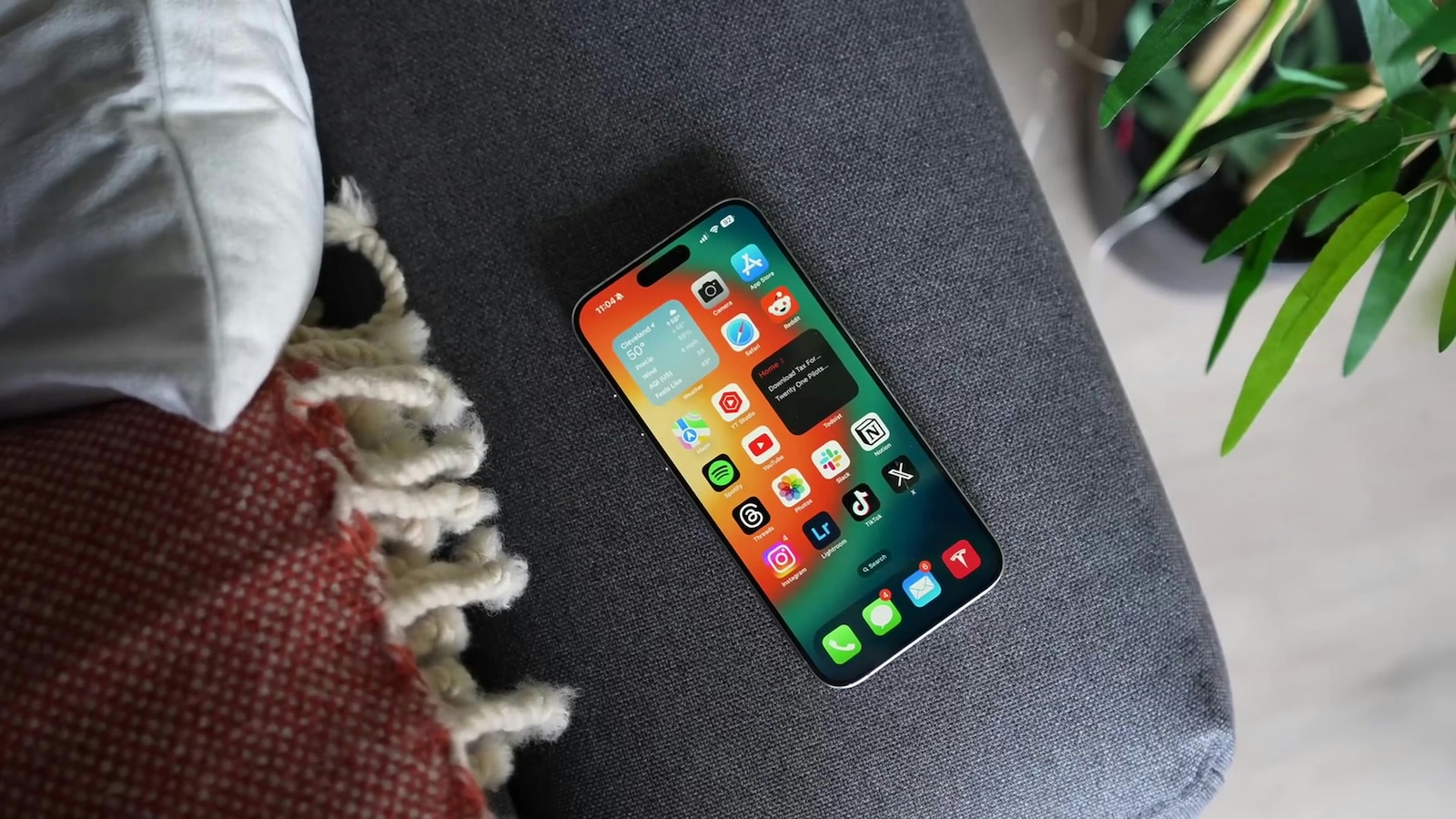
In the digital era we live in, smartphones play a central role in our daily lives. With each new iOS version, Apple brings significant improvements and exciting new features for its users. iOS 18 is no exception. A slightly smaller but really exciting new feature is the ability to control audio playback while recording video.
Apple is known for its continuous efforts to improve the usability and functionality of its products. With iOS 18, Apple introduced a long-awaited feature that allows users to control audio playback while recording videos. This innovation is another step in Apple's pursuit of perfection and user satisfaction.
New camera feature in iOS 18
Controlling audio playback during video recordings
With iOS 18, Apple introduced a new control in the Camera app's Settings menu. This control allows you to choose whether to pause or resume audio playback while recording video. Previously, audio playback would automatically pause when you recorded a video. This included music, podcasts, and other audio files. This change gives you more flexibility and control over your media experience.
QuickTake method and its limitations
In previous versions of iOS, the only way to continue audio playback while recording video was to use the QuickTake method. This method was introduced in iOS 13 and allowed you to record videos in photo mode while audio playback continued. However, the video quality when recording using QuickTake was lower than in regular video mode. The new feature in iOS 18 fixes this problem as you can now control audio playback even in high-quality video mode.
How the new audio control works
The new audio playback switcher in iOS 18 is located in the camera settings. If you enable this option, audio playback will not automatically pause when recording video. When played through the iPhone speaker, the sound will be recorded in mono.
iOS 18 availability and further information
iOS 18 is expected to be available in the fall, around mid-September. Apple users can look forward to many exciting new features that will make their devices even more powerful and user-friendly. Time for new accessories? Visit our Amazon Storefront and discover a wide range of products from leading manufacturers, including for HomeKit! (Photo by Unsplash / Phúc Khang Mobile)
- Apple Podcasts: iOS 18 brings many new features
- iOS 18 Passwords App: Features and Benefits
- iOS 18 Update: What's new in Safari?
- iOS 18 brings call recording: What you need to know
- iOS 18 and ChatGPT: All important information about the integration
- iOS 18: All new features for the Reminders app at a glance
- Apple Maps in iOS 18: All new features at a glance
- iOS 18: All new features of the Wallet app at a glance
- Apple Music: These new features await you with iOS 18
- Apple Intelligence sets new standards in data protection
- iOS 18: These are the new features in Apple Notes
- iOS 18: All new features of the Messages app at a glance