
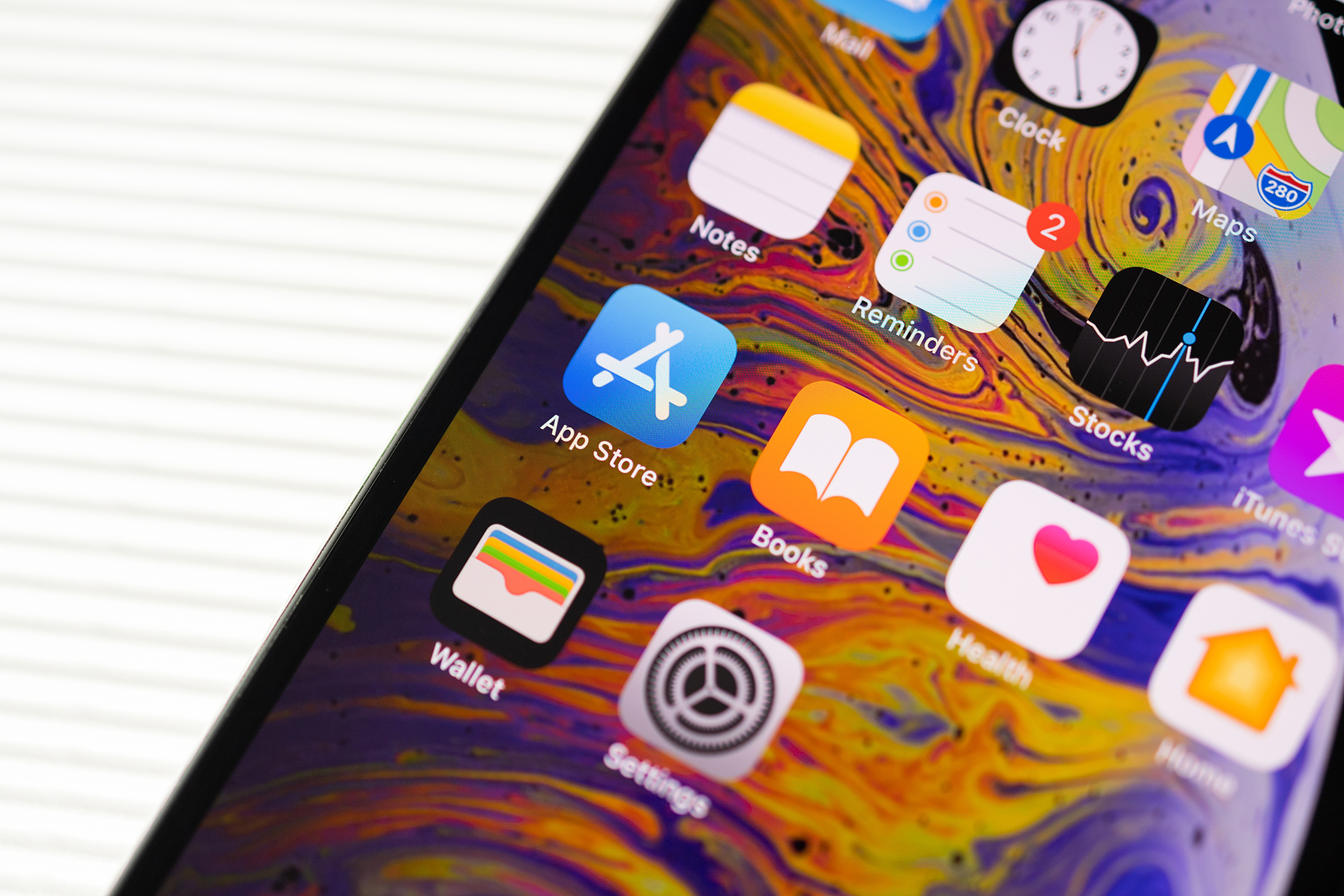
iOS 18 not only brings powerful customization tools and significant changes to popular apps like Photos, Messages, and Notes, but also a host of impressive features for the Reminders app. Below, you'll learn all about the new features of the Reminders app in iOS 18 and how they can increase your productivity.
Reminders play a central role in the everyday lives of many iPhone users. With iOS 18, Apple will significantly improve this useful app and add numerous features that increase both usability and effectiveness. From integration with the calendar app to smart lists and support for multiple languages - there is something here for everyone.
reminders in the calendar app
One of the biggest changes is the full integration of Reminders with the Calendar app. This merger gives you a better overview of your day by allowing you to manage both your appointments and tasks in one place. Although not all of the Reminders app's functionality will be available in the Calendar app, this integration ensures that your daily tasks are seamlessly linked to your scheduled events.
Apple Intelligence in Memories
The Reminders app will benefit from the new Apple Intelligence introduced in iOS 18. Siri in particular will be significantly upgraded and will be able to create contextual reminders. This means that Siri will not only recognize that an email is on your screen, but will also be able to understand the content of that email. For example, you could ask Siri to extract flight information or contact information directly from an email and add it to your contacts. In addition, priority notifications could become smarter and more timely, meaning you won't miss important reminders.
Smart List Updates
Smart lists are an essential part of the Reminders app. In iOS 18, you can finally see subtasks directly in these lists. This improvement provides more clarity and saves you unnecessary clicks to see details. Another upgrade concerns the ability to reorder the sections of the Today list. You can adjust the order of overdue, all-day, and timed reminders according to your preferences to make your day more efficient.
New list of recently deleted reminders
Apple is introducing a new Recently Deleted Reminders list that will keep deleted entries for 30 days before permanently removing them. This gives you the ability to easily restore accidentally deleted reminders.
Everything else
Another useful feature is the support of multiple languages in the shopping list. You can set an additional language in which the items should be recognized in the settings. Additionally, new automation features have been added to the Shortcuts app. These include options to show or hide completed reminders or specific smart lists.
What's new in iOS 18: Improved features of the Reminders app
iOS 18 brings a host of improvements and new features to the Reminders app, boosting your productivity and making using the app even more intuitive. From integration with the Calendar app to enhanced Apple Intelligence and new automation features, there are many reasons to be excited about this update. Stay tuned and prepare to take your reminders to the next level! Looking for new accessories? Then check out our Amazon Storefront – there you'll find numerous products from leading providers, including those for HomeKit and more! (Photo by hadrian / Bigstockphoto)
- Apple Maps in iOS 18: All new features at a glance
- iOS 18: All new features of the Wallet app at a glance
- Apple Music: These new features await you with iOS 18
- Apple Intelligence sets new standards in data protection
- iOS 18: These are the new features in Apple Notes
- iOS 18: All new features of the Messages app at a glance



