With the launch of macOS Tahoe, Apple delivered a comprehensive system update. However, shortly after its release in September, a problem emerged affecting many users with external monitors. Flickering was reported particularly frequently when using the Studio Display. It's noteworthy that subsequent macOS Tahoe updates failed to resolve the issue, and in some cases, the situation even worsened.
Display problems under macOS regularly spark discussion, but the current bug stands out due to its frequency and persistence. For months, Mac users have been reporting identical behavior, regardless of the device they are using. The sheer number of reports suggests that the bug is deeply embedded in the macOS Tahoe system and is not limited to specific configurations.
Flickering since the macOS Tahoe update
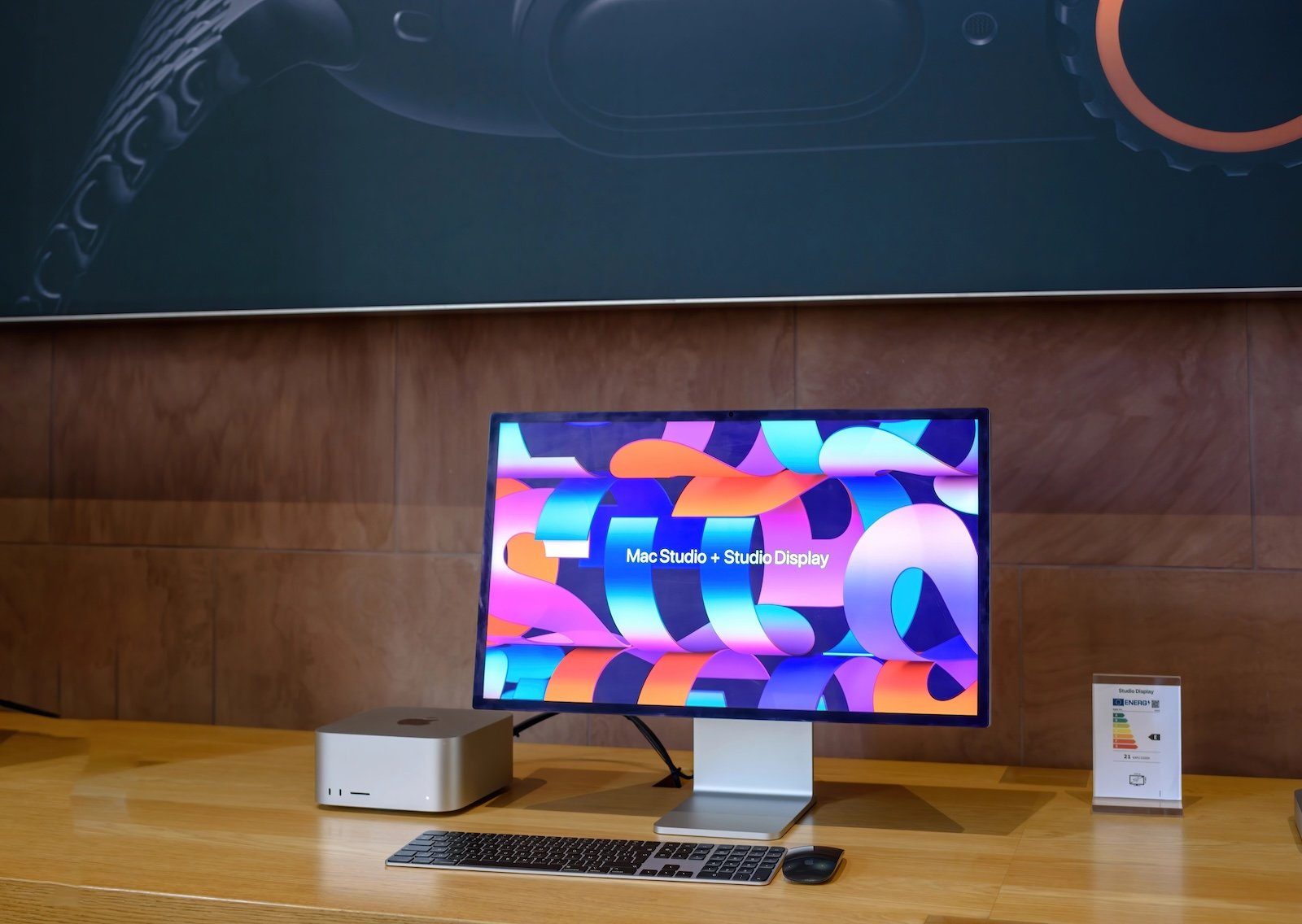
Since the September update, users with a connected Studio Display have been reporting occasional screen flickering. The problem occurs on Macs running macOS Tahoe. Tests with a MacBook Pro connected to a Studio Display also clearly reproduced the flickering.
The later-released updates macOS Tahoe 26.1 and macOS Tahoe 26.2 brought no improvement whatsoever. In recent days, the problem has even worsened, with the flickering occurring more frequently and noticeably than before.
When the flickering occurs most frequently
The flickering most frequently occurs when switching between applications with a very white or very light background. It also regularly appears when scrolling through websites with light content. A change from dark to light image content almost always triggers a brief flicker on affected systems.
Basically, any app can be affected. Sometimes the flickering occurs seemingly without any clear trigger. In most cases, it is only visible briefly, but sometimes the screen flickers several times in a row for a few seconds at a time.
Other external monitors are also affected
Although the Studio Display is mentioned most frequently, there are also reports from users with other external monitors. This suggests that it's not an exclusive problem with a single display model. The error likely affects several types of external monitors running macOS Tahoe.
Possible causes of the problem
The exact cause of the flickering is still unclear. Since multiple Studio Displays are affected and the behavior has changed due to macOS updates, a software problem seems likely. A hardware defect is considered rather unlikely. A bug in macOS Tahoe itself or in the Studio Display's firmware is more probable and could be fixed by a future update.
macOS Tahoe and a problem with no quick answer
The display flickering in macOS Tahoe is a serious annoyance for many users, especially during daily work. The fact that several system updates have failed to resolve the issue, and that the problem sometimes even occurs more frequently, exacerbates the situation. A lasting solution can only be expected through a corresponding macOS update or new firmware for the Studio Display. Until then, the bug remains an unresolved problem within macOS. The best products for you: Our Amazon storefront offers a wide selection of accessories, including those for HomeKit. (Image: ifeelstock / DepositPhotos.com)
- Apple plans to increase advertising in App Store search starting in 2026
- ChatGPT now supports Apple Music directly within the app
- Apple opens App Store in Japan and changes iOS rules
- Apple TV expands Monarch universe with new spin-off
- Apple introduces SHARP: 3D scenes from just one photo
- Apple stock: Morgan Stanley raises price target to $315
- The Trump administration is threatening the EU with retaliation over DMA
- MacBook Pro M5: Apple significantly simplifies battery replacement
- Apple and DMA: Why Europe's developers are protesting
- ChatGPT relies on Apple Music and faster image generation
- Apple plans fabric displays for HomePod and other devices
- Apple in focus: US criticism of Europe's new digital laws
- iOS 26.3 Beta 1: All new features and functions at a glance
- Apple can absorb rising DRAM costs better than others
- iOS 26 leak provides insight into upcoming Apple software plans
- Apple as a White House partner in the „Tech Force“ program
- Apple leak confirms massive product offensive for 2026
- Apple is restructuring: These personnel changes will shape the future
- iOS 26.3 opens iPhone notifications for third-party wearables
- iOS 26.3 allows easy switching between iOS and Android
- iOS 26.3 Beta launched: Apple kicks off new testing phase
- visionOS 26.2 expands the travel mode of the Apple Vision Pro