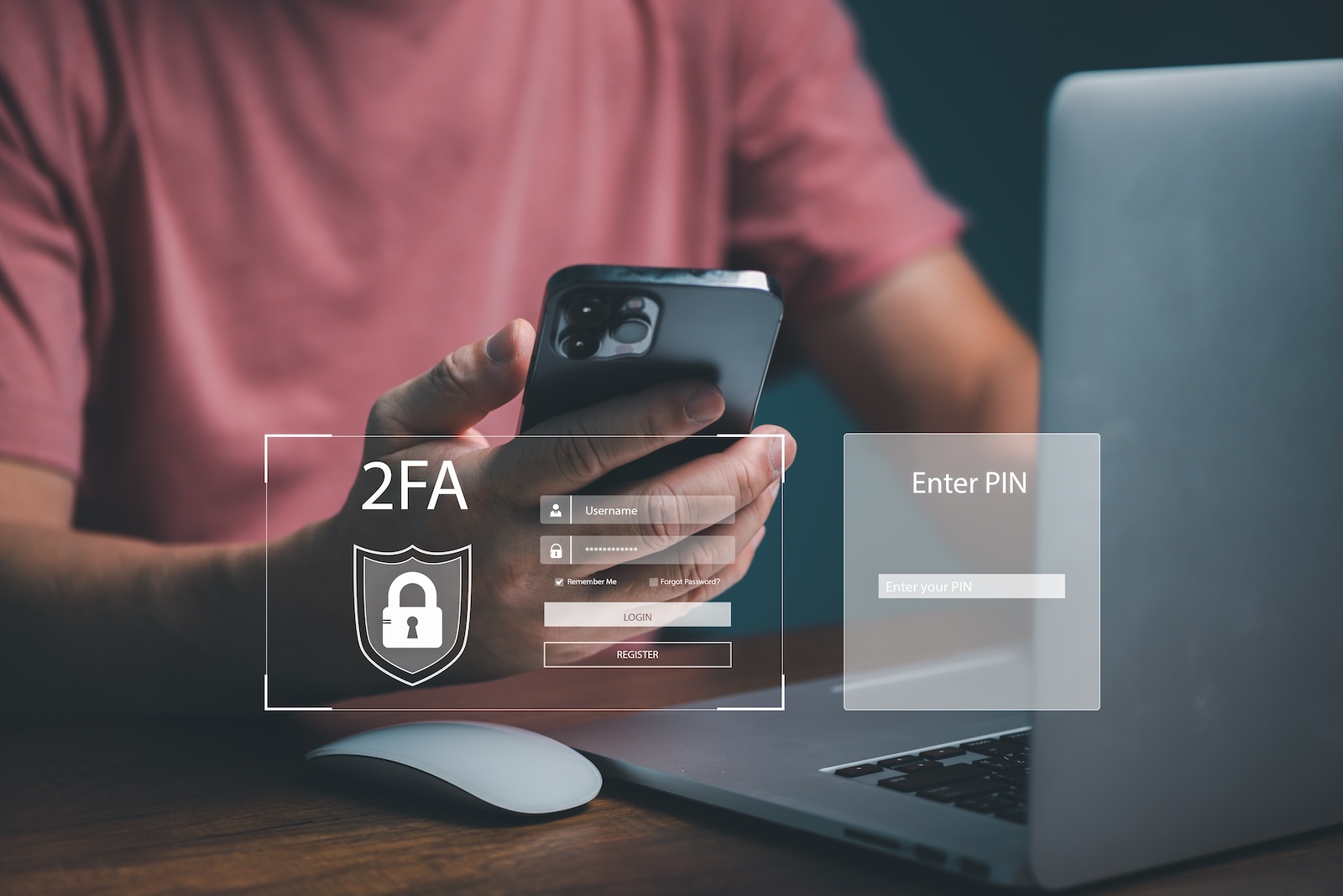
If you use 2FA, you probably feel safe. After all, this additional layer of security is supposed to prevent strangers from accessing your accounts, even if they know your password. But now a new report shows that this very security measure has been massively undermined: Approximately one million two-factor authentication codes sent via SMS have been intercepted. And not by random hackers, but by a legitimate mobile phone company with ties to intelligence agencies and surveillance firms. Here's what happened—and how you can better protect yourself.
Two-factor authentication (2FA) works like this: You enter your password and receive an additional code – usually six digits – to confirm your identity. The code can be sent via SMS or generated via an app. The goal: increased security. Good in theory. In practice, however, it has been repeatedly shown that SMS is an insecure transmission method. SMS messages are not encrypted; they travel openly through the mobile network. Anyone with access to certain network technology can read these messages. That's exactly what happened.
What exactly happened: One million 2FA SMS intercepted
According to a report by Bloomberg Businessweek and Lighthouse Reports , around one million text messages containing 2FA codes were intercepted in June 2023. An industry insider provided phone connection data showing that all of these messages were routed through a company called Fink Telecom Services. This company is based in Switzerland but operates internationally and has a history of collaborating with government intelligence agencies and surveillance companies. The intercepted messages contained security codes from a variety of major companies, including Google, Meta (Facebook, Instagram & WhatsApp), Amazon, Signal, Snapchat, Tinder, Binance, and several European banks.
Background monitoring: 2FA SMS redirected
The codes were sent to users in over 100 countries on five continents. This was not a random isolated incident, but rather a systematic redirection and analysis of highly sensitive SMS messages. According to the report, Fink Telecom Services was responsible for routing the messages—that is, how the SMS messages reached the recipient via international networks. The company's CFO claims that Fink merely provides technical infrastructure and is not actively involved in surveillance. Security experts disagree: They have linked Fink to cases in the past in which precisely such SMS codes were intercepted and later used for hacks.
Why SMS codes can be intercepted so easily
The major problem with SMS is the lack of encryption. When you receive an SMS, it is transmitted unprotected through the mobile network. This makes it possible for attackers to intercept the messages – especially if they have access to routing points or international exchanges. And that's where Fink Telecom Services comes in. The company operates such exchanges and is therefore able to access large amounts of SMS data. The security gap is therefore no coincidence, but a structural problem in the mobile network – especially with cross-border messages. The combination of technical infrastructure, outdated protocols, and a lack of encryption makes it possible for external actors to read what should actually remain confidential.
Which providers were affected
Affected were companies that send 2FA codes via SMS as standard. These include:
- Google (e.g. for Gmail or Google Accounts)
- Meta (Facebook, Instagram)
- Amazon.com
- Signal and WhatsApp (although these apps communicate encrypted, their 2FA SMS runs outside the app)
- Binance (crypto exchange)
- Tinder, Snapchat
- Several large European banks
Most of these providers also offer alternatives to SMS-based 2FA – but continue to use SMS as the default option or as a fallback if users don't use an app.
How you can protect yourself
The most important measure: Stop using SMS for 2FA if you can avoid it. Instead, switch to authentication apps. These generate the six-digit code directly on your smartphone, without sending it over a network. Popular apps include:
- Authy
- Google Authenticator
- Microsoft Authenticator
- as an Apple user you can also use the Passwords app with its own 2FA system
An even more secure method is the use of so-called passkeys. This eliminates the need for a code altogether—instead, you confirm your identity locally on your device, for example, with Face ID or Touch ID. Login is cryptographically secured, and a password or SMS code is no longer necessary.
- Forgotten your Apple account password? Here's how to get access
- Protect your Apple Account: Set up a recovery contact
SMS-2FA is beyond rescue
This interception clearly demonstrates how vulnerable SMS 2FA is. Even with two-factor authentication enabled, you're not safe if the second component—the code—is transmitted over an insecure system. Therefore, you should review all your accounts and switch to app-based authentication or passkeys as quickly as possible. This will take you a few minutes—but it will better protect you against precisely these types of attacks in the long run. If you want to be on the safe side: Stop using SMS for security codes. Never. (Image: Shutterstock / May_Chanikran)
- WhatsApp launches advertising: Meta uses this data for it
- iOS 18.6: Apple launches new beta with focus on stability
- Apple makes it clear: Music is art, not advertising revenue