Apple Tips & Tricks
Every new version of iOS, iPadOS, macOS, and watchOS adds features – and hides many of them so well that even long-time Apple users miss them. On top of that come everyday problems: backups failing, AirDrop refusing to work, Wi-Fi passwords disappearing.
This is where step-by-step guides for exactly those moments live: from setting up a new iPhone to transferring data to uncovering hidden features in iOS and macOS. Every guide is verified against the current version – so the steps are correct when you actually need them.
Topics range from basics for newcomers to specialized features for power users: setting up iCloud properly, pairing an Apple Watch with an iPhone, using Focus modes effectively, resetting old devices for resale. When problems come up, the solution isn't just shown – it's also explained why something goes wrong, so the same issue can be solved independently next time.
Rediscover Apple Music: Music Haptics in iOS 18 explained
Discover Music Haptics in Apple Music and experience how your iPhone with iOS 18 turns music into tangible vibrations. Now...
Read moreDetails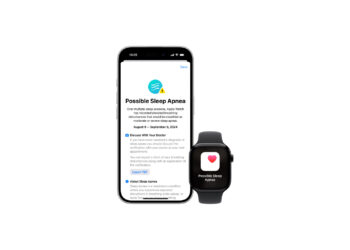
Apple Watch: New sleep apnea feature explained
With the new sleep apnea feature on the Apple Watch, you can monitor breathing disorders during sleep and take action in time. Here's how it works!
Read moreDetails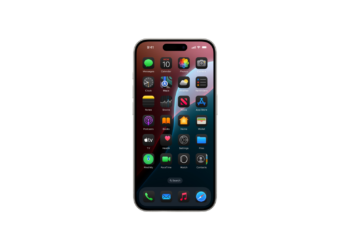
iOS 18: Some app icons remain bright in dark mode
Why do some app icons stay bright in iOS 18 even though dark mode is active? Here's how to change your icons...
Read moreDetails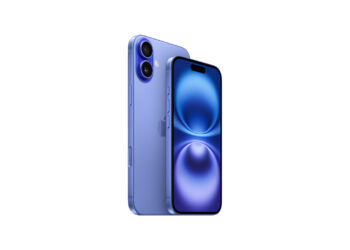
You should know these 5 new iPhone 16 features
iPhone 16 brings interesting innovations: Find out all about the 5 features you shouldn't miss.
Read moreDetails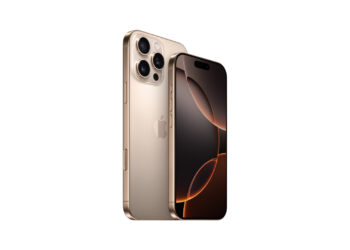
iPhone 16 fast charging: USB-C with up to 45 W power
The new iPhone 16 offers USB-C fast charging at up to 45W. Discover how to charge your device in less than 30...
Read moreDetailsApple Watch and sleep apnea: How the monitoring works
Detect sleep apnea with the Apple Watch: The watch monitors your breathing disorders and helps you take action early.
Read moreDetails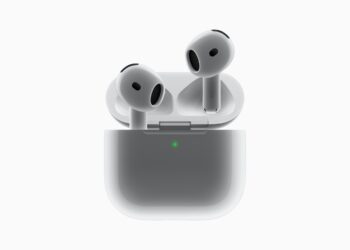
AirPods 4 vs. AirPods Pro: Noise Cancellation Comparison
AirPods 4 vs. AirPods Pro: Which model offers you the better listening experience and more effective noise cancellation? Find out more now!
Read moreDetails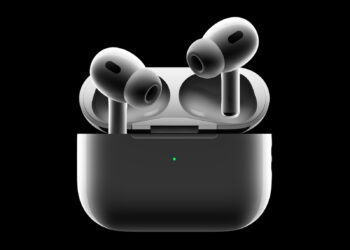
Four new features for the AirPods Pro 2 in 2024
AirPods Pro 2: Coming in fall 2024 with four new features for hearing health and more. Protect your hearing & experience sound...
Read moreDetails
iPhone 16 series: The new camera features in detail
iPhone 16: Take mobile photography to the next level with camera control, 48-megapixel sensor, and studio-quality audio recording.
Read moreDetails
iPhone 16 Pro vs. iPhone 16: Three reasons for the Pro model
iPhone 16 or iPhone 16 Pro? Find out the three key reasons why the Pro model is the better choice for you...
Read moreDetails