Apple Tips & Tricks
Every new version of iOS, iPadOS, macOS, and watchOS adds features – and hides many of them so well that even long-time Apple users miss them. On top of that come everyday problems: backups failing, AirDrop refusing to work, Wi-Fi passwords disappearing.
This is where step-by-step guides for exactly those moments live: from setting up a new iPhone to transferring data to uncovering hidden features in iOS and macOS. Every guide is verified against the current version – so the steps are correct when you actually need them.
Topics range from basics for newcomers to specialized features for power users: setting up iCloud properly, pairing an Apple Watch with an iPhone, using Focus modes effectively, resetting old devices for resale. When problems come up, the solution isn't just shown – it's also explained why something goes wrong, so the same issue can be solved independently next time.

iPhone 16 freezes? Force restart – here's how
Problems with the iPhone 16? Learn how to quickly get your device working again by performing a force restart.
Read moreDetails
iPhone 16: New photographic styles for individual shots
iPhone 16: Adjust the colors and tones of your photos with new photographic styles and achieve stunning results effortlessly.
Read moreDetails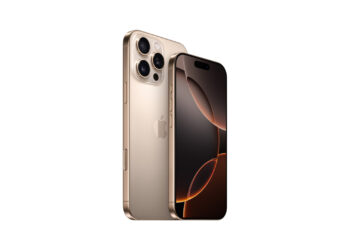
iPhone 16: How to disable the camera control button
Do you want to deactivate the camera control button on your iPhone 16? Here you will learn step by step how to turn off this function.
Read moreDetails
iPhone 16: Use the camera control button as a magnifying glass
iPhone 16: Use the new camera control button as a magnifying glass. Discover how to enlarge text and small details - perfect for on the go!
Read moreDetails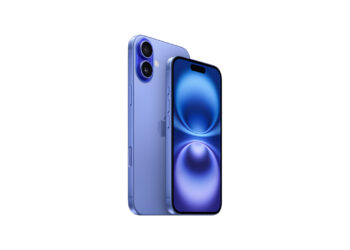
iPhone 16: Use camera control button as QR scanner
iPhone 16: Camera control button as a practical QR code scanner. Discover the easy setup and use the function in everyday life.
Read moreDetails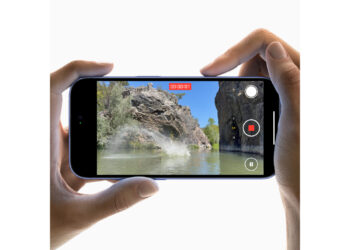
iPhone 16: How to disable the "Preview" feature
With the iPhone 16, disable the "Preview" function and enjoy full access to all camera options. Find out more here!
Read moreDetails
iPhone 16: Adjust pressure sensitivity of camera controls
iPhone 16: Adjust the pressure sensitivity of the new camera controls and improve your photography experience.
Read moreDetails
iPhone 16 Camera: How the new camera control button works
iPhone 16: This is how the innovative camera control button works. Optimize your camera settings and discover new photo functions.
Read moreDetails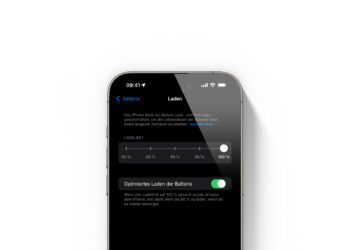
iOS 18 charging limits: Prevent battery wear effectively
Optimize your iPhone's battery life with iOS 18's new charging options. Prevent battery wear and charge your device more efficiently.
Read moreDetails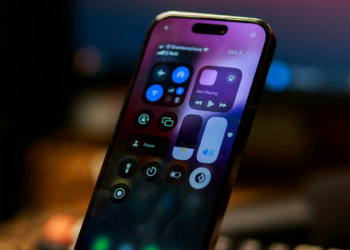
Control Center in iOS 18: Re-enable Bluetooth switch
Quickly re-enable Bluetooth with iOS 18! Add Bluetooth control to the Control Center and manage connections more easily.
Read moreDetails