Apple Tips & Tricks
Every new version of iOS, iPadOS, macOS, and watchOS adds features – and hides many of them so well that even long-time Apple users miss them. On top of that come everyday problems: backups failing, AirDrop refusing to work, Wi-Fi passwords disappearing.
This is where step-by-step guides for exactly those moments live: from setting up a new iPhone to transferring data to uncovering hidden features in iOS and macOS. Every guide is verified against the current version – so the steps are correct when you actually need them.
Topics range from basics for newcomers to specialized features for power users: setting up iCloud properly, pairing an Apple Watch with an iPhone, using Focus modes effectively, resetting old devices for resale. When problems come up, the solution isn't just shown – it's also explained why something goes wrong, so the same issue can be solved independently next time.
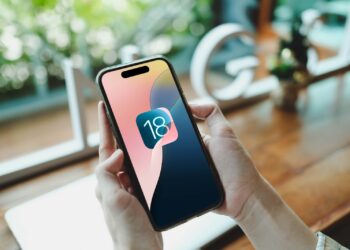
Delete iOS 26 Beta: How to safely return to iOS 18
Have you installed iOS 26 beta and want to go back to iOS 18? Here's how to do it step by step...
Read moreDetails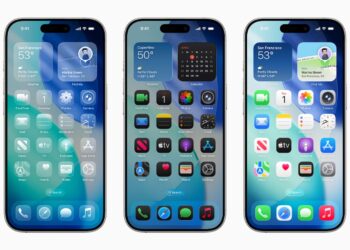
iOS 26 design change: Reduce transparency easily
iOS 26 brings the new Liquid Glass design. Here's how to reduce transparency without completely changing the look...
Read moreDetails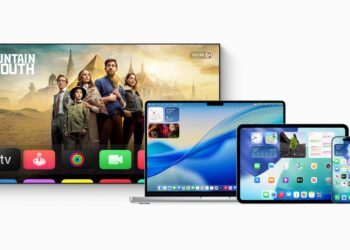
iOS 26 & Co.: These Apple devices will receive updates
Apple has released new updates. Check now if your device is running iOS 26, iPadOS 26, macOS Tahoe, tvOS 26, or watchOS...
Read moreDetails
Installing iOS 26 Beta: Preparations & Important Tips
Want to install the iOS 26 beta? This guide will walk you through all the steps, requirements, and tips for safe use.
Read moreDetails
Setting up Time Machine backup on your Mac – here's how
Enable Time Machine backup on your Mac: Save time, keep all your data under control, and be prepared if something goes wrong.
Read moreDetails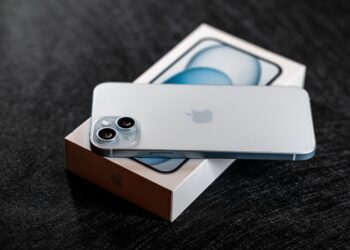
iPhone Focus Mode: 6 Tips for Less Distraction
Make the most of iPhone Focus Mode: Reduce distractions, control apps effectively, and become more focused and productive in everyday life.
Read moreDetails
AirPods Pro 2 protects your hearing – automatically
AirPods Pro 2 with hearing protection: Apple integrates clever features to protect against noise, helping to keep your hearing healthy for the long term.
Read moreDetails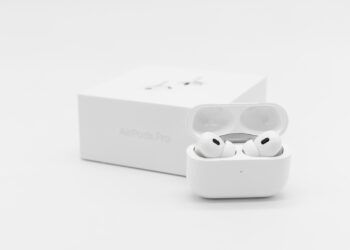
Getting the most out of AirPods Pro: 6 tips for better ANC
Improve AirPods Pro ANC: This guide shows you how to optimize settings, use features, and specifically avoid interference.
Read moreDetails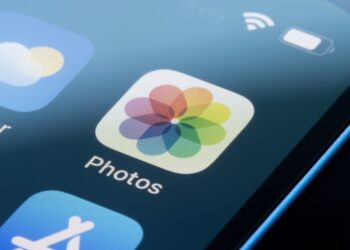
Organize iPhone photo gallery: 6 easy steps
Efficiently manage photos on your iPhone: How to free up space, find your best pictures instantly, and use iCloud features effectively.
Read moreDetails
macOS Spotlight: 6 pro tips for faster searches
These 6 tricks make macOS Spotlight the best search tool on your Mac – search faster, smarter, and more targeted.
Read moreDetails