Apple Tips & Tricks
Every new version of iOS, iPadOS, macOS, and watchOS adds features – and hides many of them so well that even long-time Apple users miss them. On top of that come everyday problems: backups failing, AirDrop refusing to work, Wi-Fi passwords disappearing.
This is where step-by-step guides for exactly those moments live: from setting up a new iPhone to transferring data to uncovering hidden features in iOS and macOS. Every guide is verified against the current version – so the steps are correct when you actually need them.
Topics range from basics for newcomers to specialized features for power users: setting up iCloud properly, pairing an Apple Watch with an iPhone, using Focus modes effectively, resetting old devices for resale. When problems come up, the solution isn't just shown – it's also explained why something goes wrong, so the same issue can be solved independently next time.

iOS 26: Easily change backgrounds in iMessage
iOS 26 offers new options for iMessage: Choose your own backgrounds for chats and automatically sync them across all Apple devices.
Read moreDetails
iOS 26: Trigger iPhone camera with AirPods – here's how
iOS 26 brings a new camera feature: take photos and videos with AirPods – ideal for group photos and stable video recordings.
Read moreDetails
How to enable transparent iPhone app icons with iOS 26
iOS 26 makes iPhone icons transparent and introduces new options. Learn how the Home screen becomes more modern and flexible.
Read moreDetails
Make the most of your iPhone Reminders app – 7 professional tips
With these 7 iPhone tips, you can use the Reminders app more intelligently: Better planning, clear structure, and no more missed appointments.
Read moreDetails
iOS 26: Apple Music finally gets folders for playlists
iOS 26 brings folders for Apple Music playlists and music pins. Now you can organize playlists better and find them faster.
Read moreDetails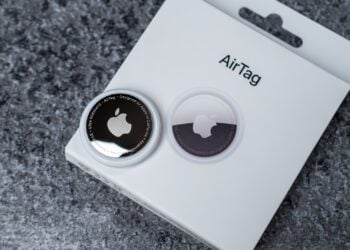
Use AirTag efficiently – 7 practical tracking tips
Using AirTag correctly: These 7 tips show you how to improve your tracking, avoid losses, and make your everyday life less stressful.
Read moreDetails
iOS 26: Capture reminders faster and easier
iOS 26 lets you set reminders directly from the Control Center, lock screen, or action button – quickly and easily.
Read moreDetails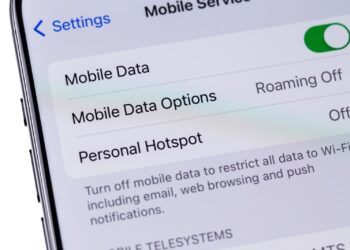
Use iPhone hotspot effectively – 5 useful tips
Staying online on the go with your iPhone hotspot? These 5 tips show you how to keep your connection, battery life, and data usage under control...
Read moreDetails
iOS 26 warns of dirty camera – this is how it works
iOS 26 automatically detects dirty camera lenses and discreetly warns, keeping iPhone photos clear and crisp.
Read moreDetails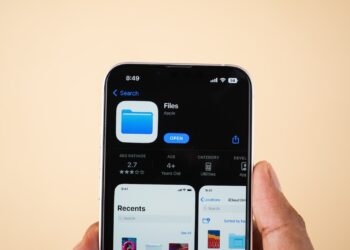
iPhone Files app: 6 tips for more order and efficiency
Attention iPhone users: The Files app can do more than you think – so you can organize documents efficiently and never lose track.
Read moreDetails