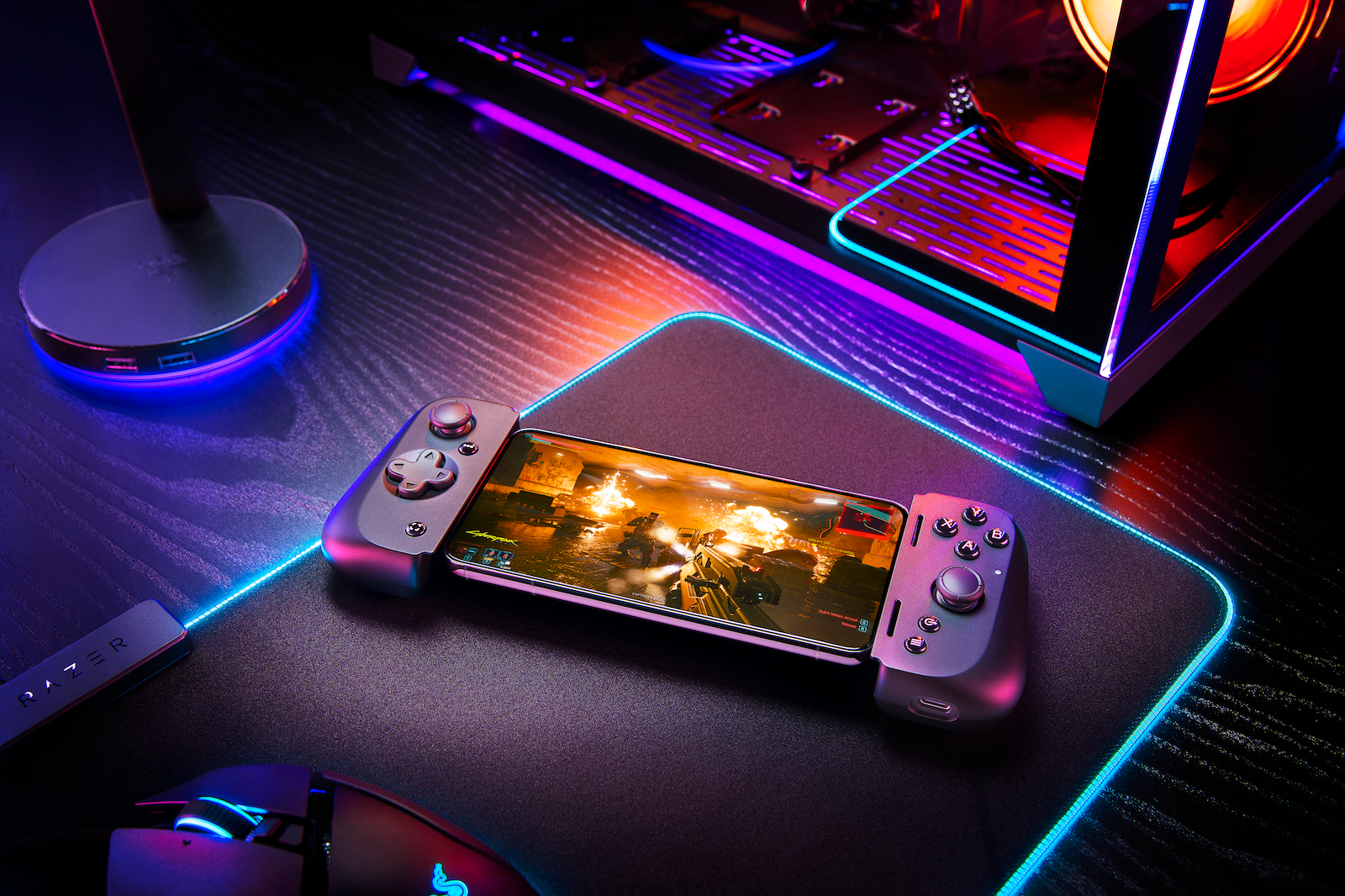
The brand new Razer Kishi V2 for iPhone has recently been released. After testing the predecessor and the Backbone PlayStation Edition, the latest model follows.
First of all: I saved the review or hands-on especially for the iPhone 14 Pro Max. Of course, the controller is also compatible with previous iPhone generations. Let's get started. iPhone games are becoming more and more impressive. It doesn't matter whether it's Apple Arcade, titles from Xbox Game Pass or direct App Store games. In addition to major graphics and performance improvements, controller support is also taken into account in many cases. Accordingly, a decent joystick can improve the gaming experience enormously. The Razer Kishi has been a very popular iPhone controller since it was released in 2020. was first introduced.
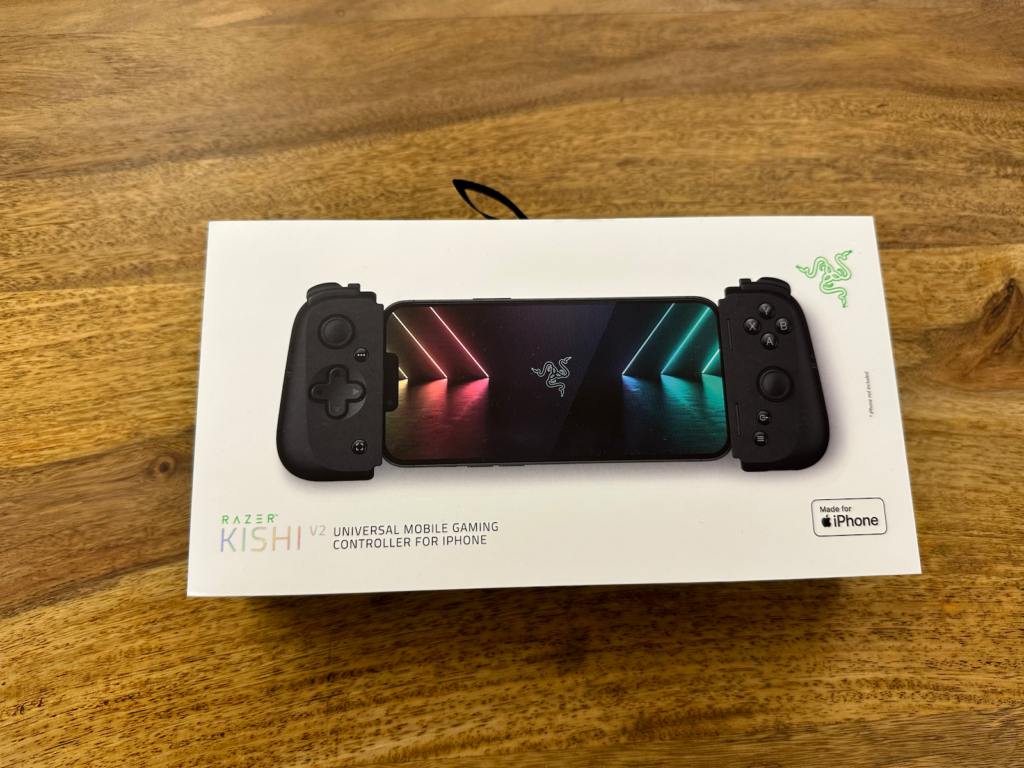
Now the second version, the Razer Kishi V2, is also available for iPhone users. It not only benefits from significant improvements but also looks quite similar to the Backbone One. However, when comparing the apps, Backbone definitely has the edge – at least for now. That alone shouldn't sway your purchase decision. The Razer Kishi V2 Mobile Controller for the iPhone costs €119.99 and is available from the Razer Online Store and at Amazon Of course, there is also an Android version that sells for the same price. Installing the accessory is incredibly easy.
Razer Kishi V2 significantly better than its predecessor
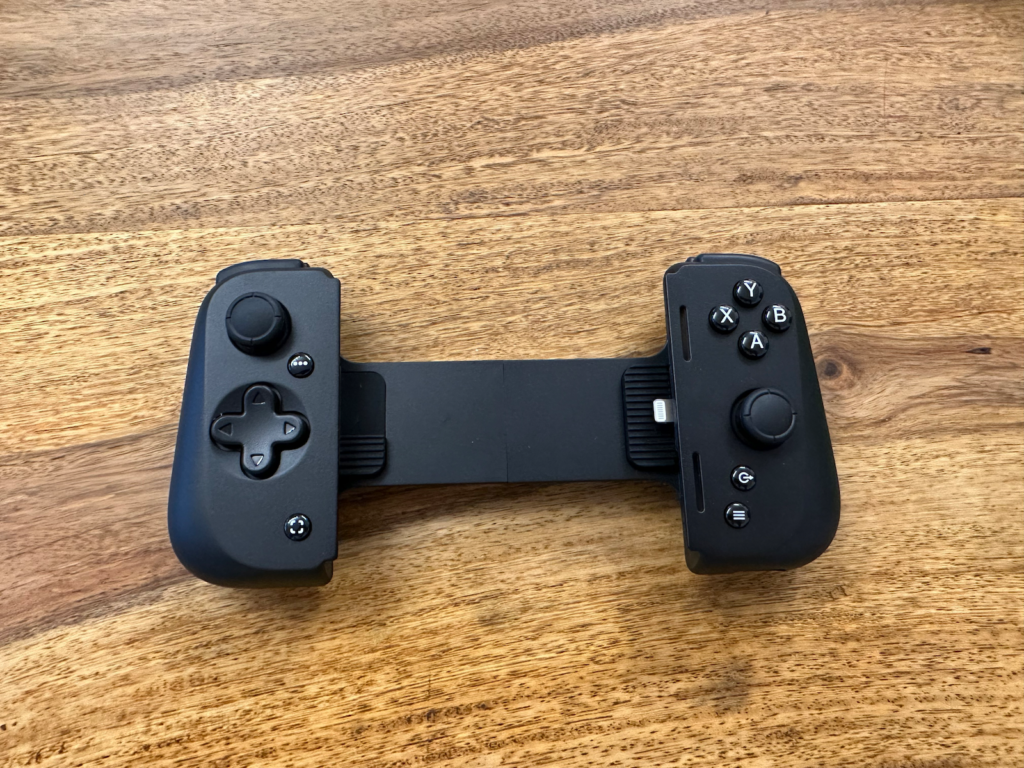
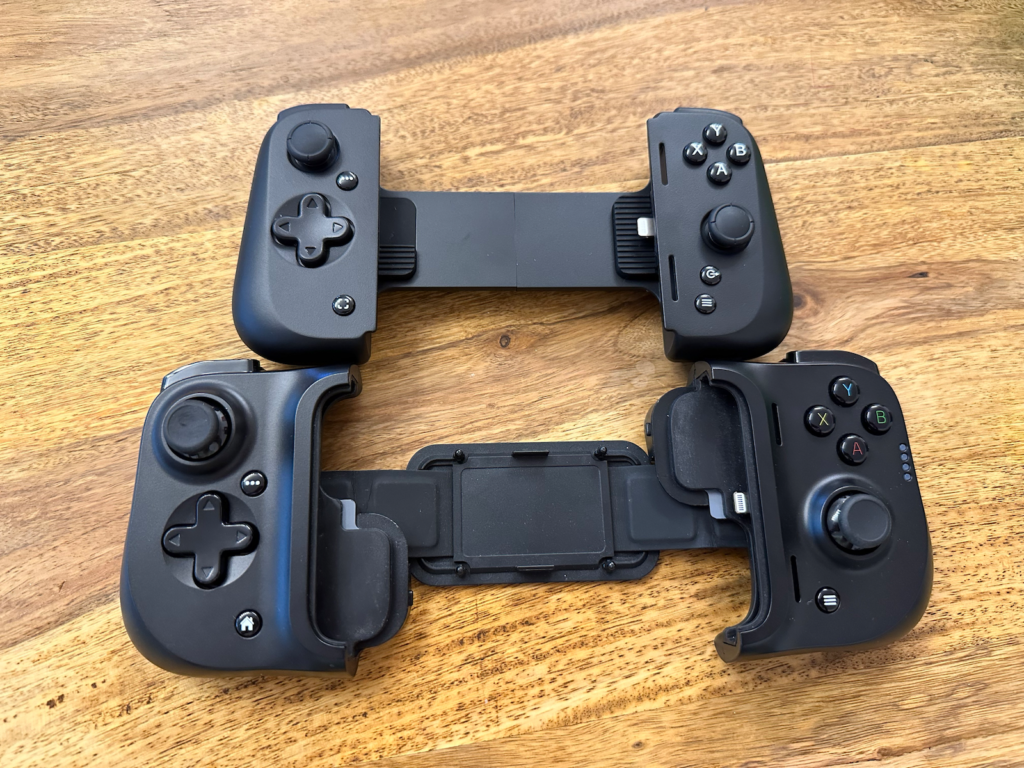
Basically, you pull it apart and place the iPhone in it using the lightning port. The spring then pulls against the iPhone to hold it in place. This transforms the iPhone into a bit of a Nintendo Switch. Compared to the first Razer Kishi, I have to admit, a lot has been improved.
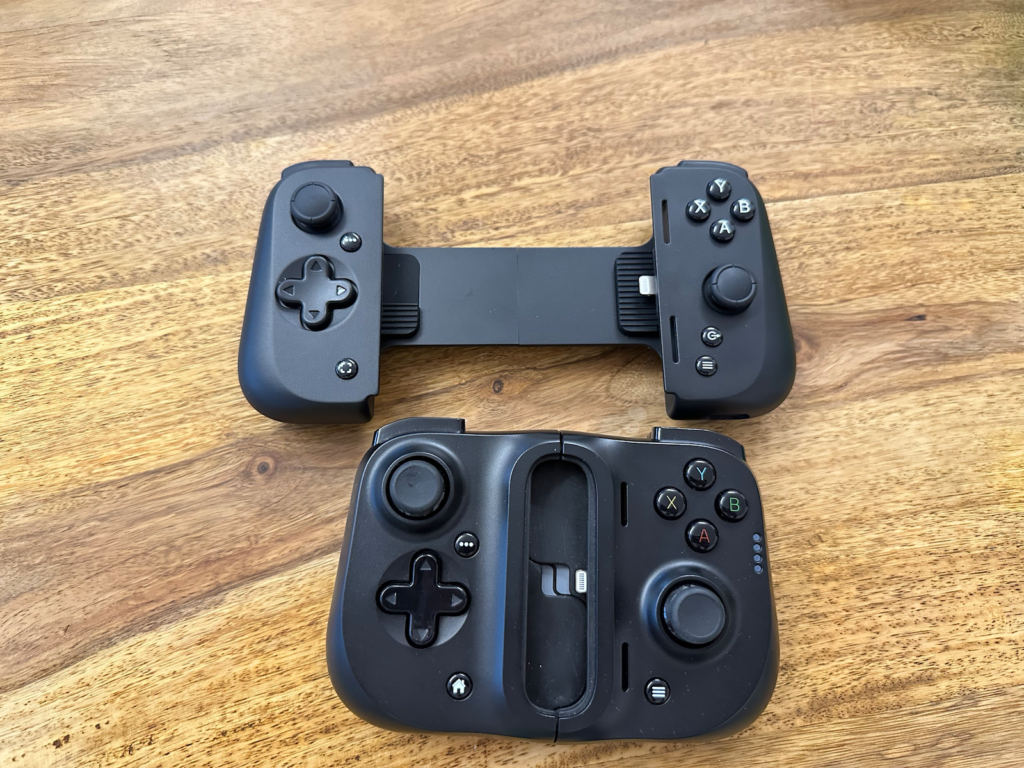
The D-pad, A, B, X and Y buttons all click into place more clearly and provide a satisfying feel that feels good in a shooter like Call of Duty Mobile, for example. The responsiveness of the joysticks is also phenomenal. Like the original, the Kishi V2 has no internal battery but is powered by the iPhone. The passthrough charging port is still on the right side of the device and is even MFi certified, so charging while playing is not an issue.
Major and important hardware improvements
If you compare both models directly, you can immediately see that Razer has made significant hardware improvements to the Kishi V2. It is much slimmer and looks like it was inspired by the popular Backbone One mobile controller. Thanks to the spring extension, it is also much more comfortable to insert and remove an iPhone. In addition, the cumbersome inserts that could hold every iPhone are no longer there. Instead, the Kishi V2 works with any iPhone size as long as the device is running iOS 15.4 or later.
The Nexus app has great potential
As soon as you connect the controller to the iPhone for the first time, a message appears asking you to download the Nexus app. The app has a simple user interface that is already divided into different game genres such as role-playing games, sports, action and more. However, it is not as comprehensive as the Backbone app and does not show a category for Apple Arcade. Individual Apple Arcade titles do appear, however, if they have been played recently. However, the app is very useful if you want to remap the buttons on the controller. The app also makes it very easy to stream game sessions to Facebook Live or YouTube. Twitch is not an option. Overall, the Nexus app is fine, although it is not (yet) reaching its full potential.
Razer Kishi V2 design
But let's get back to the iPhone controller itself. As far as ergonomics go, that's debatable. Longer handles would have been an advantage. But some people might also like the current design. Personally, I get along well with it - but as I said, longer handles would be even more comfortable.
Should I buy the Razer Kishi V2?
Now let's get to the question of whether you should buy the brand new iPhone controller. Of course, one thing is required: you often play iPhone games that also have controller support. If you meet this requirement, you should buy a controller with reliable and satisfactory buttons. In addition, you should also be able to charge your iPhone while playing. The Razer Kishi V2 is therefore recommended.
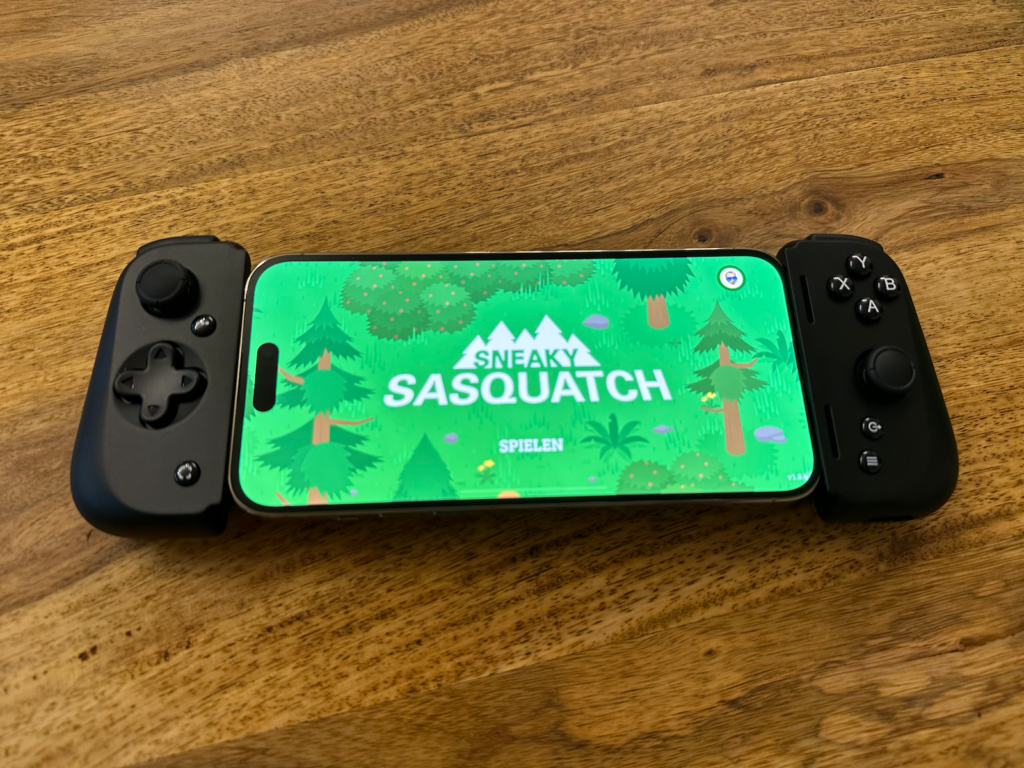
The Razer Kishi V2 looks and feels much better than the original Razer controller. The way you extend the device to install your iPhone is no longer clunky, and the buttons all respond the way you want them to. Since no Bluetooth connection is required, latency is also negligible. All in all, this is a great iPhone controller for any gamer, and as Razer works on improving the app, it will become an even more helpful tool—visit the Razer online shop or Amazon Shop. (Image: Razer)