
apple patient
  • Home
  • News
  • Rumors
  • Tips & Tricks
  • Reviews
  • Insights
No Result
View All Result
  • Home
  • News
  • Rumors
  • Tips & Tricks
  • Reviews
  • Insights
No Result
View All Result
apple patient
No Result
View All Result

iOS 16: All the new features in the Notes app

by Milan
June 20, 2022 - 4:26 PM
in Apple Insights
iOS 16 Notes app

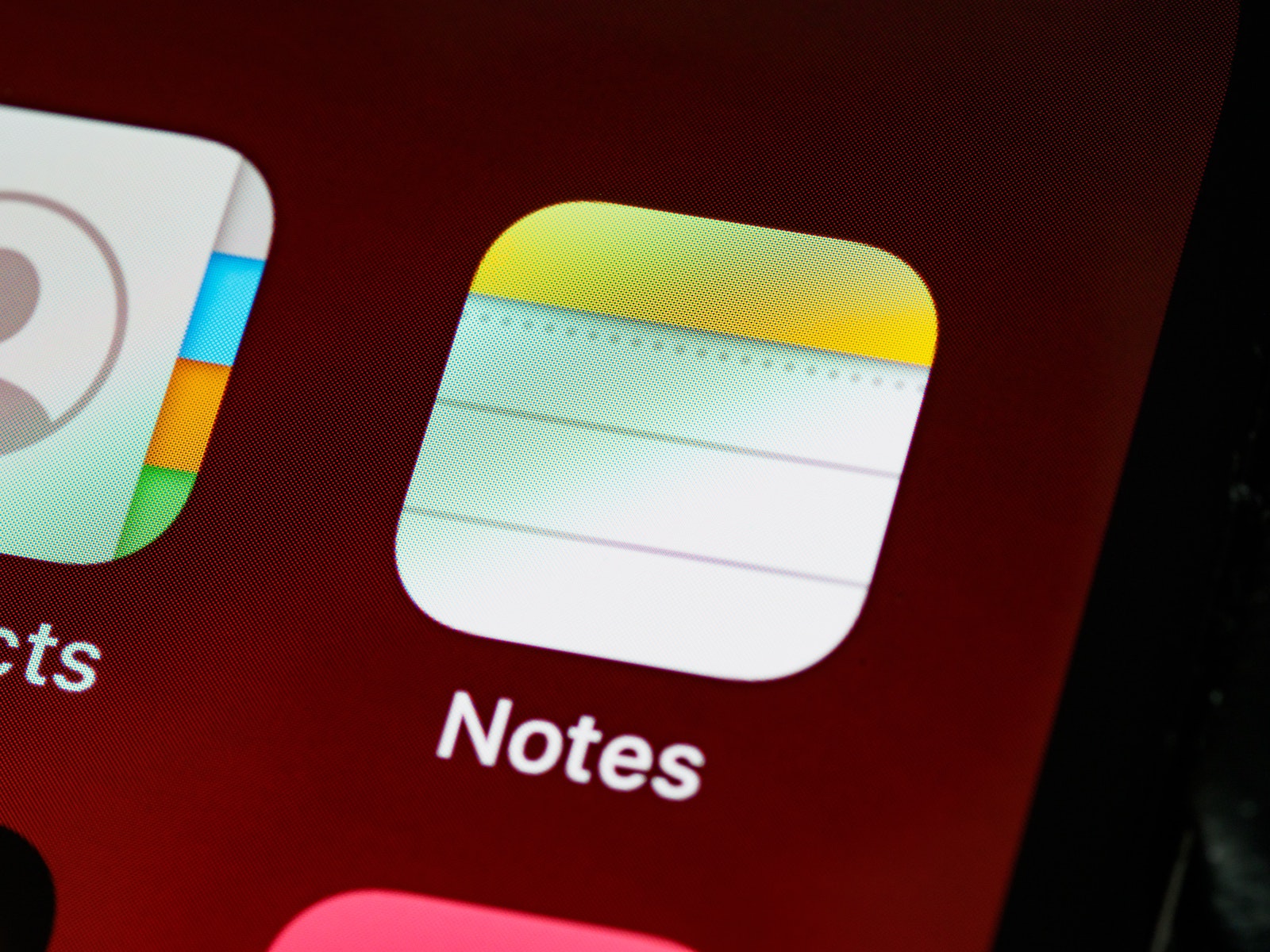
Photo by Unsplash / Brett Jordan

iOS 16 includes a whole host of new features for your iPhone. The update also brings new features for the Apple Notes app. Let's take a look.

Perhaps the most important new feature in Apple Notes is the ability to create a Quick Note on your iPhone. Previously, this was only possible on the iPad and Mac. But with iOS 16, we can also quickly create a note on the iPhone. Using the sharing menu, iPhone users can create a Quick Note in any app. Users can also encrypt their locked notes with their iPhone's passcode.

iOS 16 organizes notes even better

This allows you to keep your notes private from others. There are also improved smart folders that automatically organize notes in a smart folder with powerful filters. Notes can be organized in chronological order, such as today and yesterday, for easier access. You can filter any or all criteria in a smart folder or tag browser. You can also set rules for creation date, modification date, sharing, mentions, checklists, attachments, folders, pinned notes, and locked notes. Whether your device is equipped with the new Software is compatible, you can find out here. (Photo by Unsplash / Brett Jordan)

  • Find and delete photo duplicates under iOS 16 – here's how
Make Apfelpatient a preferred source One click – and you'll see us more often on Google
Was this article helpful?
YesNo
Tags: iOSiOS 16iPadOSiPadOS 16

Our Amazon Storefront

A handpicked selection of products for iPhone, Mac and more – sorted by topic and updated regularly.

Shop Now

This post contains affiliate links (including Amazon). We earn a small commission on qualifying purchases – at no extra cost to you. Learn more on our Partner Program page.

Previous Post

New Dual USB-C Power Adapter: Apple provides support document

Next Post

iOS 16: iPhone users can bypass CAPTCHAs

Next Post
iOS 16 CAPTCHAs

iOS 16: iPhone users can bypass CAPTCHAs

Apple iPhone Ultra

iPhone Ultra: 25 percent market share expected for foldables

July 24, 2026
Apple TV The Morning Show Season 5

Apple TV: The Morning Show ends with season 5

July 23, 2026
Apple Maps iOS 27

Apple Maps will be permanently installed in Ford electric cars by 2027

July 23, 2026

About APFELPATIENT

APFELPATIENT brings you the latest Apple news, product updates, guides, reviews and tips across the entire Apple ecosystem — from the iPhone to the Mac to the Apple Vision Pro. From the first rumors to confirmed news: researched responsibly.

Follow Apfelpatient

Facebook Instagram YouTube threads threads

Company

  • About Apfelpatient
  • Contact
  • Author Profiles

Community

  • Netiquette
  • Push Notifications
  • RSS feed

Legal

  • Legal Notice
  • Privacy Policy
  • Terms of Use
  • Cookie Settings
  • Affiliate Program

Resources

  • Sitemap

© 2026 Apfelpatient. All rights reserved.

No Result
View All Result
  • Home
  • News
  • Rumors
  • Tips & Tricks
  • Reviews
  • Insights

© 2026 Apfelpatient. All rights reserved. Page Directory

Change language to Deutsch


