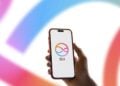
iOS 26: Everything about the Messages app update at a glance
With iOS 26, the Messages app becomes much smarter: new group features, personalized backgrounds, and anti-spam filters.

macOS is Apple's operating system for the Mac and looks back on one of the longest platform histories in the Apple world – from Mac OS X in 2001 via OS X to today's macOS branding, in use since 2016. Every new major version is unveiled at WWDC in June and released in the fall; since 2025, the version numbers of all Apple operating systems are synchronized with the calendar year. macOS provides tools such as Spotlight, Mission Control, Stage Manager, Spaces, Quick Notes, Shortcuts, Time Machine, Apple Intelligence, and Continuity features like Handoff, Universal Clipboard, AirDrop, Universal Control, Sidecar and iPhone Mirroring. On Apple silicon Macs, iPhone and iPad apps also run natively within the system.
On apfelpatient.de, this tag delivers the full coverage around macOS: beta cycles for every new major version, detailed reports on all features and point updates, tips and tricks for system settings, workflows and hidden features, background on security updates and critical bug fixes, design analyses of new interfaces such as Liquid Glass, comparisons with Windows, and all rumors and reports about upcoming macOS versions.
Anyone wanting to use macOS purposefully, get the most out of their Mac or follow the evolution of the desktop platform has their central reference point right here.
With iOS 26, the Messages app becomes much smarter: new group features, personalized backgrounds, and anti-spam filters.

Four new productivity features make Apple Reminders and Notes more powerful – ideal for those who want more efficiency.

Apple is drawing a line under it: macOS 26 is the last version for Intel Macs. Starting in 2026, everything will run exclusively on Apple...
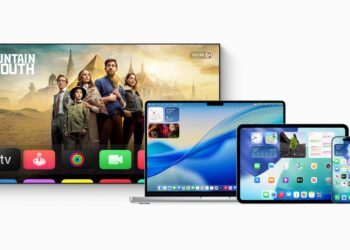
Apple has released new updates. Check now if your device is running iOS 26, iPadOS 26, macOS Tahoe, tvOS 26, or watchOS...
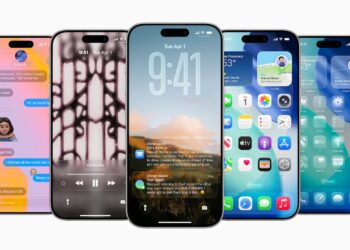
iOS 26 is here – Apple begins the beta phase with a new naming scheme. Everything about the launch, the background, and how you...
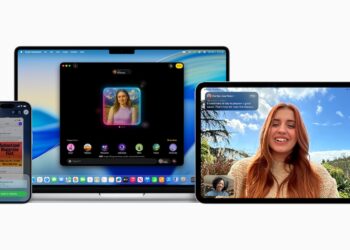
Apple Intelligence brings intelligent features directly to your device – fast, private, and perfectly integrated into your Apple ecosystem.
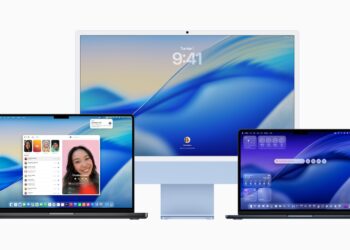
With macOS 26, your Mac becomes smarter, more personalized, and more efficient. Read all about Spotlight, AI features, and gaming now.
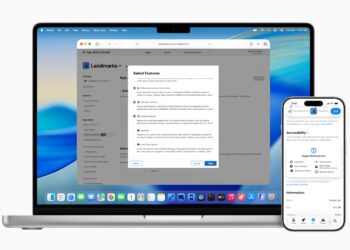
Apple introduces new tools: Local AI, better app design, Xcode 26, and more – all features for developers now in ...
Apple is reuniting design and function – with Liquid Glass as a central element on iOS, macOS, watchOS, tvOS and iPadOS.

Enable Time Machine backup on your Mac: Save time, keep all your data under control, and be prepared if something goes wrong.
You are currently viewing a placeholder content from Facebook. To access the actual content, click the button below. Please note that doing so will share data with third-party providers.
More InformationYou are currently viewing a placeholder content from Instagram. To access the actual content, click the button below. Please note that doing so will share data with third-party providers.
More InformationYou are currently viewing a placeholder content from X. To access the actual content, click the button below. Please note that doing so will share data with third-party providers.
More Information