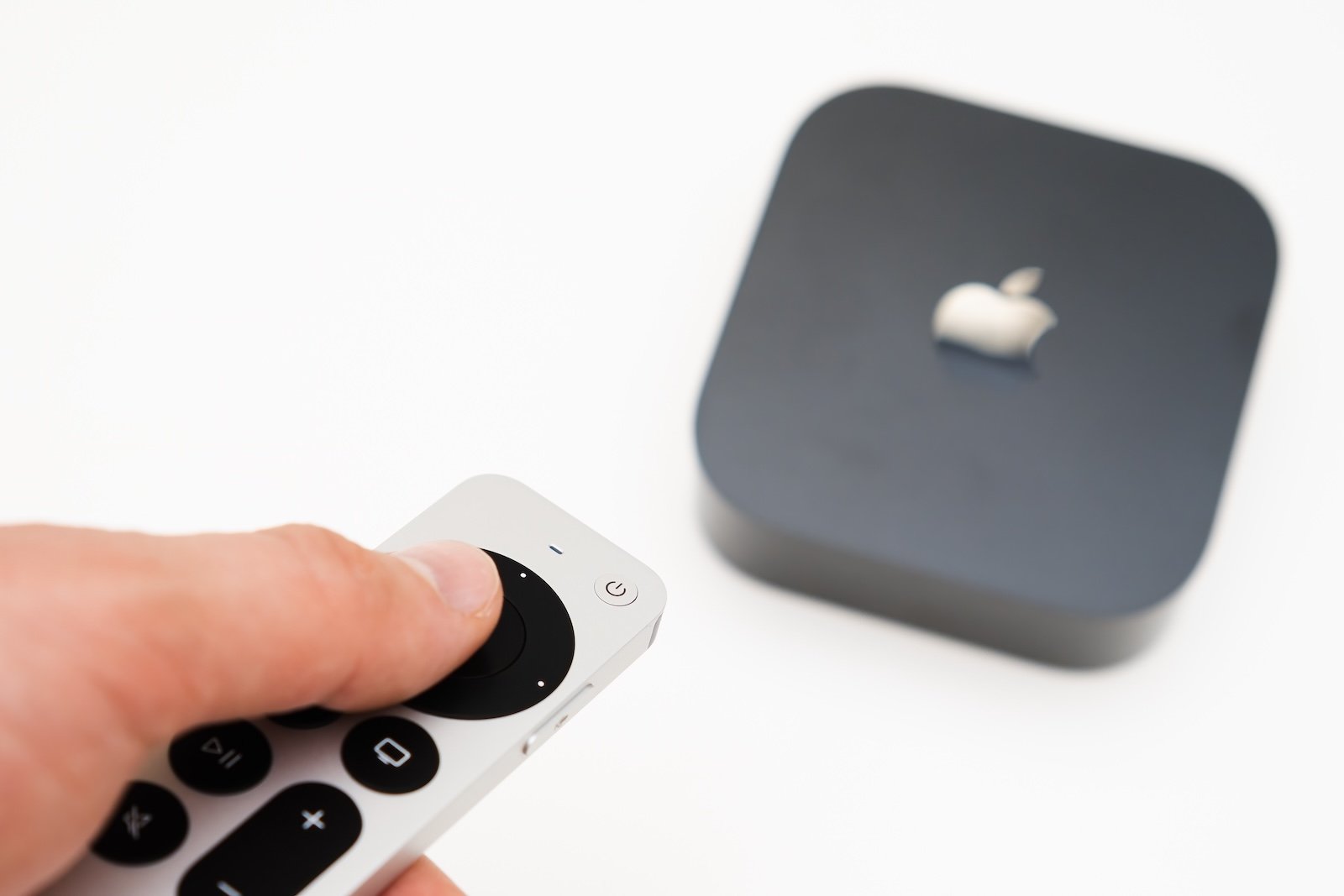
tvOS 26.4 is currently in beta testing and is scheduled for release next month. The update is aimed at Apple TV 4K and brings three specific changes: more easily customizable subtitles, a new audio option for HDMI, and the final removal of the old iTunes apps for movies and TV shows.
With tvOS updates, it's often not the big, flashy new features that make the difference, but rather the changes to the areas that are used most frequently in everyday life. tvOS 26.4 fits this pattern perfectly: it's been cleaned up, simplified, and technically improved in several areas. The three new features are clearly defined and relate to video, audio, and store/media topics.
Subtitles: Adjust style directly in the video player
With tvOS 26.4, Apple makes it easier to change the appearance of subtitles in the Apple TV app and other apps. Previously, the subtitle options were somewhat hidden under "Accessibility." Now they appear directly in the native video player.
Once subtitles are turned on or off in the Apple TV app, a new menu option called "Style" appears. This allows you to set the subtitles to one of the following styles:
- Classic
- Large text
- Outline text
- Transparent background
Additionally, there is a "Manage styles" button. This takes you to the accessibility screen where you can create your own custom subtitle style.
The important technical catch is this: This change applies to any app that uses the standard tvOS video player. However, many streaming apps rely on their own proprietary video players. Therefore, in practice, this change will likely be most noticeable in the Apple TV app.
New "Continuous Audio Connection" option for HDMI
tvOS 26.4 introduces a new setting called "Continuous Audio Connection".
It can be found under: Settings → Video and Audio → Audio Format → (Heading) HDMI Output
This feature may have been added to improve compatibility with Sonos speakers. However, its impact is likely to extend beyond Sonos. Apple describes the toggle function as follows:
Apple TV uses a Dolby MAT connection for seamless transitions across formats. Older receivers might indicate Atmos, but the original audio will play as intended.
In practical terms, this means that if there are problems with the audio setup, activating "Continuous Audio Connection" can help. This function is clearly intended as an option to stabilize HDMI audio setups with receivers or similar hardware.
iTunes apps for Movies and TV Shows are being removed
With tvOS 26.4, Apple's slow migration of the old iTunes apps to the TV app is finally complete. The update removes the standalone apps for:
- Movies
- TV Shows
In terms of content, this isn't a big surprise, as almost all the basic functions of these apps have been available in the TV app for years. However, one thing might be missing: the wishlist function from the store.
Apple recently began informing iTunes users that the wishlist feature will soon be discontinued. As a workaround, users are advised to save items from their wishlist to the watchlist in the TV app.
The Watchlist is not quite the same as the iTunes Wish List. Anyone who still has content saved in their iTunes Wish List should move it to a different location before starting tvOS 26.4 if they don't want to lose it.
What exactly changes in tvOS 26.4
tvOS 26.4 is a relatively simple update with three key changes: Subtitle styles are more easily accessible in the default player, a new HDMI audio option can help with problematic setups, and the iTunes apps for movies and TV shows are being replaced by the TV app. Additionally, there's a notification that the iTunes Wish List is being phased out, and users are advised to move content from it to their Watchlist or another storage location as soon as possible. The best products for you: Our Amazon storefront offers a wide selection of accessories, including those compatible with HomeKit. (Image: Shutterstock / Vladimka production)
- iOS 27: An update with a hidden highlight
- iOS 26.4: When will the big iPhone update be released?
- Why AirPods will be Apple's first AI product
- iPhone 18 Pro: New camera with variable aperture
- Apple AI glasses: Speak without anyone hearing you
- Apple Privacy Policy: Why no competitor can keep up
- CarPlay in iOS 26.4: These are the new features
- Apple Music in iOS 26.4: New features in detail
- Apple AirPods 2026 and 2027: Here's what's planned
- iOS 26.4 Beta launches without new Siri features
- Apple continues to pursue a clear course in AI
- Apple Experience on March 4th: Possible Highlights
- OLED iPad mini: Is a major upgrade coming?
- AirPods Pro 3: Second version expected to bring new AI features
- Apple 2026: These Home devices are planned
- Mac Studio 2026: What's in the next update
- iPhone 18 Pro: Why the C2 modem is becoming important
- MacBook Pro 2026: Why waiting is worthwhile
- MacBook Air with M5: All the details about the upcoming update
- New MacBook planned: Affordable entry-level model with A18 Pro
- Apple TV makes Silo bigger: All the info on season 3
- Apple plans to launch two new products for the mass market in 2026
- Apple TV: The February 2026 Highlights at a Glance