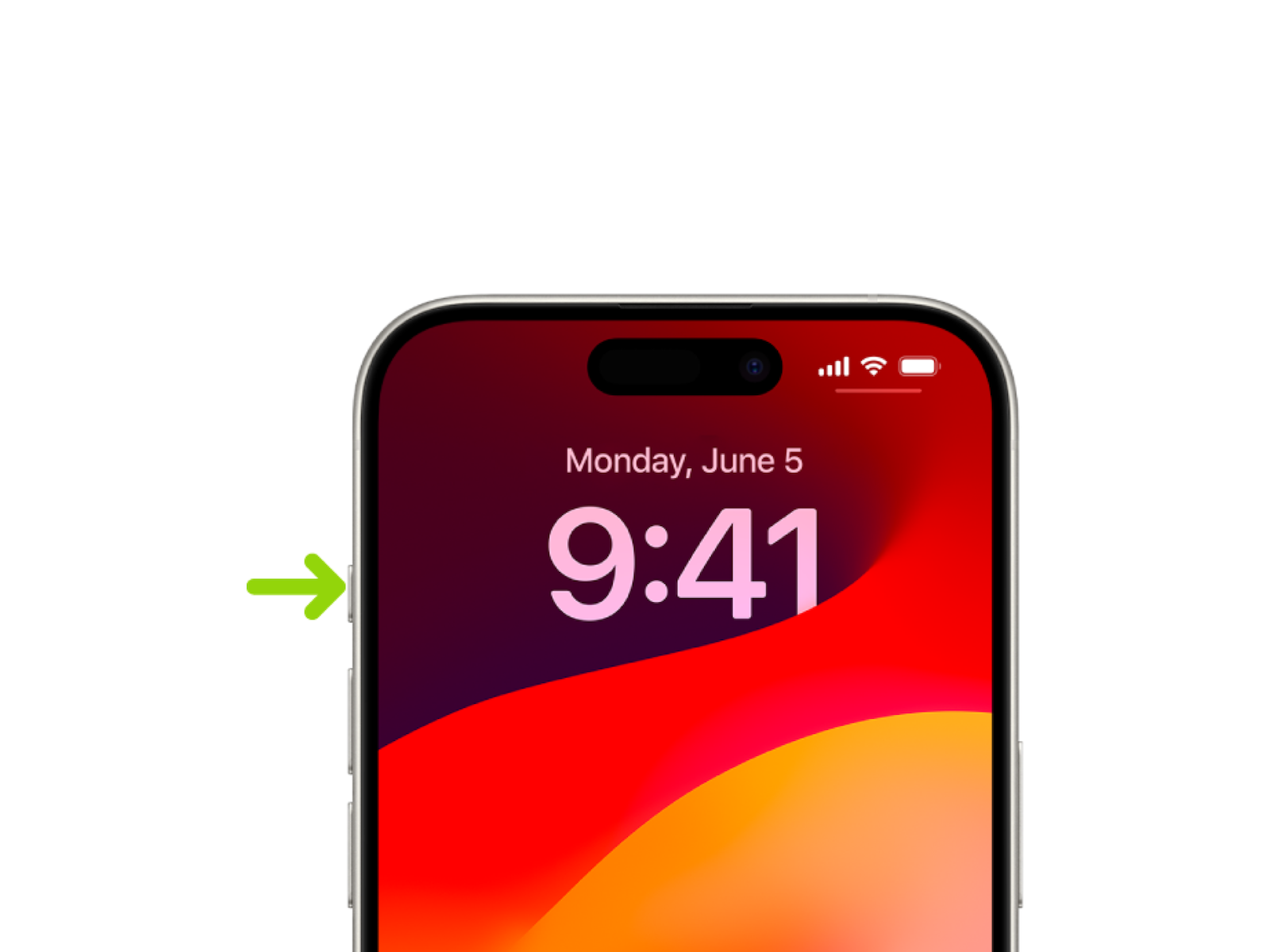
The iPhone 15 Pro and iPhone 15 Pro Max bring a notable innovation - the Action button. This replaces the familiar "Ring/Silent" button and allows you to individually assign a variety of functions. In this article, you will learn how to customize the Action button on your iPhone 15 Pro and iPhone 15 Pro Max to suit your needs.
The Action button on iPhone 15 Pro and iPhone 15 Pro Max opens up a new world of possibilities. Instead of a rigid function, you can now configure it to your liking to perform frequently used actions in a flash. Whether you want to launch the camera, turn on the flashlight, or activate silent mode, the Action button is at your disposal.
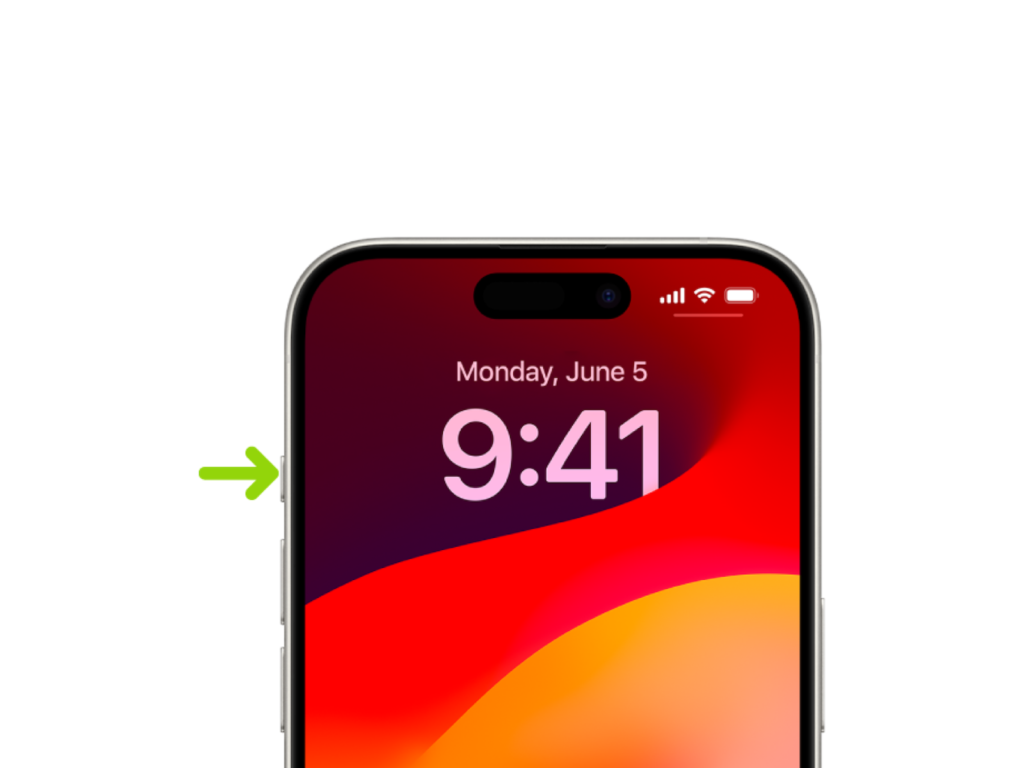
Customize the Action Button on iPhone 15 Pro and iPhone 15 Pro Max
Customizing the Action button on your iPhone 15 Pro and iPhone 15 Pro Max is very easy. Here are the steps:
- Go to Settings > Action Key.
- An overview of the possible actions that you can assign to the action key appears. These symbols represent the different functions.
- To select an action, simply swipe your finger over the desired icon. The name of the action will appear below the dots.
- If there are additional options for the selected action, the Menu button will appear below the action. Tap it to see the available options.
These are the currently available promotions:
- Silent mode: Switch between “mute” and “unmute” for calls and alerts.
- Focus: Turn on Focus to mute notifications and filter out distractions.
- Camera: Open the Camera app to capture a moment.
- Flashlight: Activate additional lighting when needed.
- Voice Memo: Record personal notes, music ideas, and more.
- Magnifying Glass: Turn your iPhone into a magnifying glass to enlarge or identify objects around you.
- Shortcut: Open an app or run your favorite shortcut.
- Accessibility: Quickly use an accessibility feature.
- No Action: Sets the action key to “Do nothing”.
Conclusion
By customizing the Action button on your iPhone 15 Pro and iPhone 15 Pro Max, you get a tailored user experience. You can access frequently used functions in a flash and adapt your smartphone to your needs. Discover the versatility of the Action button and optimize the use of your iPhone 15 Pro for an even more efficient experience. Are you looking for new accessories? Then take a look in our Amazon Storefront - there you will find numerous products from leading providers, also for HomeKit and Co.! (Image: Apple)
- iPhone 15 Pro: How to hide silent mode icon
- iPhone 15 Pro focal length presets: How to optimize them
- Charge your iPhone 15 faster: tips and tricks