
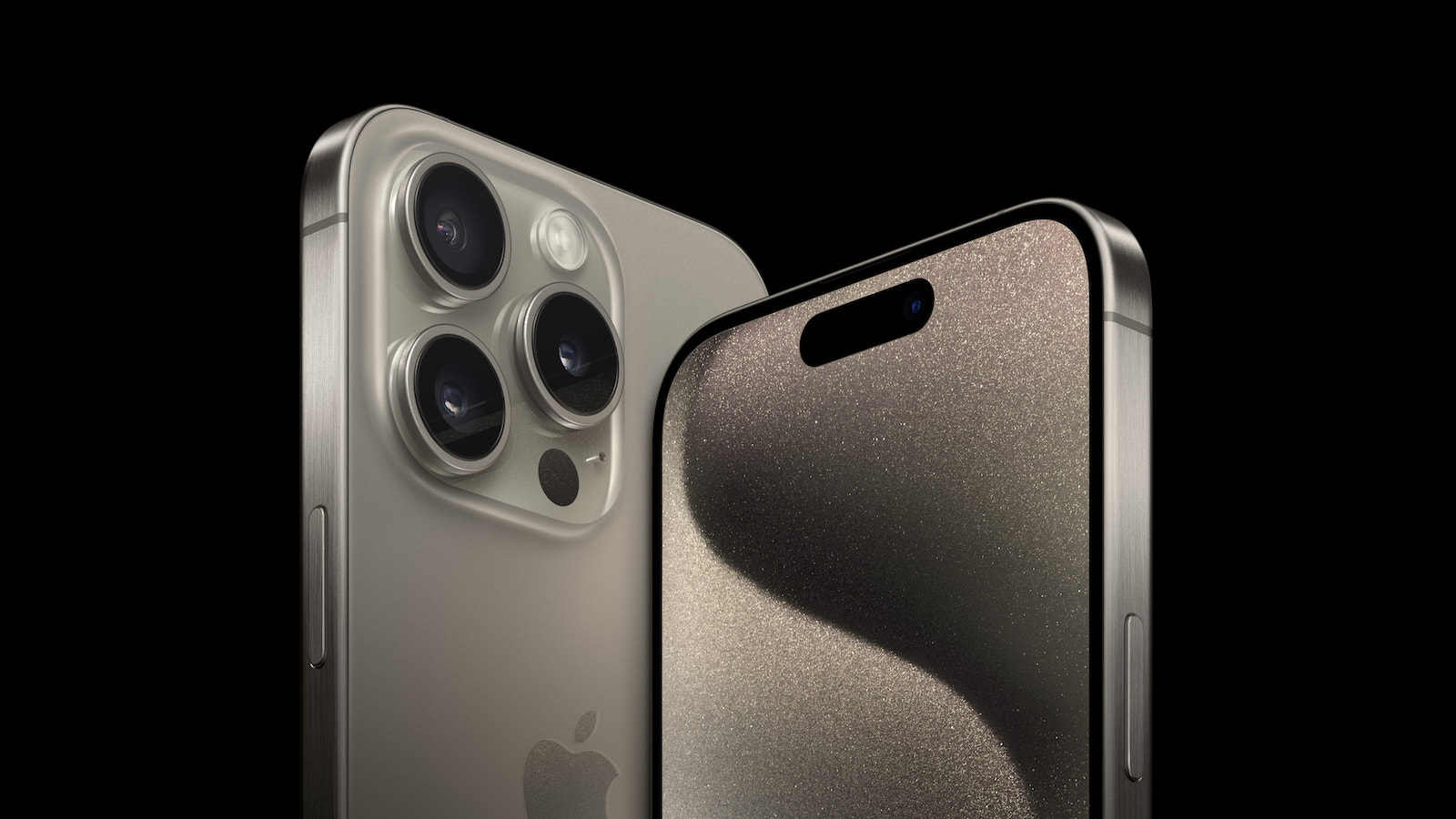
Do you have a brand new iPhone 15 and want to make sure it charges quickly? With the switch from Apple's Lightning port to USB-C, the way you charge your iPhone has changed. This article will walk you through step by step how to make sure your iPhone 15 charges in record time.
USB-C is an open standard, which means you can use just about any commercially available USB-C cable. The braided cable that came with your iPhone 15 is great, but you can use other USB-C cables, even ones marketed as "Android" cables. However, if your iPhone seems to charge slower than expected, the charger could be the problem. In the past, iPhones came with small 5-watt power adapters. If you have one of those, you can still use it, but it will only charge your iPhone at 5 watts. Because the batteries on today's iPhones are much larger, charging at 5 watts can take several hours to go from 0 to 100 percent. That's pretty slow.
iPhone 15 fast charging
If you want to charge your iPhone 15 quickly, you'll need a charger with more power. Your iPhone's USB-C port can theoretically handle up to 27 watts, but in practice, charging power becomes stable at around 20 watts. With a 20-watt USB-C power adapter from Apple and a USB-C cable, you can charge your iPhone 15 from 0 to 50 percent in around 30 minutes and to 100 percent in under 2 hours. But you don't have to be limited to Apple accessories. There are plenty of USB-C chargers on the market with higher power that work just as well as Apple's adapter.
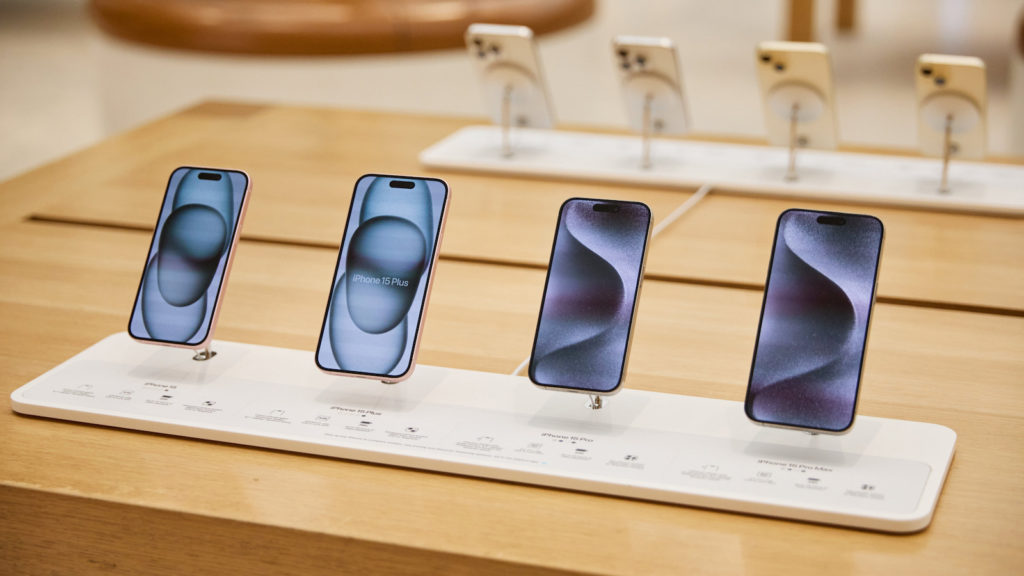
These can automatically charge your iPhone at the maximum speed it supports. For example, if you have a USB-C power adapter for your MacBook, you can use it to fast charge your iPhone. Even while your MacBook itself is charging, you can plug your iPhone into one of your laptop's USB-C ports and charge it at nearly full speed. USB-C allows you to fast charge all of your Apple devices using the same cable and a 60-watt (or higher) power adapter for your MacBook.
Conclusion
The iPhone 15 offers the ability to charge your battery in record time by using a powerful USB-C power adapter. With this simple adjustment to your charging equipment, you can ensure that your iPhone is always ready to go and you spend less time waiting for it to charge. Use these tips to get the most out of your iPhone 15 and always be ready to go. Looking for new accessories? Then take a look in our Amazon Storefront - there you will find numerous products from leading providers, also for HomeKit and Co.! (Image: Apple)
- iPhone 15 Pro: How to configure the action button
- iPhone 15 Pro: How to hide silent mode icon
- iPhone 15 Pro focal length presets: How to optimize them



