
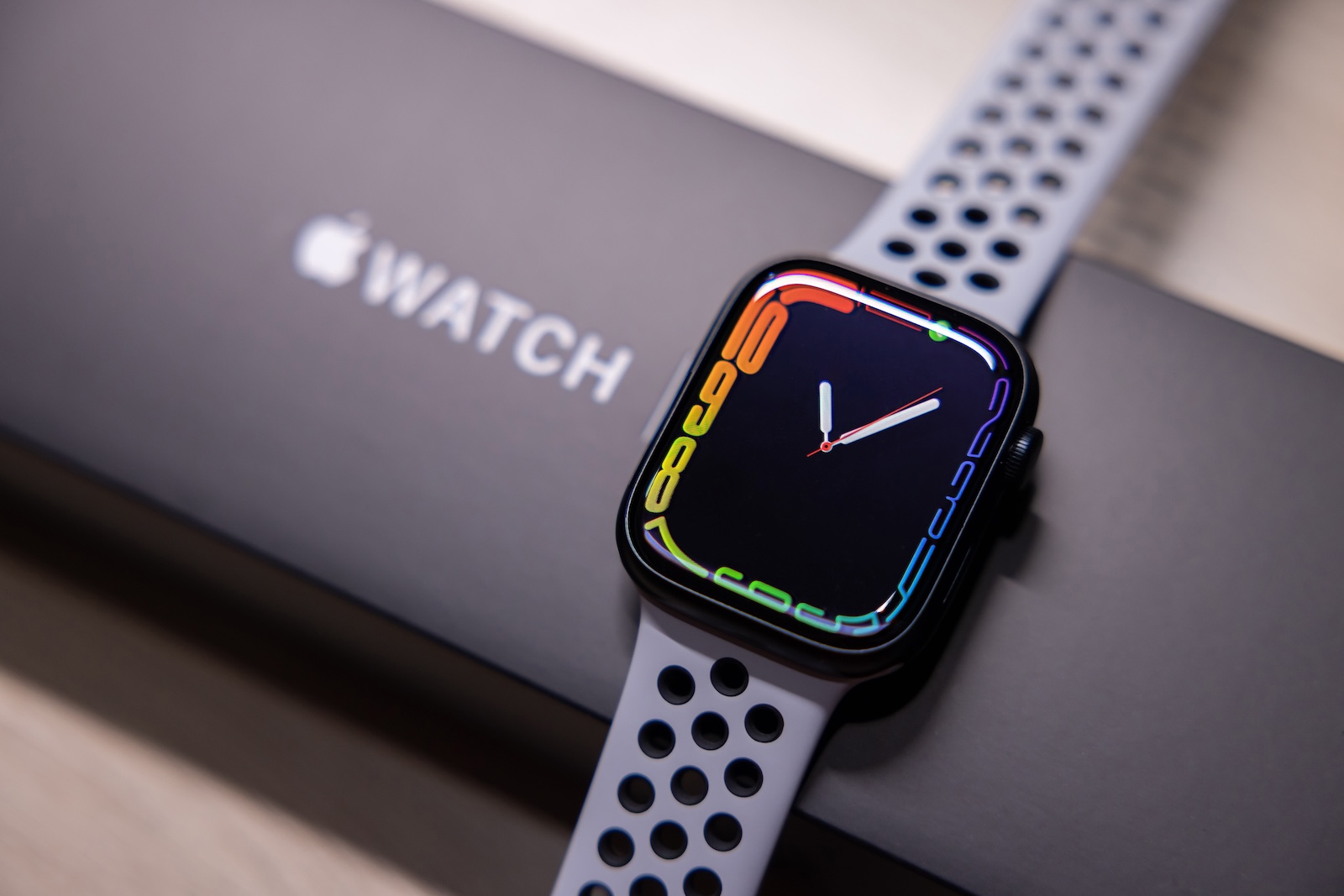
If you use your Apple Watch for sleep tracking, you understandably want reliable and accurate data. Many people simply let the watch's functions run without paying much attention to the settings. How you wear your Apple Watch, what you configure in the apps, and how regularly you check the reports make a big difference. In this article, you'll learn how to optimize your Apple Watch's sleep tracking with five simple yet effective steps.
The Apple Watch offers solid sleep tracking out of the box. It automatically detects when you're asleep, measures your heart rate, and analyzes movements throughout the night. However, as with any technology, the quality of the results depends on how well it's set up and used. If you're struggling with inaccurate or patchy sleep data, or simply want to get more out of the feature, it's worth taking a closer look at the following tips.
Set a sleep goal in the Health app
Before you even start collecting data, you should set your personal sleep goal in the Health app. You can do this in the settings under "Sleep." There, you specify how many hours of sleep you aim for per night. This number should be realistically aligned with your daily routine. An overly high goal will quickly lead to frustration if you consistently miss it. If the goal is too low, the collected data won't provide any real benefit. Start with a goal you can achieve consistently and adjust it to your habits over time.
Activate automatic sleep tracking
In the Watch app, under the "Sleep" menu item, you'll find the option "Sleep Tracking with Apple Watch." This should be enabled so that the Apple Watch automatically detects when you fall asleep and wake up. You don't have to manually start or stop your bedtime routine. This reduces sources of error and increases the accuracy of the data. This also better captures spontaneous changes in your sleep pattern, for example, if you go to bed earlier than planned or wake up later.
Set up a bedtime routine
iOS offers a Bedtime Routine feature that helps you maintain a regular sleep schedule. In the Watch app, you can set precise times for going to bed and waking up. You can also automate the activation of "Do Not Disturb" mode and the dimming of the screen brightness. This prevents nighttime distractions from notifications or light and ensures that your sleep isn't unnecessarily disturbed. At the same time, it improves the quality of the recorded data because the rest period is more clearly defined.
How to wear Apple Watch correctly
The position and fit of the watch play a bigger role than many people realize. If the Apple Watch sits too loosely on your wrist, the sensors may not detect your heart rate or movement correctly. If it's too tight, it can become uncomfortable and disturb your sleep. The optimal fit is one where the watch rests securely on your wrist without pressing or slipping. Before going to bed, you should also check whether the battery will last the night—ideally, the charge level should be above 30 percent.
Evaluate sleep data regularly
The Apple Watch collects data, but you also need to actively analyze it if you want to learn something from it. To do this, open the Health app on your iPhone and look at the sleep overview. The app shows you not only your total sleep time, but also trends over several days and weeks. You can see how deep and light sleep phases develop and if there are any irregularities. For example, if you wake up more often during the night or aren't getting enough deep sleep overall, you can adjust your bedtime routine accordingly. The more regularly you check your data, the better you can react and improve your sleep.
How sleep tracking with the Apple Watch really makes sense
The Apple Watch offers all the technical prerequisites for solid sleep tracking. However, for the data to be truly meaningful, it takes more than just wearing the watch overnight. With a clear sleep goal, the right settings, a consistent routine, and regular checks, you can turn sleep tracking into a reliable tool. Not only will you get better data, but you'll also learn how to specifically improve your sleep. Looking for the best accessories? Visit our Amazon Storefront and discover a variety of products from top providers, including HomeKit-compatible ones! (Image: Shutterstock / charnsitr)
- Apple Watch speaker quiet or distorted? This is what you can do
- How to calibrate your Apple Watch correctly: How to get precise data
- Pairing Apple Watch with new iPhone – How to do it correctly
- Forgotten Apple Watch passcode: This is what you need to do now
- Apple Watch Chargers: What to Look Out for
- Apple Watch: New sleep apnea feature explained
- Unpair and delete Apple Watch – here's how



