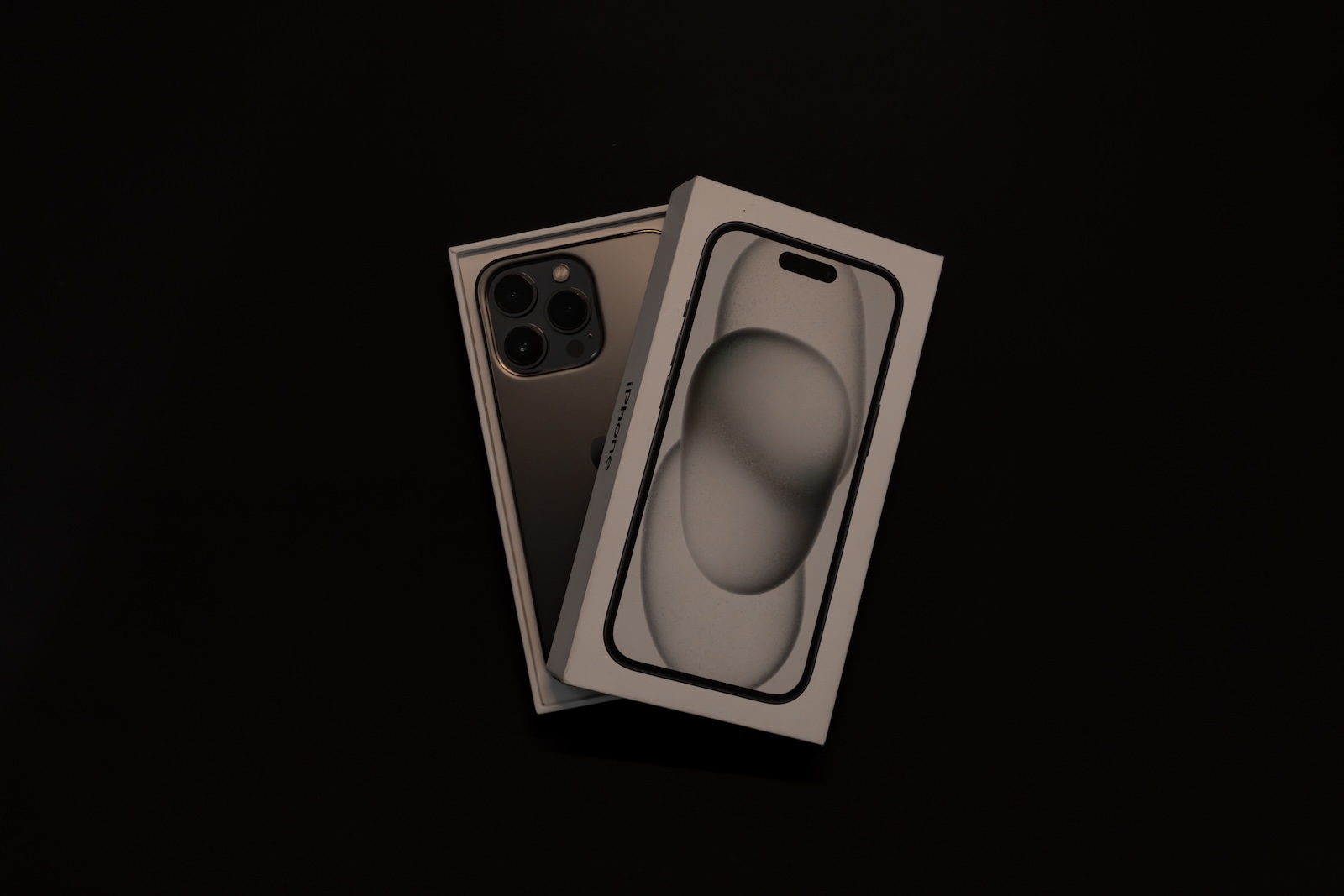
Already considered a pioneer in smartphone technology, the iPhone is about to introduce another groundbreaking innovation: the iPhone 16. The rumor mill has recently released some exciting details about the upcoming device's design, including a brand new button that has caught the attention of Apple fans: the record button. Below, we take a closer look at this exciting new addition and how it will revolutionize the iPhone experience for video fans.
In the world of technology, leaks and insider information are ubiquitous. But when it comes to Apple products, the revelations are always of particular interest. Recently, some details about the iPhone 16 design were released, including a special button called the "Capture Button". Information about this button is limited. But Mark Gurman of Bloomberg has now provided some fascinating insights into its function given.
The iPhone 16 Capture Button: A Quantum Leap for Videographers
According to Mark Gurman, the iPhone 16's Capture Button will offer a dedicated feature for video recording. This claim has fueled expectations and speculation among Apple enthusiasts. Previous iPhones required several steps to activate the video camera and start recording. With the Capture Button, this process will be significantly simplified and accelerated. The Capture Button will be located on the bottom right side of the iPhone 16, marking a major change in the design. On the US models of the iPhone, it will replace the mmWave antenna that was previously positioned in this spot. The mmWave antenna will now be moved to the left side of the device, below the volume and action buttons. For non-US models that do not require a mmWave antenna, this adjustment will not be necessary.
Different pressure levels could trigger different camera functions
A notable feature of the Capture Button is that it is a capacitive button with haptic feedback, rather than a mechanical button. This allows the button to detect and respond to pressure. The position of the button makes it easy to trigger, and holding down the button could activate the camera and start video recording. It is also speculated that different levels of pressure could trigger different camera functions, such as photos or special spatial video. A particularly exciting development is the fact that the Capture Button will be available on all four iPhone 16 models. This will make the experience of videography on iPhones more accessible for all users.
Standard models receive new lens arrangement
With the introduction of Spatial Video and the Vision Pro headset, video production on the iPhone 16 is faster and easier than ever. Currently, the iPhone 15 Pro and iPhone 15 Pro Max can already record spatial videos with the wide-angle and ultra-wide-angle cameras. This feature will be available from iOS 17.2. The standard models of the iPhone 16, however, will have a new vertical lens arrangement that will enable them to record impressive spatial videos as well. These special videos can only be viewed with the Vision Pro headset and transport users into the fascinating world of spatial videography. Are you looking for new accessories? Then take a look in our Amazon Storefront - there you will find numerous products from leading providers, also for HomeKit and Co.! (Photo by Unsplash / Rohan)